
Turn your photo into a watercolor painting with AI
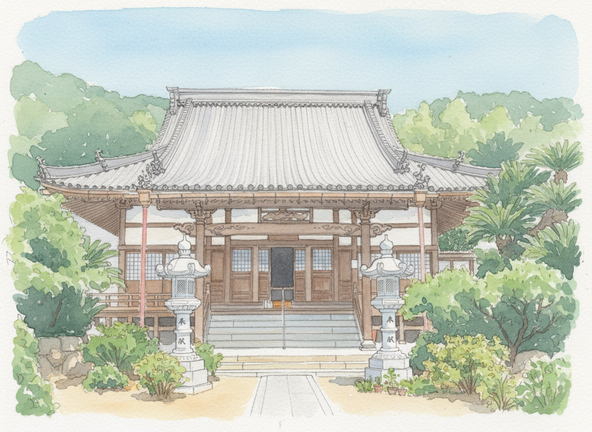
Turn your photo into a watercolor painting with AI and let the colors bloom. The Watercolor style adds soft bleeding pigments, light translucent washes, real paper texture, and gentle, feathered edges, so your shot looks hand-painted on watercolor stock. It keeps the person's or pet's likeness while softening every line into a calm, airy piece.
3 free to start No subscription · tickets never expire
Just 3 simple steps
- 01
Pick a photo
Choose one photo you want to transform.
- 02
Pick a style
Select "Art" from the style list.
- 03
Transformed.
Ready in seconds. Save and share straight to social.
Ways to enjoy it
- Turn portraits and family photos into soft, painterly keepsakes
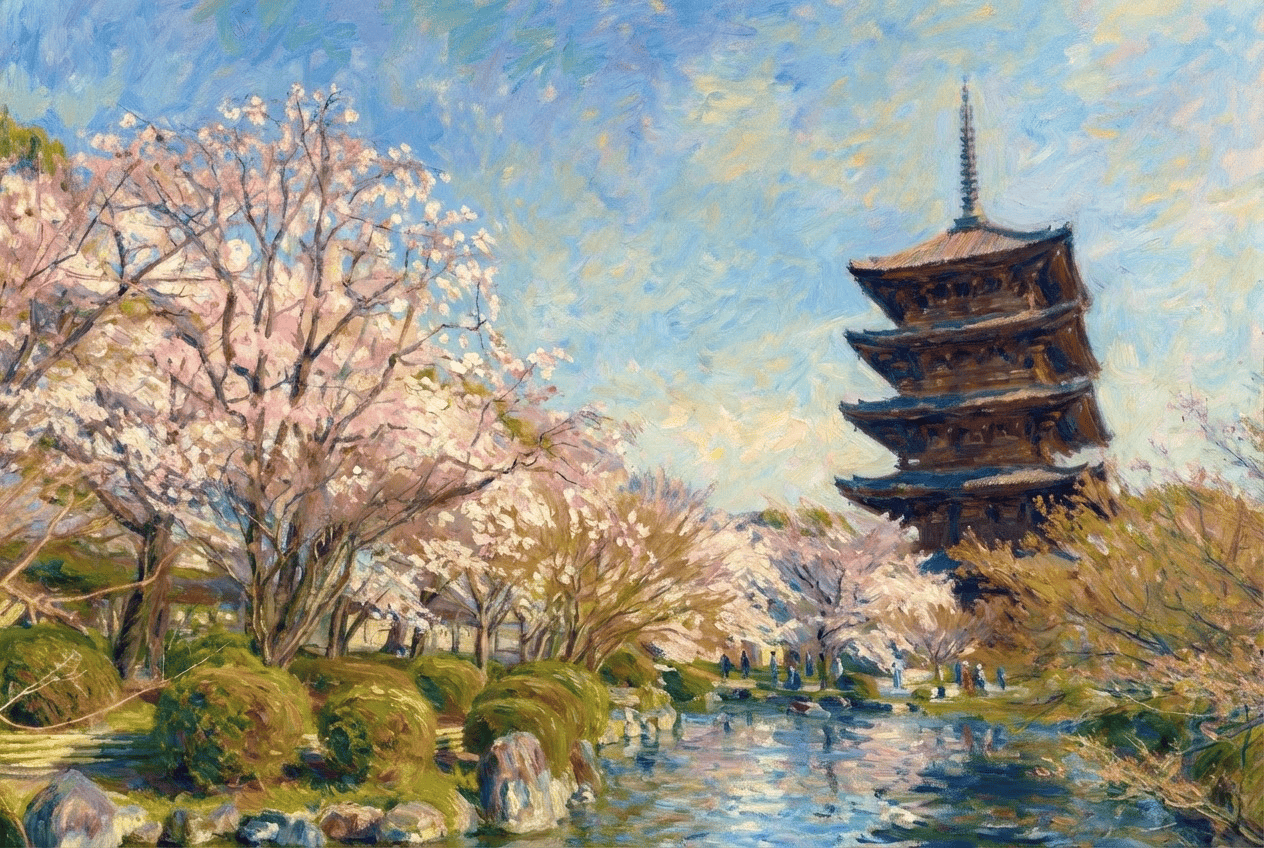
- Render travel shots and cityscapes like an on-the-spot watercolor sketch
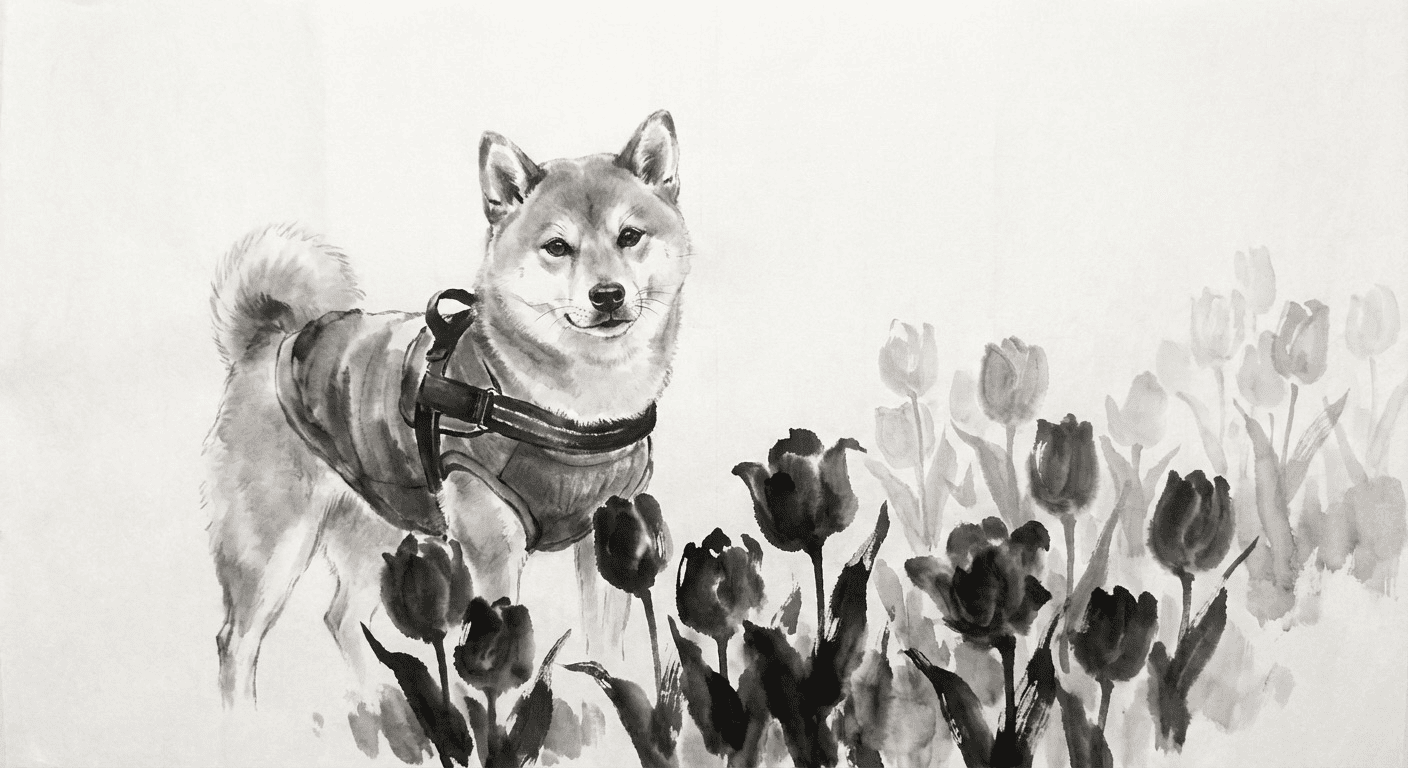
- Capture a pet's fluffy fur with gentle, bleeding washes of color
Tips for the best result
- Photos with soft, even light show off the bleeds and translucency best
- A simple background lets the paper's white space and washes breathe
- Pick a shot where the face is clear so the likeness stays recognizable
Frequently asked
Does it keep the person's (or pet's) face?
Yes. The Watercolor style softens lines and colors, but it preserves the original likeness of the person or pet. It won't swap them for a different character or invented face.
Is it free, and how do I use it?
Your first 3 transforms are free. Just pick a photo, pick the Watercolor style, and tap transform. Morphica is ticket-based on iOS, tickets never expire, and there's no subscription.
Can I turn pet or landscape photos into a watercolor painting too?
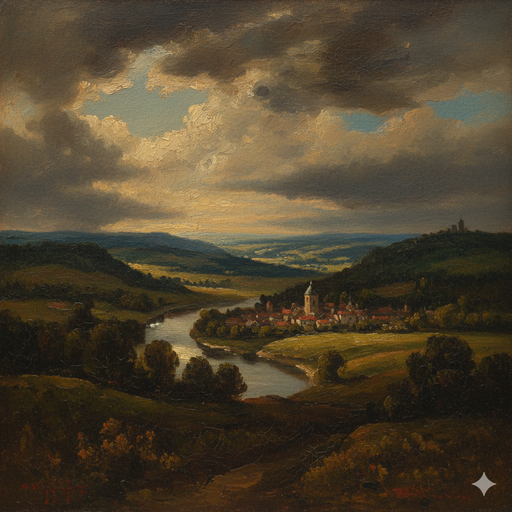
Absolutely. You can turn your photo into a watercolor painting with AI whether it's a portrait, a dog or cat, or a travel landscape. The bleeding pigments and paper texture suit soft, organic subjects. The result is a still image.
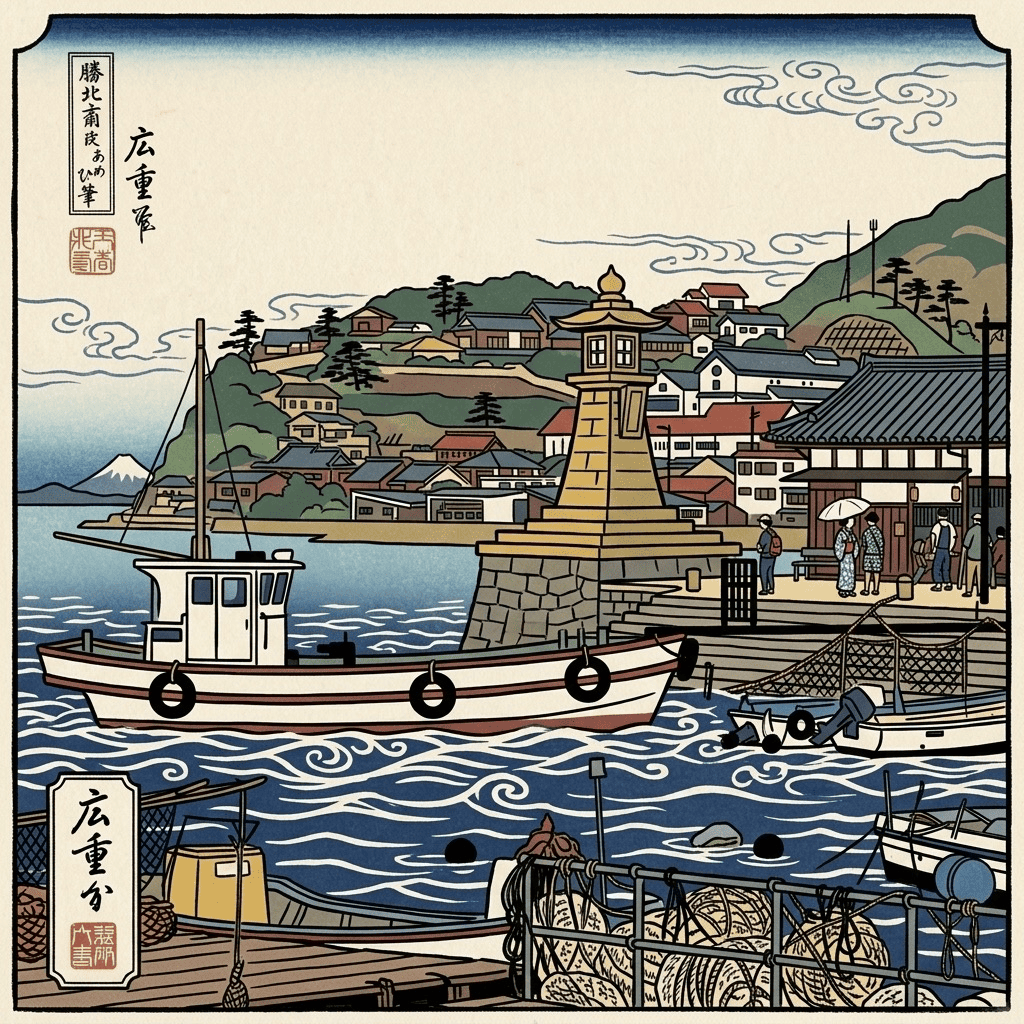



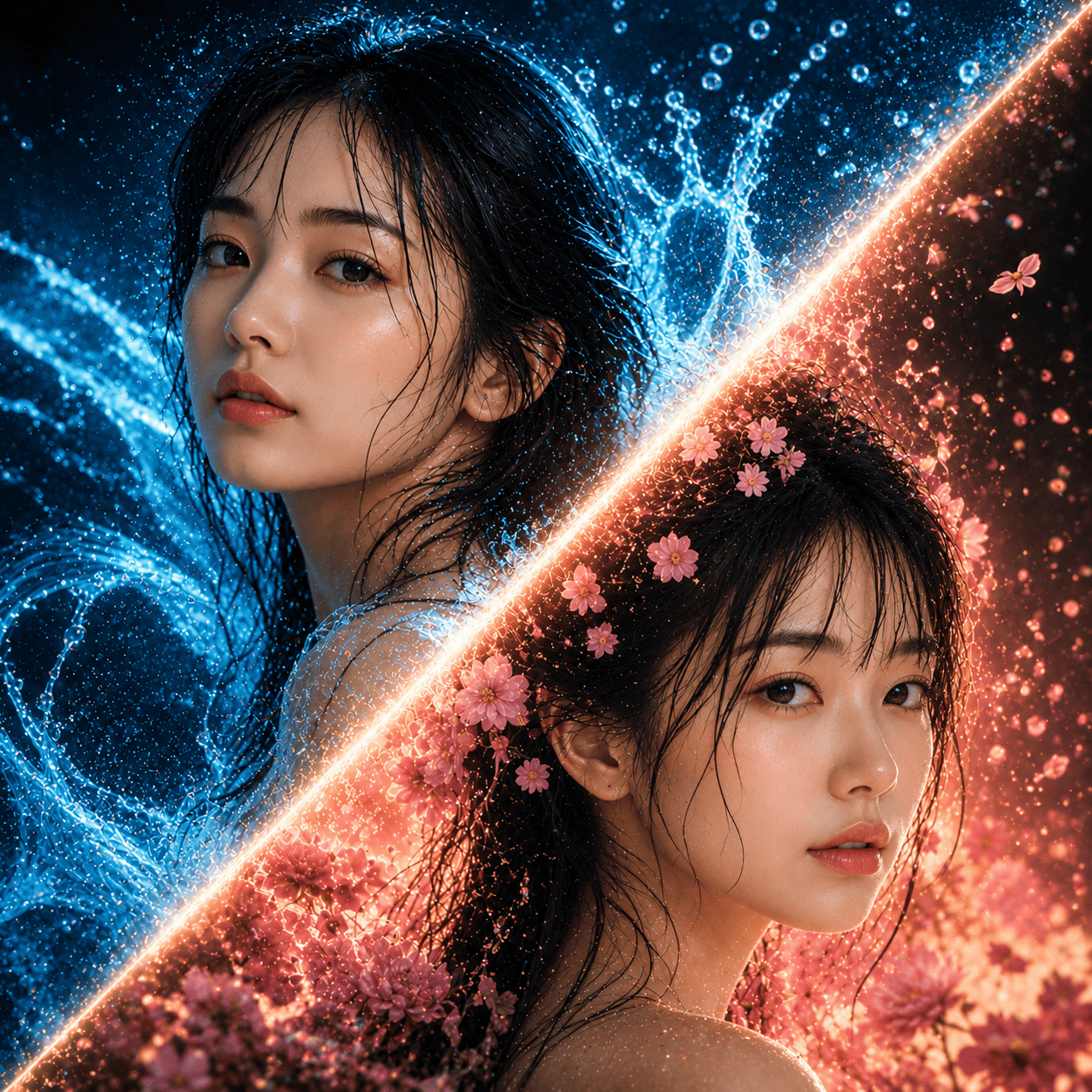
Watercolor
3 free to start・No subscription · tickets never expire