
AI Yukata Photo Generator: Make a Japanese Summer-Festival Portrait
Keep your face and slip into a yukata or jinbei. Stand under blooming fireworks, wander the festival stalls, or pose on the shrine grounds at dusk — 3 scenes × 3 moods make 9 summer-festival portraits, all from a single photo, no yukata or night out required.

3 free to start No subscription · tickets never expire
Just 3 simple steps
- 01
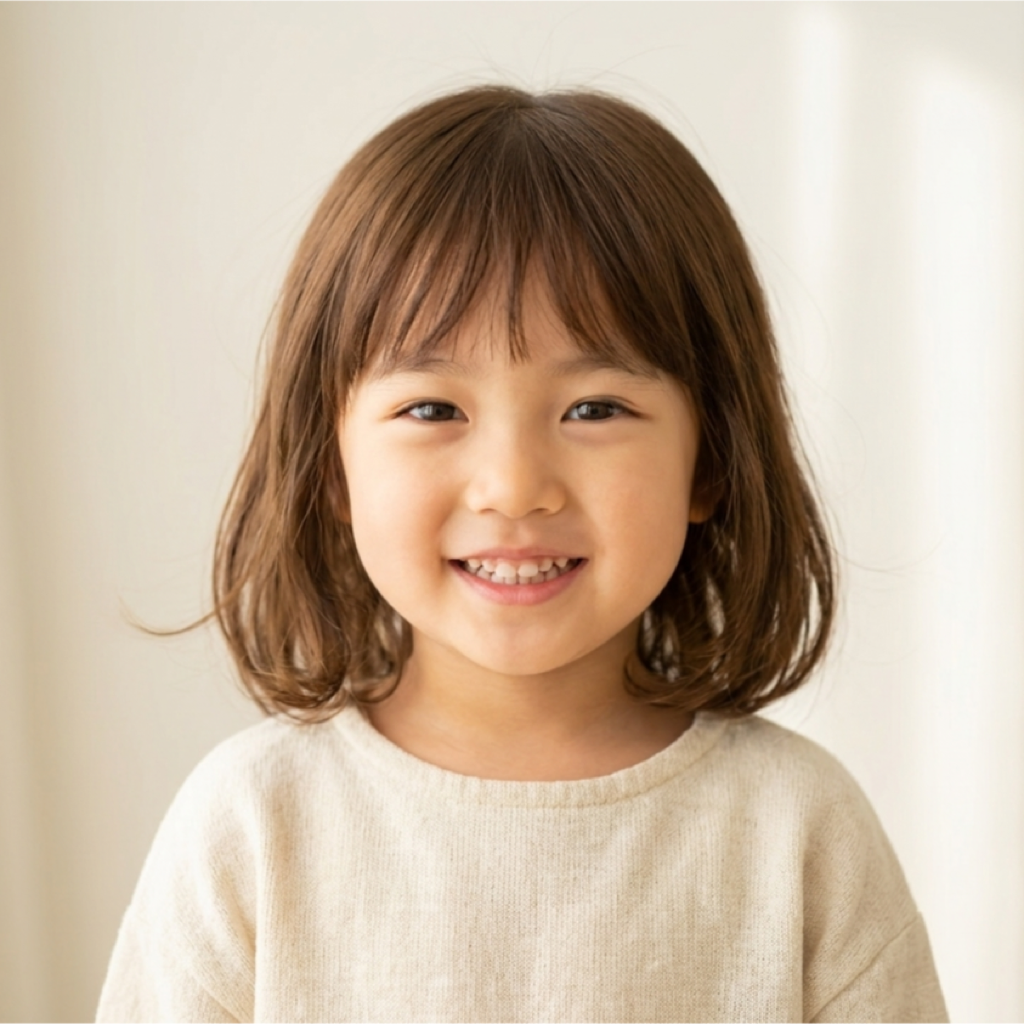
Pick a photo
Choose one photo you want to transform.
- 02
Pick a style
Select "Seasonal" from the style list.
- 03
Transformed.
Ready in seconds. Save and share straight to social.
Ways to enjoy it
- Make a keepsake when you can't get to a fireworks show or Tanabata
- Get a matching couple's shot even without owning a yukata
- Create a summery festival icon for social media, solo or with friends
Tips for the best result
- Pick a clear front- or three-quarter photo so the yukata collar lands naturally
- Mix the fireworks, stalls, and shrine scenes with each mood to try all 9 looks
- A half- or full-body photo helps recreate the obi sash and jinbei details
Frequently asked
How do I do the AI yukata edit?
It's three steps: pick a photo, pick the summer-festival style, then transform. Choose a fireworks, festival-stall, or shrine scene plus a mood, and you get a yukata or jinbei portrait as a still image.
Does it keep my face?
Yes. Your features stay the same while the outfit becomes a yukata or jinbei and the background turns into a summer-festival scene, so the portrait still looks like you.
Is it free? How many do I need?
Your first 3 transforms are free. Each transform uses one ticket; extra tickets are a one-time purchase and never expire. There's no subscription, and it runs on iOS.
Try other styles
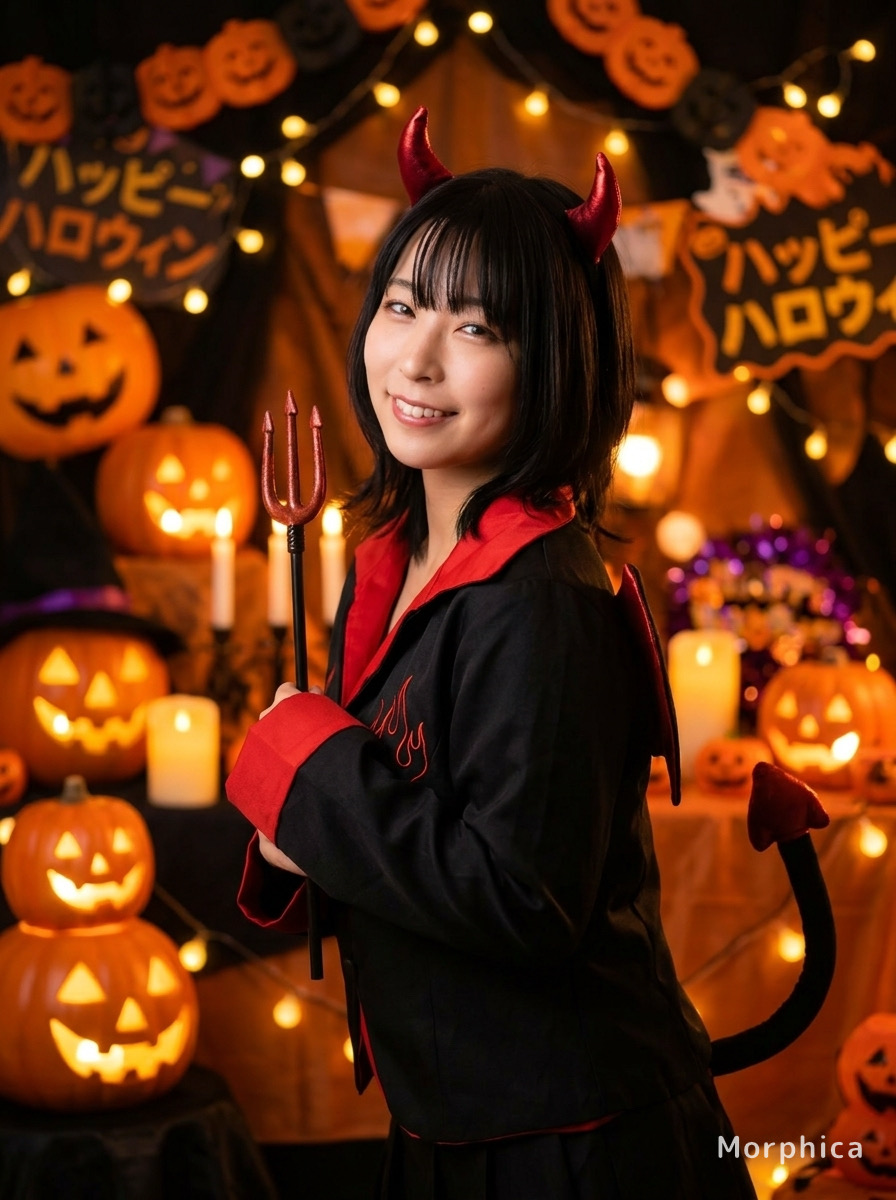

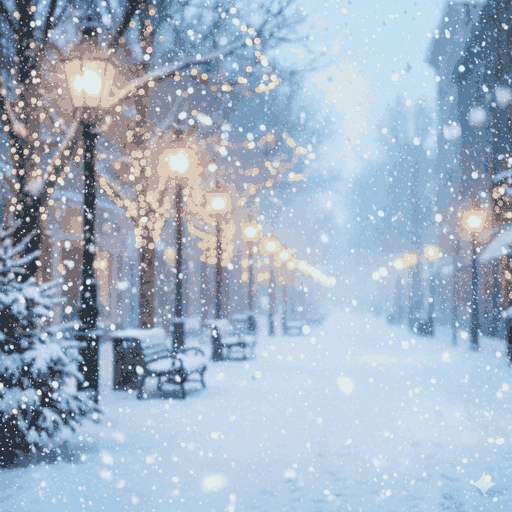
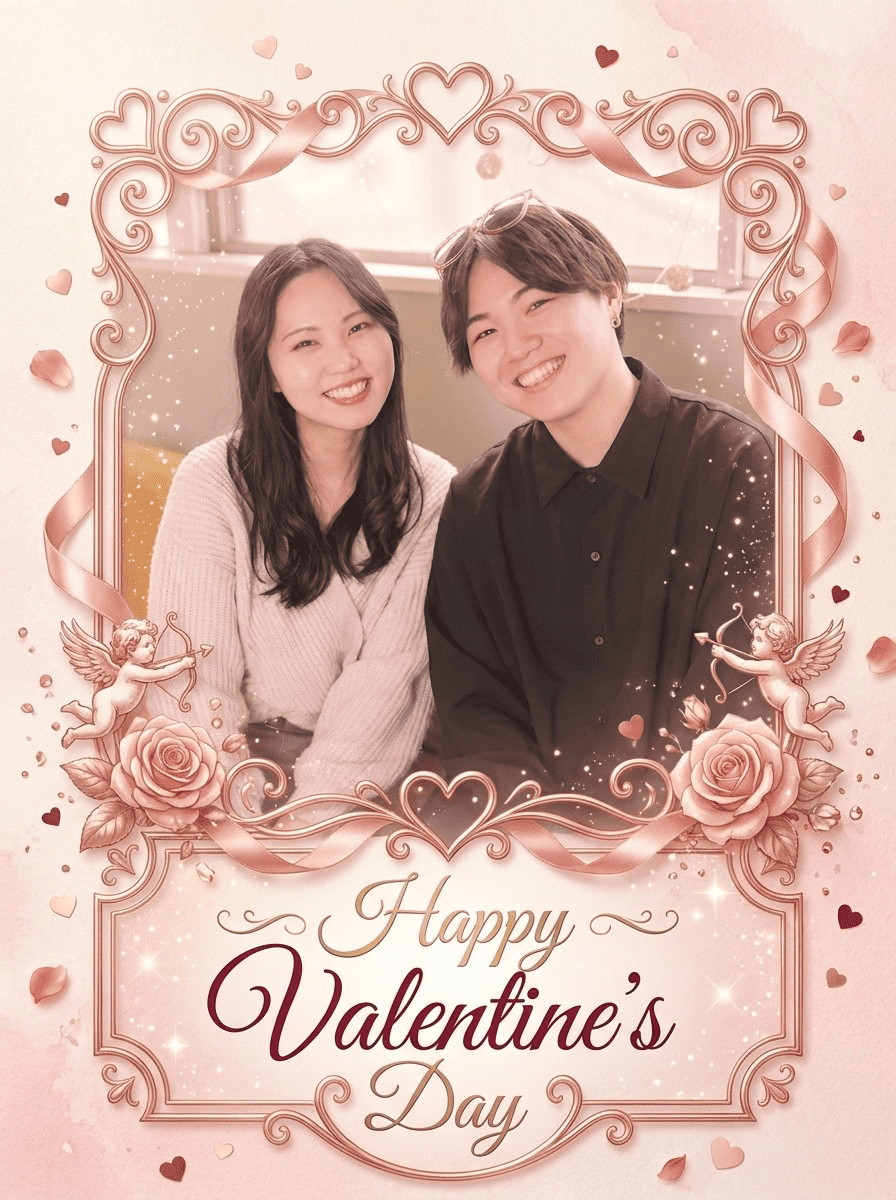


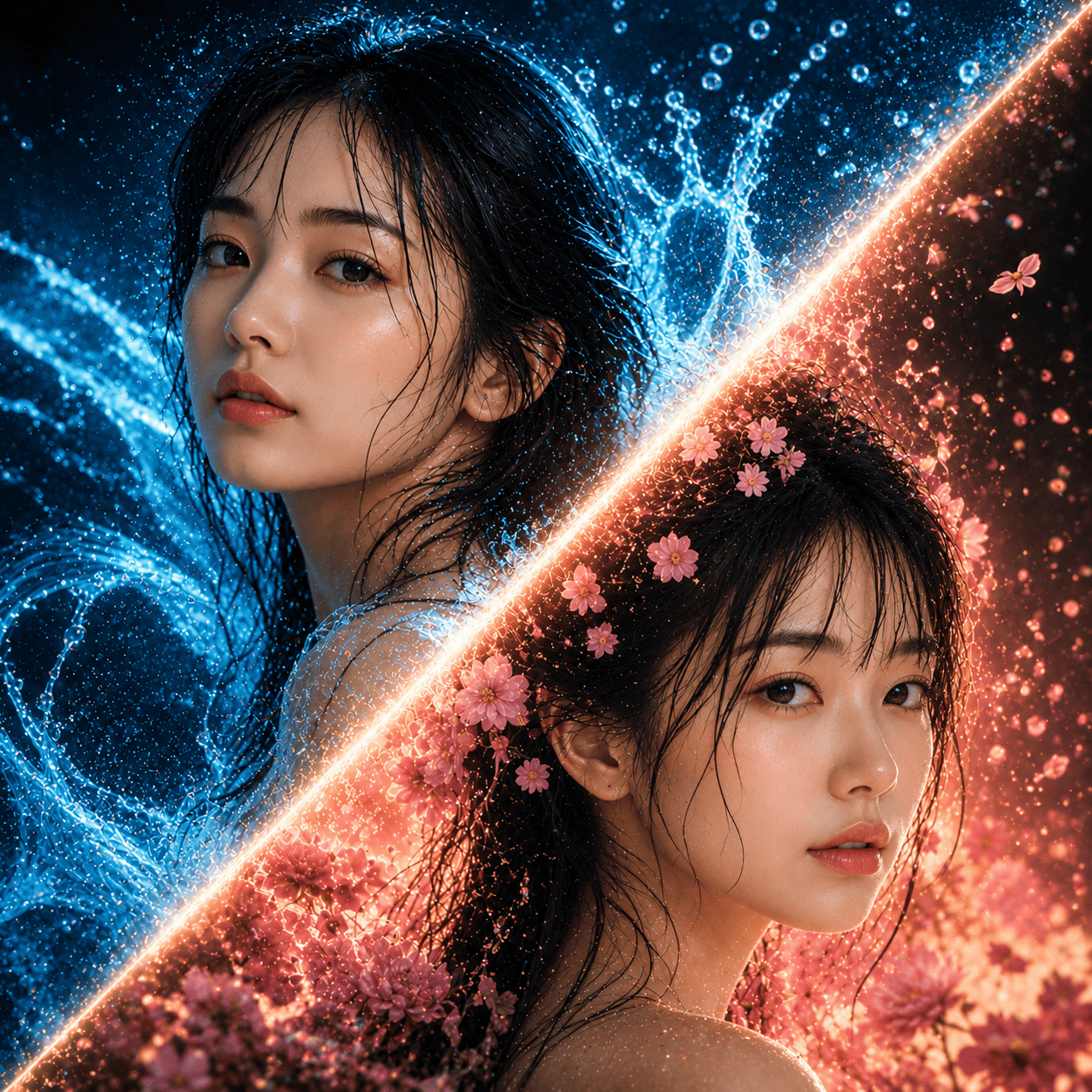
Summer Festival (Yukata)
3 free to start・No subscription · tickets never expire