
Turn your photo into an oil painting with AI
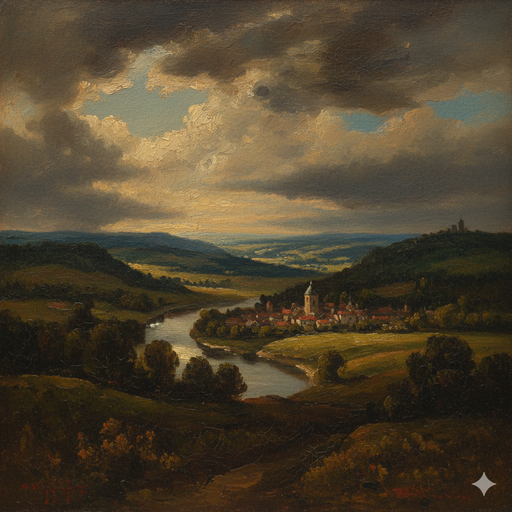
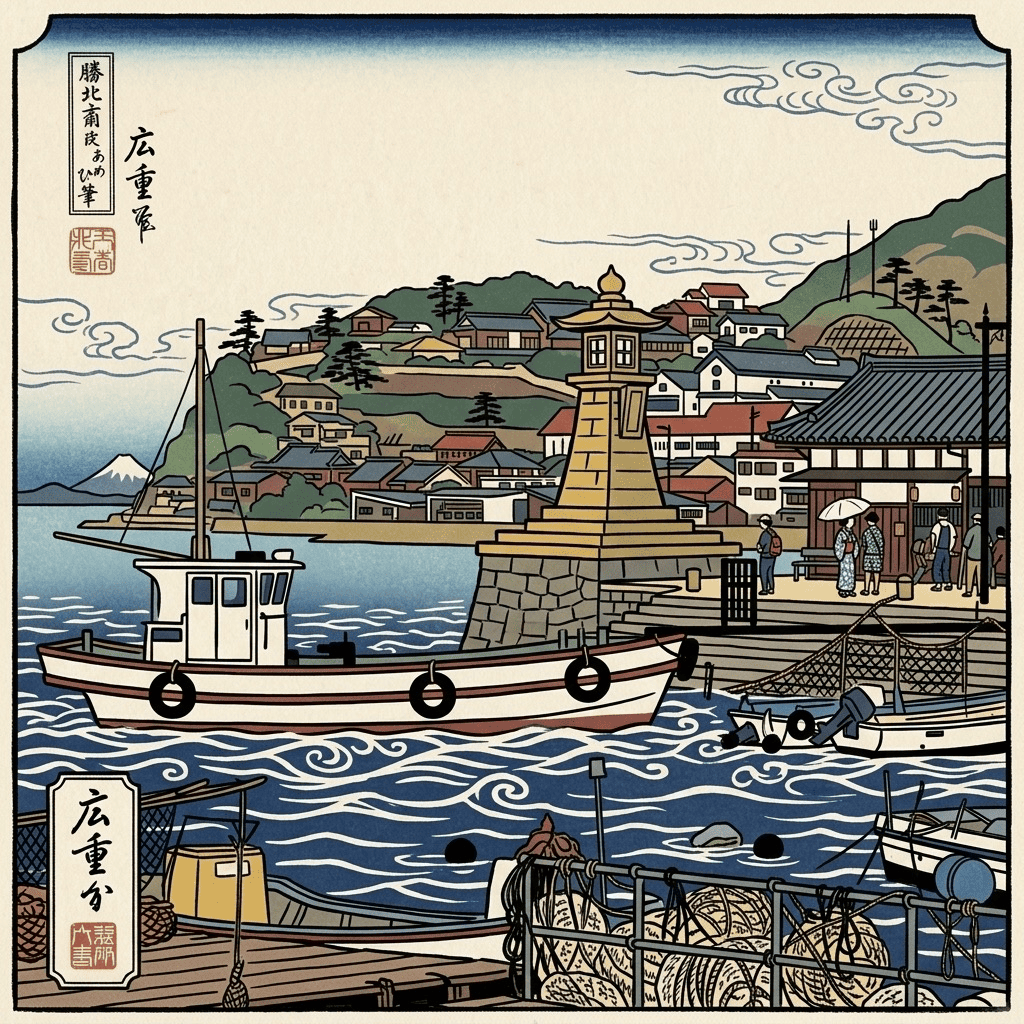
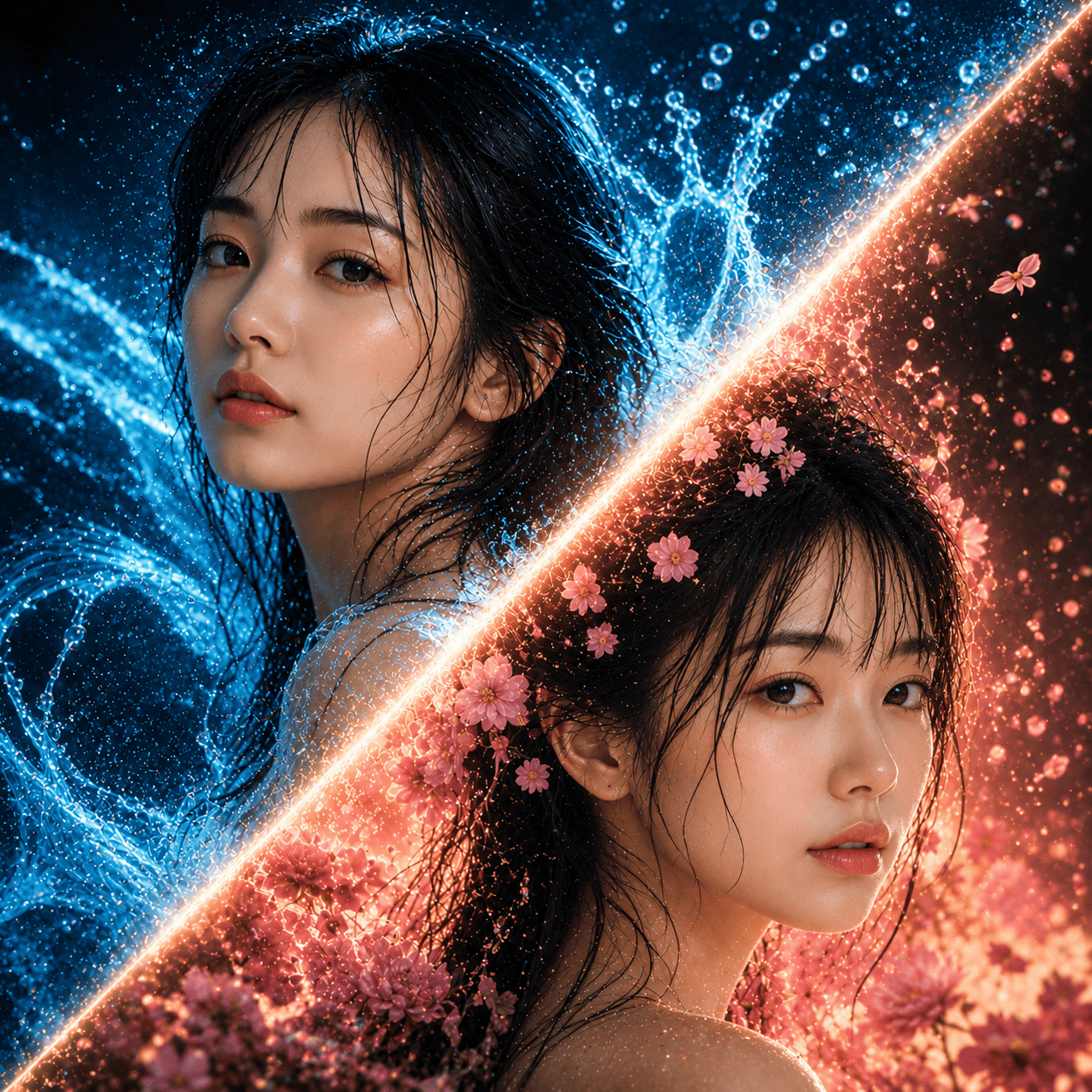
Take an everyday phone snapshot and turn it into an oil painting with AI. Morphica adds visible brushstrokes, thick impasto where the light catches, and rich, deep color on a canvas-like surface — the kind of classical, framed-portrait look you'd see on a gallery wall. Your (or your pet's) likeness stays intact, so it still clearly looks like you. The result is a single still image.
3 free to start No subscription · tickets never expire
Just 3 simple steps
- 01
Pick a photo
Choose one photo you want to transform.
- 02
Pick a style
Select "Art" from the style list.
- 03
Transformed.
Ready in seconds. Save and share straight to social.
Ways to enjoy it
- Upgrade a profile photo into a classic, museum-style portrait
- Turn a pet photo into an oil portrait you'll actually want to frame
- Keep an anniversary or wedding shot as a painterly piece worth framing
Tips for the best result
- Photos where the face or subject fills the frame pick up the brushwork and shadows best
- A simple background lets the impasto texture and your subject really stand out
- A front or three-quarter angle gives that calm, old-portrait feel
Frequently asked
Is it free to turn your photo into an oil painting with AI?
Your first 3 transforms are free. After that it's ticket-based with no subscription, and tickets never expire — so you can come back and paint more whenever you like.
Does it keep my face?
Yes. It keeps your features and expression, then layers on brushstrokes and impasto texture for the oil-painting look. You get a portrait of you, not a different person.
Can I do it with pet photos, and how does it work?
Pets work great. It's three steps: pick a photo, pick the Oil Painting style, and transform. Fur and fluff come through as painterly brushwork, so cats and dogs turn into framed-portrait-style oil paintings too.
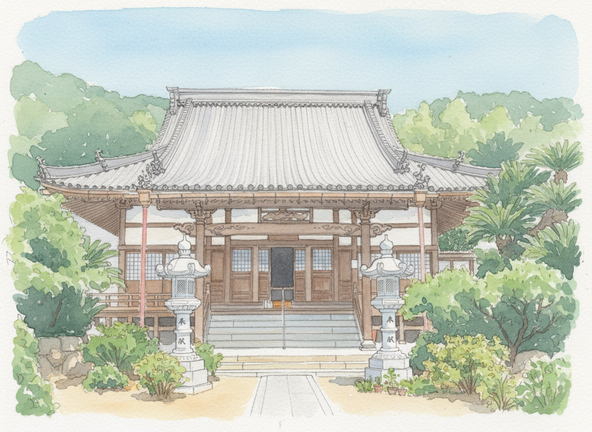
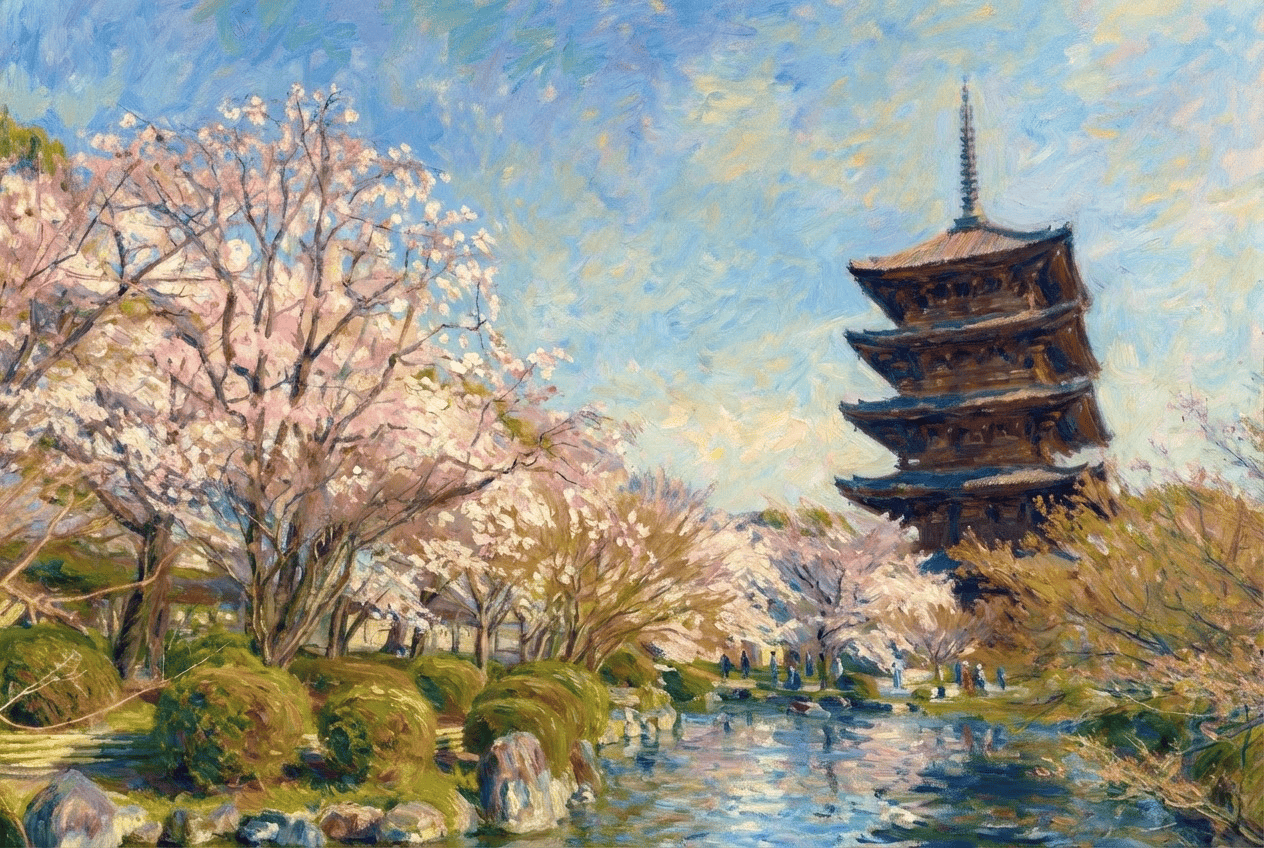
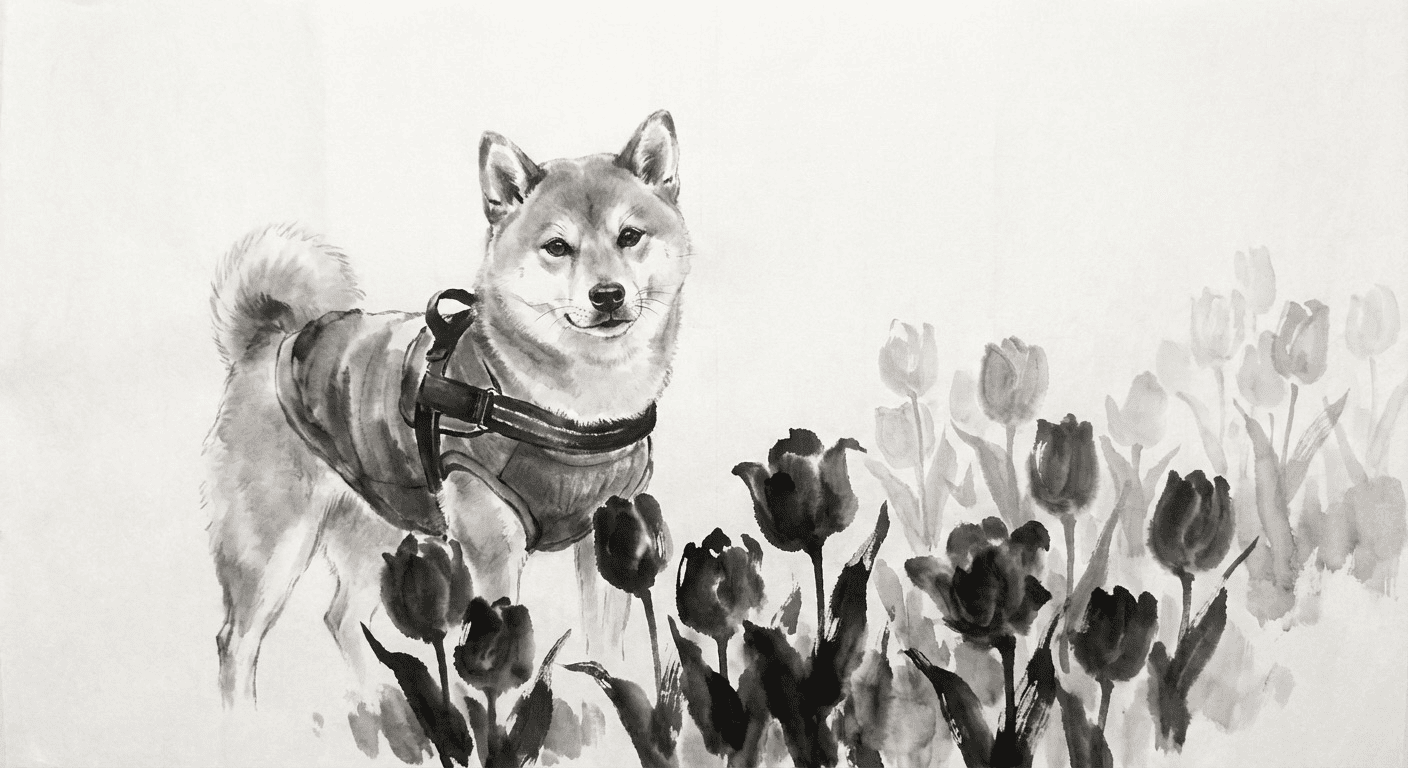


Oil Painting
3 free to start・No subscription · tickets never expire