
Turn your photo into an impressionist painting with AI
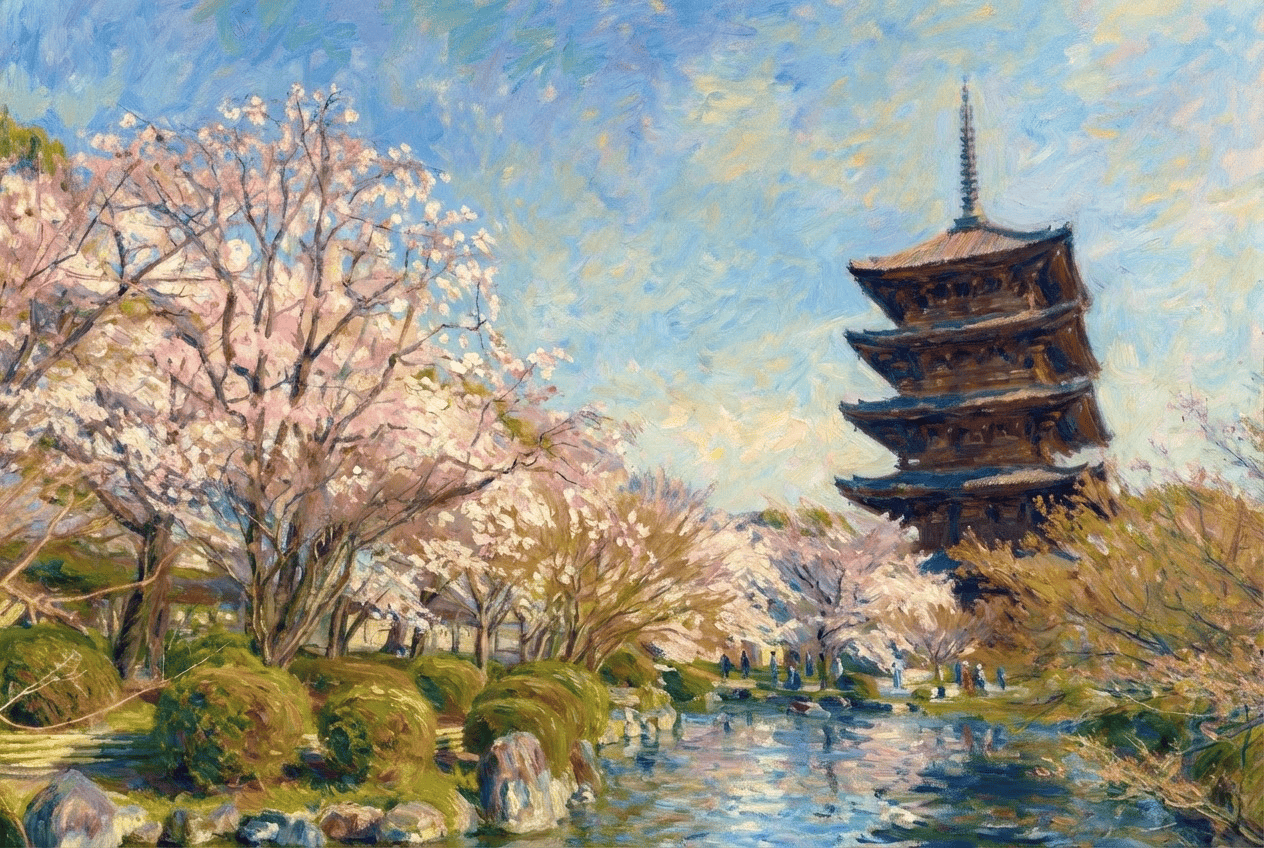
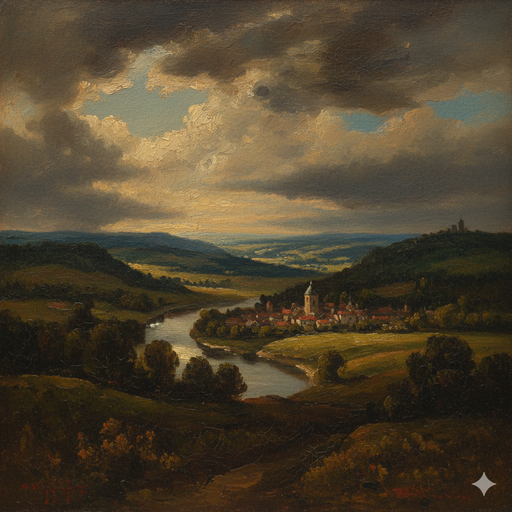
Flickering, visible brushstrokes, luminous natural light, and soft, blended color. Morphica's Impressionism style turns an everyday photo into something that looks like a late-1800s impressionist oil painting. It captures the feel of the art movement itself, not any single artist, and keeps your features recognizable, so you, your family, or your pet end up as the subject of a real-looking painting.
3 free to start No subscription · tickets never expire
Just 3 simple steps
- 01
Pick a photo
Choose one photo you want to transform.
- 02
Pick a style
Select "Art" from the style list.
- 03
Transformed.
Ready in seconds. Save and share straight to social.
Ways to enjoy it
- Give your social avatar or profile photo a soft, light-filled impressionist portrait look
- Turn a trip or anniversary shot into a gallery-worthy oil-painting piece
- Make a warm, brushstroke-rich painting of family or pets to print or gift
Tips for the best result
- Photos taken in natural light, with clear highlights and shadows, show off the impressionist play of light best
- Pick a photo where the face is clearly visible so the brushwork stays painterly while your likeness comes through
- Backgrounds with greenery, sky, or water bring out the shimmering, dappled feel of impressionism
Frequently asked
Can I really turn my photo into an impressionist painting with AI?
Yes. Just pick a photo and choose the Impressionism style, and the AI adds luminous light and dappled, visible brushstrokes to give it a late-1800s impressionist oil-painting look. The result is a single still image.
Does it keep my likeness, and is it based on a specific artist?
It keeps your features and overall look recognizable while layering on painterly brushwork and soft color, so it still clearly reads as you. It recreates the general feel of the impressionist art movement of the late 1800s, not the work of any particular artist or brand.
Is it free, and how does it work?
Your first 3 conversions are free. There's no subscription and tickets never expire. The flow is just three steps: choose a photo, choose the Impressionism style, and convert.
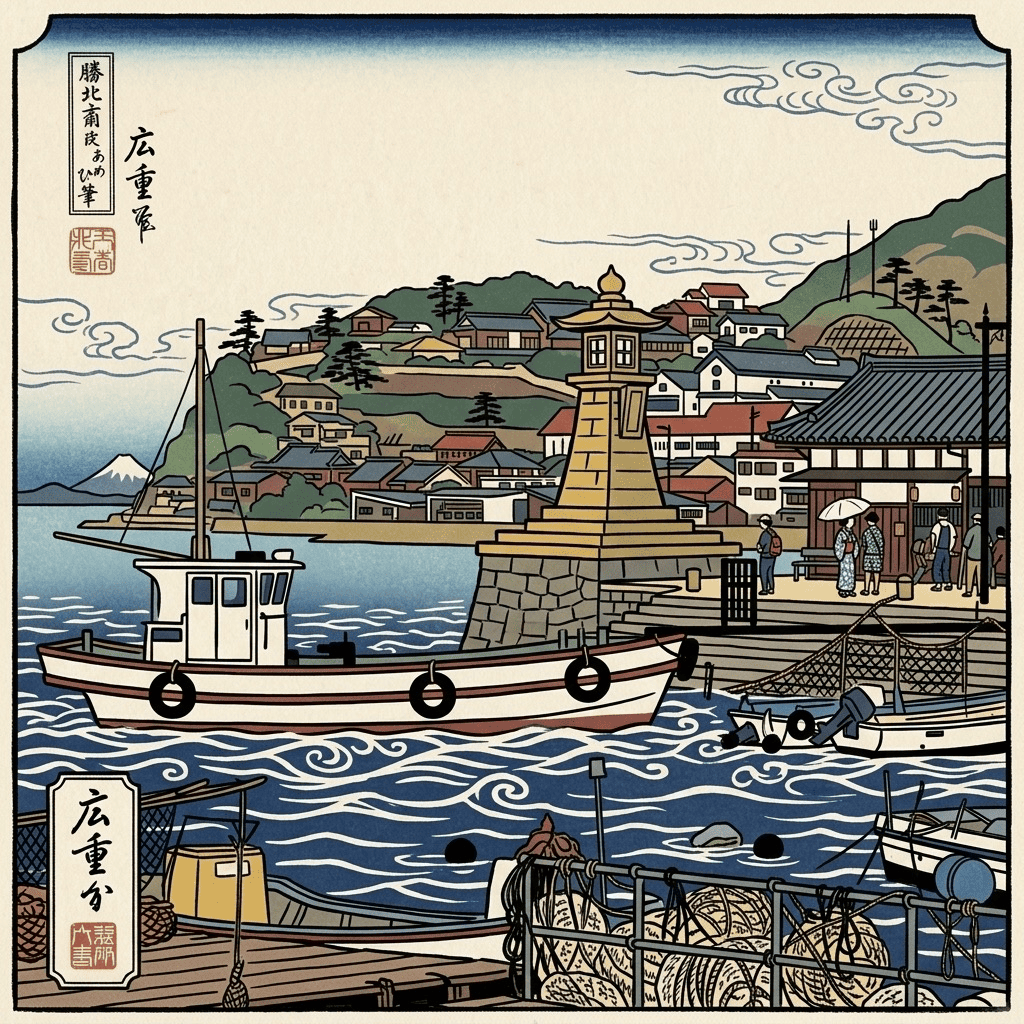


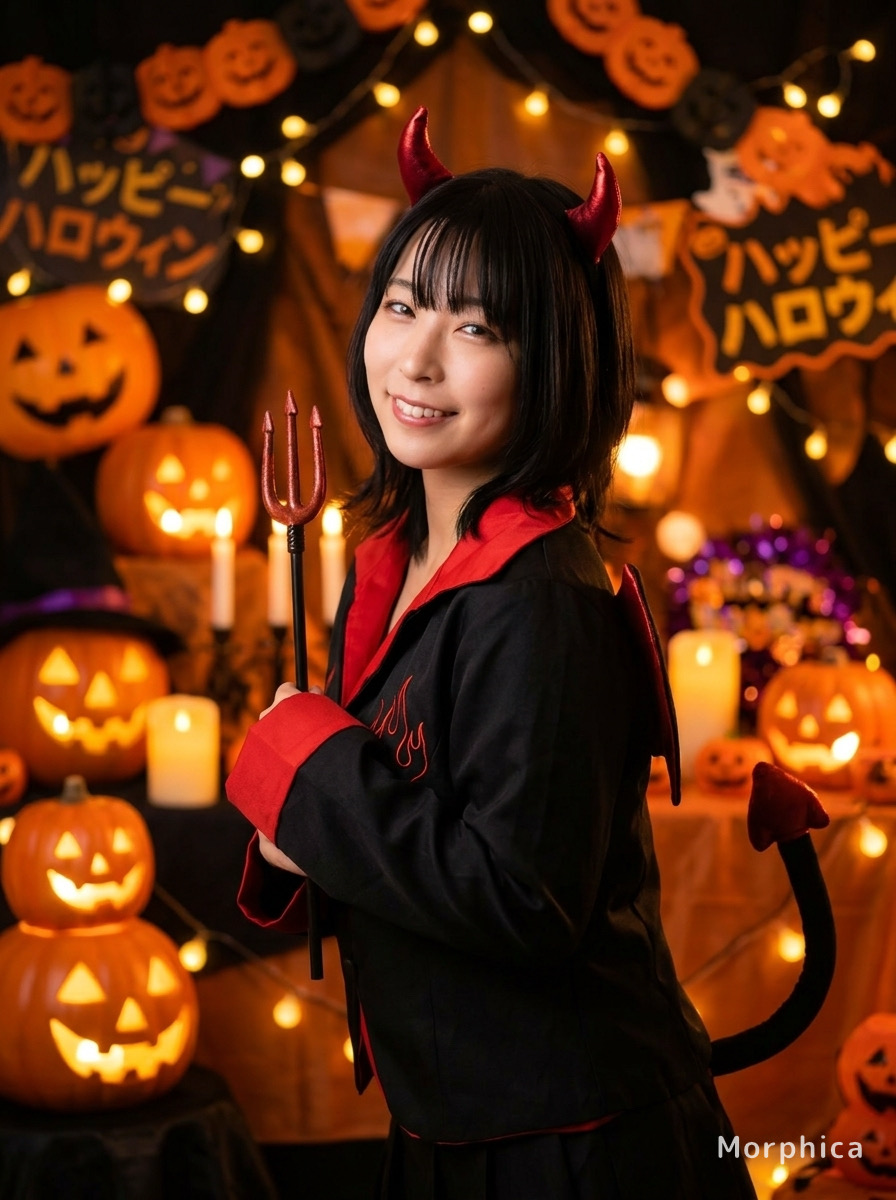
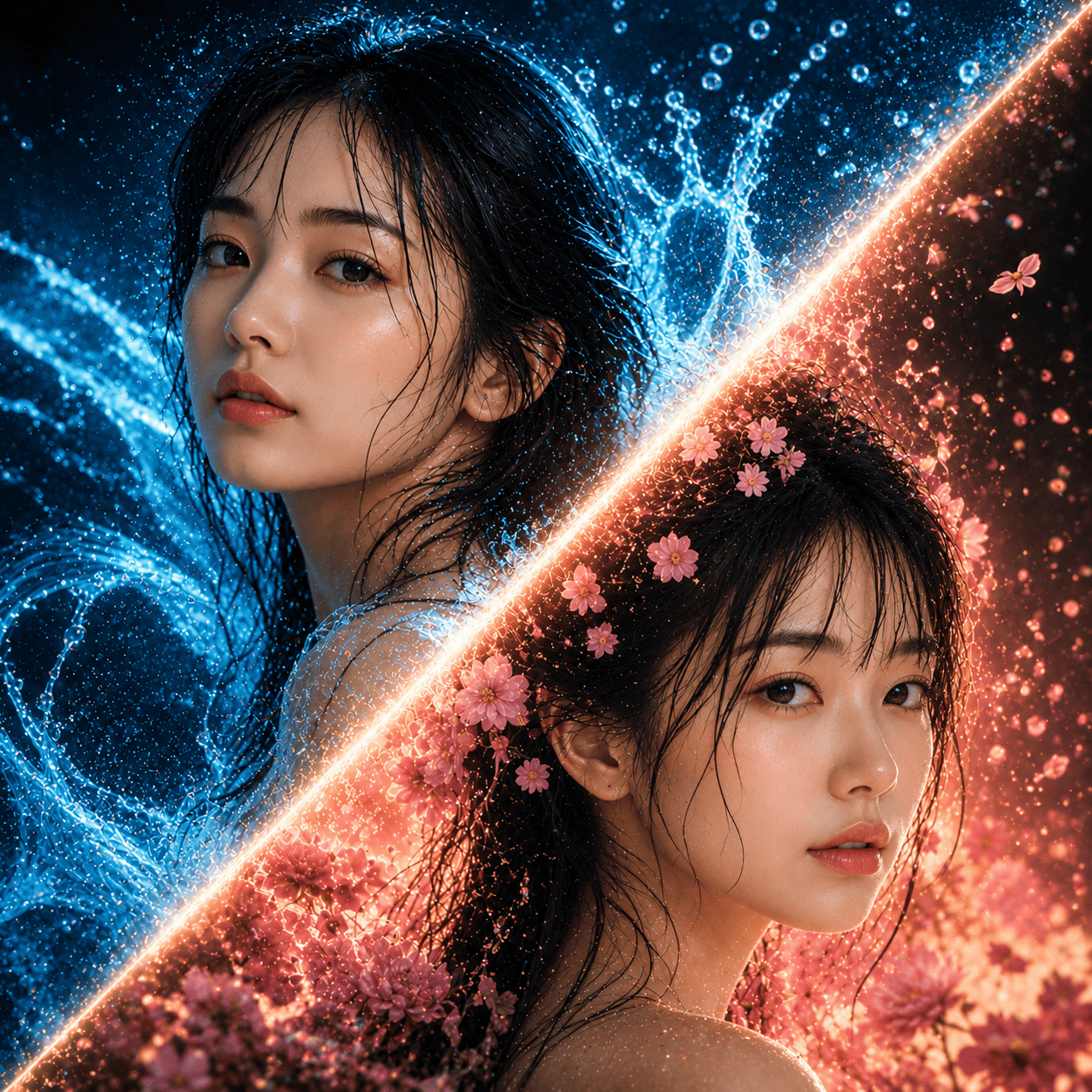
Impressionism
3 free to start・No subscription · tickets never expire