
Turn Your Photo into a Sumi-e Ink Wash Painting
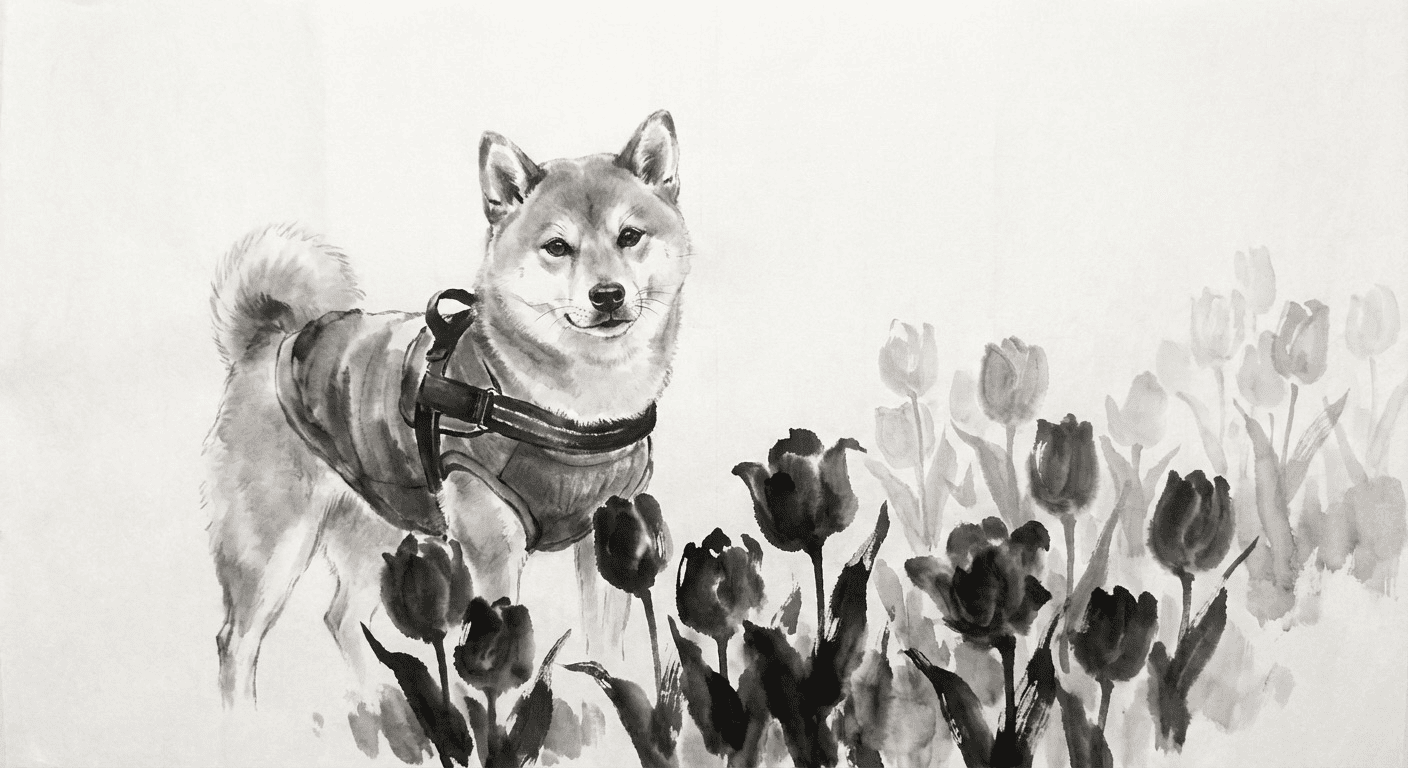
Turn your photo into a sumi-e ink-wash painting with AI: flowing black ink gradations, expressive brush strokes, and wide-open negative space. It keeps your likeness while wrapping you in the quiet, refined feel of traditional Japanese ink art.
3 free to start No subscription · tickets never expire
Just 3 simple steps
- 01
Pick a photo
Choose one photo you want to transform.
- 02
Pick a style
Select "Art" from the style list.
- 03
Transformed.
Ready in seconds. Save and share straight to social.
Ways to enjoy it
- Reimagine a profile photo as a calm, elegant black-ink portrait
- Turn a pet or landscape shot into a soft, expressive ink-wash scene
- Create a refined, zen-style image for cards or social avatars
Tips for the best result
- Photos with clean, simple backgrounds let the negative space shine
- Strong light and shadow bring out the richest ink gradations
- Clear silhouettes, like profiles or bust shots, work beautifully
Frequently asked
Does it keep my face?
Yes. The ink-wash style keeps your likeness and overall feel, then layers on soft ink gradations and brush strokes so it still looks like you, reimagined as a calm Japanese painting.
How does it work, and is it free?
Just three steps: pick a photo, choose the Ink Wash style, and convert. Your first 3 conversions are free. There is no subscription, and tickets never expire.
What does the AI sumi-e ink-wash result look like?
When you turn your photo into a sumi-e ink-wash painting with AI, you get black ink gradations, expressive brush strokes, and generous negative space for a quiet, elegant look. The output is a still image.
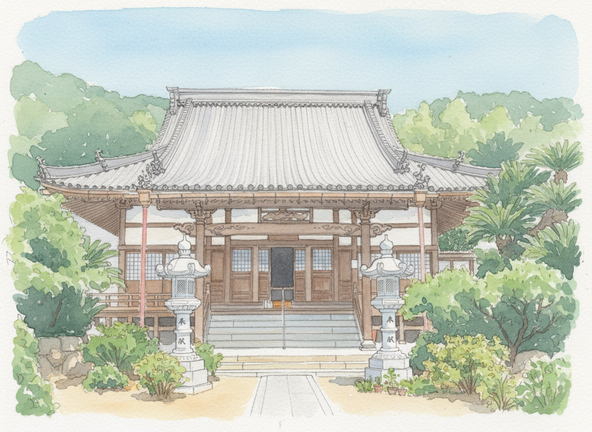
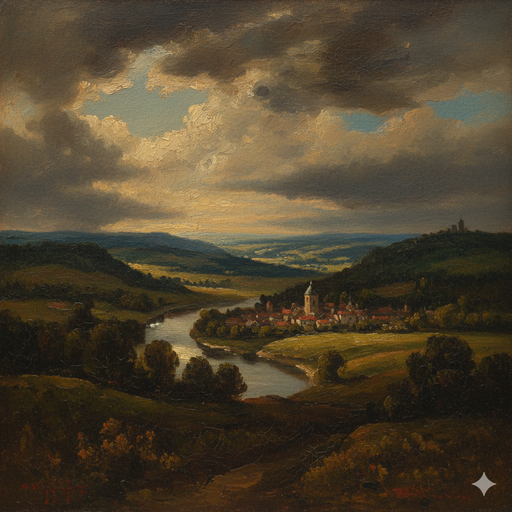
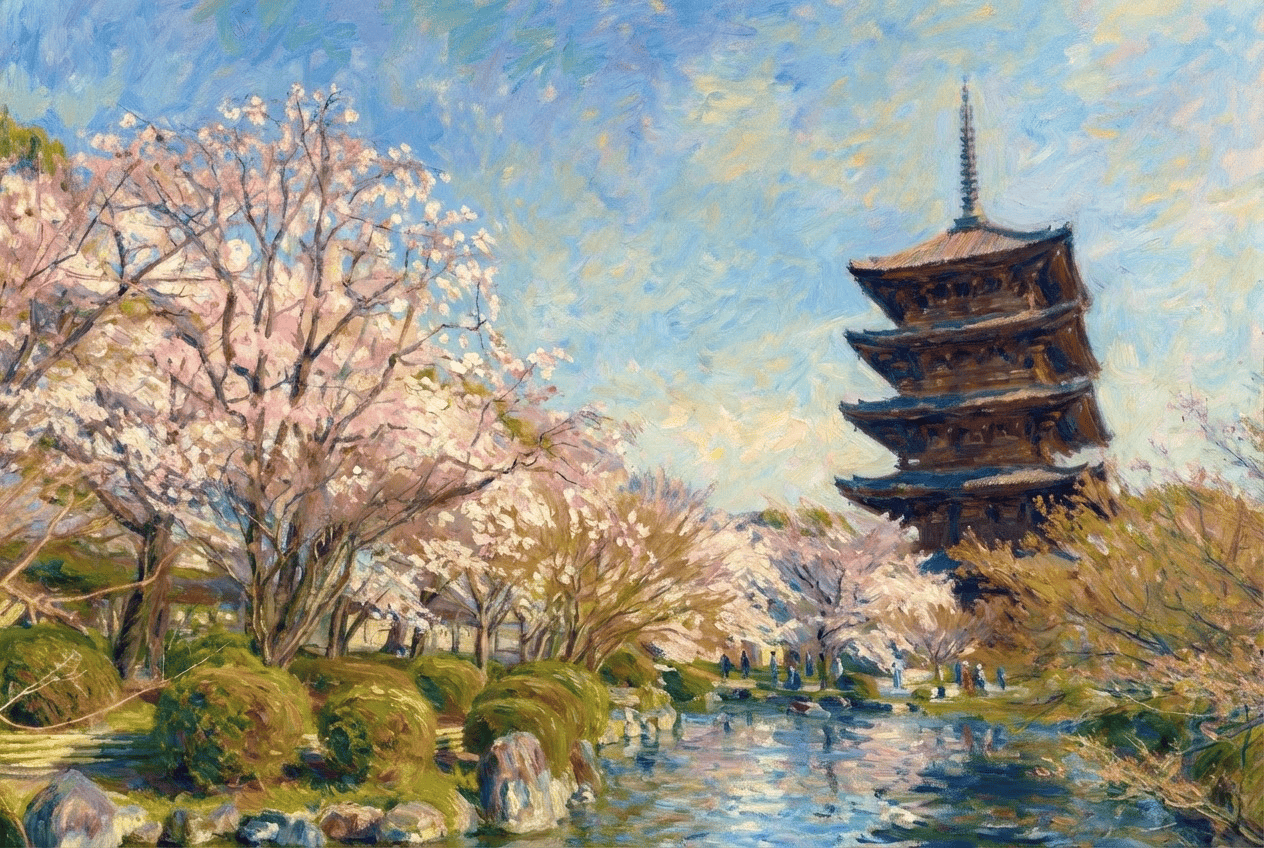
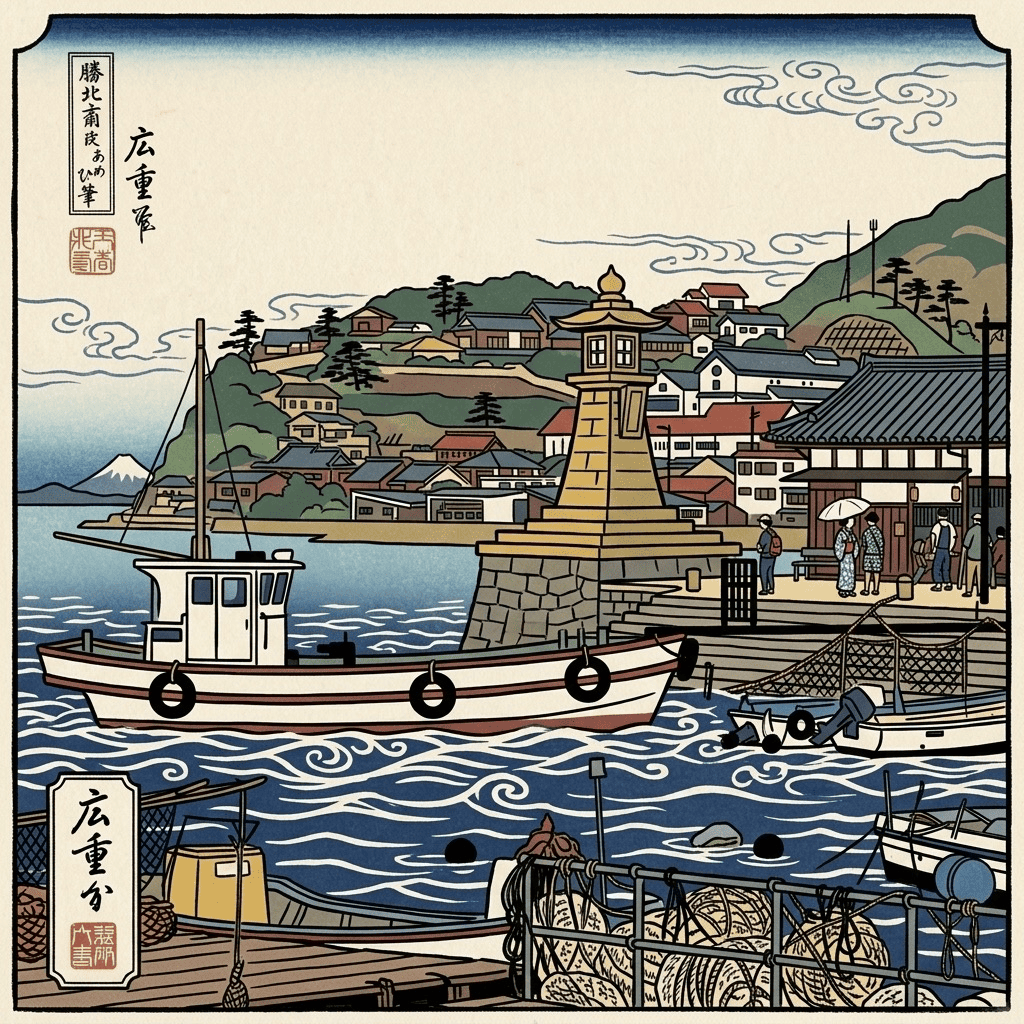


Ink Wash
3 free to start・No subscription · tickets never expire