
Turn Your Photo into a Ukiyo-e Woodblock Print with AI
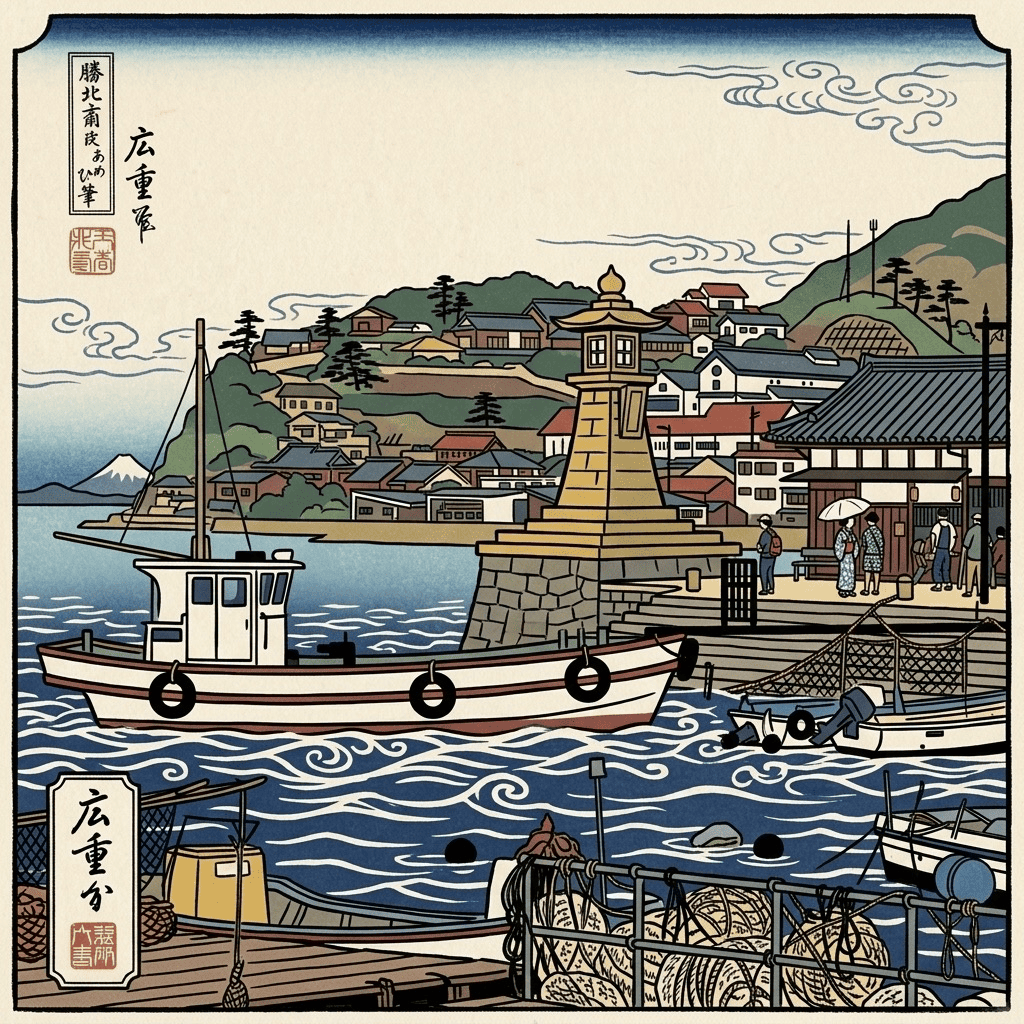
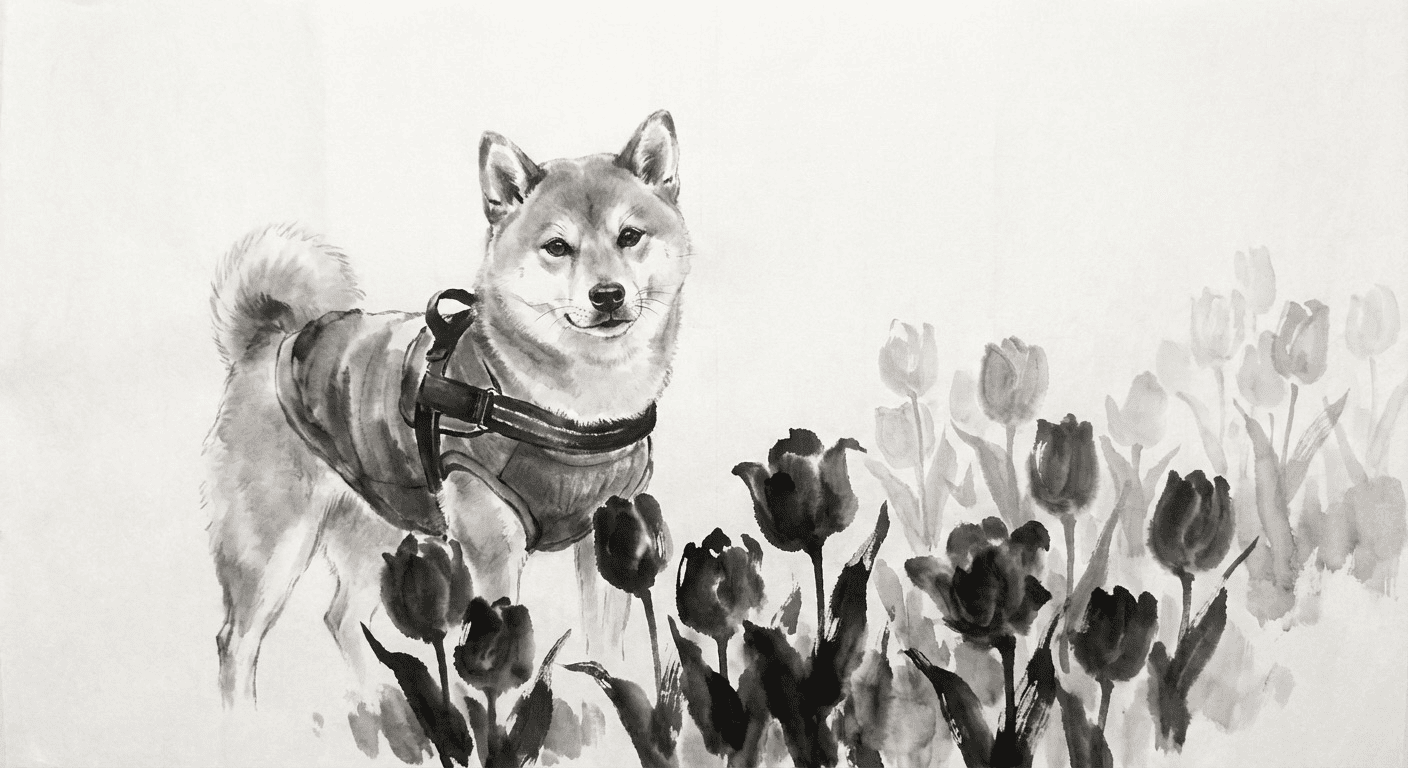
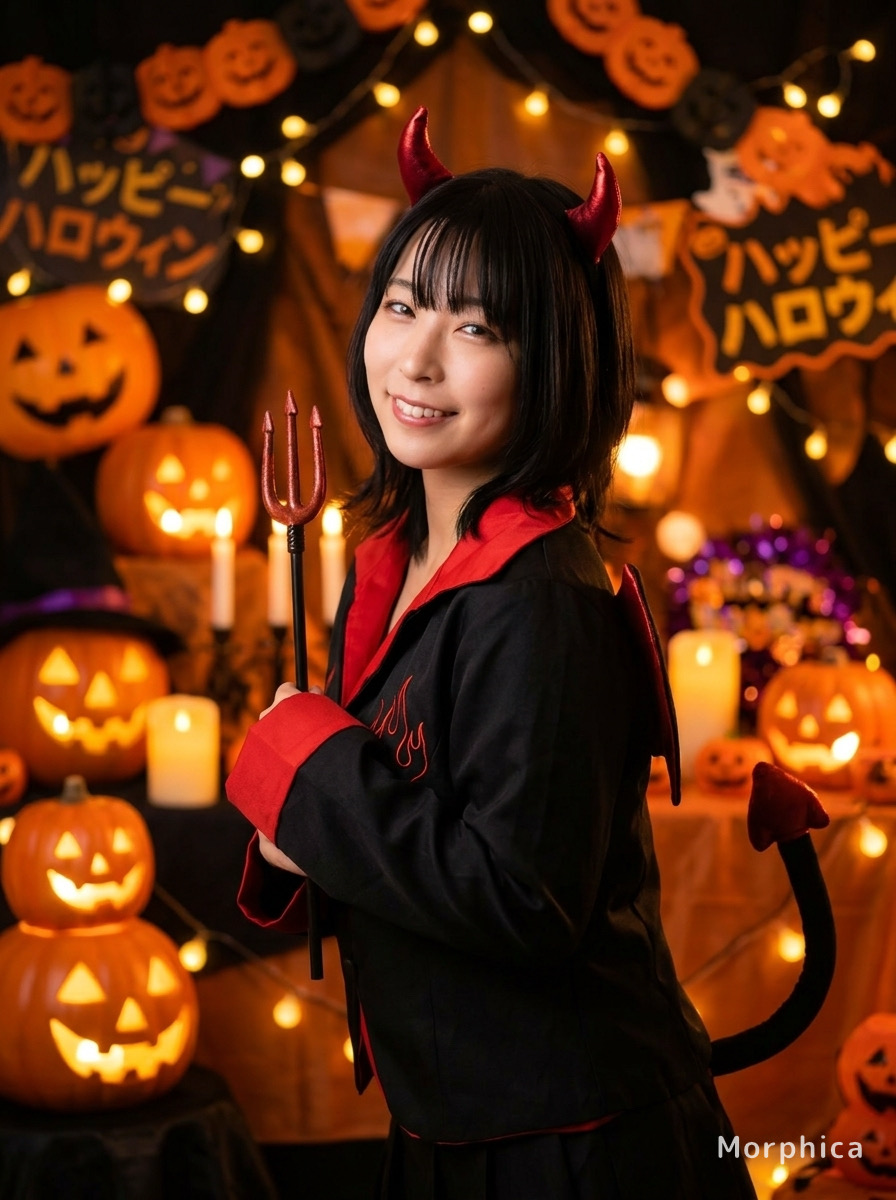
Your everyday photo becomes a print straight out of an Edo-period studio. Bold outlines and classic indigo-and-crimson tones keep your face recognizable while wrapping it in timeless Japanese art. Turn your photo into a ukiyo-e woodblock print with AI: just pick a photo, choose Ukiyo-e, and tap convert.
3 free to start No subscription · tickets never expire
Just 3 simple steps
- 01
Pick a photo
Choose one photo you want to transform.
- 02
Pick a style
Select "Art" from the style list.
- 03
Transformed.
Ready in seconds. Save and share straight to social.
Ways to enjoy it
- A striking, traditional-Japanese profile picture for social media
- Wall-art-style portraits of yourself or your family
- A uniquely Japanese digital keepsake to send to friends abroad
Tips for the best result
- Pick a clear, front-facing photo so the bold outlines really stand out
- Photos in kimono or traditional dress blend beautifully with the indigo-and-crimson palette
- A simple background keeps the subject as the star of the print
Frequently asked
Does it keep my face?
Yes. It preserves your real features and likeness, then reworks them with ukiyo-e outlines and traditional colors, so you stay recognizably you.
Is it free?
Your first 3 conversions are free. There's no subscription, and any extra tickets you buy never expire.
How do I turn my photo into a ukiyo-e woodblock print with AI?
Three steps: pick a photo, choose the Ukiyo-e style, and tap convert. The result is a single still image in classic woodblock-print style.



Ukiyo-e
3 free to start・No subscription · tickets never expire