
Uniform Collection: Try On Different Uniforms in Your Photo with AI
Sailor style, blazer, business suit. Try on different uniforms in your photo with AI — one clean, tasteful portrait per outfit, with your own face kept intact. Your first 3 images are on us.
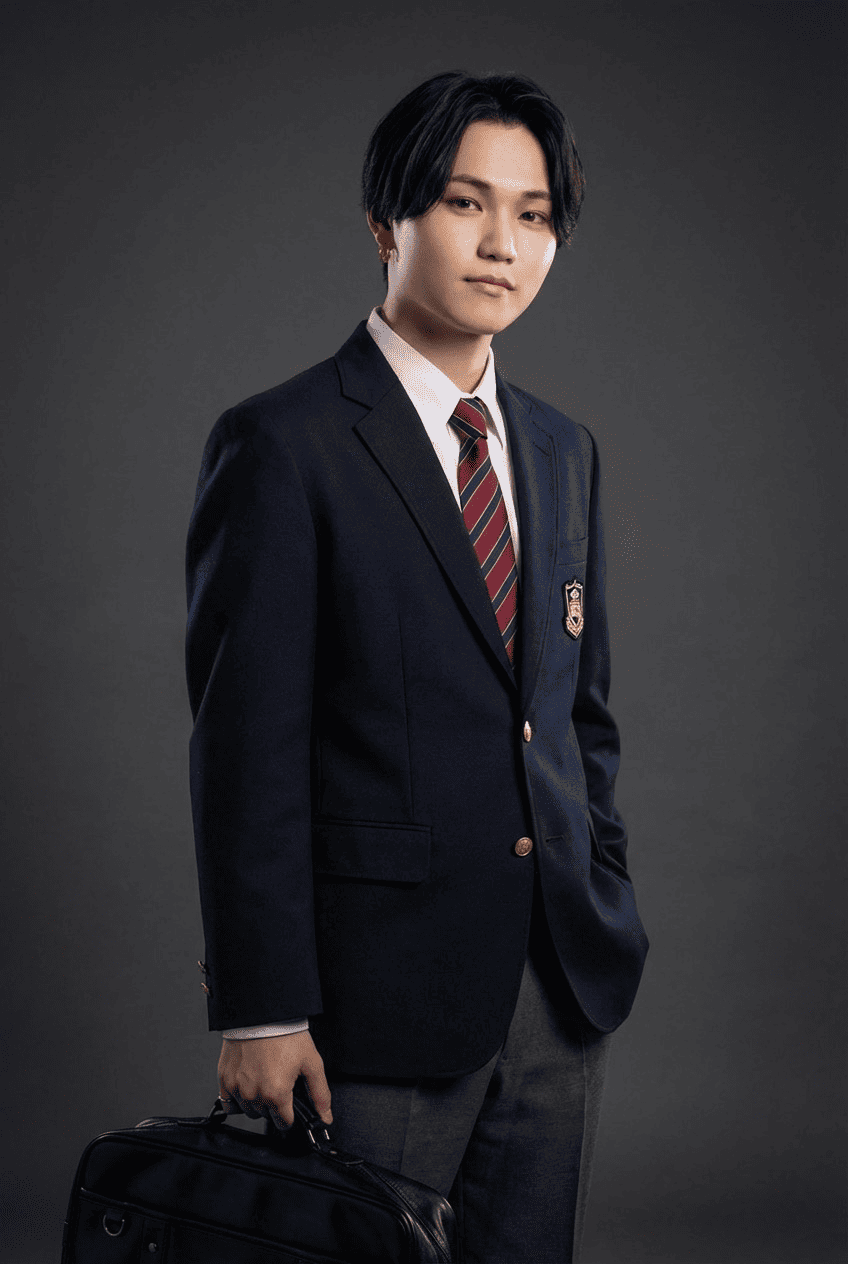
3 free to start No subscription · tickets never expire
Just 3 simple steps
- 01
Pick a photo
Choose one photo you want to transform.
- 02
Pick a style
Select "Portrait" from the style list.
- 03
Transformed.
Ready in seconds. Save and share straight to social.
Ways to enjoy it
- Revisit your school days in a sailor-style or blazer uniform, like a do-over photo shoot.
- Preview yourself in a sharp business suit before a new job — handy for a profile picture.
- Swap outfits with family or friends and line up the before-and-afters for fun.
Tips for the best result
- Pick a clear, front-facing photo where your face and shoulders show — the uniform sits more naturally.
- Bright, low-shadow shots help the collar, buttons, and seams come out crisp.
- Like it? Run another with a different uniform — just reselect the style to change clothes.
Frequently asked
Does it keep my face?
Yes. It keeps your original face and only changes your outfit into a uniform. The result is a single still portrait image.
Can I try it for free?
Yes — your first 3 images are free to try on different uniforms in your photo with AI. Morphica is ticket-based with no subscription, and the tickets you buy never expire.
How does it work?
Three steps: pick a photo, choose the Uniform Collection style, and convert. Each uniform gives you one portrait image.

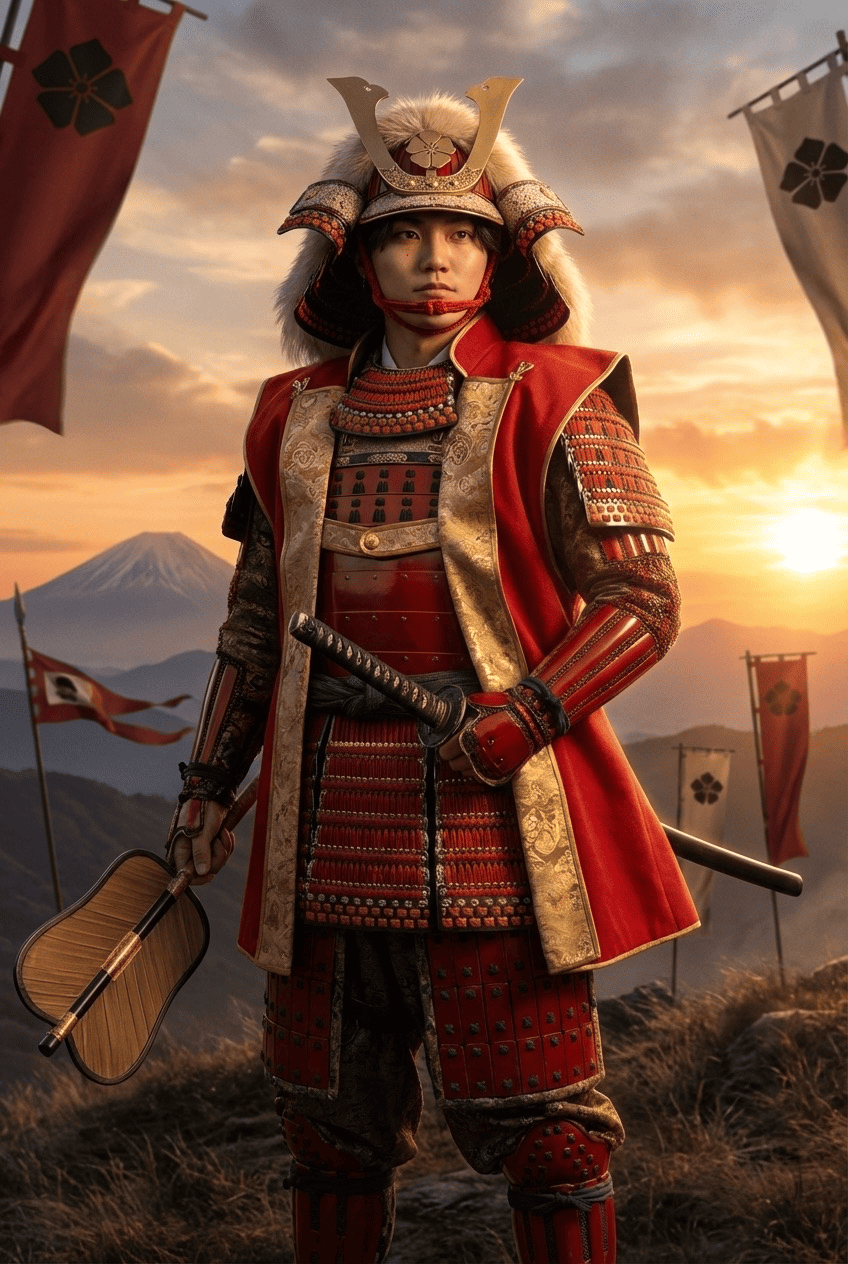
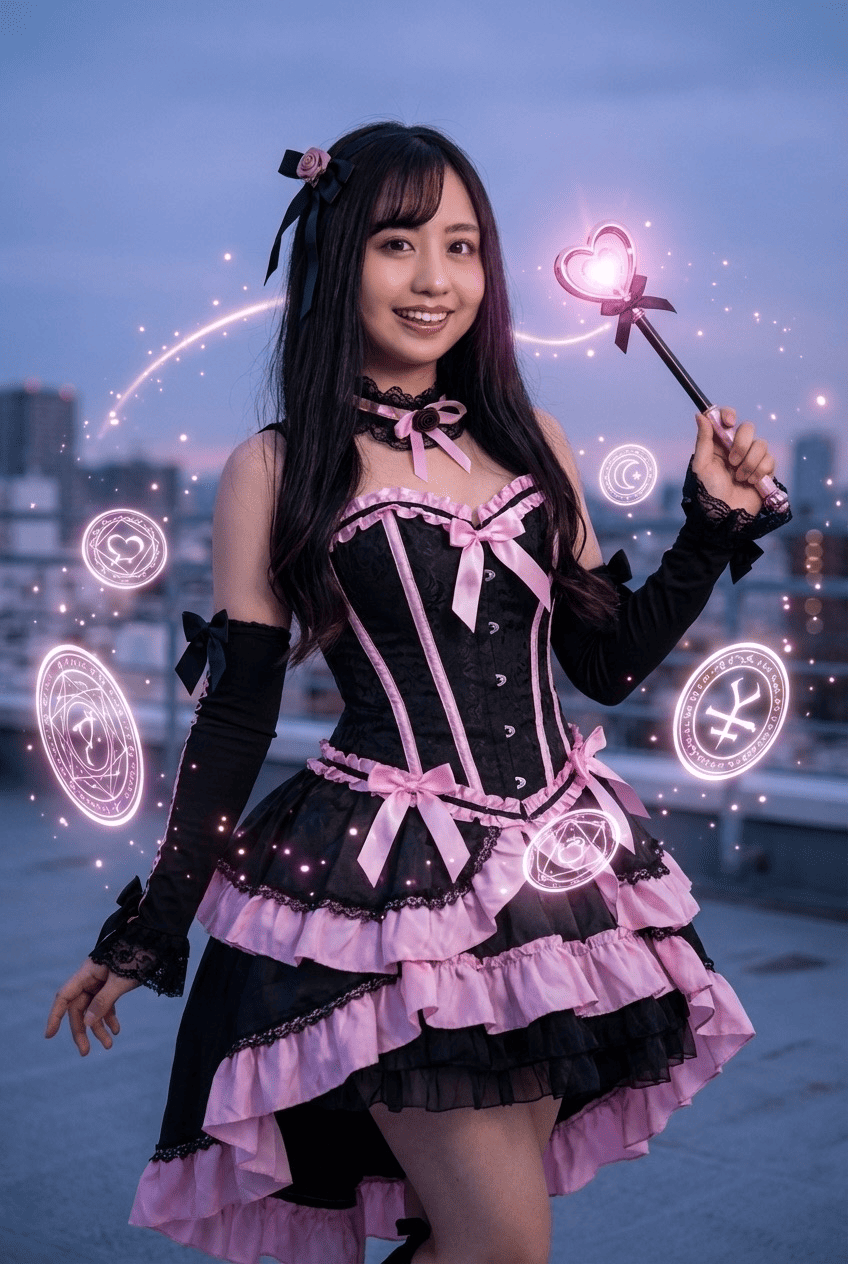
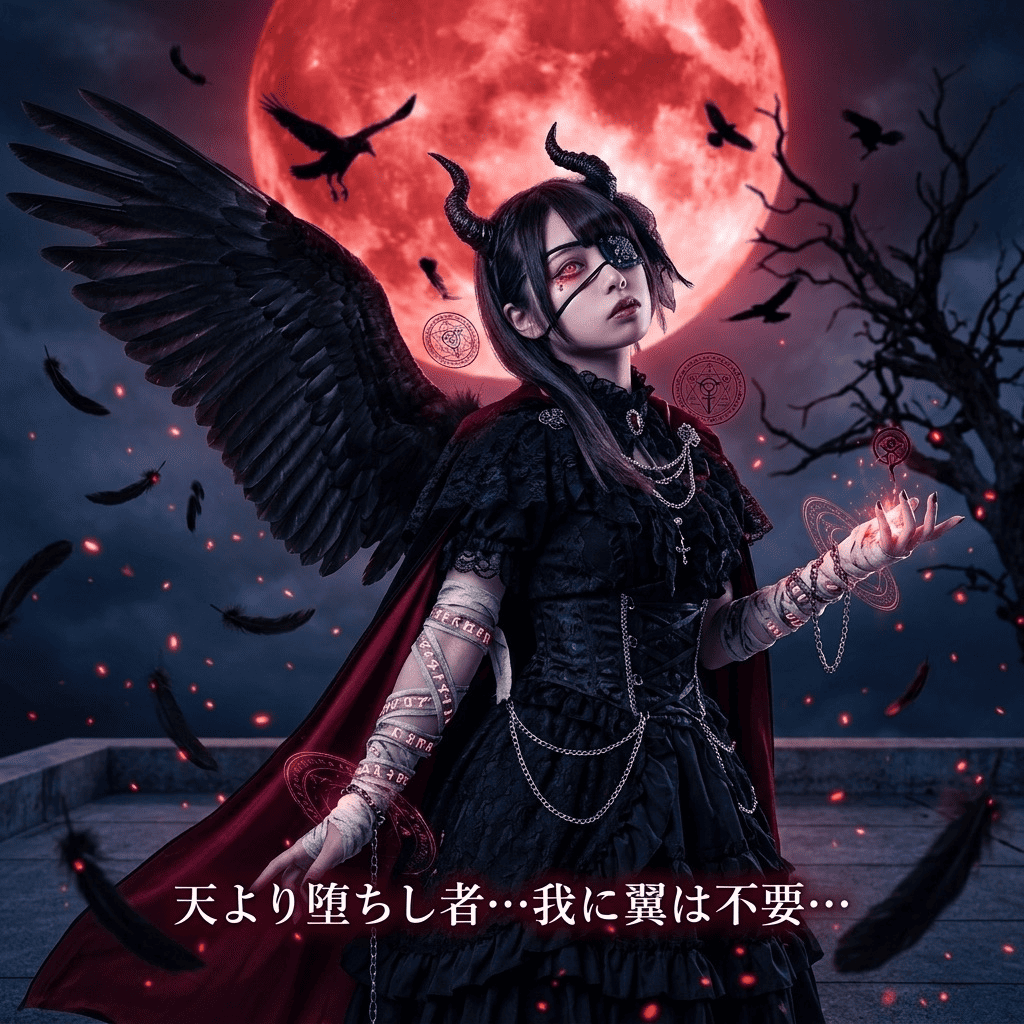

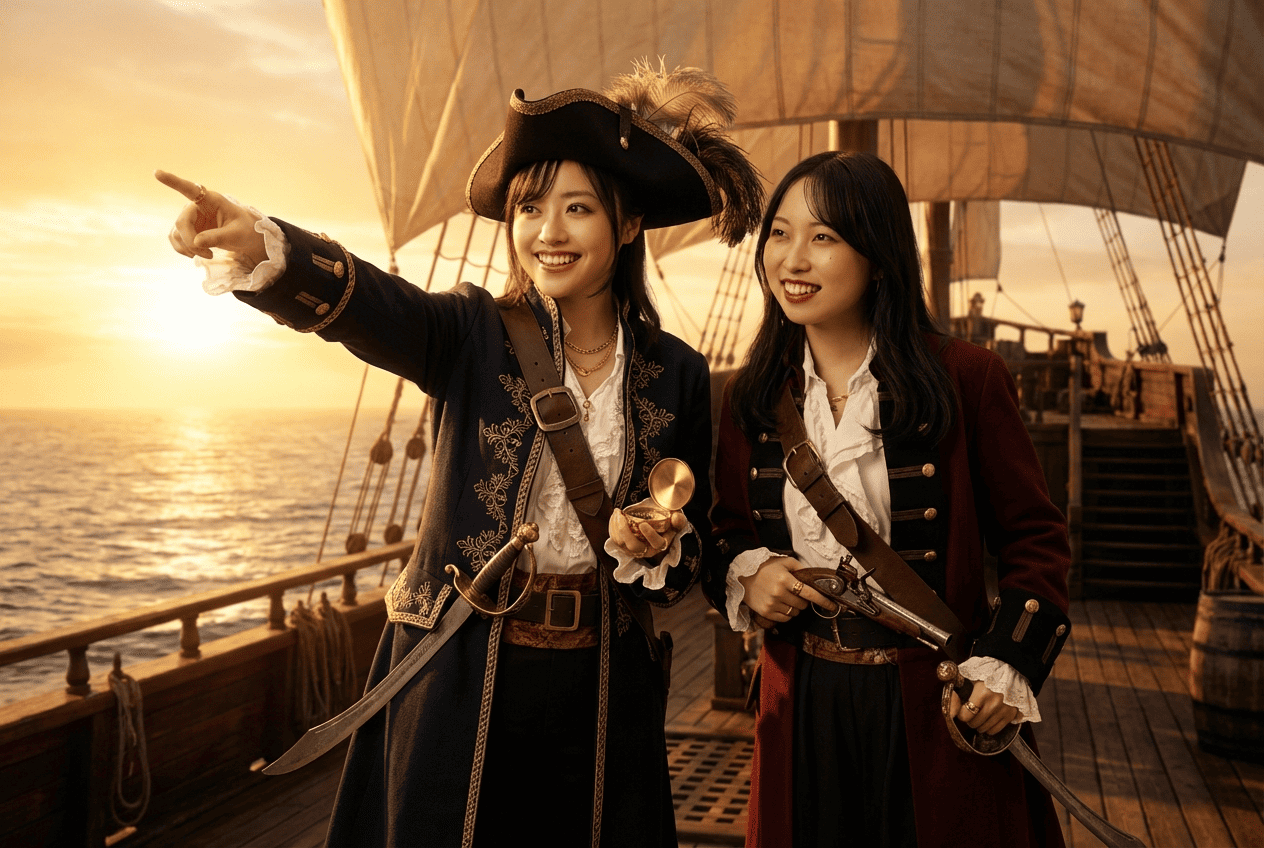
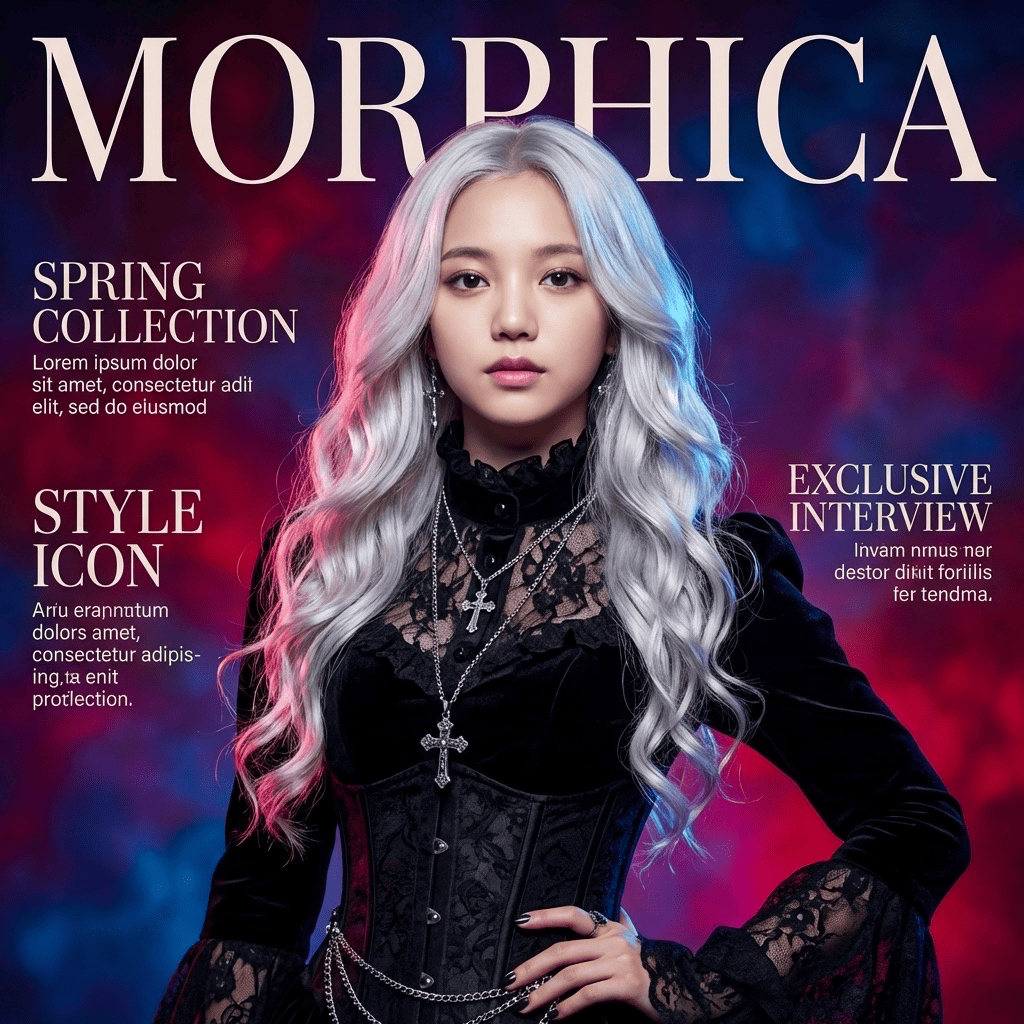

Uniform Collection
3 free to start・No subscription · tickets never expire