
Turn Your Photo Into a Fantasy Elf With AI
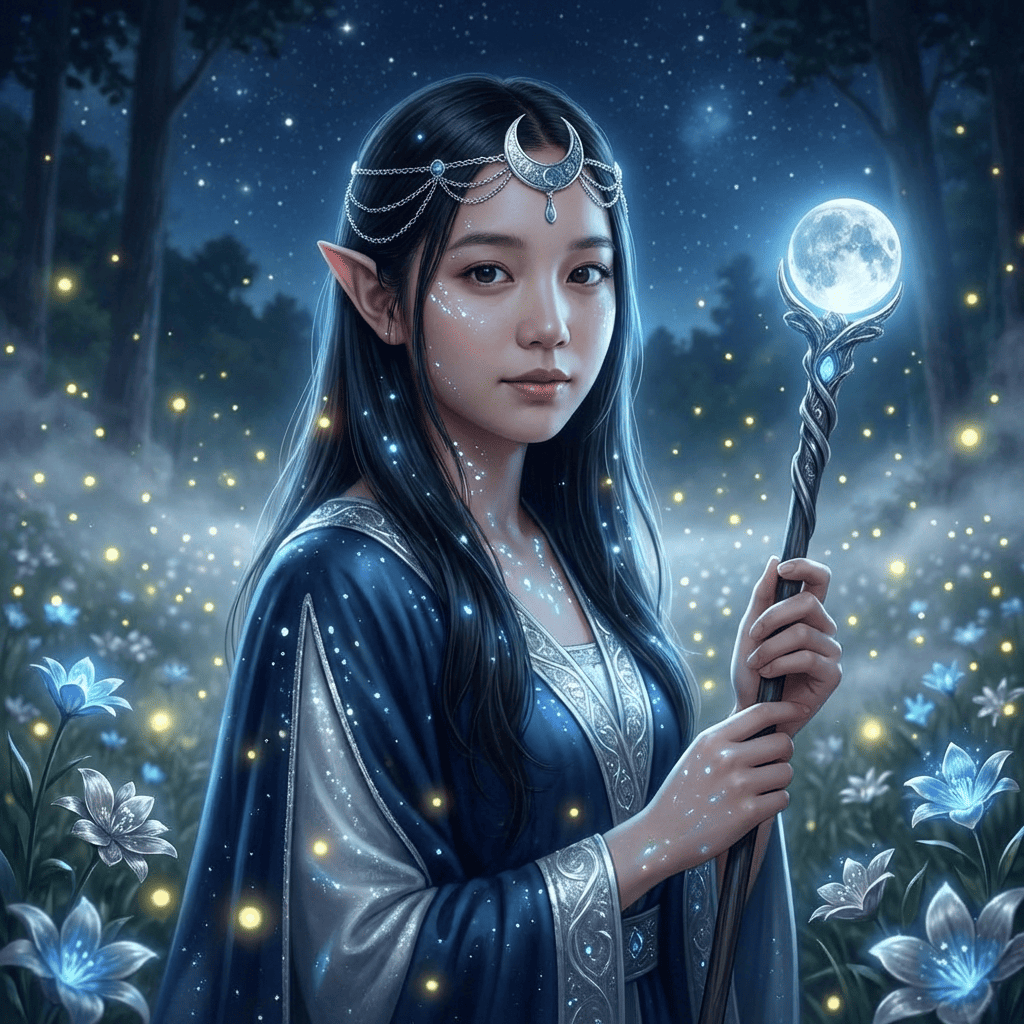
Turn a photo of yourself into a noble fantasy elf. Choose from five types — Forest, High, Moon, Wild, or Dark Elf (or Surprise Me) — each with its own attire and magical setting, while your face and vibe stay yours.
3 free to start No subscription · tickets never expire
Just 3 simple steps
- 01
Pick a photo
Choose one photo you want to transform.
- 02
Pick a style
Select "Portrait" from the style list.
- 03
Transformed.
Ready in seconds. Save and share straight to social.
Ways to enjoy it
- Give your social avatar a mystical, otherworldly edge
- Create fantasy-themed art for TRPG, cosplay, or worldbuilding friends
- Make a special illustrated portrait as a birthday or anniversary gift
Tips for the best result
- Pick from 5 elf types, or roll Surprise Me
- Bright front or three-quarter photos make the pointed ears and eyes shine
- Showing your hair and shoulder line helps the robes and scenery blend naturally
Frequently asked
Does it keep my face?
Yes. It preserves your real features and expression while adding elf touches: long pointed ears, soft forest light, and elegant fantasy clothing. You stay recognizable, reimagined as an elf in a single illustrated portrait.
Is it free to try?
Your first 3 images are free. Morphica is ticket-based with no subscription, and tickets never expire, so you can come back and create whenever you like.
How do I turn my photo into a fantasy elf with AI?
It takes three steps: pick a photo, choose the Elf style, then tap convert. Any photo on your phone is enough to create your fantasy elf portrait.


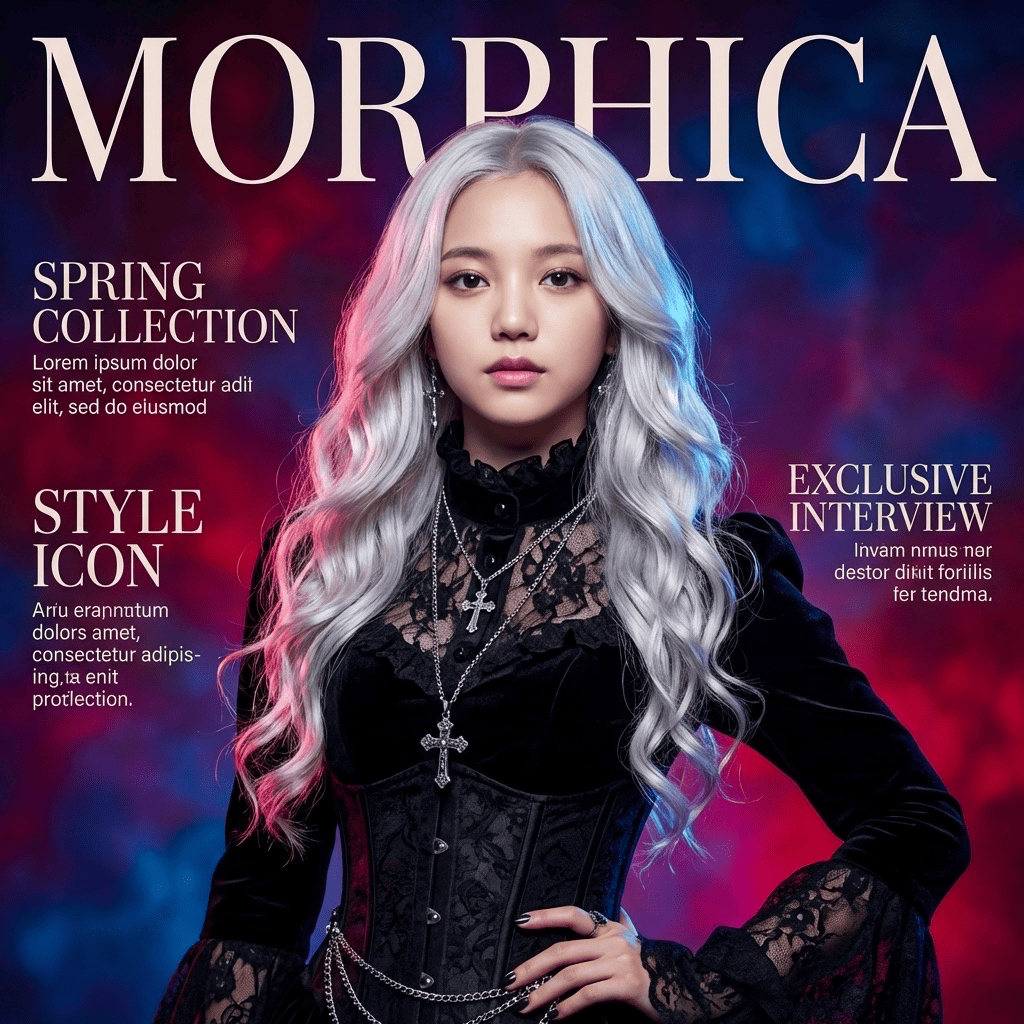


Elf
3 free to start・No subscription · tickets never expire