
Turn Your Photo Into a Fashion-Magazine Studio Portrait With AI
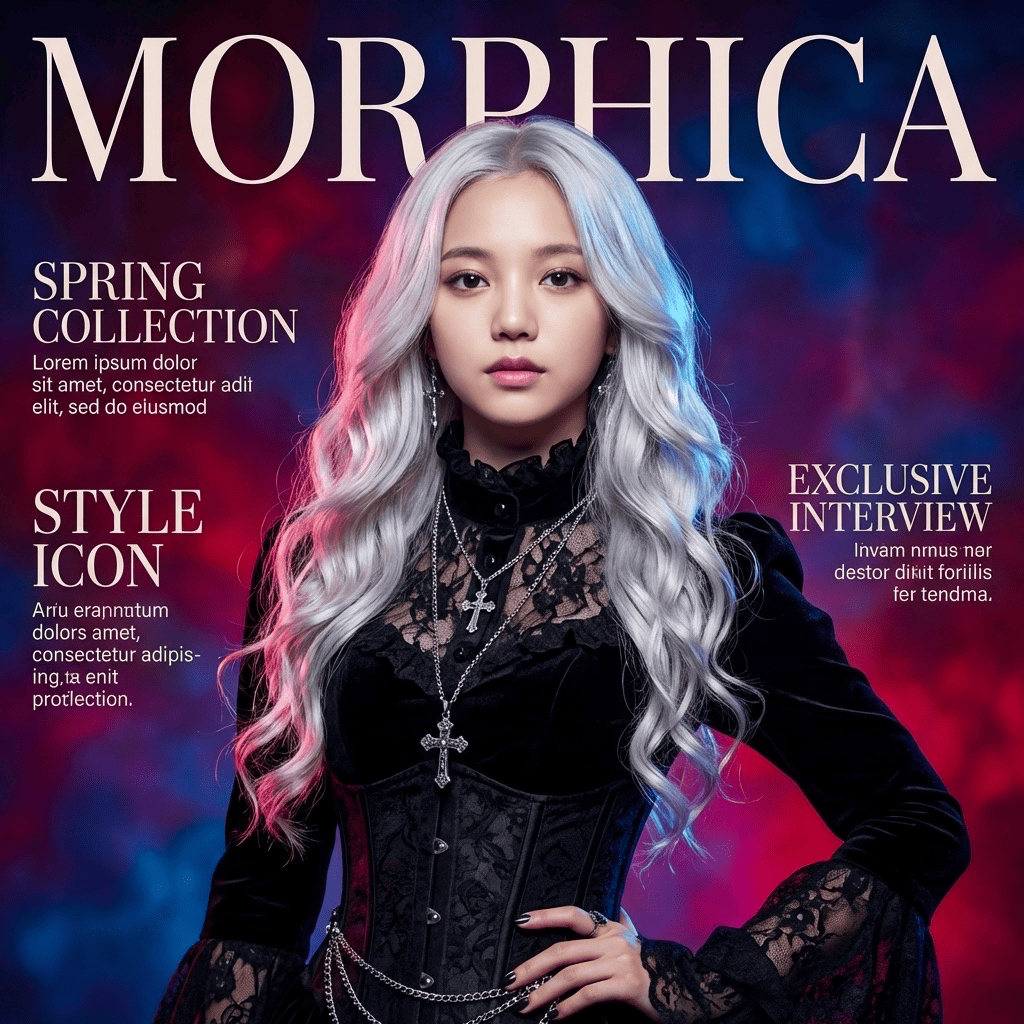
Take an everyday phone snap and let AI turn it into a fashion-magazine studio portrait. Editorial styling, soft studio lighting, and a chic, cover-worthy frame elevate your shot while keeping your real face and features. Tasteful, never over-the-top, like a portrait an editor would actually run.
3 free to start No subscription · tickets never expire
Just 3 simple steps
- 01
Pick a photo
Choose one photo you want to transform.
- 02
Pick a style
Select "Portrait" from the style list.
- 03
Transformed.
Ready in seconds. Save and share straight to social.
Ways to enjoy it
- Upgrade a profile pic or avatar to look like a glossy magazine cover
- Get a polished, put-together headshot for a portfolio or about page
- Gift someone an editorial-style portrait for a birthday or milestone
Tips for the best result
- Pick a bright photo where your face is clear for the cleanest result
- A head-and-shoulders or upper-body framing shows off the styling and lighting best
- Photos with a simple background let the studio mood come through nicely
Frequently asked
Does it keep my face?
Yes. Your face and features stay recognizably you. The AI only reworks the styling, lighting, and framing into an editorial look, so you still look like yourself, just elevated.
Can I make a fashion-magazine studio portrait with AI for free?
Your first 3 images are free. Morphica is ticket-based with no subscription, and tickets never expire.
How does it work?
Three steps: pick a photo, choose the Fashion style, and tap convert. You get a studio-portrait, cover-worthy version of your shot. Available on iOS.

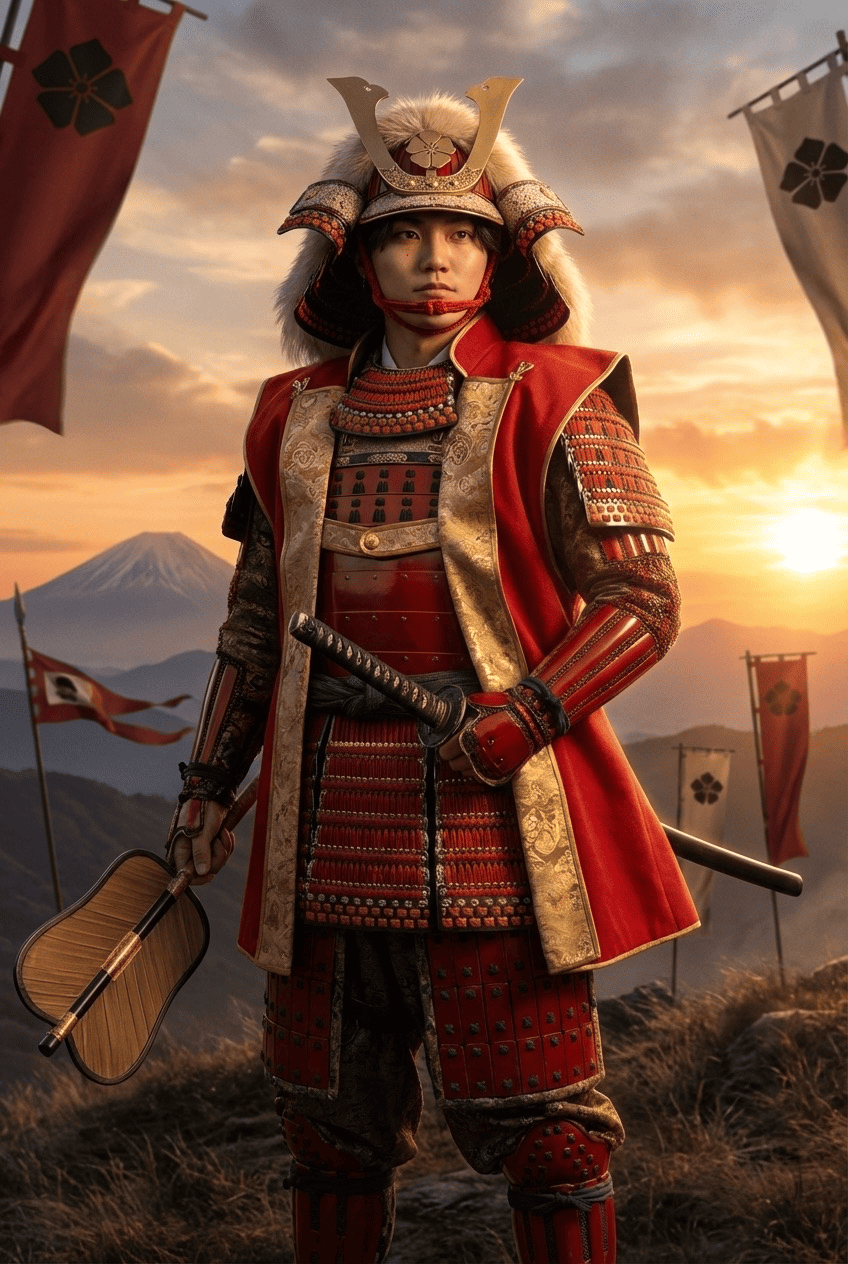
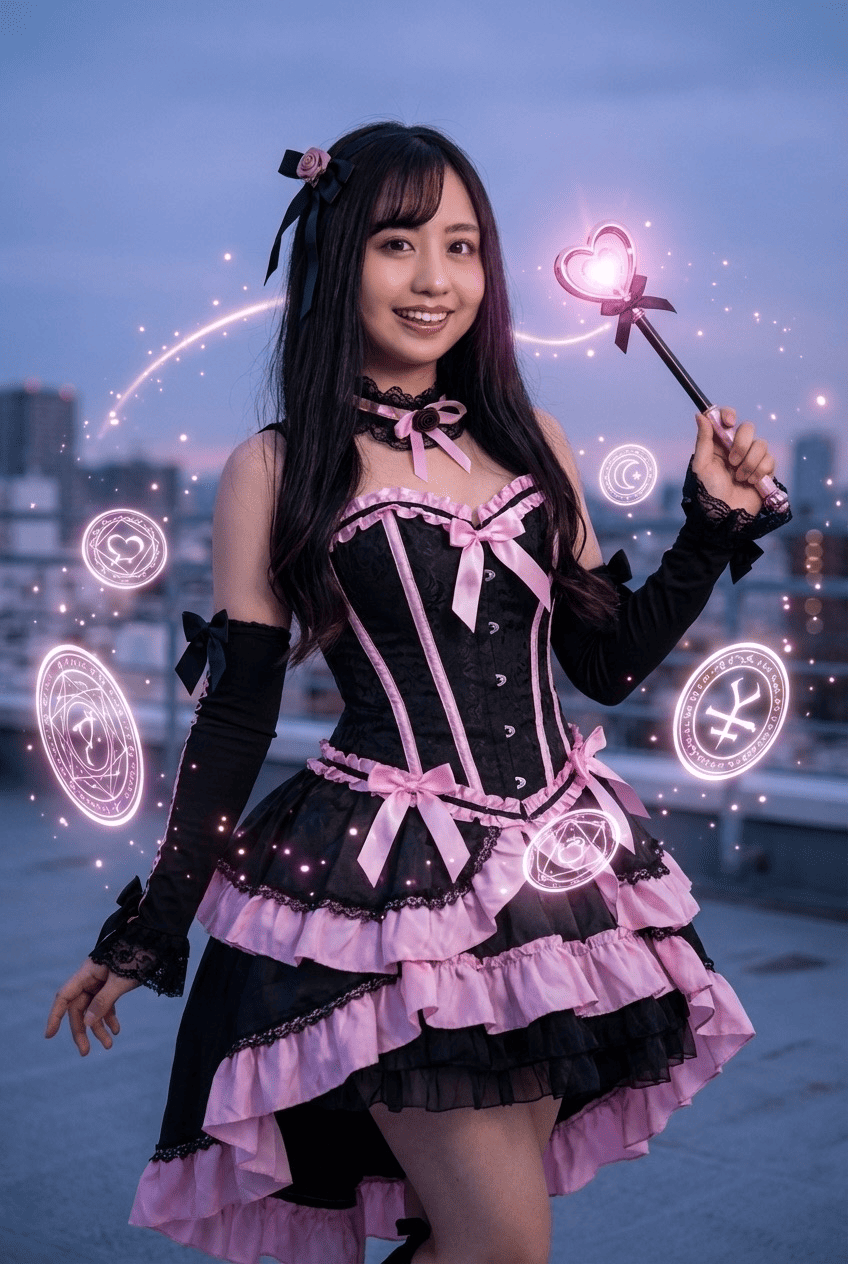
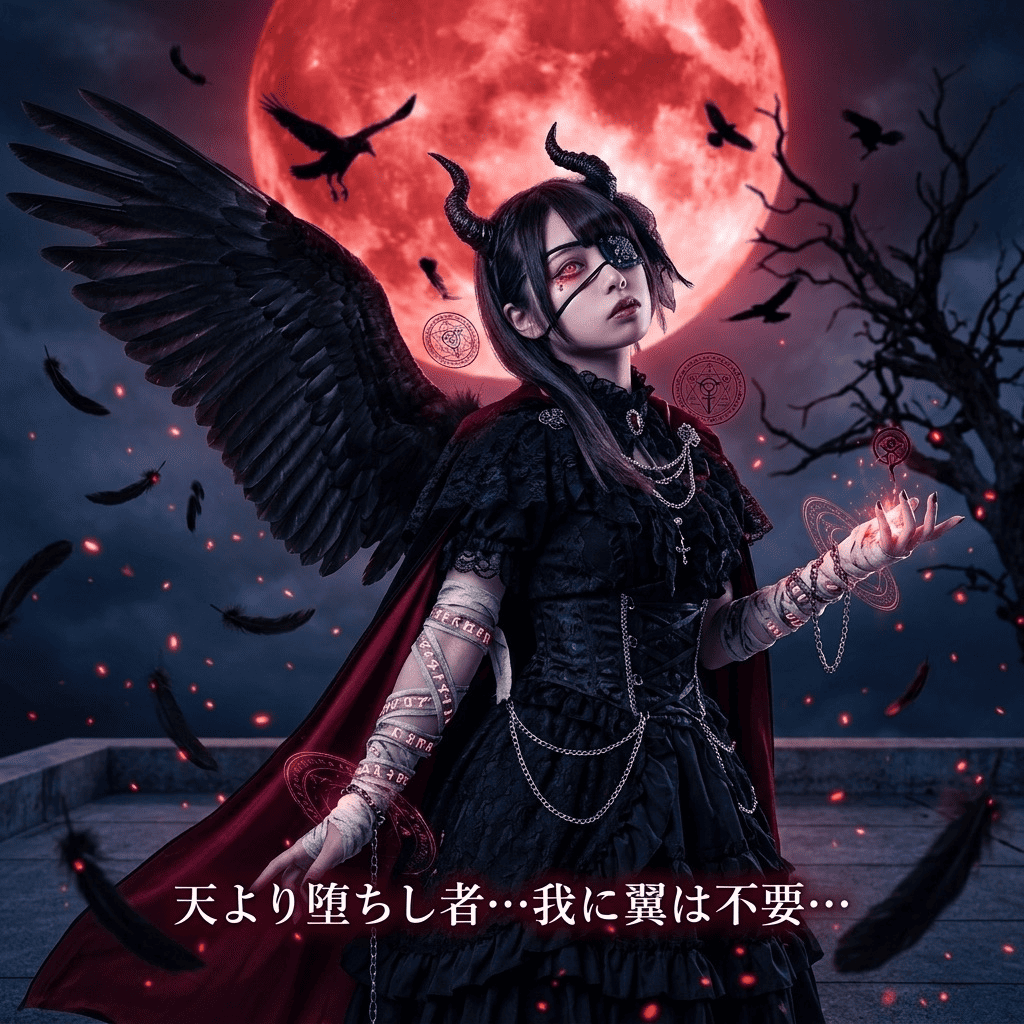


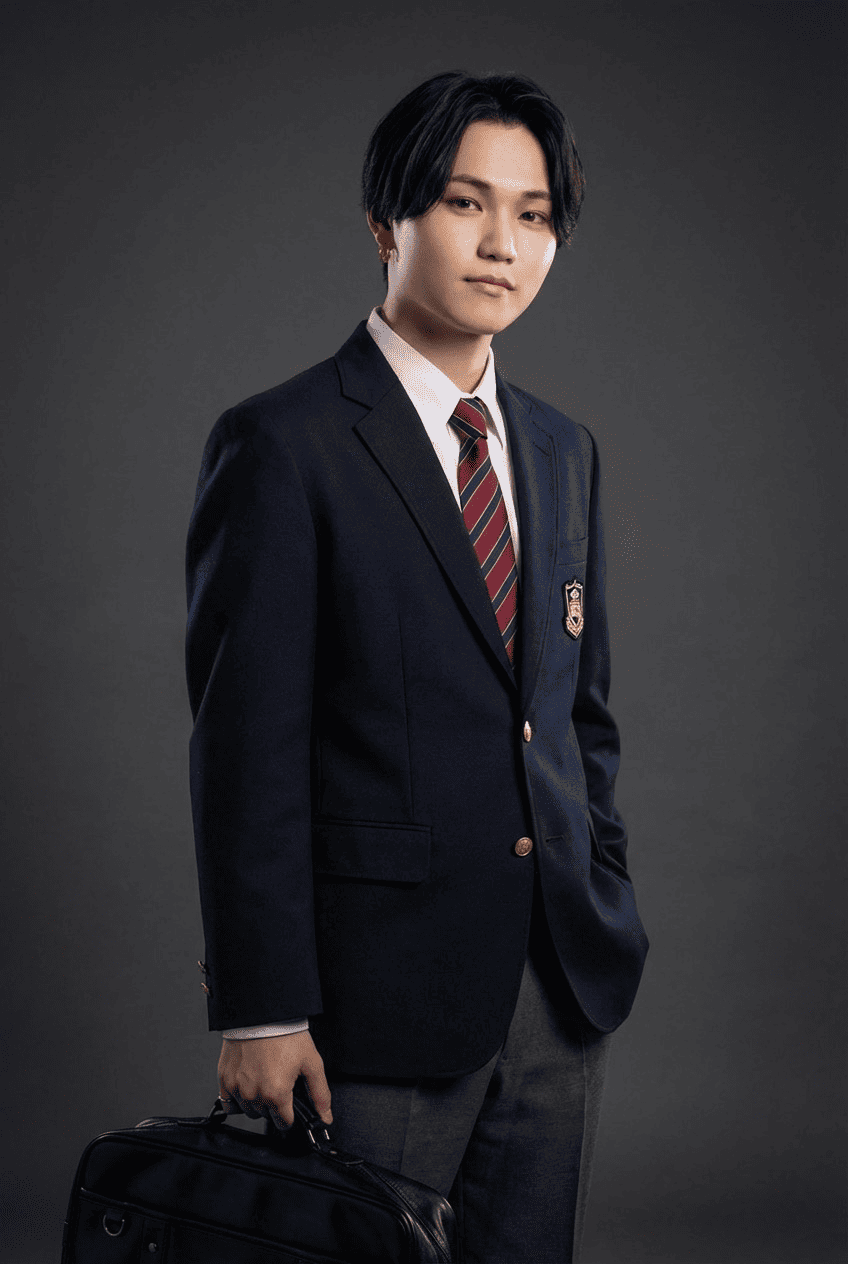

Fashion
3 free to start・No subscription · tickets never expire