
Turn your photo into an edgy chuunibyou alter-ego with AI
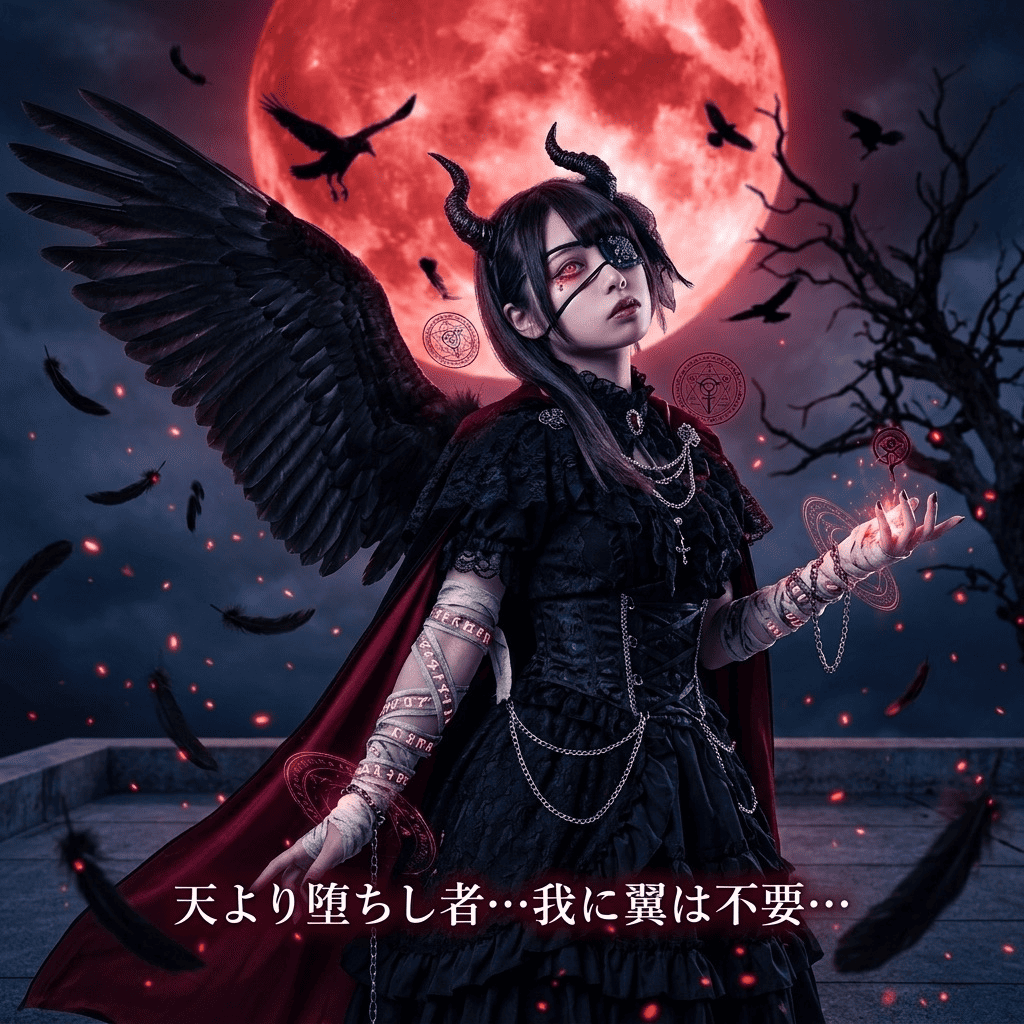
"My sealed arm is acting up again..." Lean all the way into the bit. Keeping your real likeness from your photo, this style uses AI to add a dark flame aura, an eyepatch or bandaged arm, a smug edgy pose, and mysterious occult symbols, summoning the chuunibyou alter-ego you always pretended to be. It's playful, self-aware fun.
3 free to start No subscription · tickets never expire
Just 3 simple steps
- 01
Pick a photo
Choose one photo you want to transform.
- 02
Pick a style
Select "Portrait" from the style list.
- 03
Transformed.
Ready in seconds. Save and share straight to social.
Ways to enjoy it
- Give your social avatar an "awakened" chuunibyou alter-ego
- Post your "this is my true power" form for laughs with friends
- Match your profile pic or a group's icons in full edgelord mode
Tips for the best result
- A bust-up or upper-body photo shows off the aura, eyepatch, and symbols best
- A slightly low angle or off-center framing makes the smug pose land harder
- A darker or plain background makes the black flame aura really stand out
Frequently asked
Does the chuunibyou style keep my face?
Yes. It keeps your real likeness and layers on a dark flame aura, an eyepatch, a bandaged arm, a smug expression, and occult-style symbols. You don't become someone else, it's your own awakened alter-ego.
Is it free? Is there a subscription?
Your first 3 images are free to try. There's no subscription, you just buy tickets as you need them, and the tickets you buy never expire.
How do I make a chuunibyou photo?
Three steps in the iOS app: pick a photo, pick the Chuunibyou style, and convert. The AI turns your photo into a single still illustration, no complex setup needed.


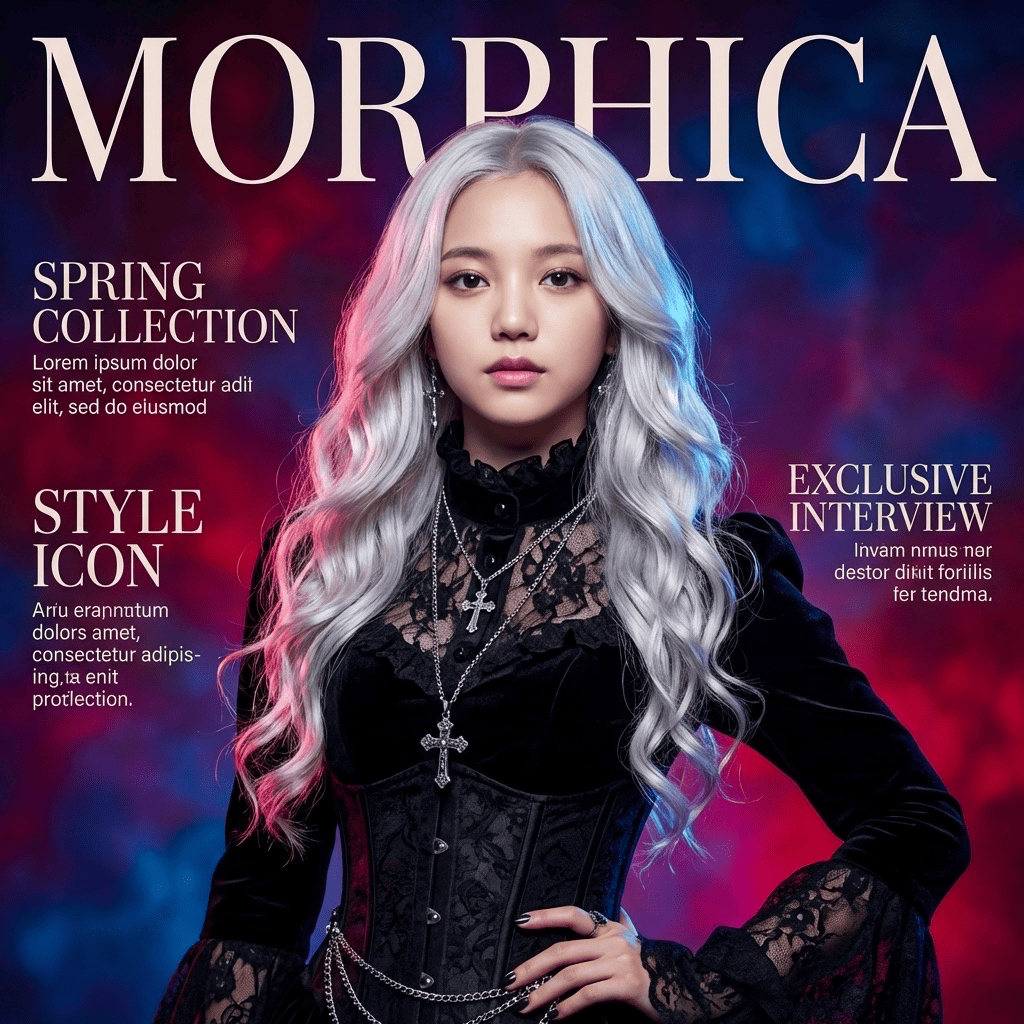
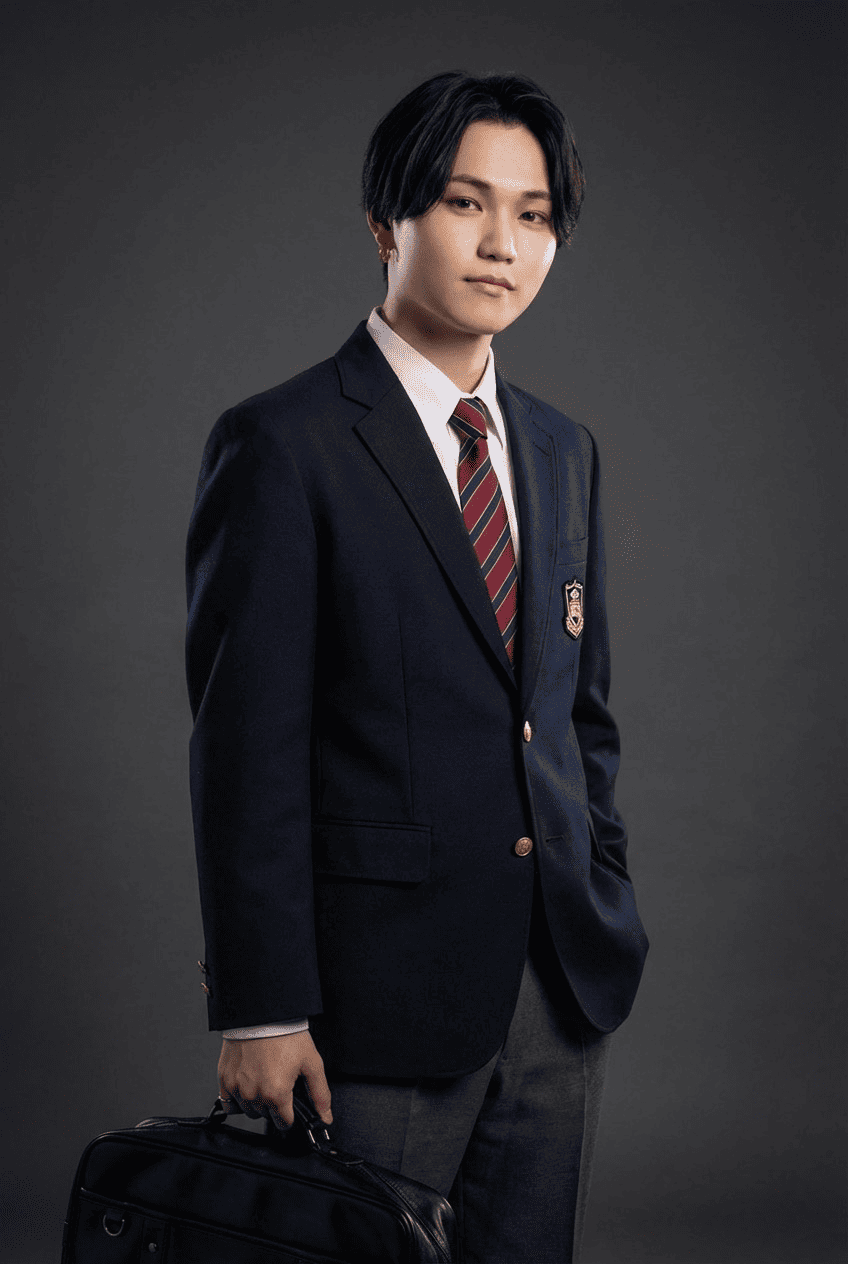

Chuunibyou
3 free to start・No subscription · tickets never expire