
Retro Pixel Art|Turn Your Photo into 16-Bit Pixel Art with AI
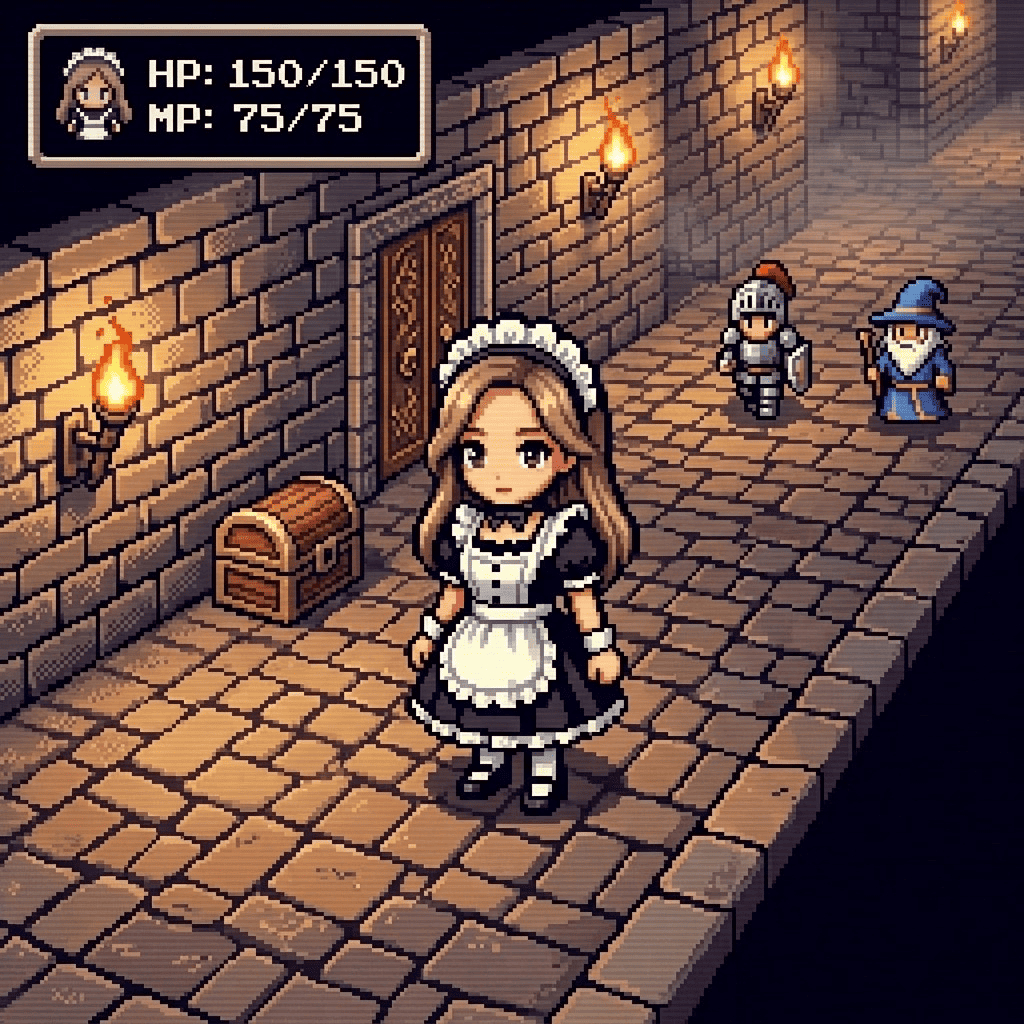
Drop in a favorite photo and watch it become a 16-bit, retro-game pixel sprite. Chunky pixels and a tight color palette give it that classic old-school game-screen look, while your real features stay recognizable, so the hero of the screen actually looks like you.
3 free to start No subscription · tickets never expire
Just 3 simple steps
- 01
Pick a photo
Choose one photo you want to transform.
- 02
Pick a style
Select "World" from the style list.
- 03
Transformed.
Ready in seconds. Save and share straight to social.
Ways to enjoy it
- Make a pixel-sprite version of yourself for a profile or chat avatar
- Turn a friend's or pet's photo into a game character to share
- Save a special photo as a nostalgic retro-game sprite to collect
Tips for the best result
- A clear front-facing or bust-up photo helps the eyes and hair read well once they're pixelated
- A simple background keeps the sprite's silhouette crisp instead of getting lost in detail
- Bright, low-shadow photos hold up better with the limited palette so facial features don't muddy together
Frequently asked
Will it still look like me?
Yes. It keeps recognizable features like your hairstyle and face shape, so the pixel character still reads as you. Details get blocky by nature of pixel art, but the overall likeness comes through clearly.
How do I turn my photo into retro 16-bit pixel art with AI?
Just three steps: pick a photo, choose the Retro Pixel Art style, and tap convert. No settings to fiddle with, you get a finished pixel sprite straight from a photo on your phone.
Is it free? Is there a subscription?
Your first 3 images are free to try. After that you simply buy ticket packs, with no monthly subscription, and tickets never expire so you can use them whenever you like (available on iOS).



Retro Pixel Art
3 free to start・No subscription · tickets never expire