
Turn Your Photo into a Manga / Comic Illustration with AI
Turn an everyday photo into a freshly-inked black-and-white manga panel. Pick a genre (shonen battle, shoujo, gag and more), staging like focus lines, and an era — modern, 90s, or Showa retro — for 54 combinations, all while keeping your look.
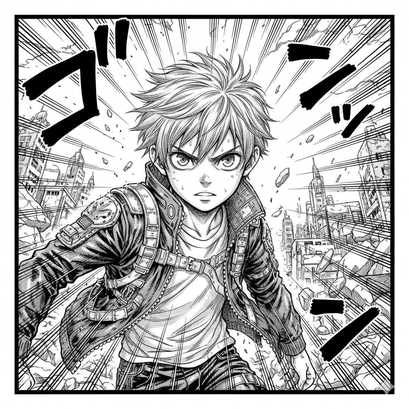
3 free to start No subscription · tickets never expire
Just 3 simple steps
- 01
Pick a photo
Choose one photo you want to transform.
- 02
Pick a style
Select "World" from the style list.
- 03
Transformed.
Ready in seconds. Save and share straight to social.
Ways to enjoy it
- Make a manga-hero profile picture of yourself or your pet for social media
- Turn a group photo into a comic panel for greeting cards or chat stickers
- Sketch out reference and panel ideas for your own drawing practice
Tips for the best result
- Genre × staging × era makes 54 looks. Try Surprise Me if unsure
- Bright photos with a clear subject take ink lines and screentones best
- Unexpected pairs like Showa retro × quiet panel feel wonderfully fresh
Frequently asked
Does it keep my face?
Yes. Your features and expression stay recognizable; it simply redraws them in black-and-white manga style, so you won't turn into someone else.
Is it free to turn a photo into a comic?
Your first 3 conversions are free. Morphica uses tickets with no subscription, and tickets never expire.
How does it work?
Pick a photo, choose the Comic style, and tap convert. In a few seconds you'll have a monochrome, single-panel comic illustration.
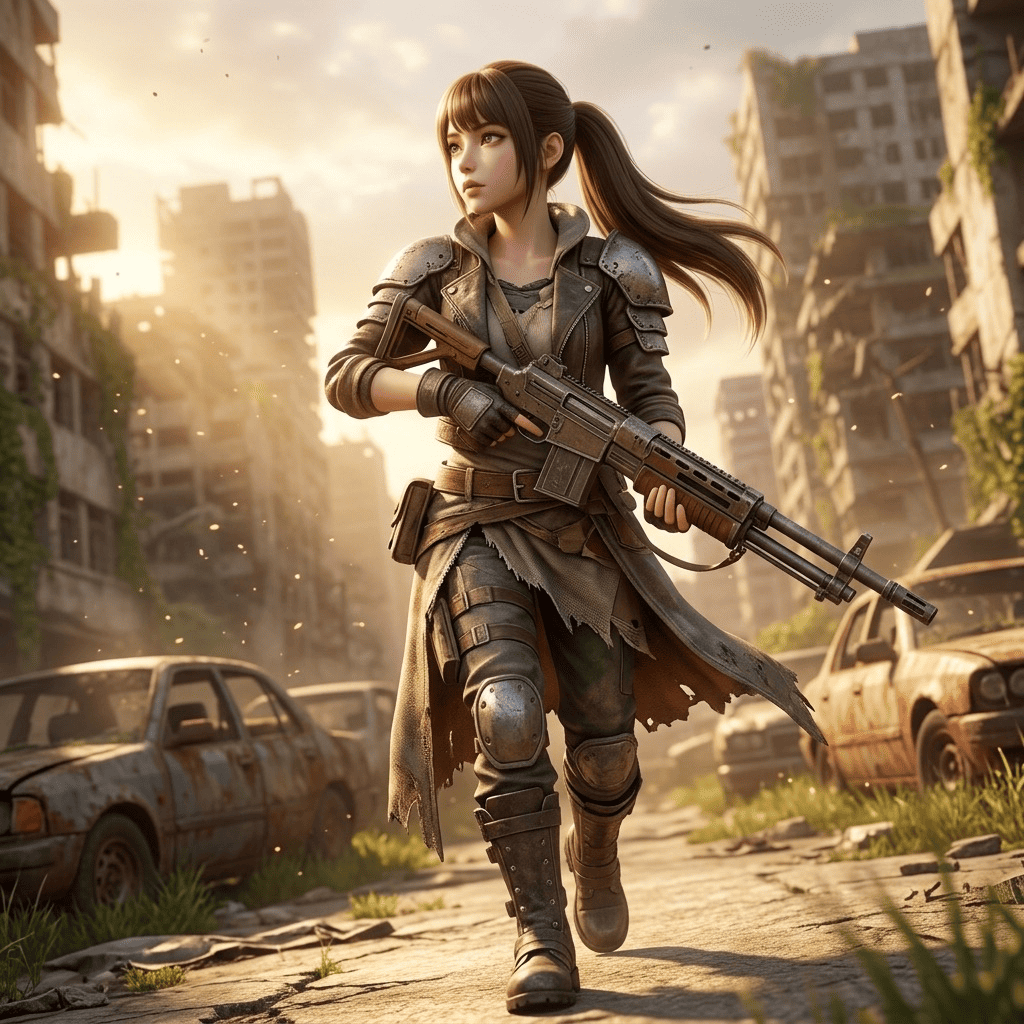
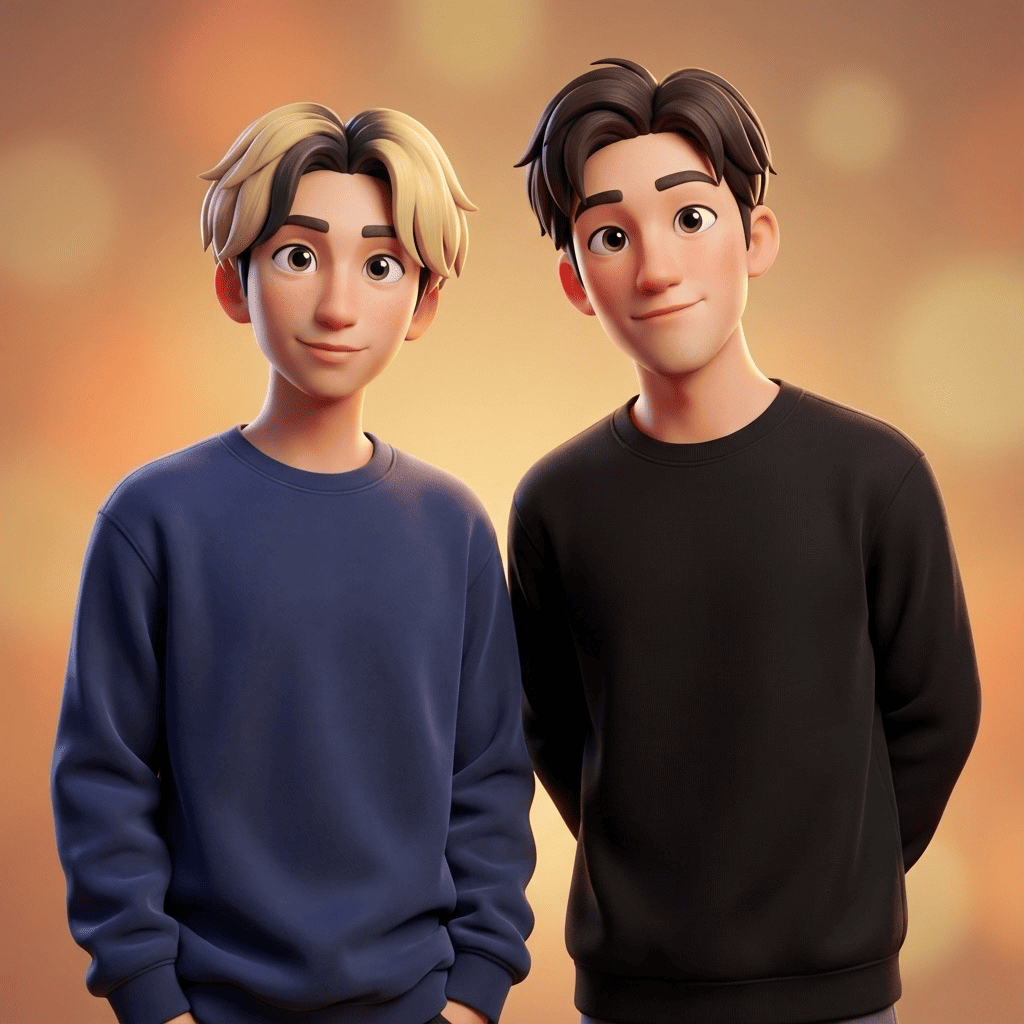
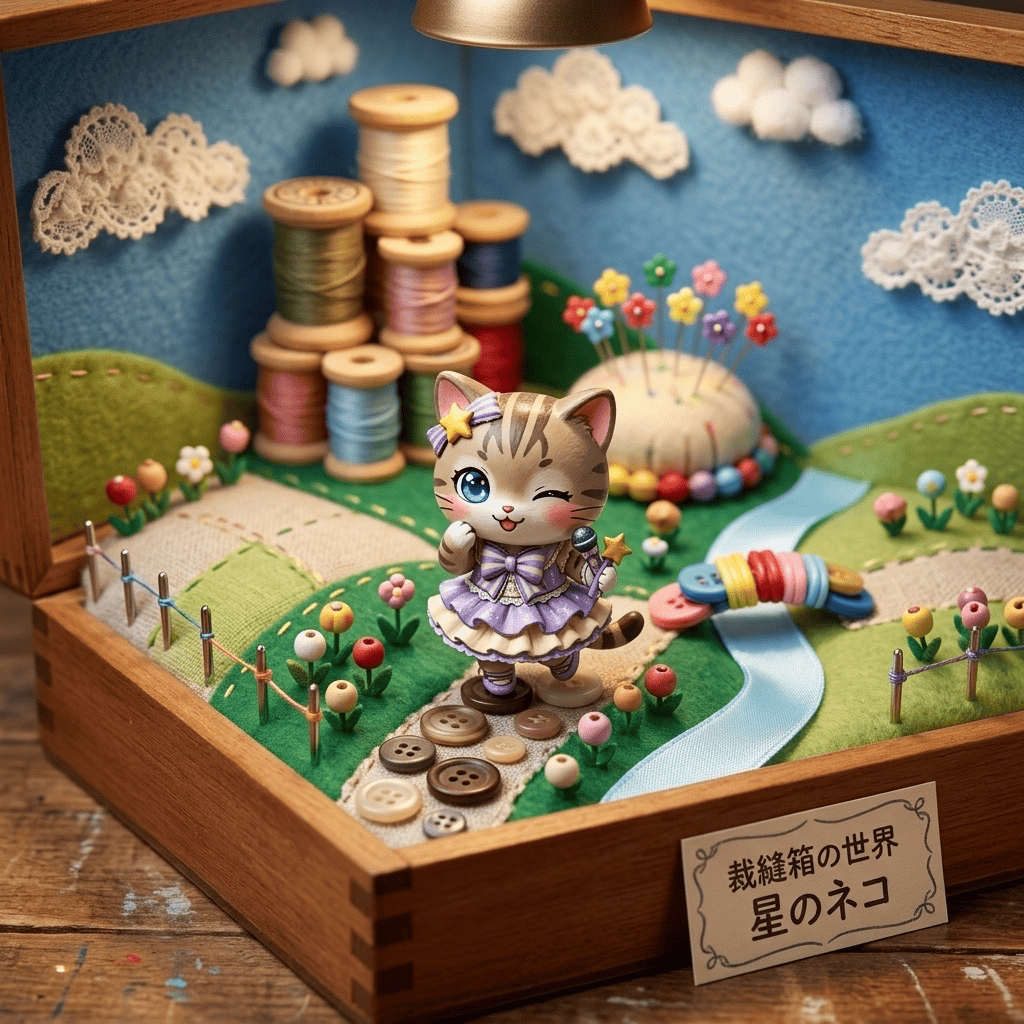


Comic
3 free to start・No subscription · tickets never expire