
Turn Your Photo into a AAA Game-CG Character with AI
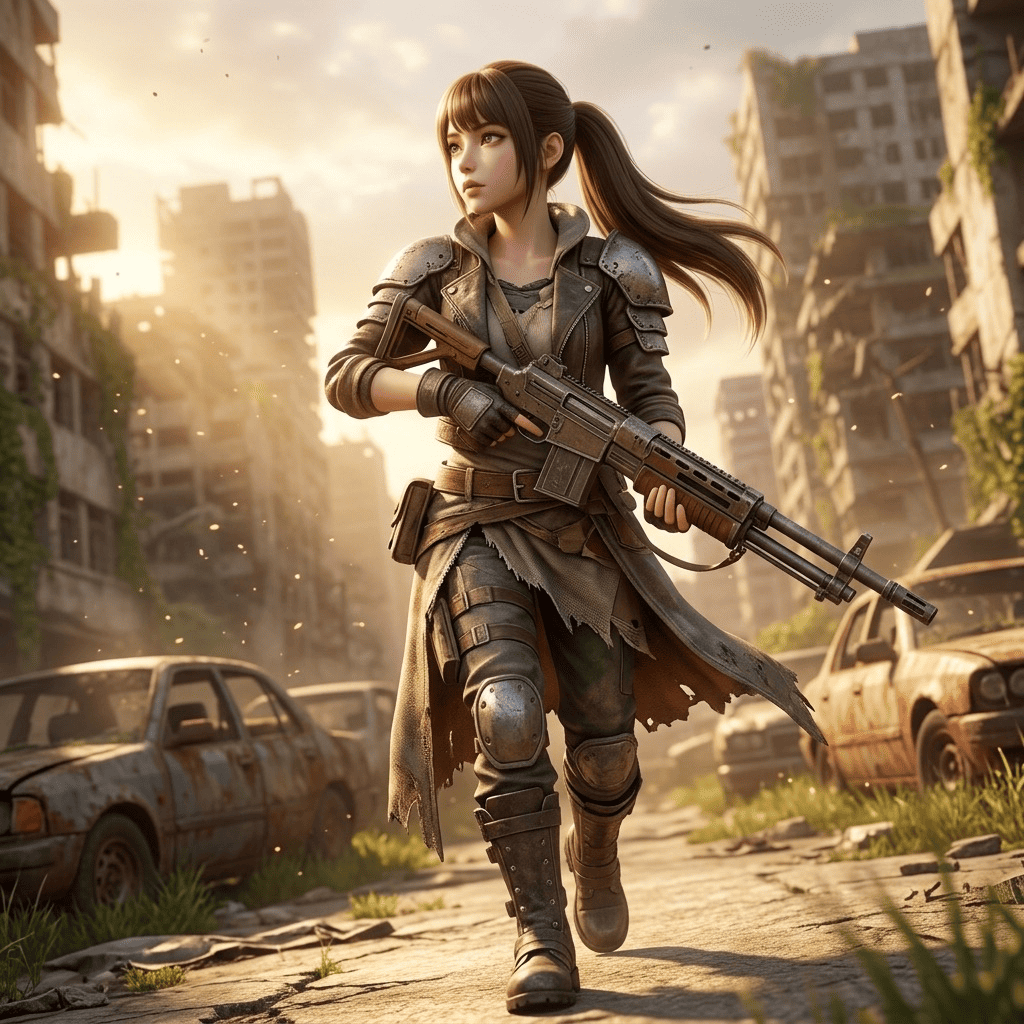
Ever wondered what you'd look like as the hero of a blockbuster game? Morphica's Next-Gen Game style lets you turn your photo into a AAA game-CG character with AI — a high-detail 3D render that keeps your real likeness. Choose fantasy RPG plate armor, neon-lit SF action, or a weathered post-apocalypse survivor, and get a cinematic, high-detail still image with you in the lead role.
3 free to start No subscription · tickets never expire
Just 3 simple steps
- 01
Pick a photo
Choose one photo you want to transform.
- 02
Pick a style
Select "World" from the style list.
- 03
Transformed.
Ready in seconds. Save and share straight to social.
Ways to enjoy it
- Swap your social avatar for a key visual where you're the RPG protagonist
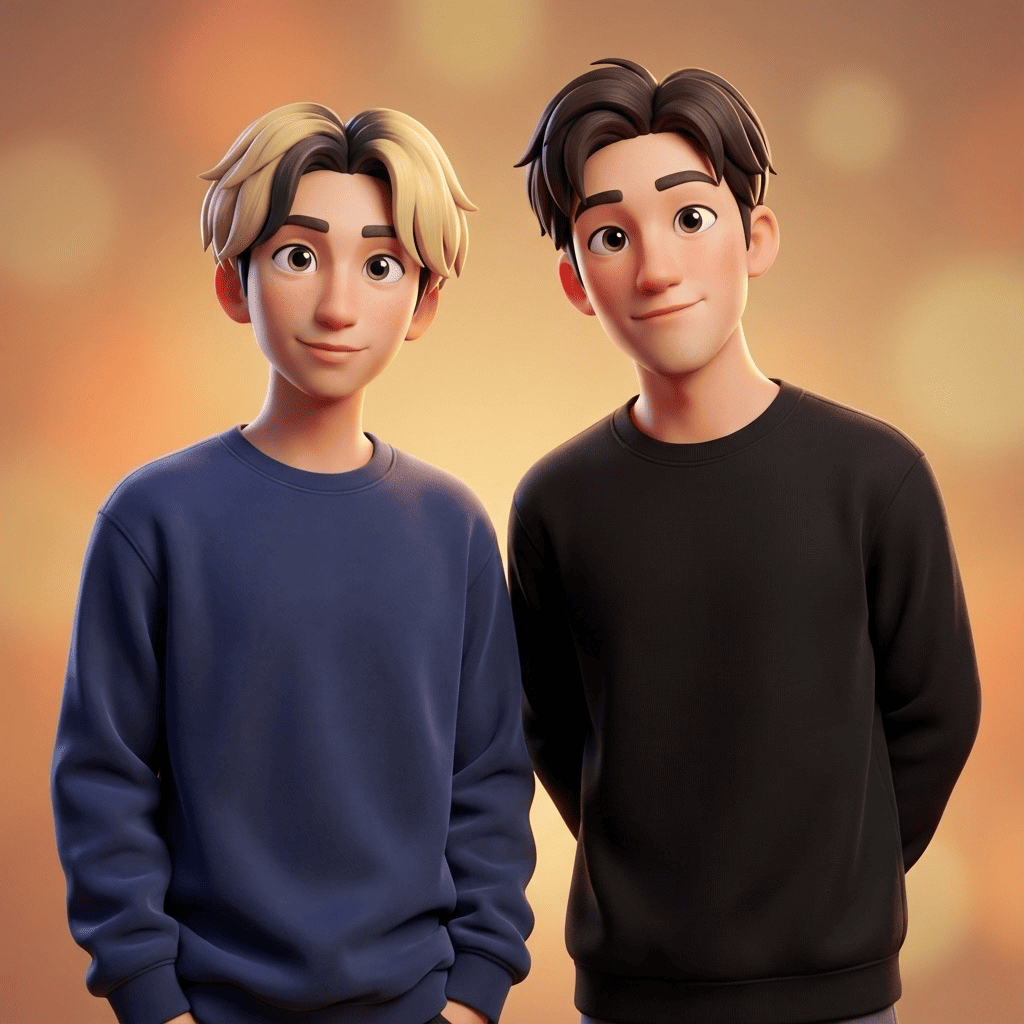
- Render friends or your partner together as a battle-ready party shot
- Reimagine your dog or cat as a companion monster or guardian beast
Tips for the best result
- A clear, well-lit front or 45-degree photo gives the render the most detail to work with
- RPG, SF action and post-apocalypse feel completely different — try all three
- Use a full-body shot to get armor, gear and weapons rendered in too
Frequently asked
If I turn my photo into a AAA game-CG character with AI, does it keep my face?
Yes. It keeps your real features and hairstyle while rendering you as a 3D game-CG character — it looks like you showing up in a game, not a different person.
How does it work and what does it cost?
Just three steps: pick a photo, pick a style, transform. It's an iOS app and your first 3 images are free. There's no subscription, and any extra tickets you buy never expire.
Can I use a photo of my pet?
Absolutely. Dogs and cats keep their own features and become a companion-monster or guardian-beast style CG character. The result is a single still image.
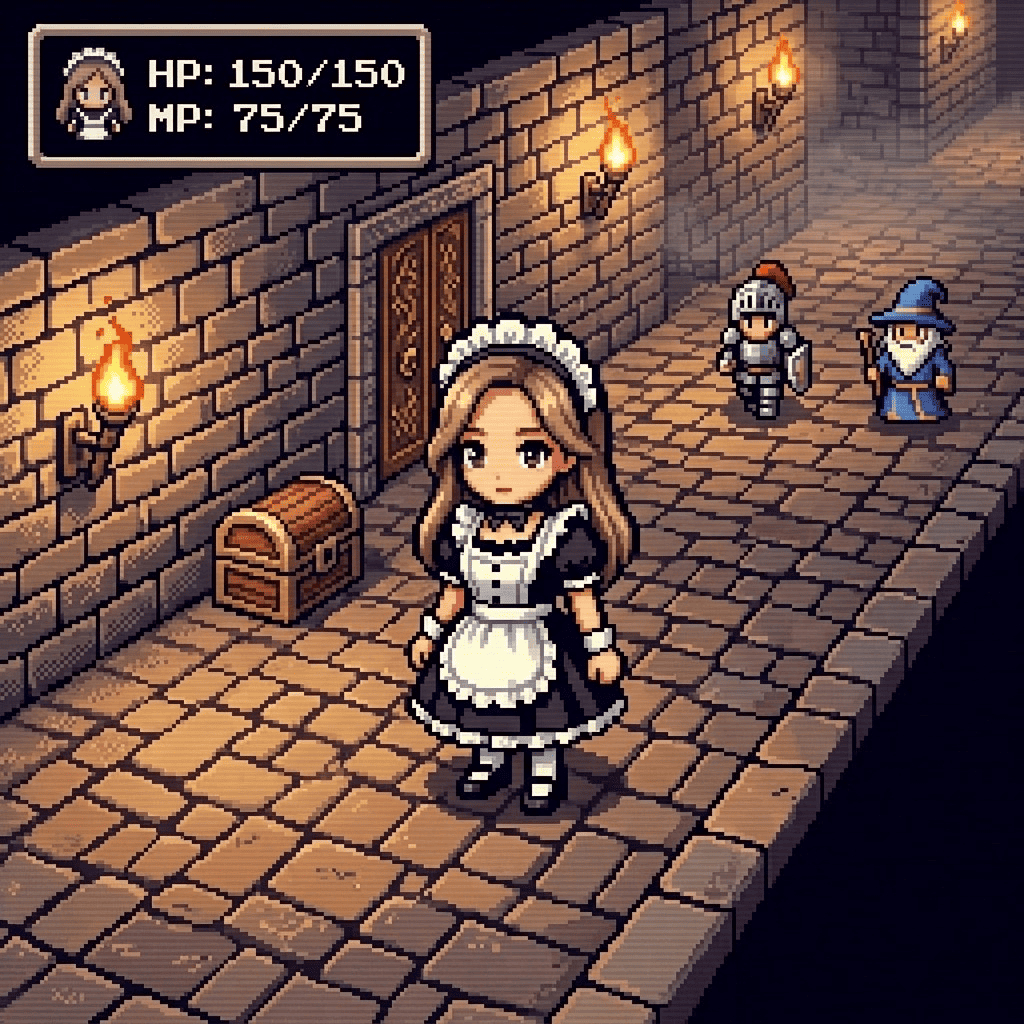


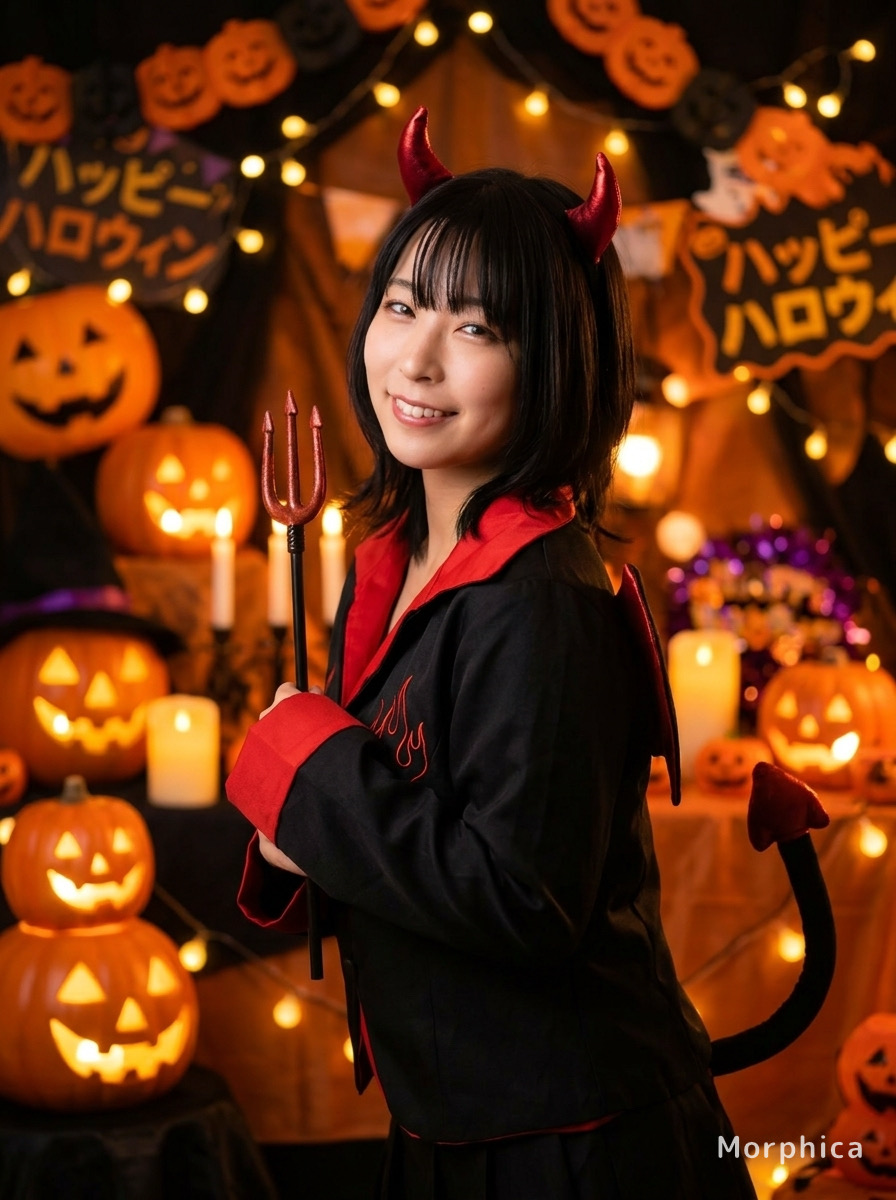
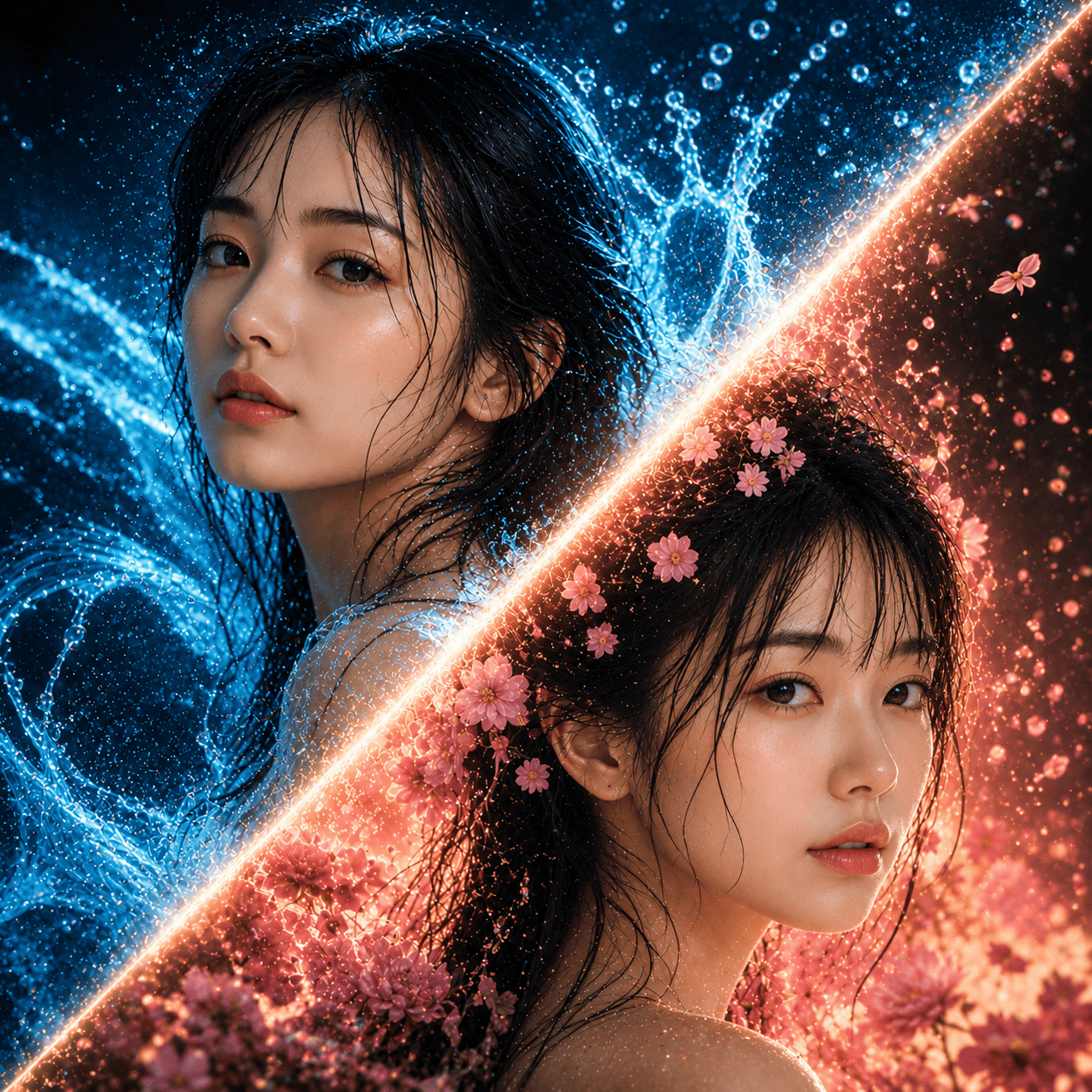
Next-Gen Game
3 free to start・No subscription · tickets never expire