
Turn your photo into a tiny handcrafted diorama with AI
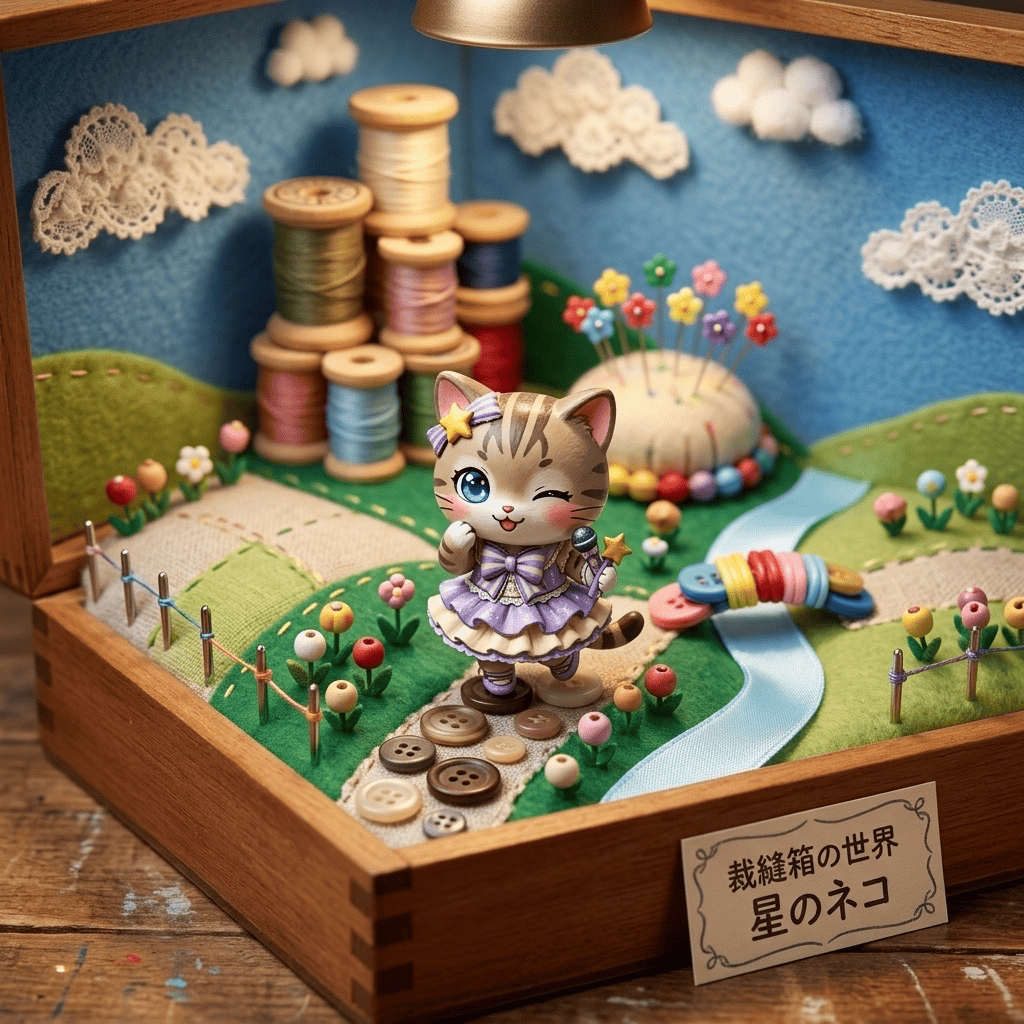
Ever wish your everyday photo looked like a tiny world under glass? With Morphica, just pick a picture and AI helps you turn your photo into a miniature tilt-shift diorama — people, cars and buildings shrink into cute toy-like figures wrapped in that soft, shallow-focus blur. Streets you walk every day suddenly look handcrafted and adorable.
3 free to start No subscription · tickets never expire
Just 3 simple steps
- 01
Pick a photo
Choose one photo you want to transform.
- 02
Pick a style
Select "World" from the style list.
- 03
Transformed.
Ready in seconds. Save and share straight to social.
Ways to enjoy it
- Shrink a city street or travel shot into a charming toy-town diorama
- Turn pet or family snapshots into pint-sized residents of a little world
- Recreate an event or group photo as a tiny model-scale scene
Tips for the best result
- Photos taken from a high angle, looking down, get the strongest miniature effect
- Include cars, people or buildings as scale cues so everything reads as tiny
- Place your main subject near the center so the surrounding blur frames it
Frequently asked
Do faces and people stay the same?
Yes. We keep each person's likeness and pose, then add the small-scale, toy-like texture and shallow blur so they look like figures in a handcrafted diorama.
Is it free?
Your first 3 images are free. There's no subscription, and tickets never expire, so you only top up when you want more.
How do I turn my photo into a miniature tilt-shift diorama with AI?
In the Morphica iOS app, pick a photo, choose 'Miniature Diorama,' and tap convert. In seconds you get your tilt-shift miniature scene.




Miniature Diorama
3 free to start・No subscription · tickets never expire