
Make a Valentine-themed portrait or card with AI
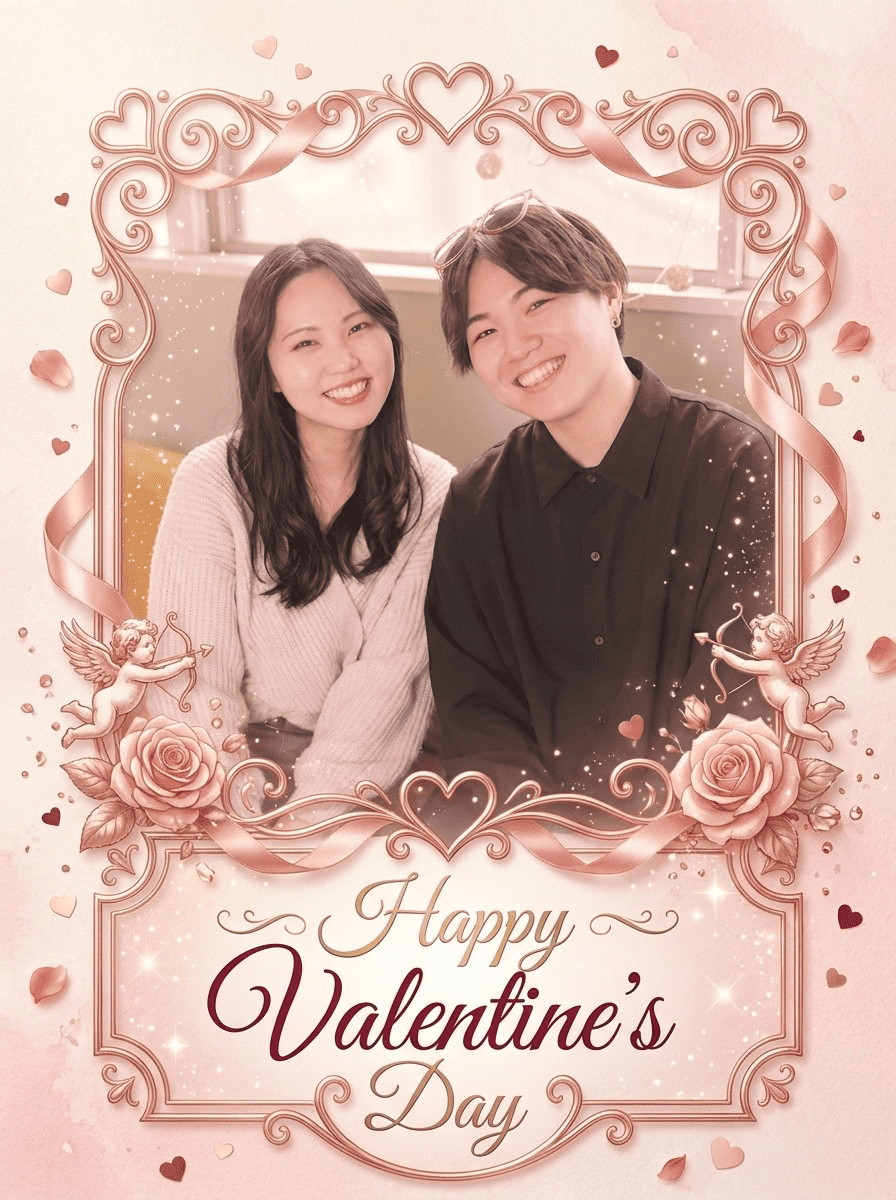
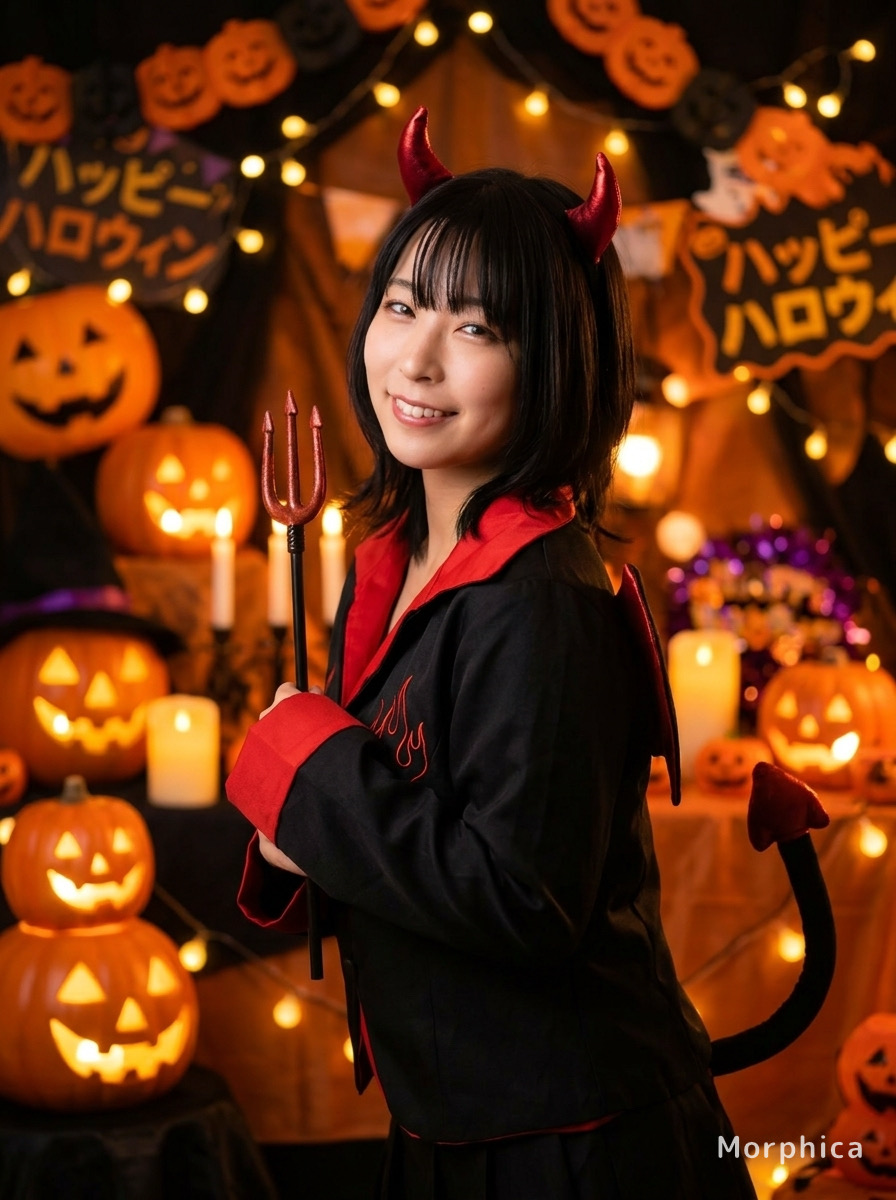
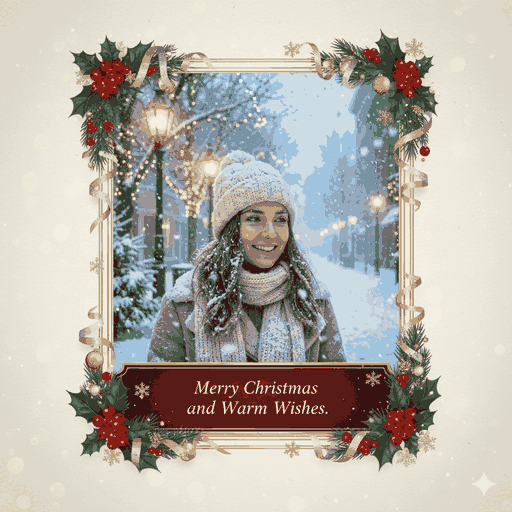
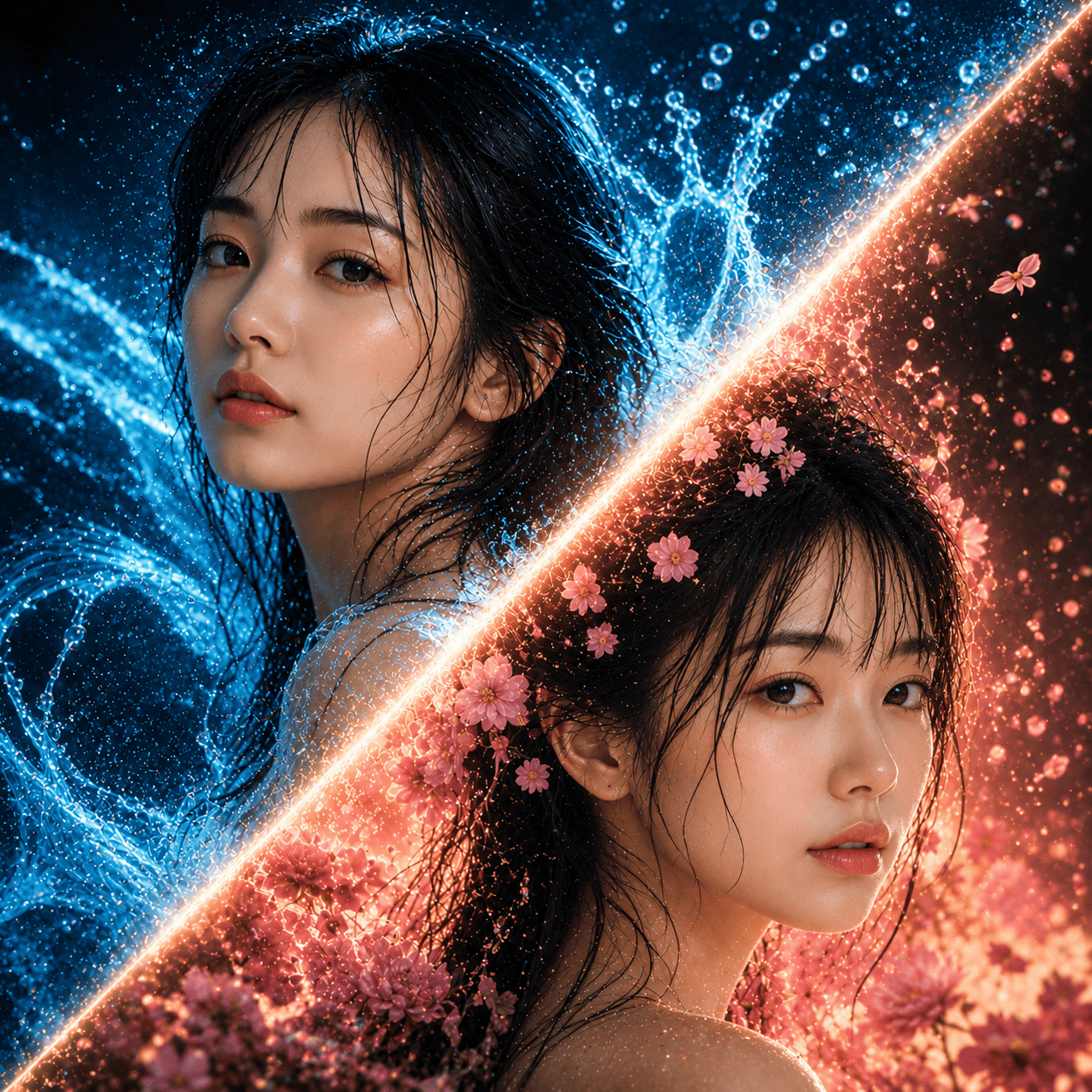
Turn an everyday photo into a Valentine-themed portrait with AI. Floating hearts, chocolate and pink tones, and a soft, sweet atmosphere wrap around your shot, while your face stays recognizable. Perfect for a partner, a crush, or your own selfie. Just pick a photo, pick the style, and convert.
3 free to start No subscription · tickets never expire
Just 3 simple steps
- 01
Pick a photo
Choose one photo you want to transform.
- 02
Pick a style
Select "Seasonal" from the style list.
- 03
Transformed.
Ready in seconds. Save and share straight to social.
Ways to enjoy it
- A sweet image to send with a Valentine's Day message
- A February-only social avatar or story post
- A thank-you card for chocolates, or a romantic selfie just for fun
Tips for the best result
- Pick a bright photo with a clear face so the hearts and chocolate accents blend in naturally
- A head-and-shoulders or waist-up shot lets the pink background and sweet mood really shine
- Want to add a note? Layer a short message onto the finished image in your phone's photo editor
Frequently asked
Does it keep my face?
Yes. It keeps your likeness from the original photo and adds the Valentine styling around it: hearts, chocolate accents, and soft pink tones. You stay recognizable, just dressed up in a sweet, romantic mood.
Can I make a Valentine portrait with AI for free?
Yes. Your first 3 images are free. After that it's ticket-based with no subscription, and tickets never expire, so you can use them whenever Valentine's Day rolls around.
How does it work?
In the Morphica iOS app, just pick a photo, choose the Valentine style, and tap convert. The result is a still image you can save and share, or attach to a card or message.





Valentine
3 free to start・No subscription · tickets never expire