
Turn your photo into a Christmas snow-fantasy portrait with AI
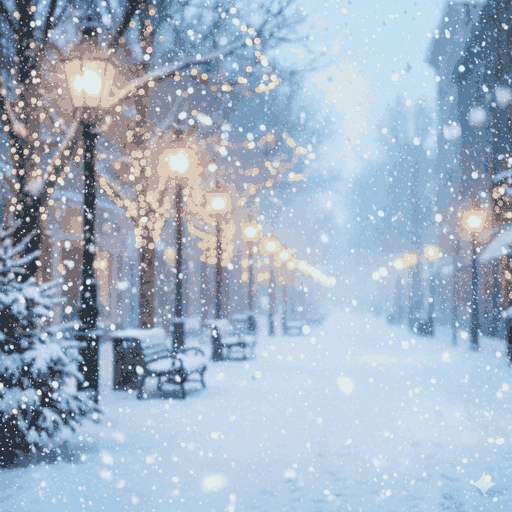
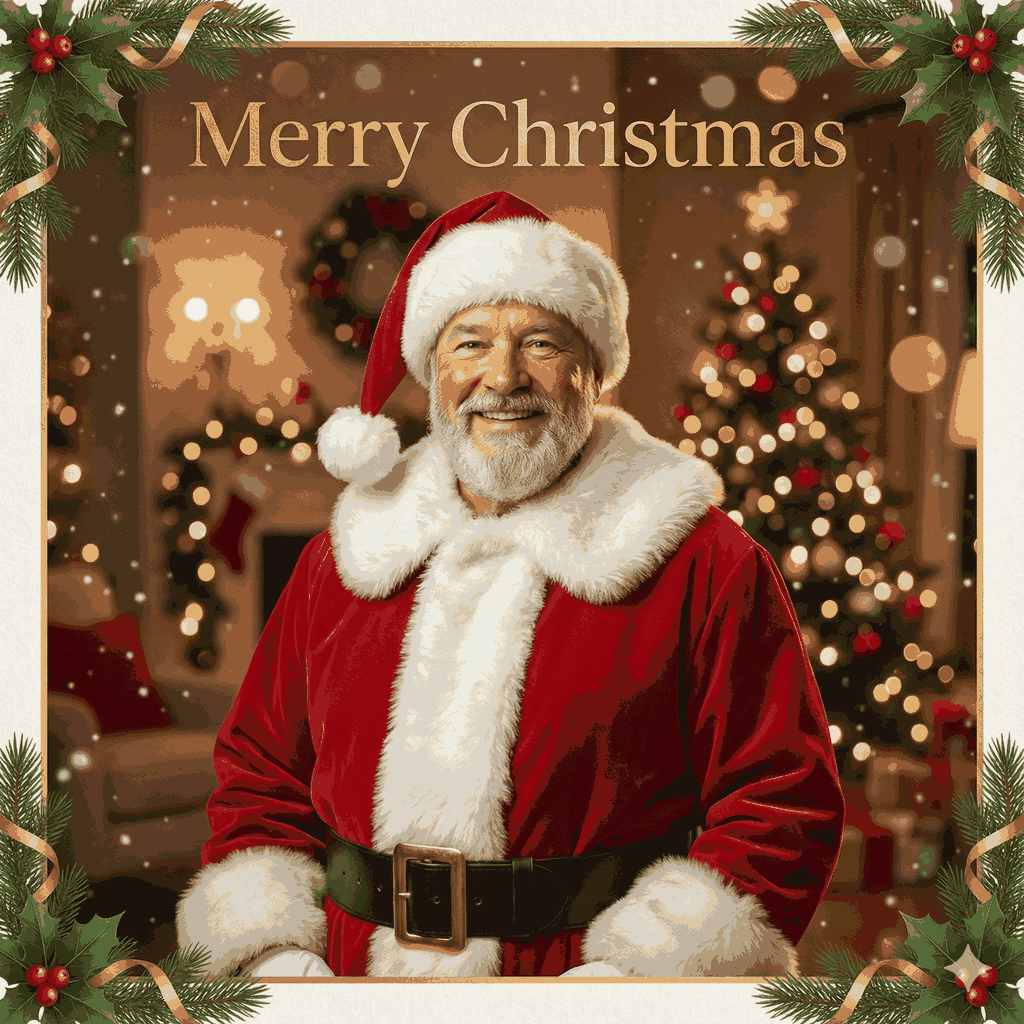
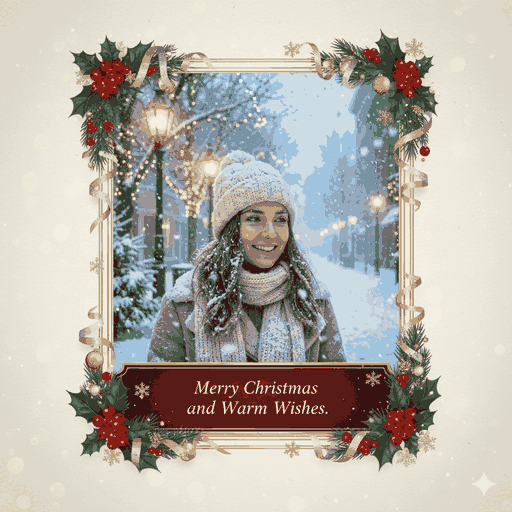
Drop your everyday photo into a world of falling snow. AI wraps you in twinkling lights, a glowing tree with ornaments, and that cozy winter-holiday glow — while keeping your real face and likeness. Want to turn your photo into a Christmas snow-fantasy portrait with AI? No editing skills needed, just pick a photo.
3 free to start No subscription · tickets never expire
Just 3 simple steps
- 01
Pick a photo
Choose one photo you want to transform.
- 02
Pick a style
Select "Seasonal" from the style list.
- 03
Transformed.
Ready in seconds. Save and share straight to social.
Ways to enjoy it
- Create a snow-lit holiday portrait for this year's Christmas cards and social posts
- Turn a couple or family photo into a shot wrapped in tree lights and ornaments
- Give your dog or cat a festive winter keepsake glowing with holiday sparkle
Tips for the best result
- Pick a bright photo with the face clearly visible so the snowy light reads beautifully
- A head-and-shoulders shot lets the background tree and twinkling lights shine
- Avoid very dark or backlit photos — soft, even light keeps the expression crisp
Frequently asked
Does it keep my real face?
Yes. It preserves your actual features and vibe, then adds the Christmas styling — falling snow, a glowing tree, and ornaments. It won't turn you into someone else or match any specific character.
Can I edit a Christmas photo with AI for free?
Your first 3 images are free to try. After that it's ticket-based, and tickets never expire. There's no subscription — you only use what you buy.
How does it work?
Three steps: choose a photo, pick the Christmas style, and convert. The AI renders a snow-fantasy holiday portrait for you. The result is a still image (a single picture).


Christmas
3 free to start・No subscription · tickets never expire