
Make a 4-Panel Manga Starring You with AI
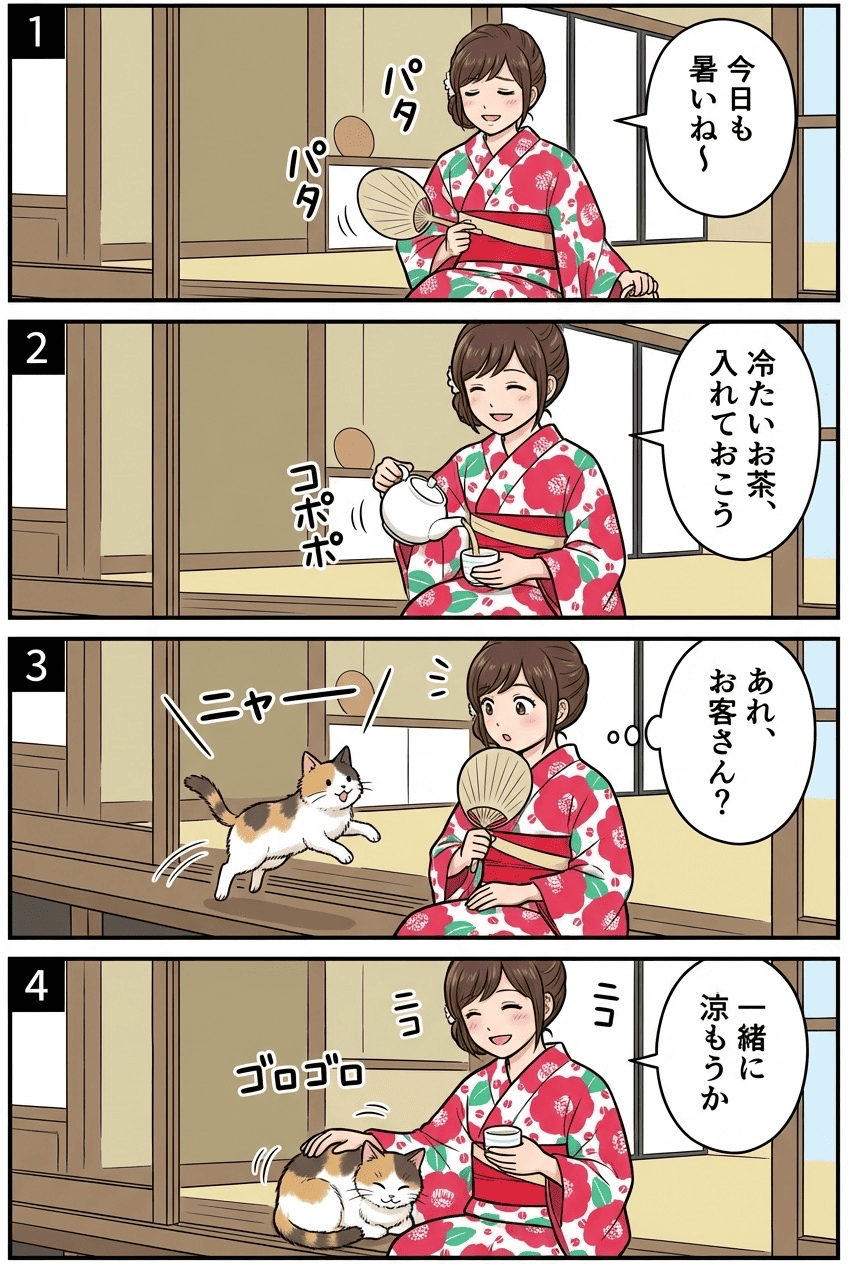
Turn one photo into a four-panel manga (yonkoma) with AI, complete with a real setup-and-punchline flow. You become the character in every panel as a single story unfolds across four frames. Pick a theme — slice-of-life, gag, romance, horror, touching, or sports — and get a ready-to-read strip with speech bubbles, all in one image.
3 free to start No subscription · tickets never expire
Just 3 simple steps
- 01
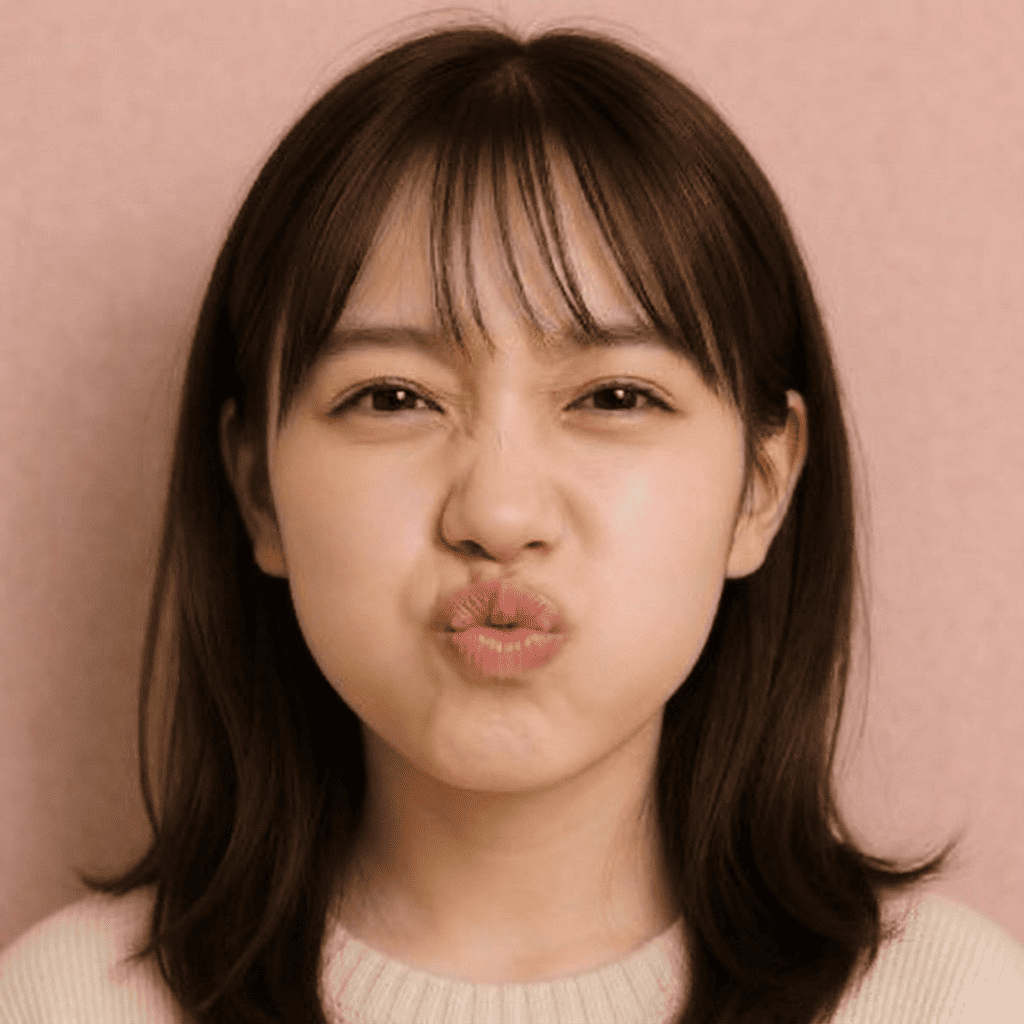
Pick a photo
Choose one photo you want to transform.
- 02
Pick a style
Select "Entertainment" from the style list.
- 03
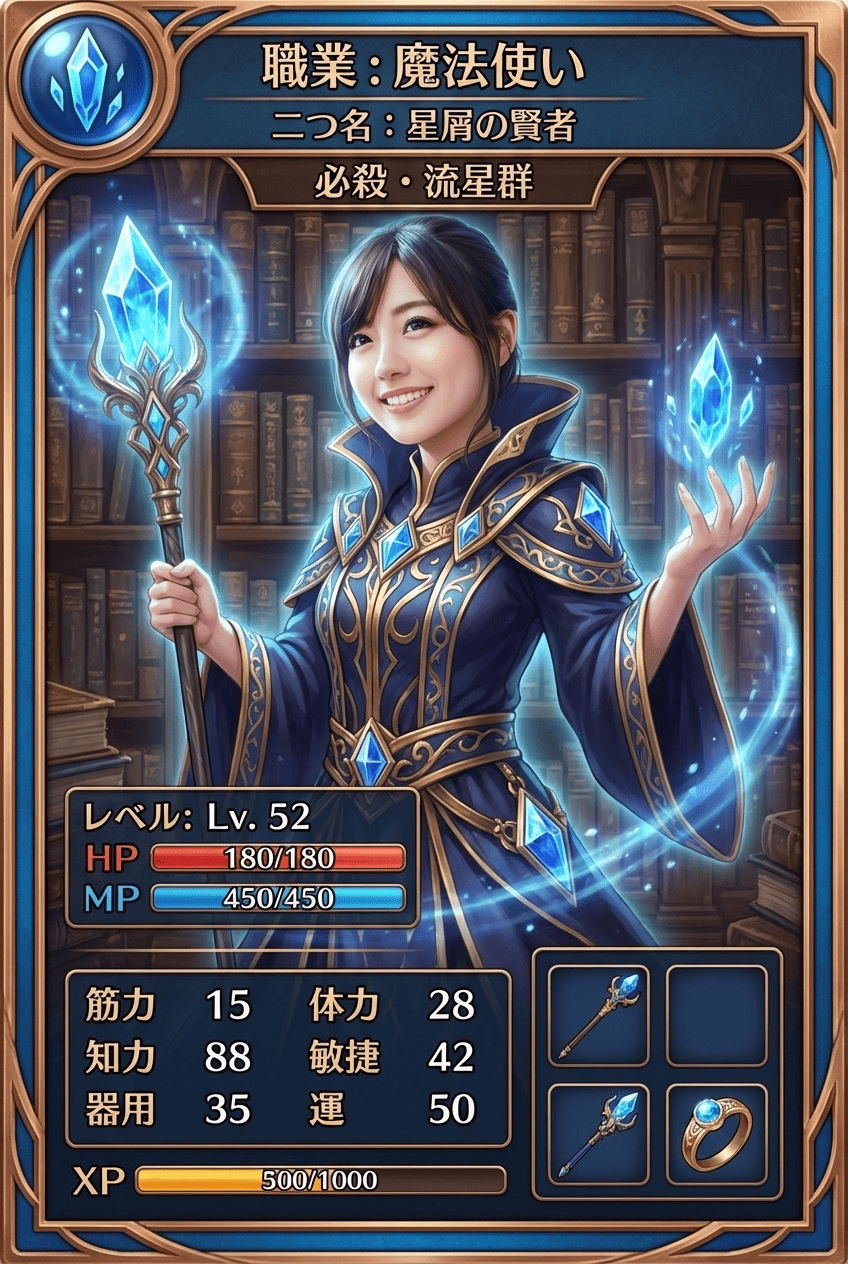
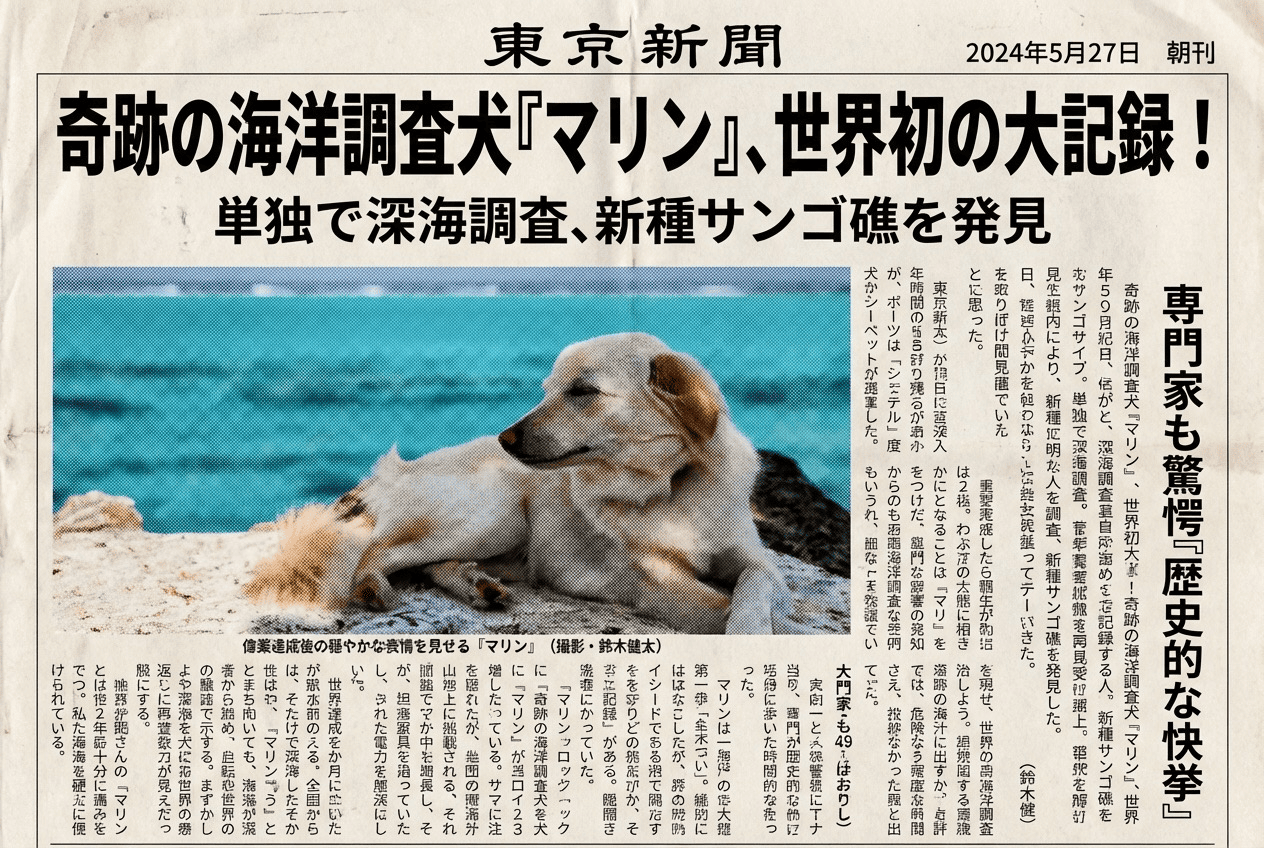
Transformed.
Ready in seconds. Save and share straight to social.
Ways to enjoy it
- Turn today's little mishap into a gag yonkoma and share the laugh in your group chat
- Make a romance-themed strip from a couple's photo as an anniversary message
- Star a friend, family member, or pet in a slice-of-life strip to keep a fun memory
Tips for the best result
- Pick a clear, well-lit photo of the face so your manga character shows real expression
- Try the same photo with different themes — a gag and a touching version read very differently
- A half- or full-body shot gives the panels more room for poses and action
Frequently asked
Will my face still look like me?
Yes. Your features and overall vibe carry over as you appear as a manga-style character across all four panels.
How do I make a 4-panel manga starring me with AI?
Three steps: pick a photo, choose the 4-Panel Manga style, then select a story theme and convert. You get a ready-to-read strip with speech bubbles as a single image.
Is it free?
Your first 3 images are free. It's ticket-based with no subscription, and the tickets you buy never expire.
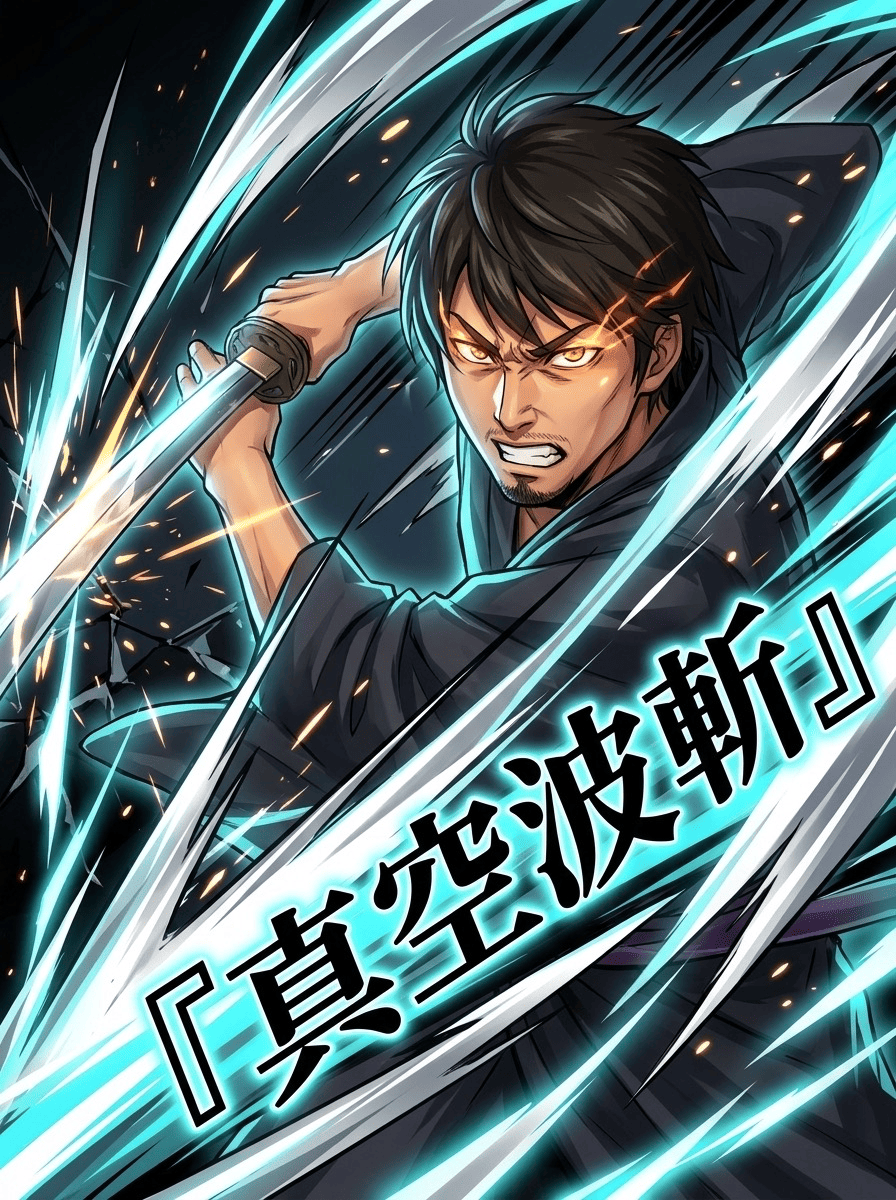
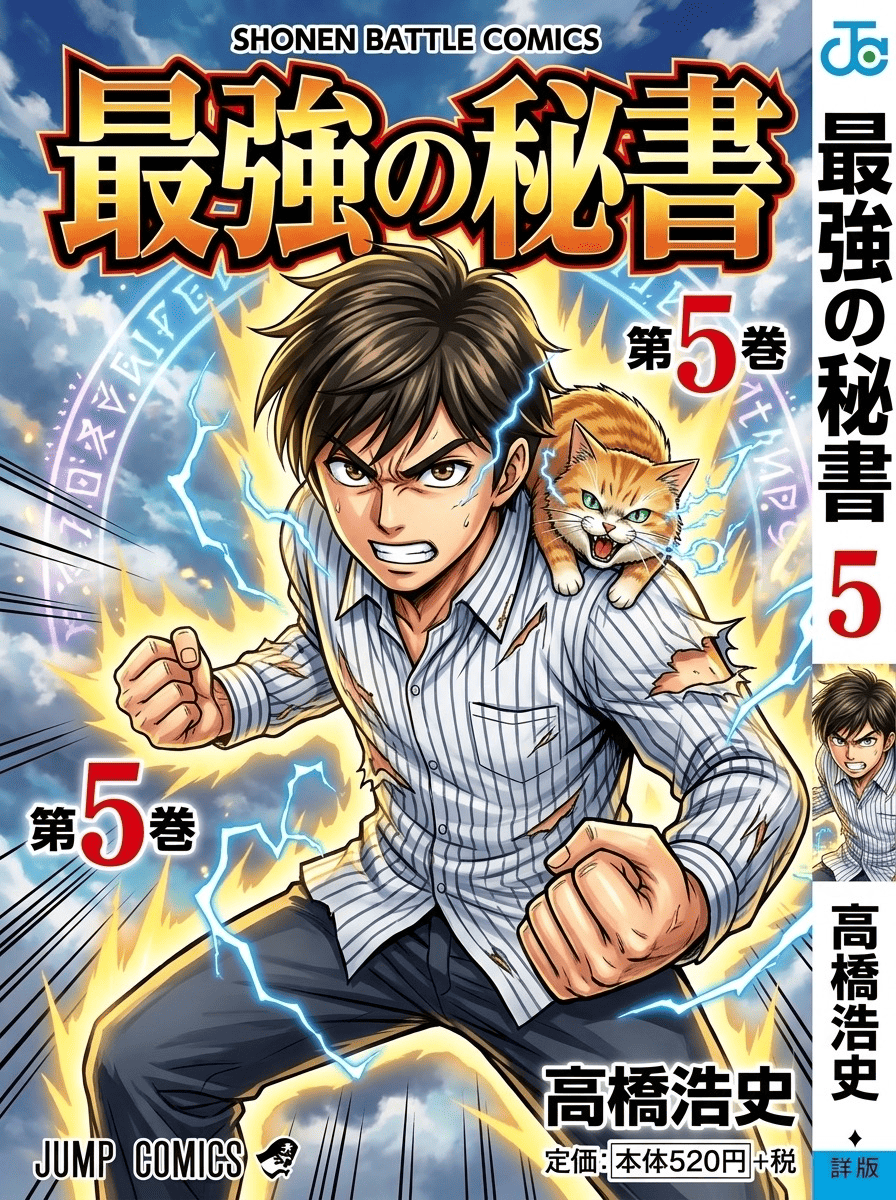

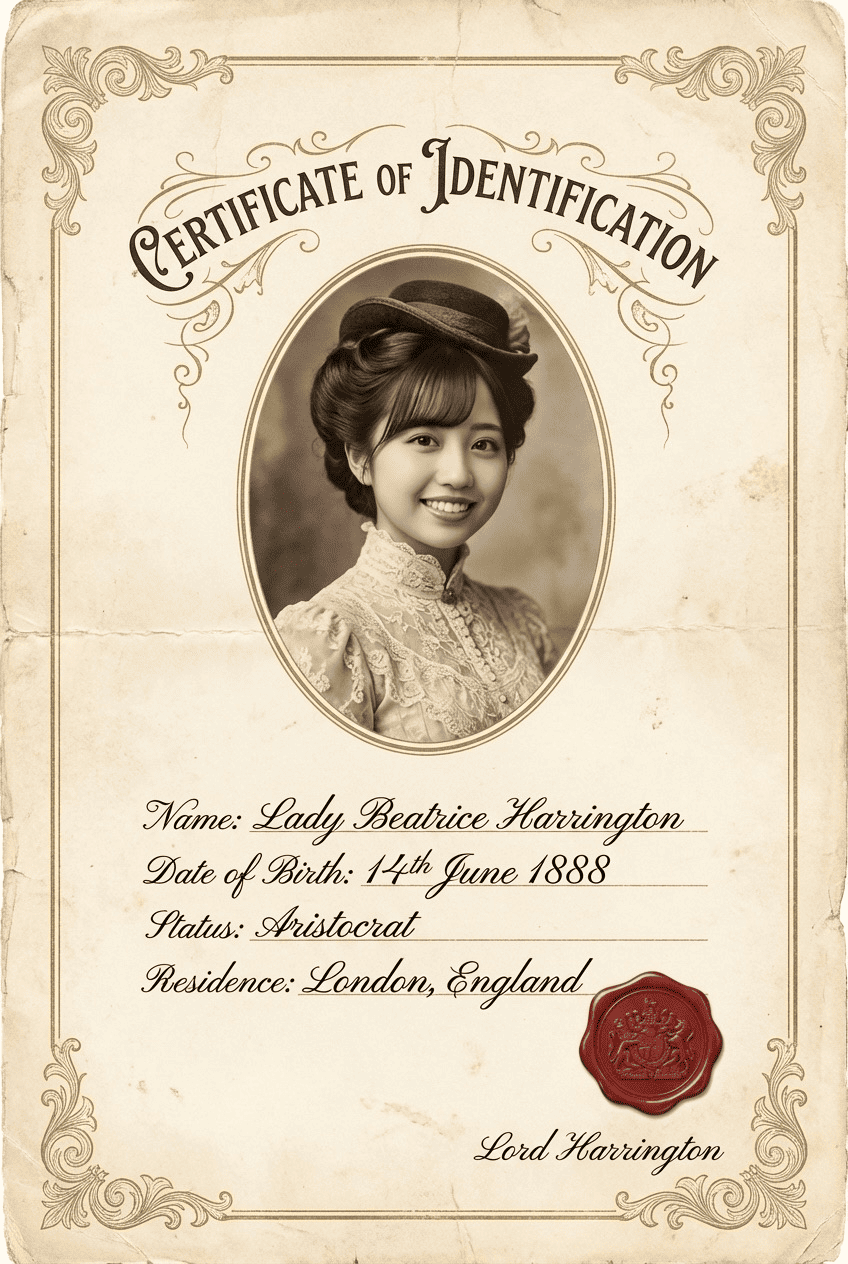

4-Panel Manga
3 free to start・No subscription · tickets never expire