
Make a movie poster starring you with AI
Your everyday photo, reimagined as theatrical key-art. With Morphica you can make a movie poster starring you with AI — dramatic lighting, a bold composition, a stylized title and tagline, plus a credits-style block along the bottom, all in a single image. Your face stays front and center as the lead. Titles and taglines are fictional and not tied to any real film.

3 free to start No subscription · tickets never expire
Just 3 simple steps
- 01
Pick a photo
Choose one photo you want to transform.
- 02
Pick a style
Select "Entertainment" from the style list.
- 03
Transformed.
Ready in seconds. Save and share straight to social.
Ways to enjoy it
- Give your social profile or banner a do-a-double-take, blockbuster-poster look
- Surprise someone on their birthday with a poster for their own fictional movie
- Hype an event or fan project with teaser-style key-art starring you
Tips for the best result
- Pick a photo where the face is clear so your lead presence really lands
- A vertical, upper-body shot leaves room for the title logo and tagline to shine
- Simple backgrounds bring out the dramatic light-and-shadow contrast
Frequently asked
Does it keep my face?
Yes. It keeps your real likeness as the star and builds cinematic lighting and composition around it — you won't turn into someone else.
Is it free?
Your first 3 images are free. There's no subscription, and extra tickets are one-time purchases that never expire.
How do I make a movie poster starring me with AI?
Three steps: pick a photo, choose the Movie Poster style, and tap convert. You get a single still-image poster — complete with a title, tagline, and credits-style text — in seconds.
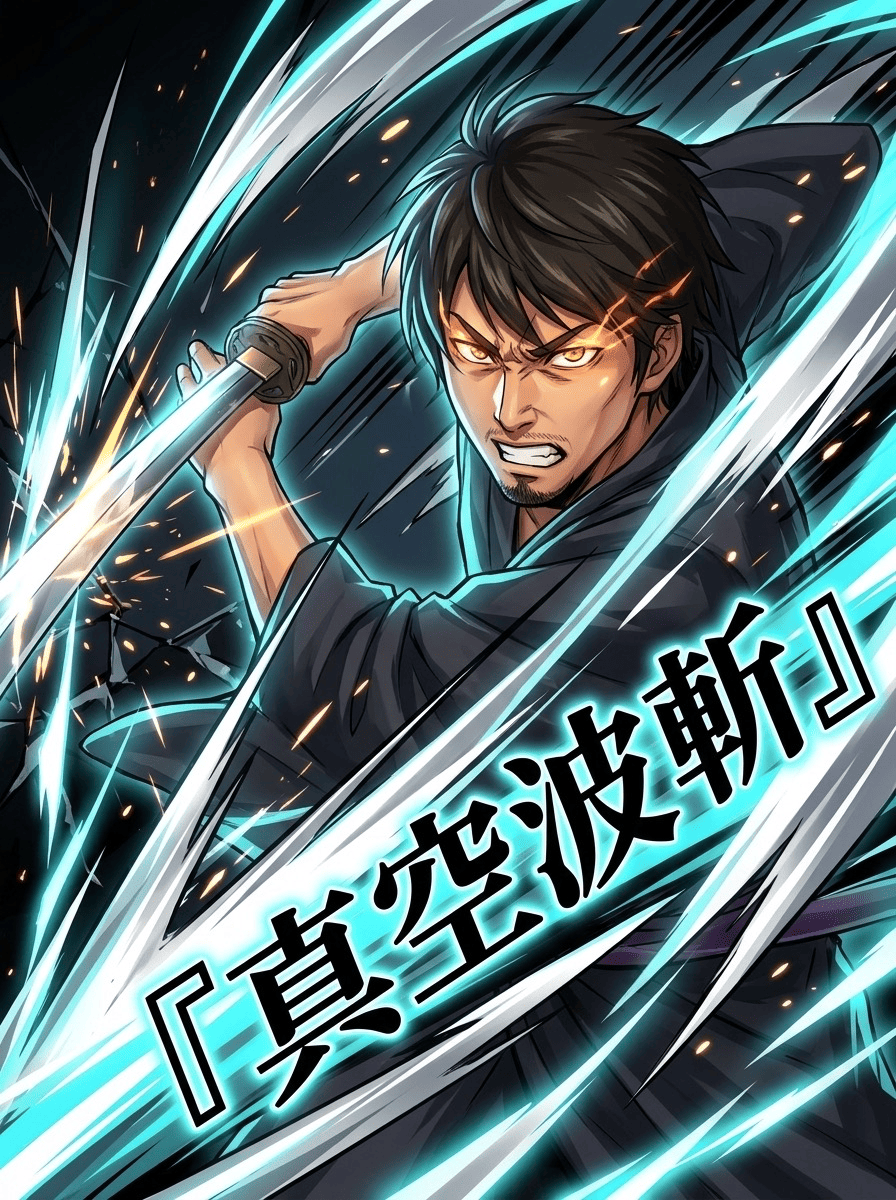
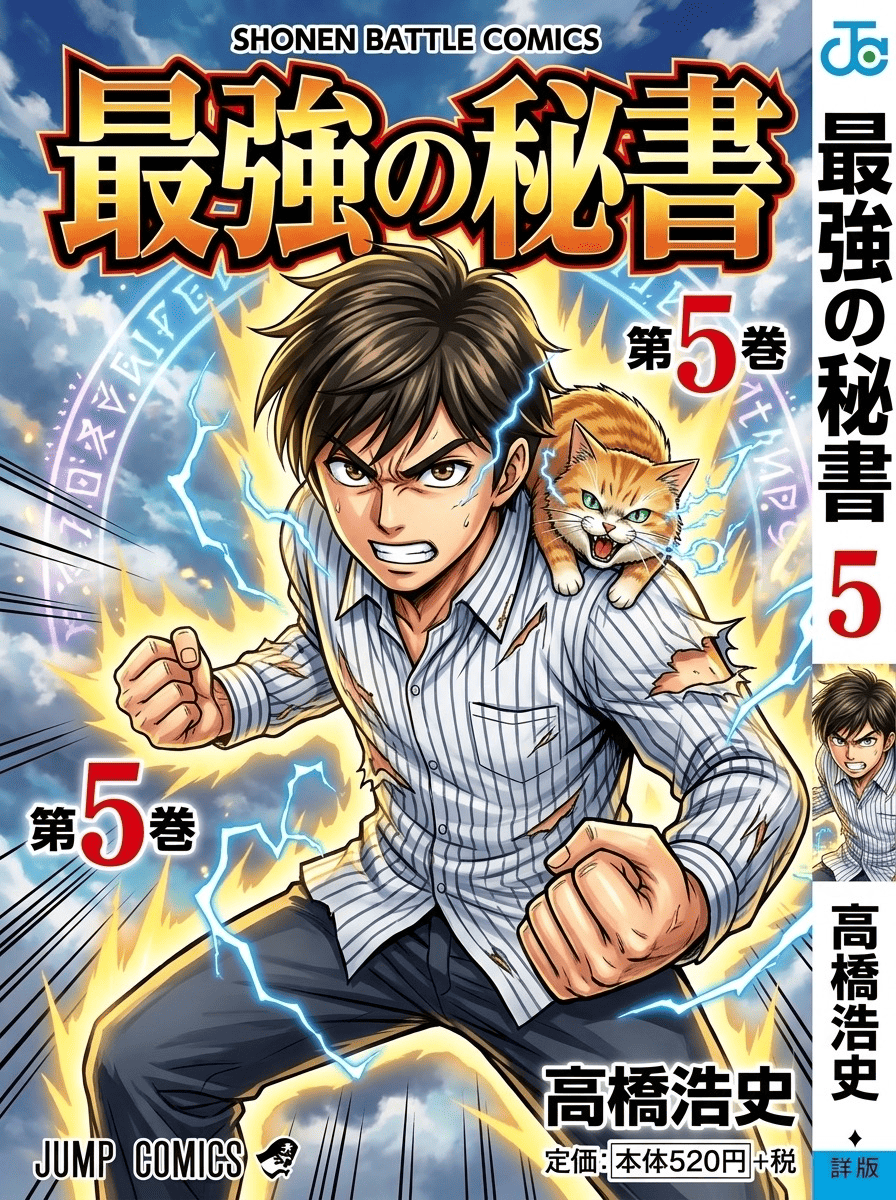
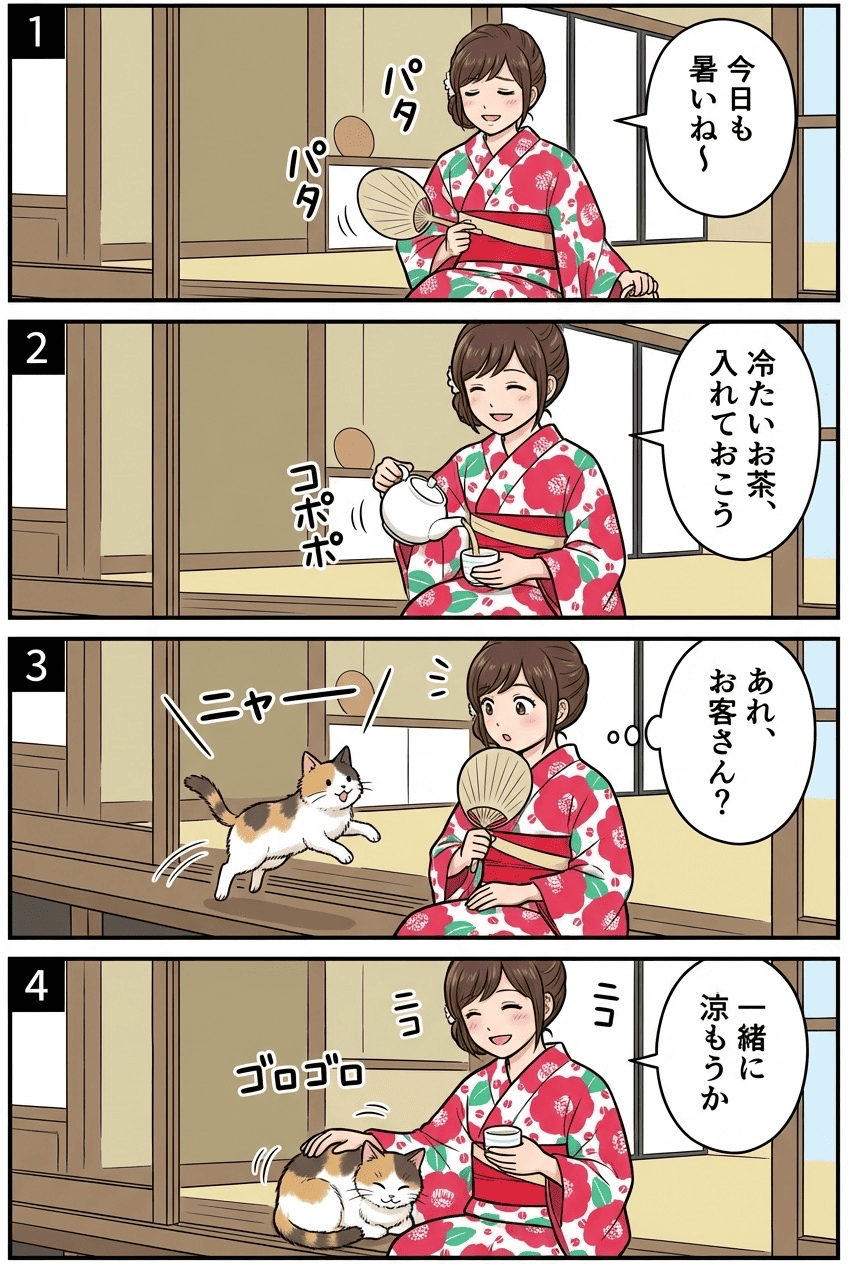
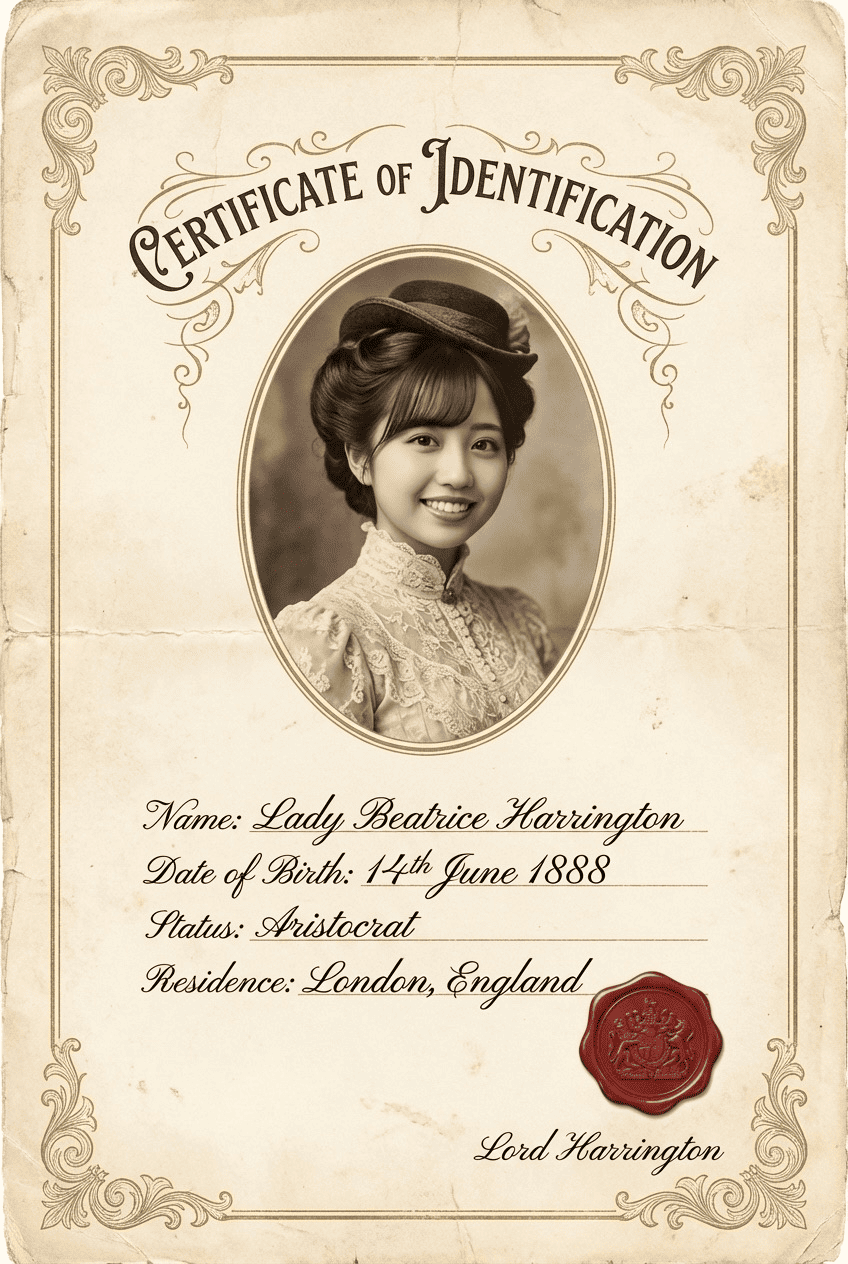

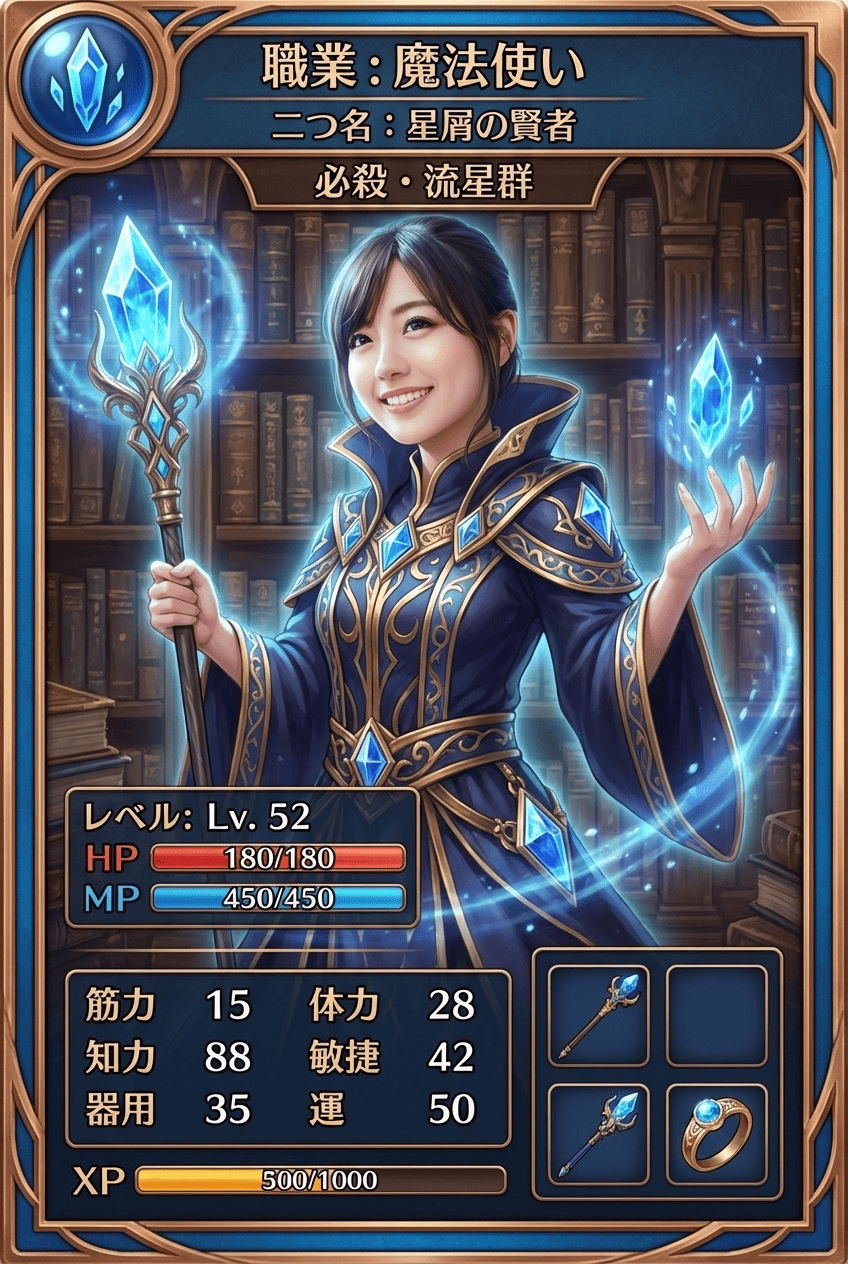
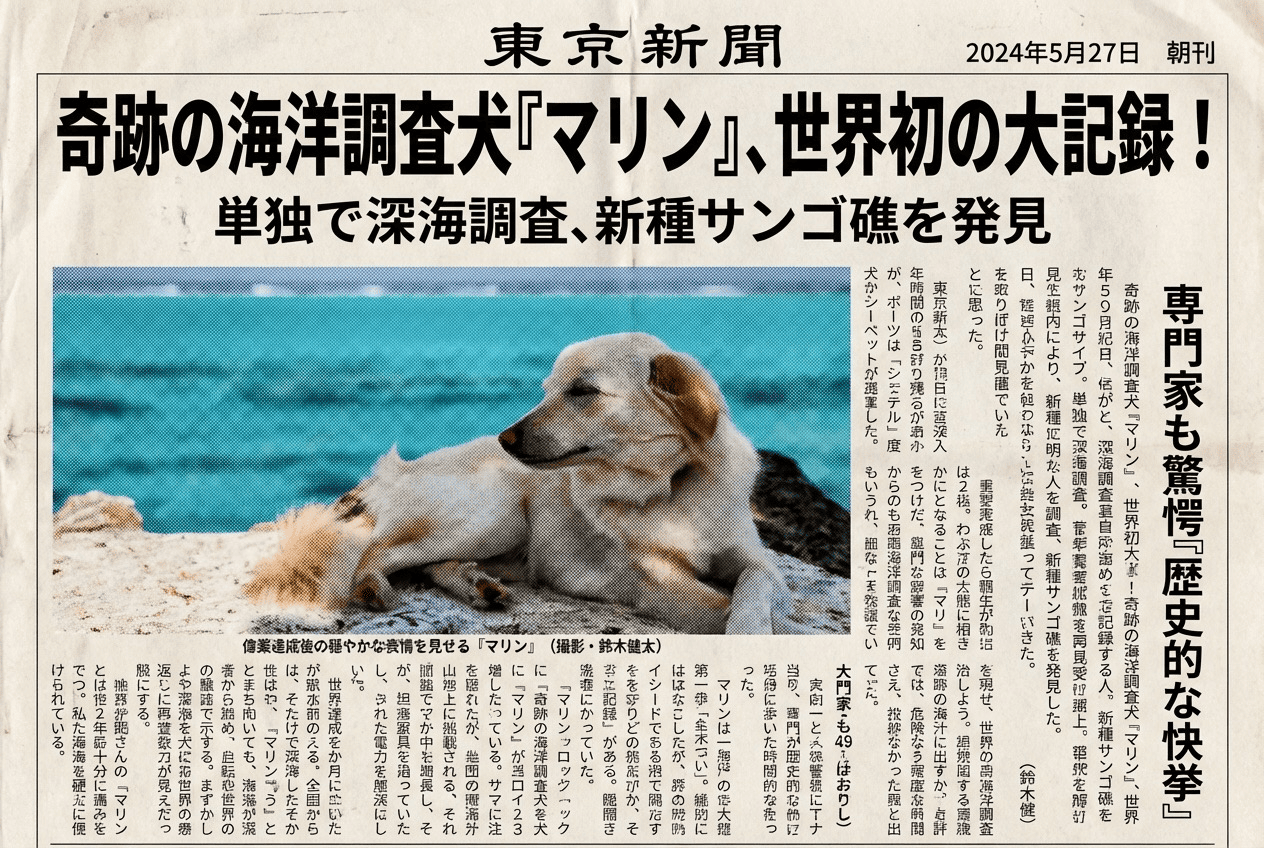

Movie Poster
3 free to start・No subscription · tickets never expire