
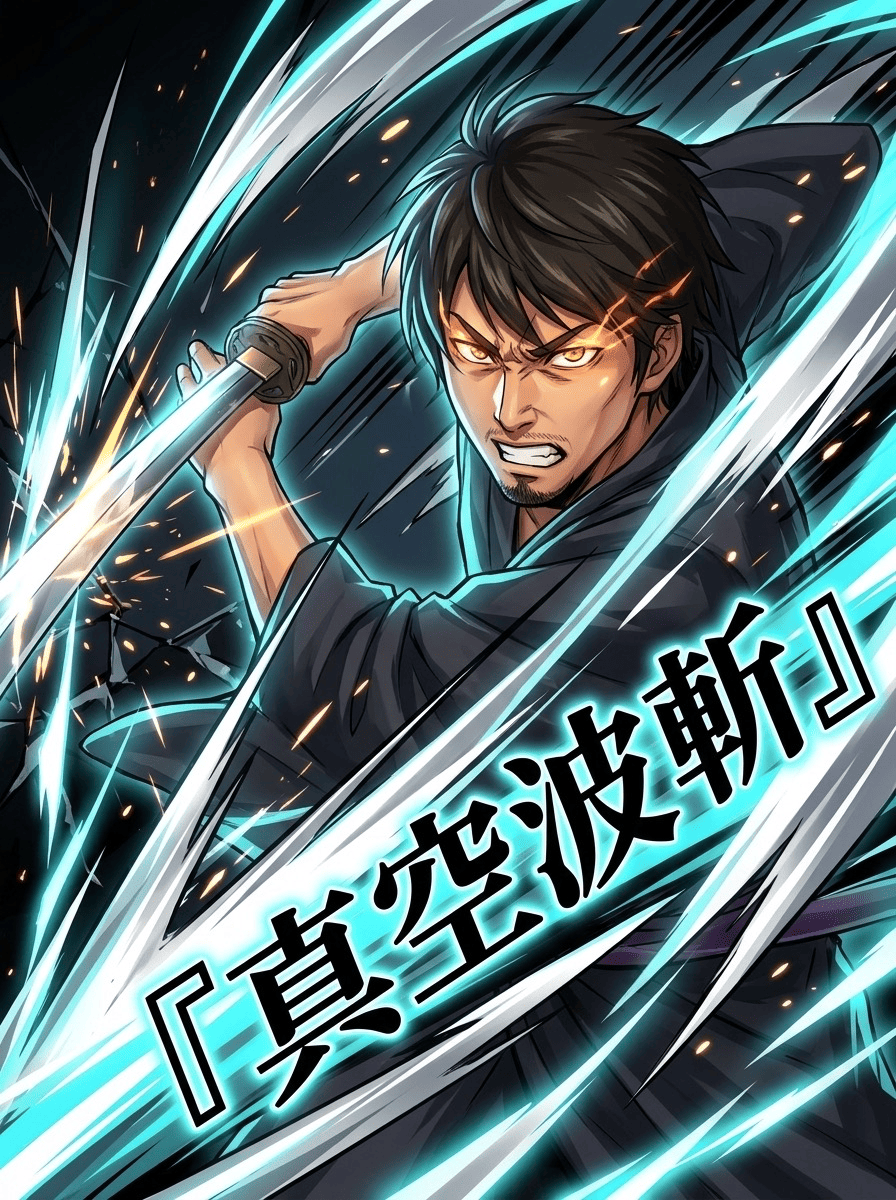
Turn your photo into an anime special-move cut-in. Just type the move name.
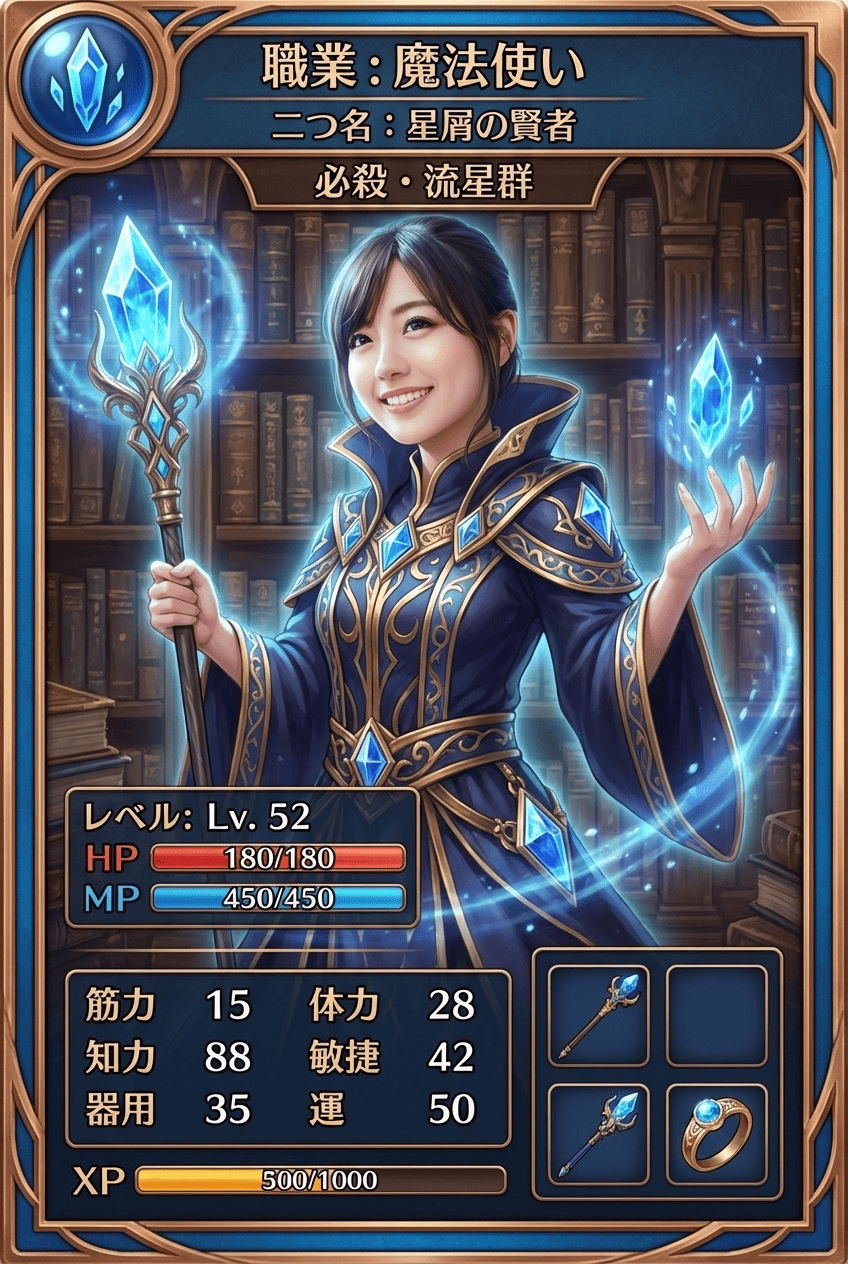
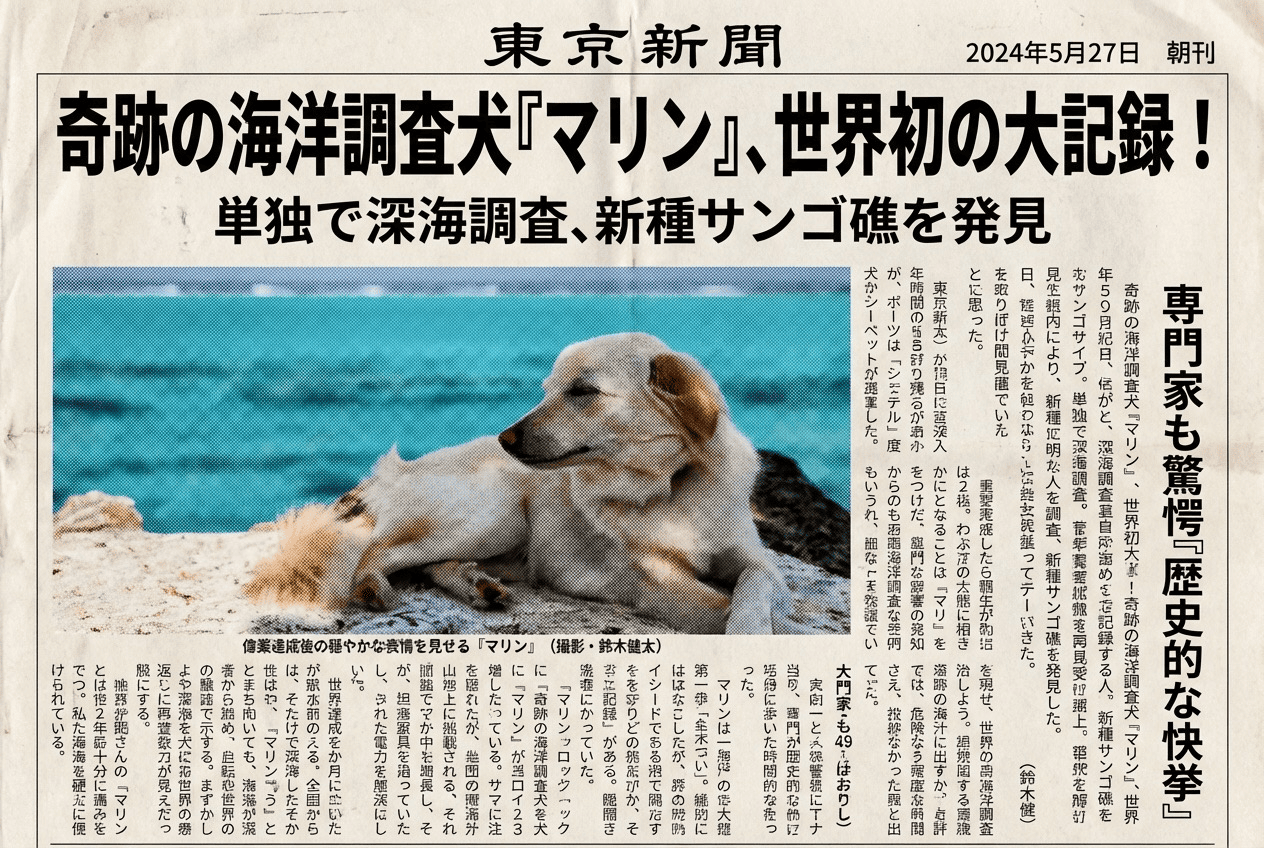
Type a technique name and your photo becomes a dramatic anime / fighting-game finisher cut-in: a sharp, intense expression, glowing energy, speed lines, a bold diagonal composition, and your move name rendered as stylized title typography. Pick an element (fire, lightning, ice and more — 9 options), an art-style taste (shonen-manga, magical-girl, fighting-game and more — 6 options), and a title font (8 options). Leave the move name blank and the AI invents one for you. Your face stays recognizable, and the result is a single still image.
3 free to start No subscription · tickets never expire
Just 3 simple steps
- 01
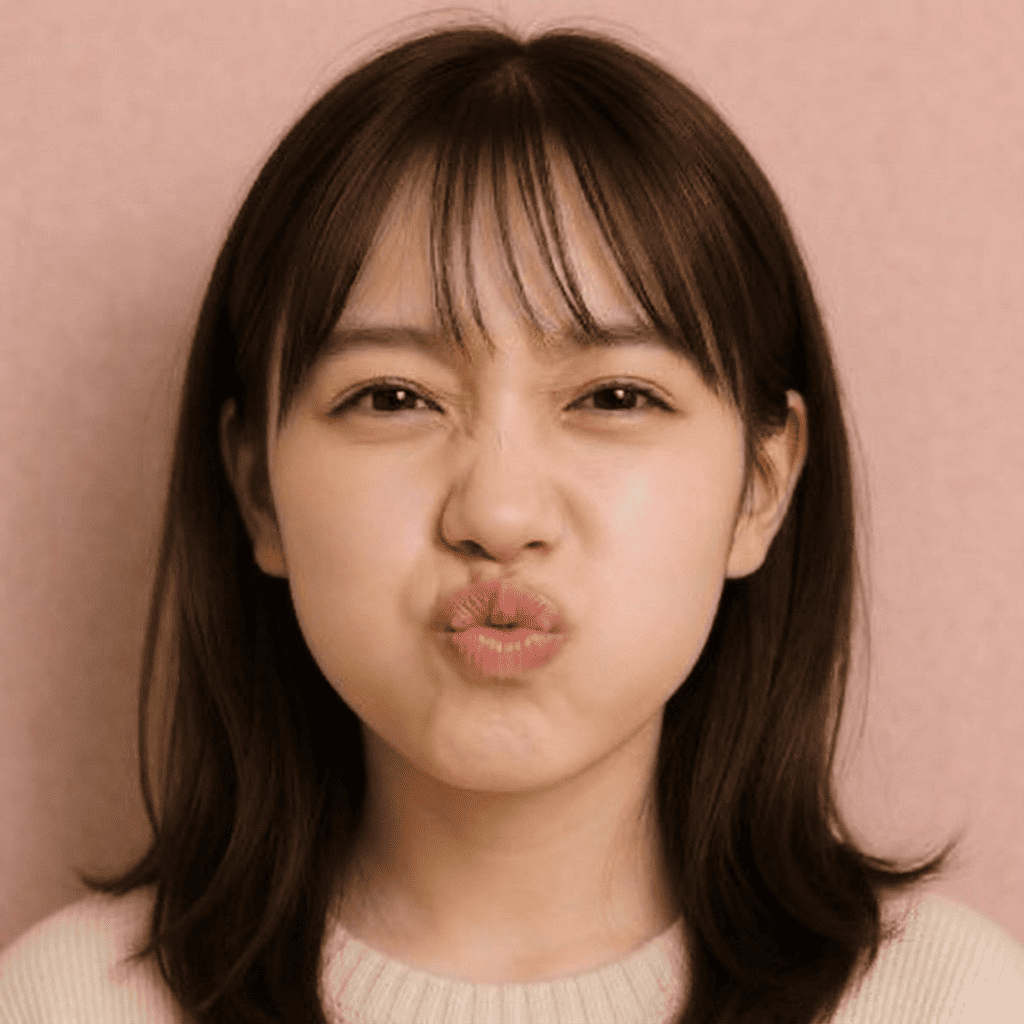
Pick a photo
Choose one photo you want to transform.
- 02
Pick a style
Select "Entertainment" from the style list.
- 03
Transformed.
Ready in seconds. Save and share straight to social.
Ways to enjoy it
- Cast yourself as the hero and create a signature finisher with your own move name
- Swap elements — fire, lightning, ice — and compare different looks for the same move name
- Make a shonen-manga or fighting-game style cut-in for a profile picture or a fun social post
Tips for the best result
- Short, punchy move names read best. Match the element and art-style to the mood of the name for a cohesive look.
- Leave the move name blank to let the AI name it. Unsure? Start with a blank name plus the 'auto' art-style for a quick first take.
- Use a clear front-to-bust-up photo so the expression and title text come out sharp and clean.
Frequently asked
Do I have to type a move name?
No. If you enter one, it's drawn into the image as title typography — but you can leave it blank and the AI will invent a fitting move name for you.
Does it keep my face, and does it move?
It keeps your facial features while sharpening the expression for a finisher-cut-in look. The output is a single still image, not an animation.
Is the special-move cut-in free, and how do I make one?
Your first 3 images are free (no subscription, tickets never expire). To make one: pick a photo, choose 'Special Move Cut-in', then enter a move name plus your element / art-style / font and convert with AI — three steps.
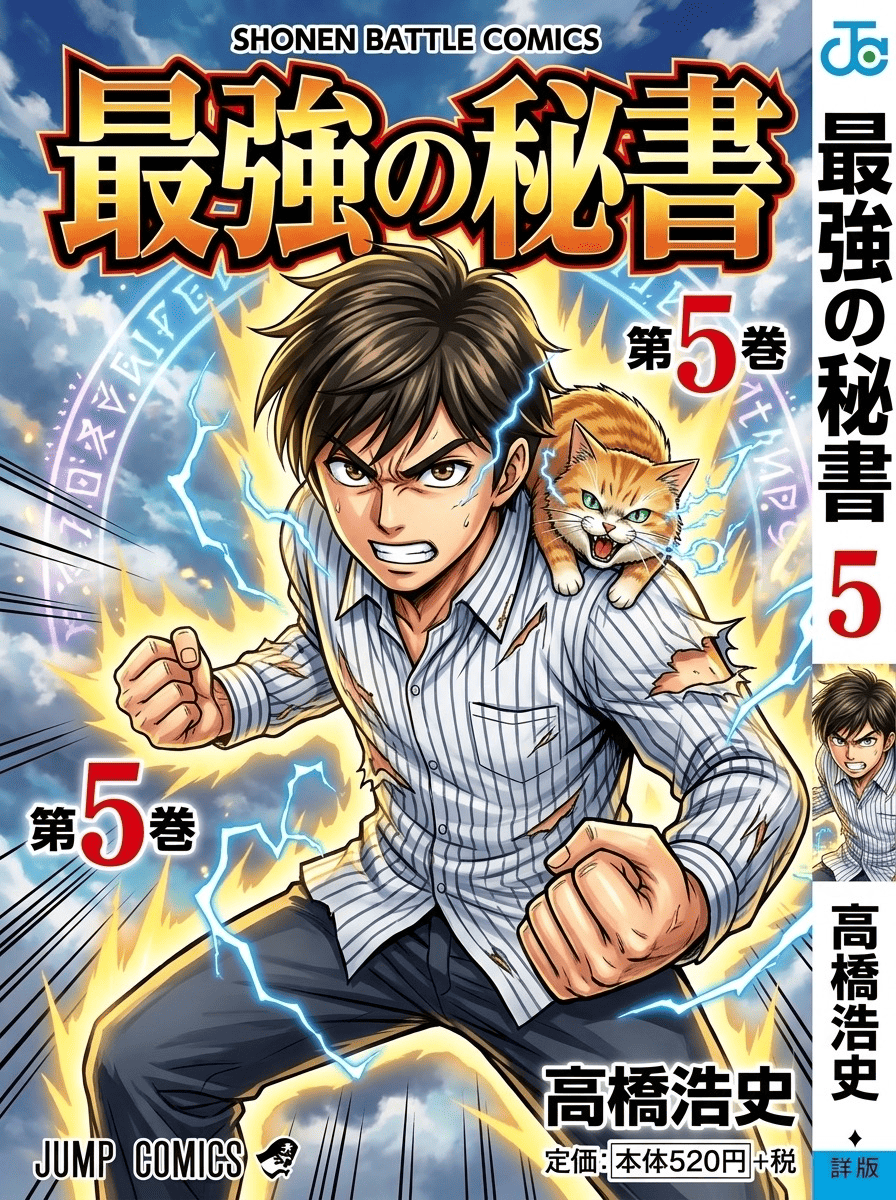
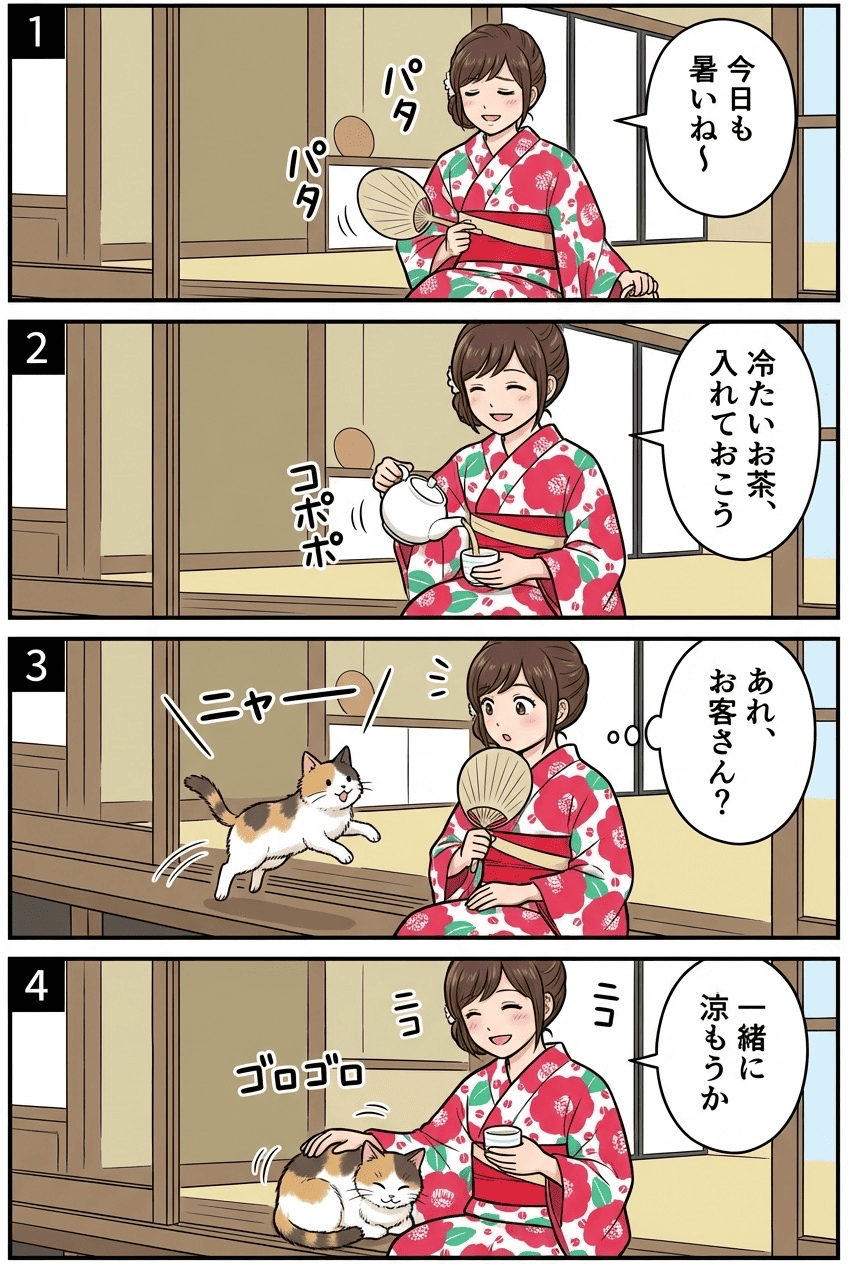

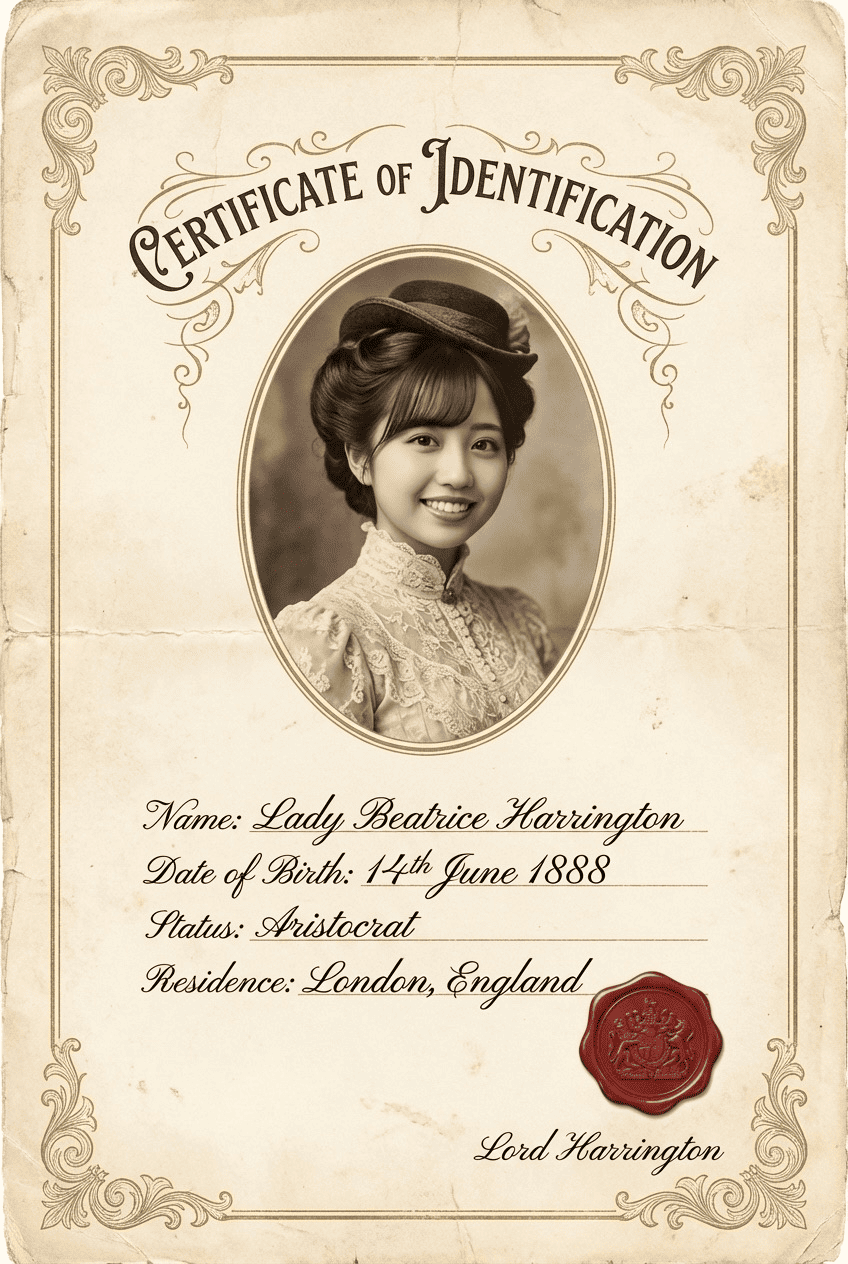

Special Move Cut-in
3 free to start・No subscription · tickets never expire