
Turn Your Photo Into Webtoon Art With AI
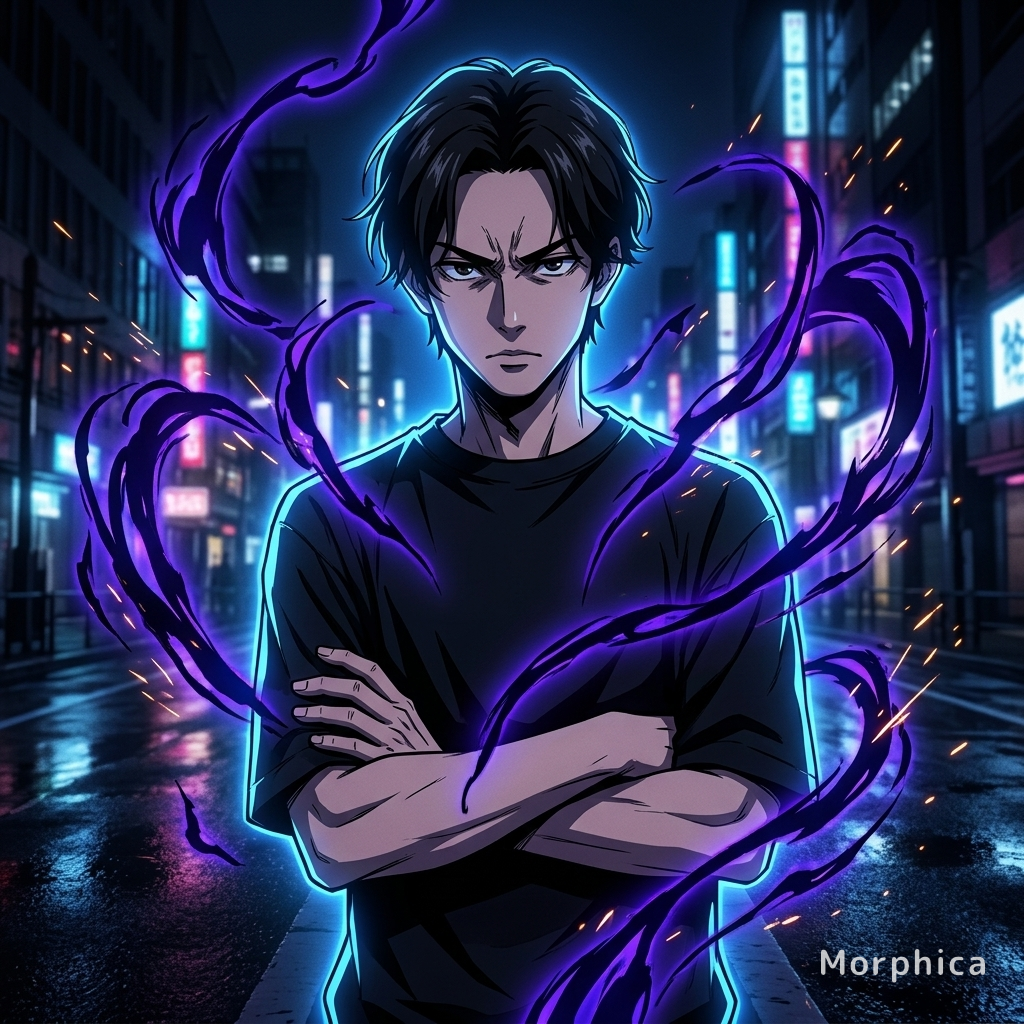
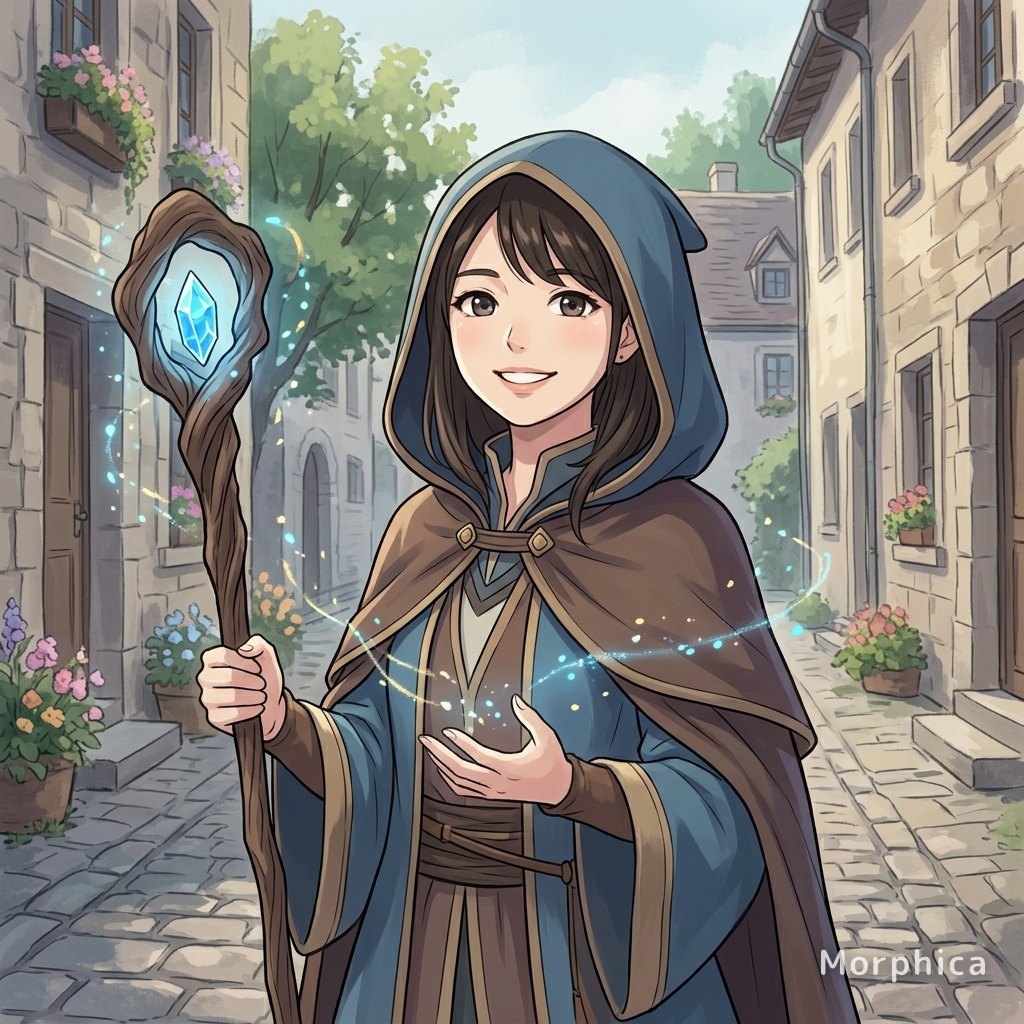
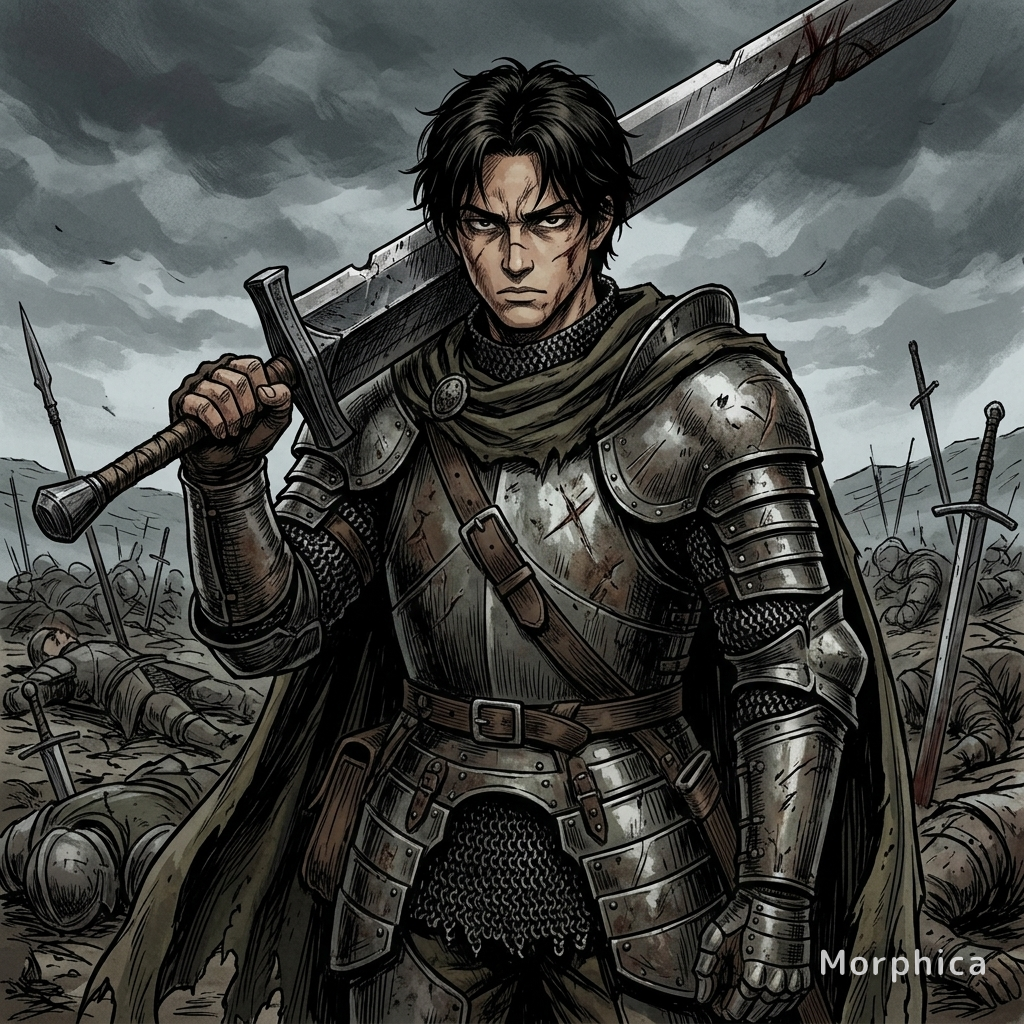
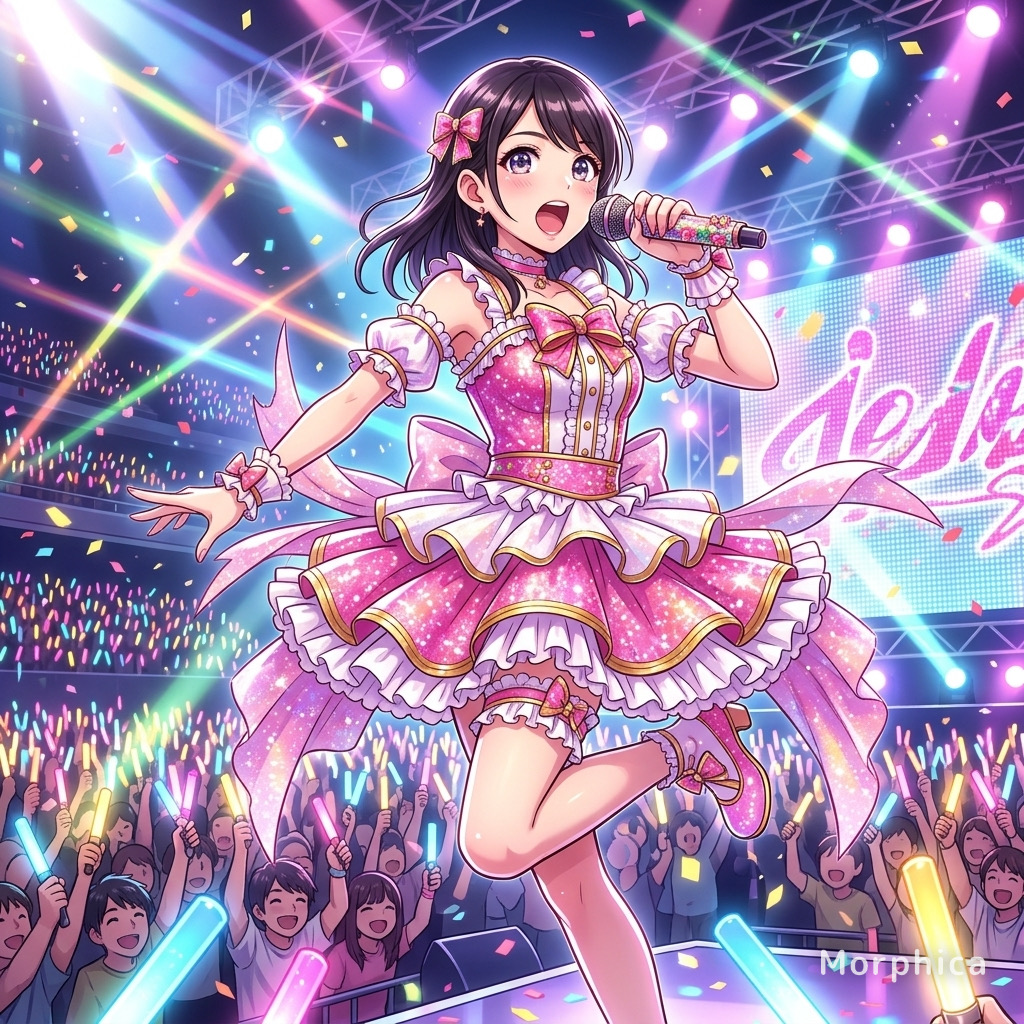
Look like the lead of a scrolling comic. Morphica redraws your photo as full-color webtoon art: clean thin lineart, luminous glass skin, sparkling eyes, and soft, dreamy lighting. Your face, hair, and pose stay intact, so it still looks like you. It's a generic webtoon look, not a copy of any specific title or artist. Pick a photo, pick the style, hit transform.
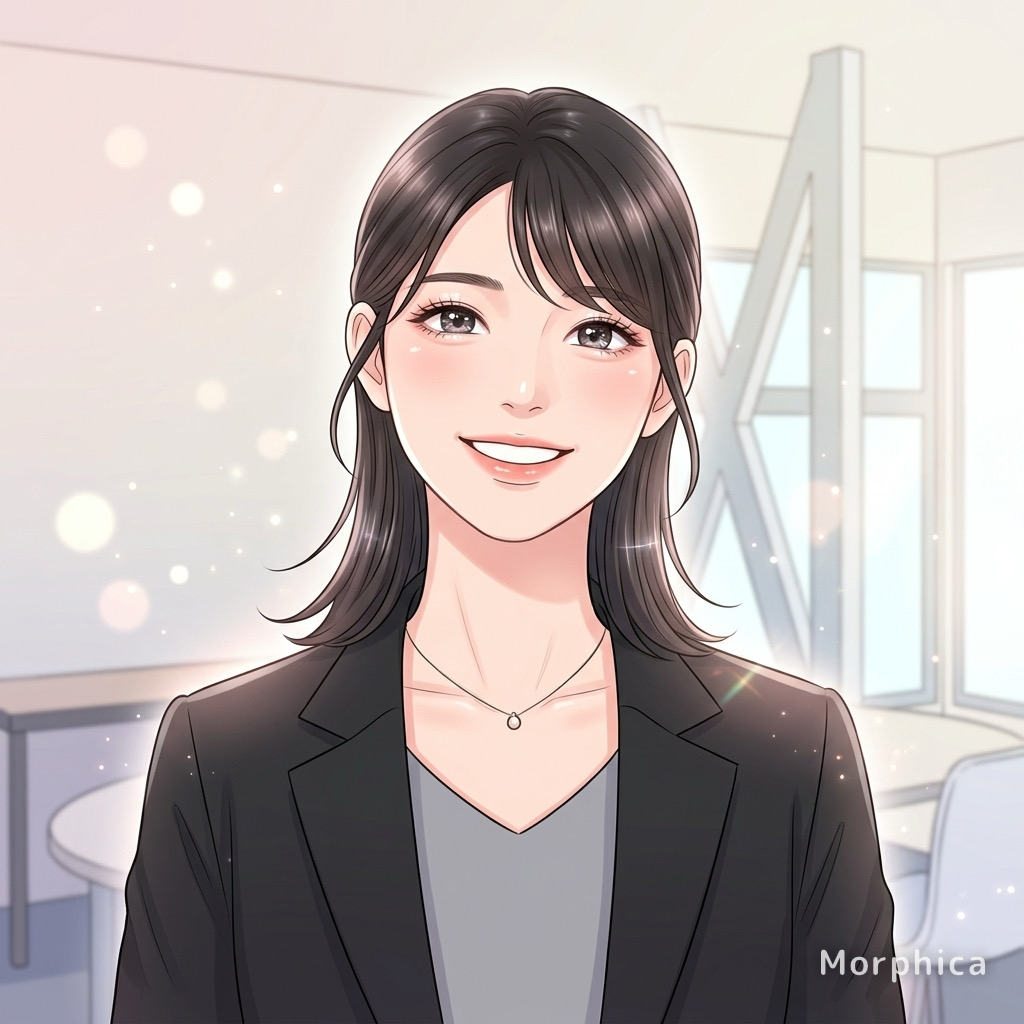
3 free to start No subscription · tickets never expire
Just 3 simple steps
- 01
Pick a photo
Choose one photo you want to transform.
- 02
Pick a style
Select "Anime" from the style list.
- 03
Transformed.
Ready in seconds. Save and share straight to social.
Ways to enjoy it
- Swap your social avatar for a full-color portrait with main-character energy
- Turn a couple photo into a scene straight out of a romance comic
- Give your selfie the glass-skin, sparkling-eyes treatment and share it
Tips for the best result
- Bright, even lighting pairs best with the glossy skin and sparkling eyes
- A clear front or three-quarter view of the face gives the cleanest lineart
- Photos with up to two people keep each face nicely recognizable
Frequently asked
Will my face still look like me in the webtoon style?
Yes. Your facial features, hairstyle, and pose stay intact while the rendering switches to thin lineart, luminous skin, and sparkling eyes — you, drawn as a webtoon lead.
Can I try it for free?
Your first 3 transformations are free. There is no subscription — buy one-time ticket packs only when you need more, and tickets never expire.
How does it work? Does it work on couple photos?
Three steps: pick a photo, pick Webtoon Style, hit transform. Photos of couples or two friends work too, keeping each face recognizable. The output is a single still illustration.
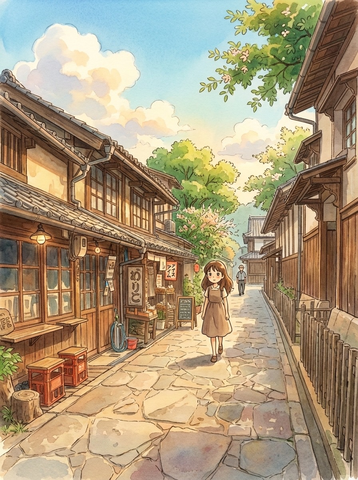
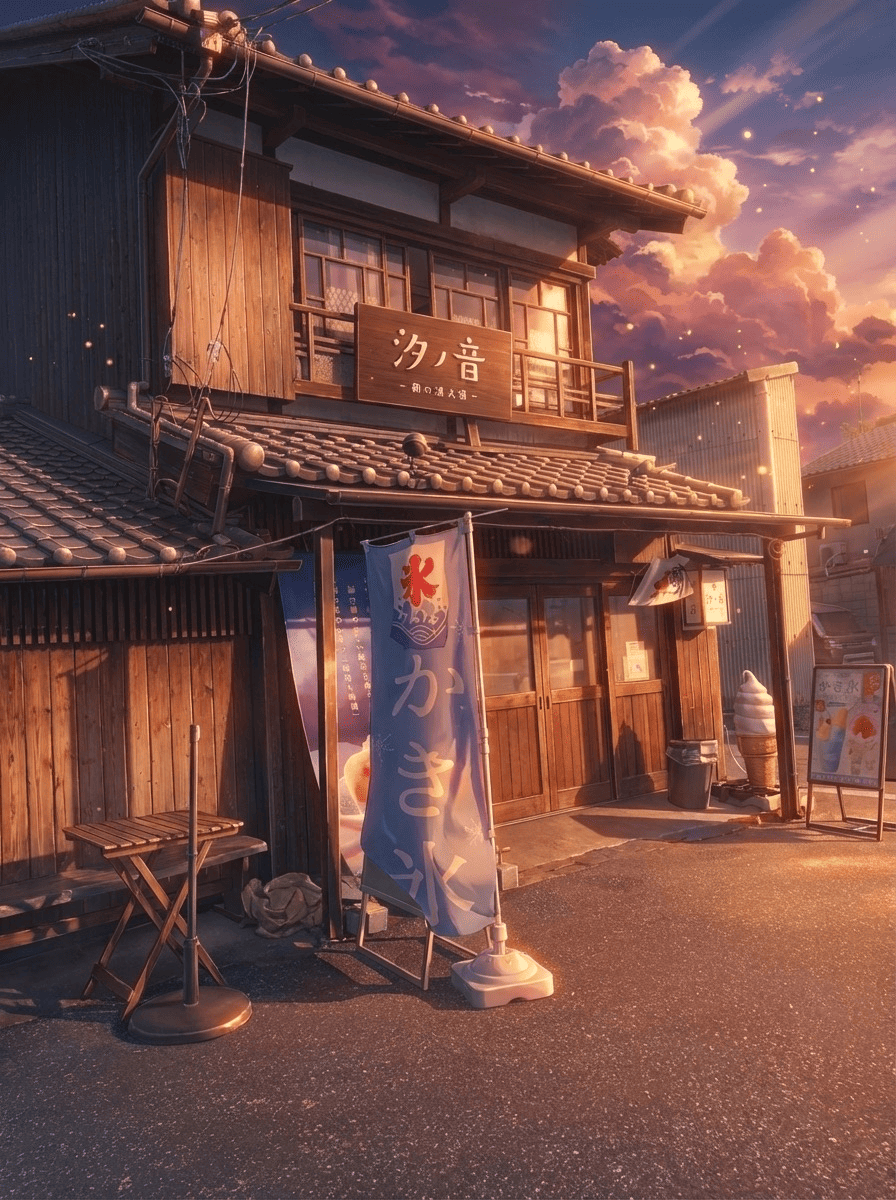
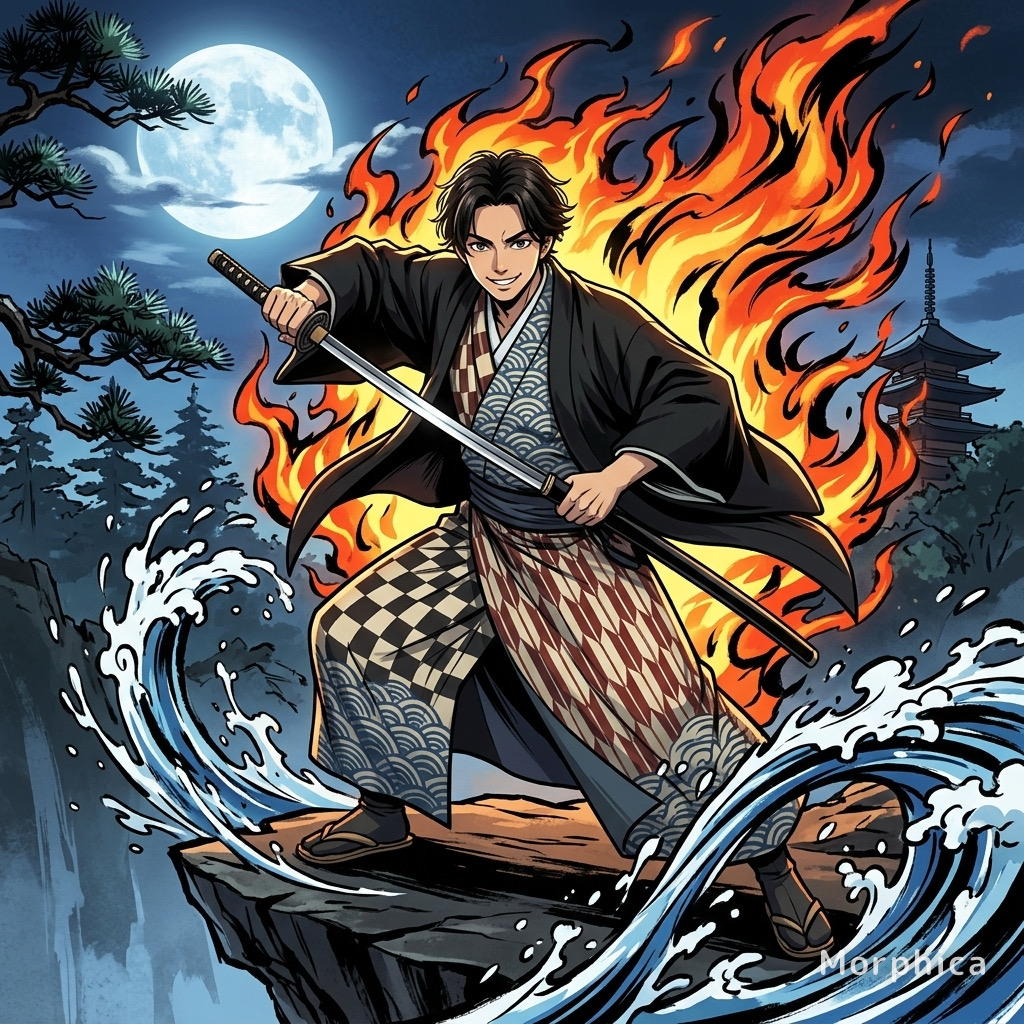
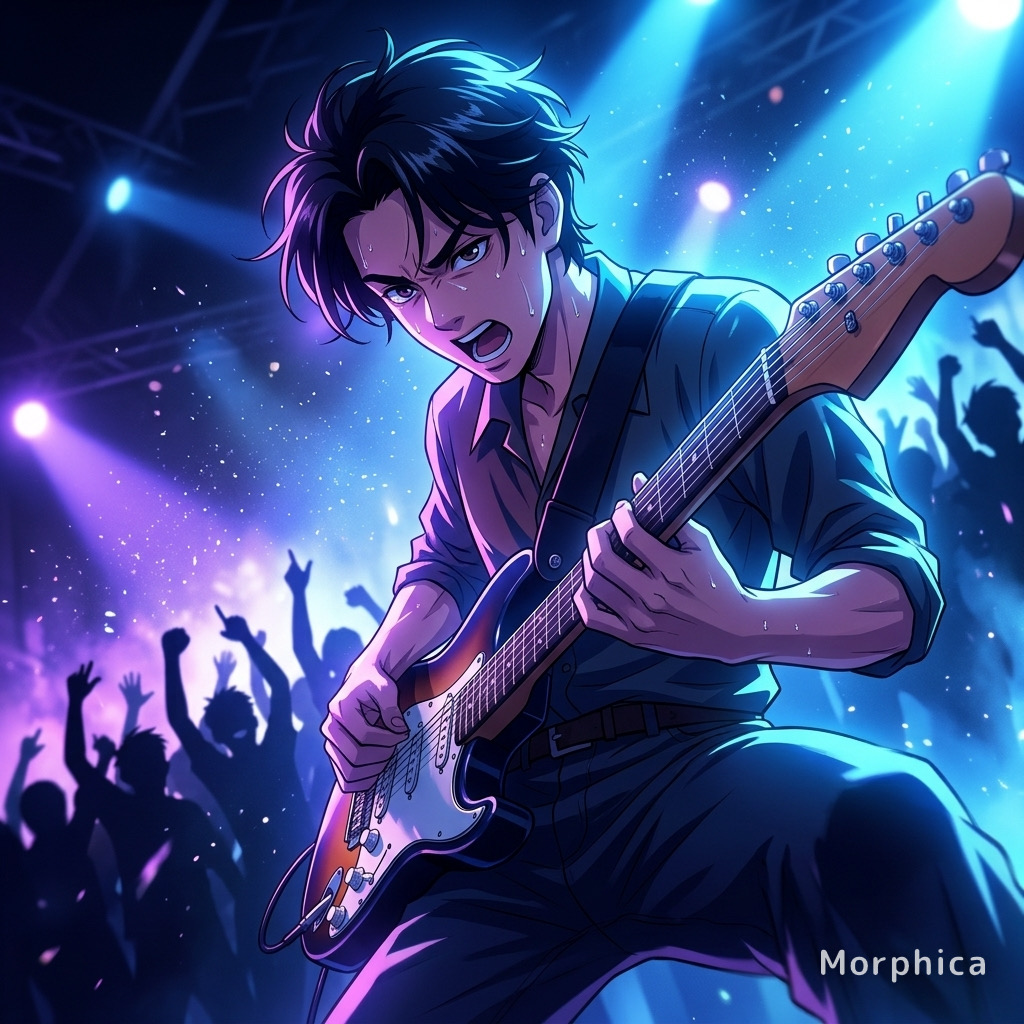
Webtoon
3 free to start・No subscription · tickets never expire