
Turn Your Photo Into a Cinematic Anime Film Still With AI
Take an everyday shot and turn it into a cinematic anime film still. Dramatic backlight, golden-hour glow, soft background bokeh and film-grade color grading give it that big-screen mood, while your face and expression stay recognizable. Pick a photo, pick the style, convert. That's it.
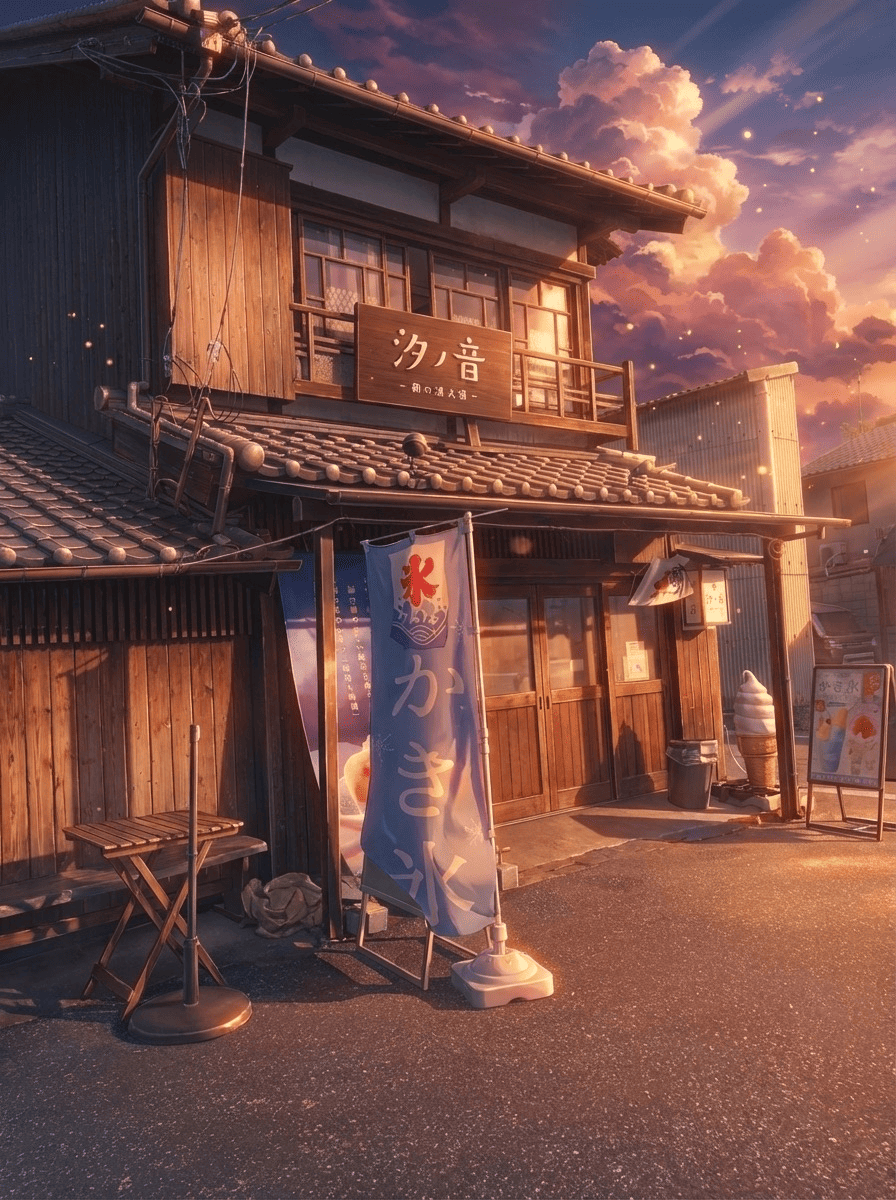
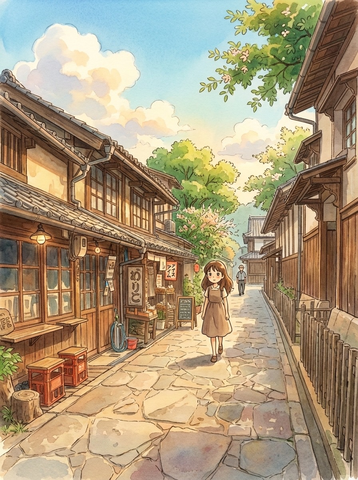
3 free to start No subscription · tickets never expire
Just 3 simple steps
- 01
Pick a photo
Choose one photo you want to transform.
- 02
Pick a style
Select "Anime" from the style list.
- 03
Transformed.
Ready in seconds. Save and share straight to social.
Ways to enjoy it
- Upgrade a profile picture into a movie-scene moment
- Turn a travel or sunset shot into a dramatic anime still
- Make a striking social avatar that pops in the feed
Tips for the best result
- Photos with expressive light (backlight, dusk, a window) get the most cinematic feel
- Choose a shot where the face is clear, so the mood changes but you still look like you
- Backgrounds with depth let the bokeh and shallow focus shine
Frequently asked
Does it keep my face?
Yes. It wraps your photo in cinematic anime lighting, color and bokeh while keeping your original face and expression. The goal isn't a different person, it's you caught in a frame of an anime film.
Can I make a cinematic anime photo with AI for free?
Your first 3 conversions are free to try. After that it's ticket-based with no subscription, and purchased tickets never expire, so you can use them whenever you like.
How does it work?
In Morphica (iOS): pick a photo, choose the Cinematic Anime style, then convert. A film-still look is ready in a few taps. The output is a single still image.
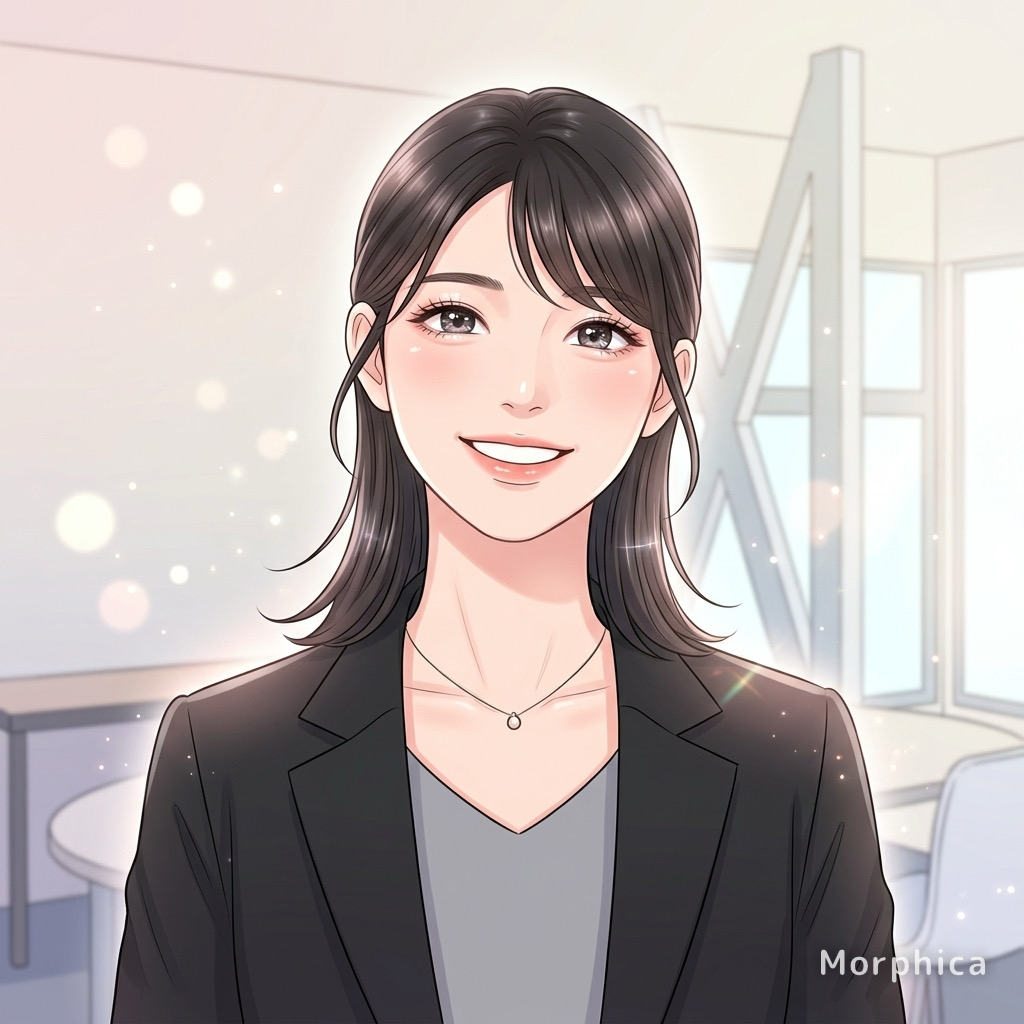

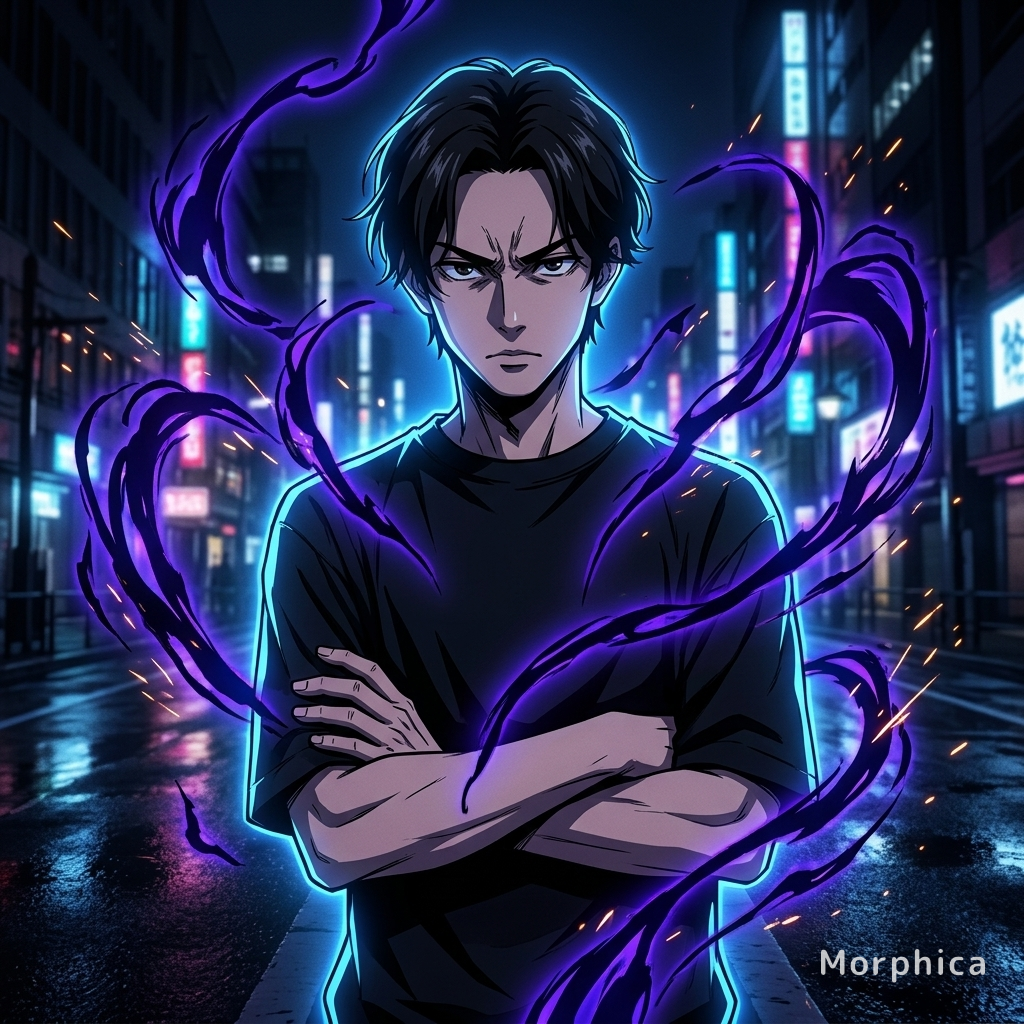
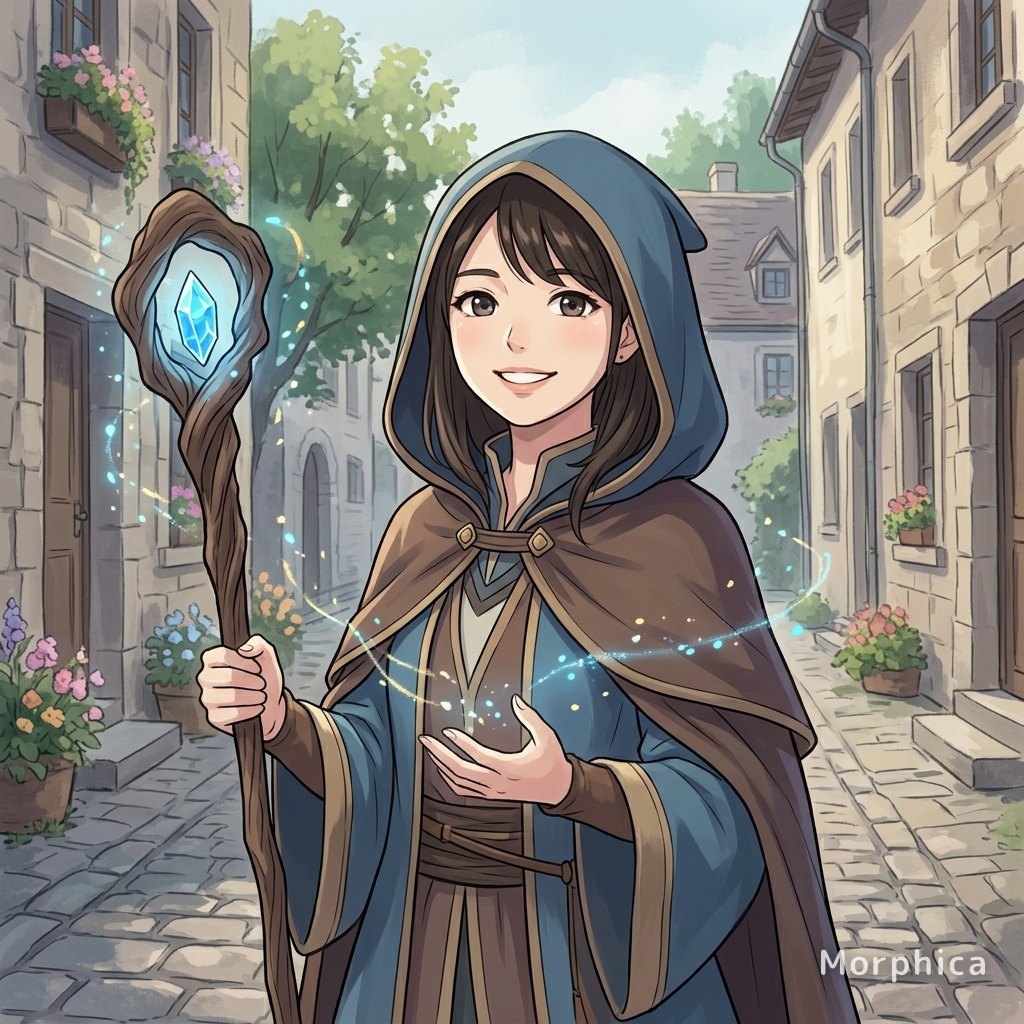
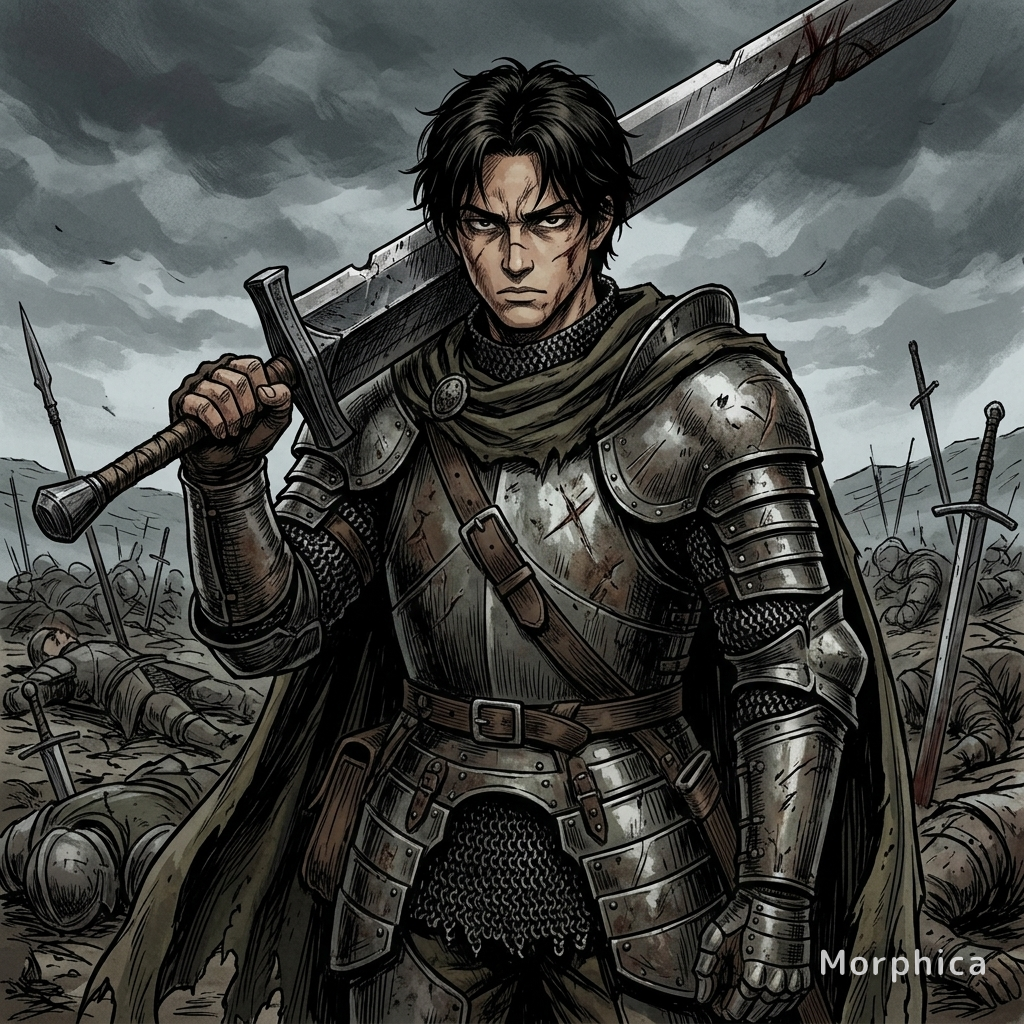
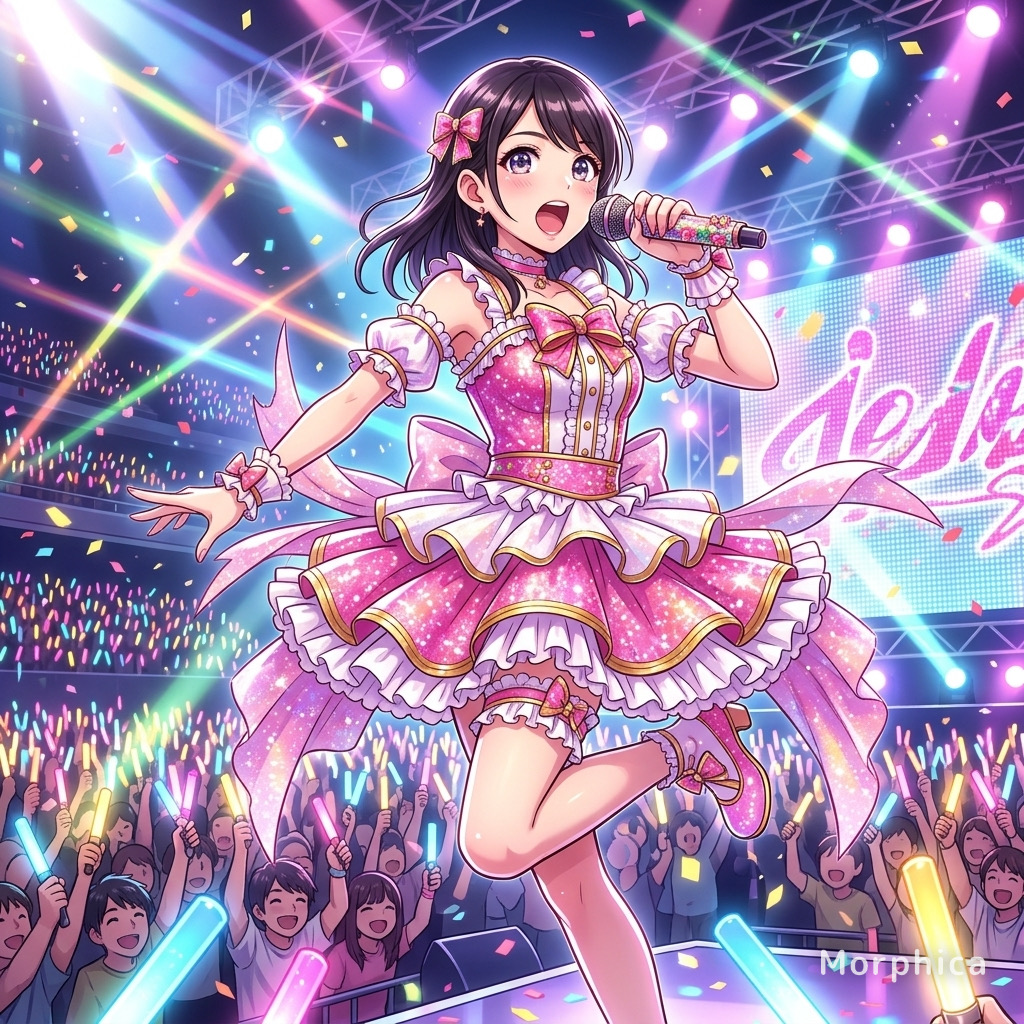
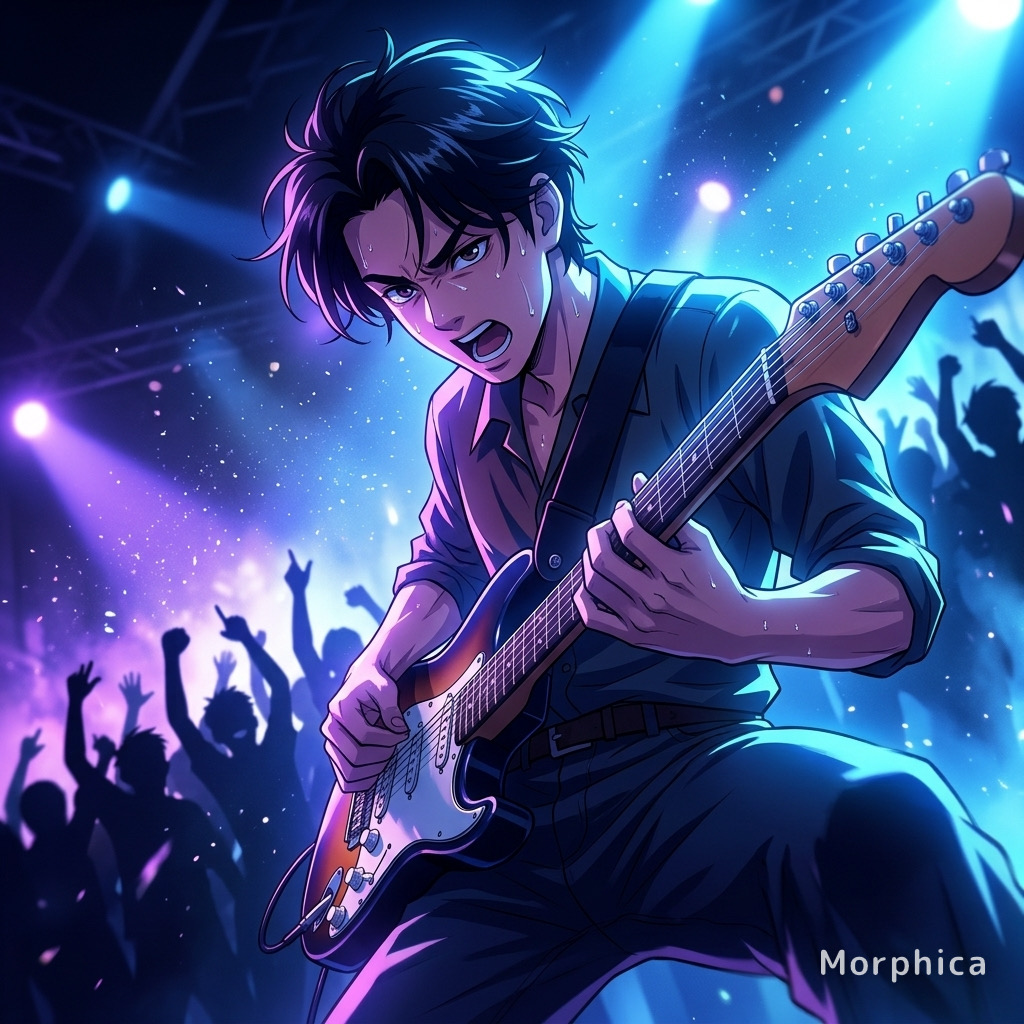
Cinematic Anime
3 free to start・No subscription · tickets never expire