
Turn Your Photo Into Anime Art With AI
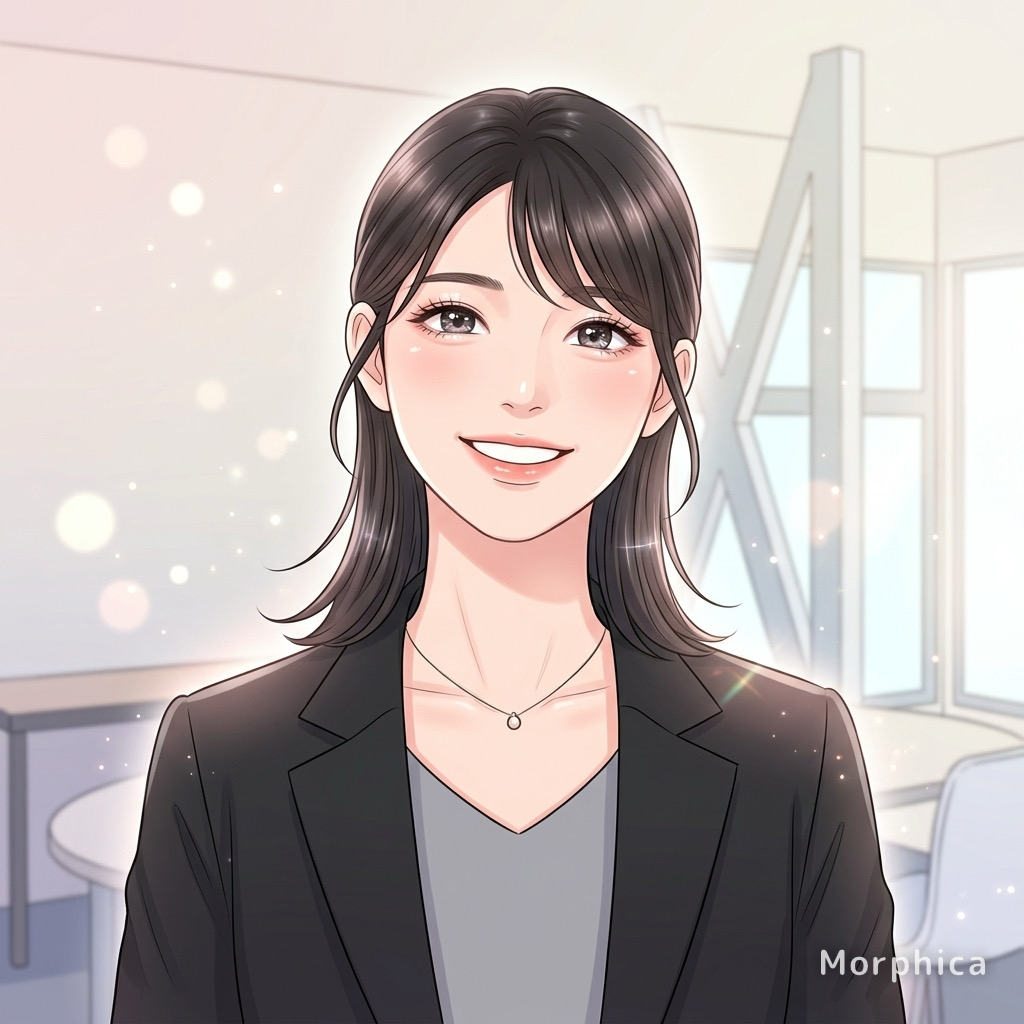
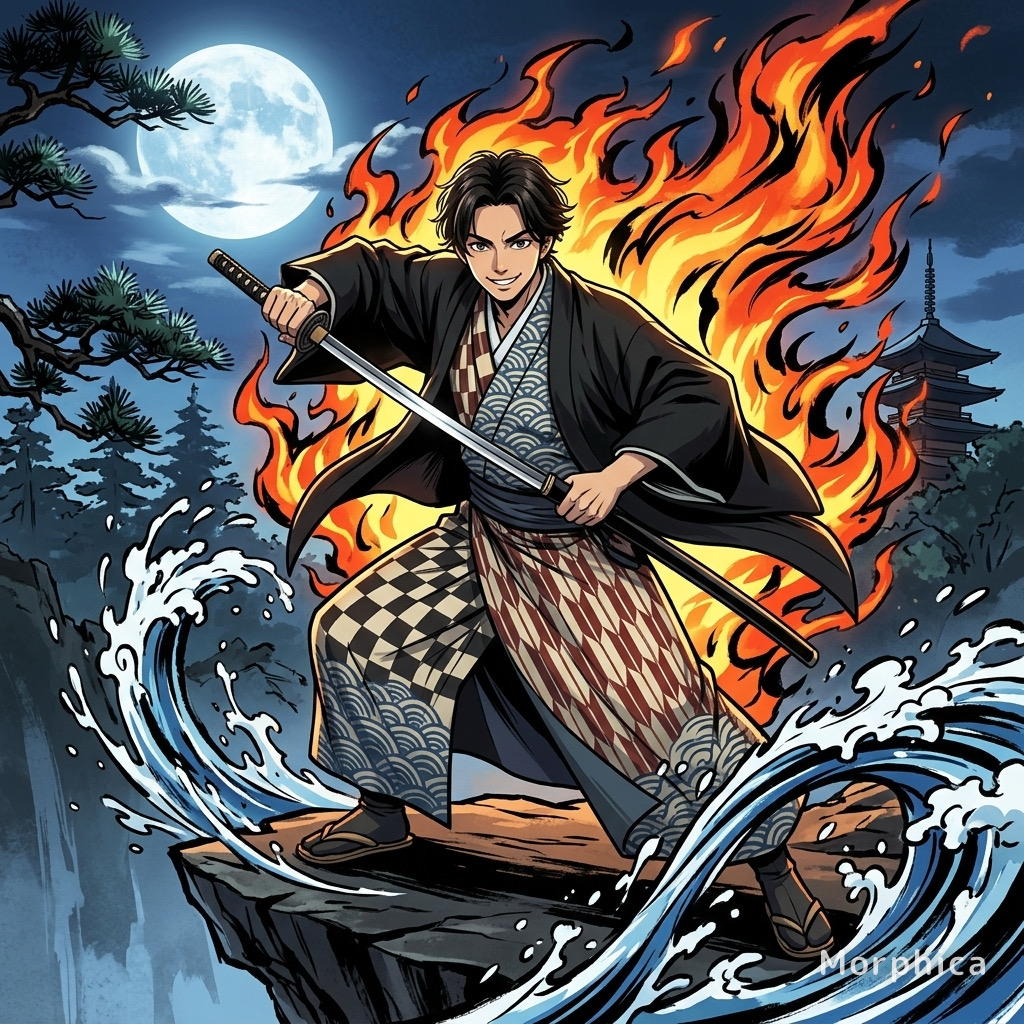
Make your everyday photo look like a frame from an anime. Morphica turns your photo into anime art with AI: clean lineart traces your outline, flat cel shading fills it in, and the eyes get a bright finish. Your face, hair, and pose stay intact, so it still looks like you. It's a generic anime-style look, not a copy of any specific studio or series. Pick a photo, pick the style, hit transform.
3 free to start No subscription · tickets never expire
Just 3 simple steps
- 01
Pick a photo
Choose one photo you want to transform.
- 02
Pick a style
Select "Anime" from the style list.
- 03
Transformed.
Ready in seconds. Save and share straight to social.
Ways to enjoy it
- Swap your social avatar for an anime-style portrait that still looks like you
- Turn cosplay or event photos into clean lineart-and-cel illustrations
- Give your dog or cat the big-eyed anime treatment as a keepsake
Tips for the best result
- A front-facing photo with a clear face gives the sharpest lineart and eyes
- Soft, even lighting (no harsh shadows) plays nicely with flat cel shading
- If the background is busy, pick a shot where the subject fills the frame for cleaner outlines
Frequently asked
When I turn my photo into anime art with AI, does it keep my real face?
Yes. Your features, hair, and pose stay the same while the look shifts to crisp lineart and flat cel shading. It becomes an anime-style version of you, not a different person.
Is it free to try?
Your first 3 transforms are free. There's no subscription. If you want more, you buy tickets as a one-time purchase, and tickets never expire.
How does it work, and can I use a pet photo?
Three steps: pick a photo, pick the Anime style, and transform. It works on people and on pets like dogs and cats. The result is a single still illustration.
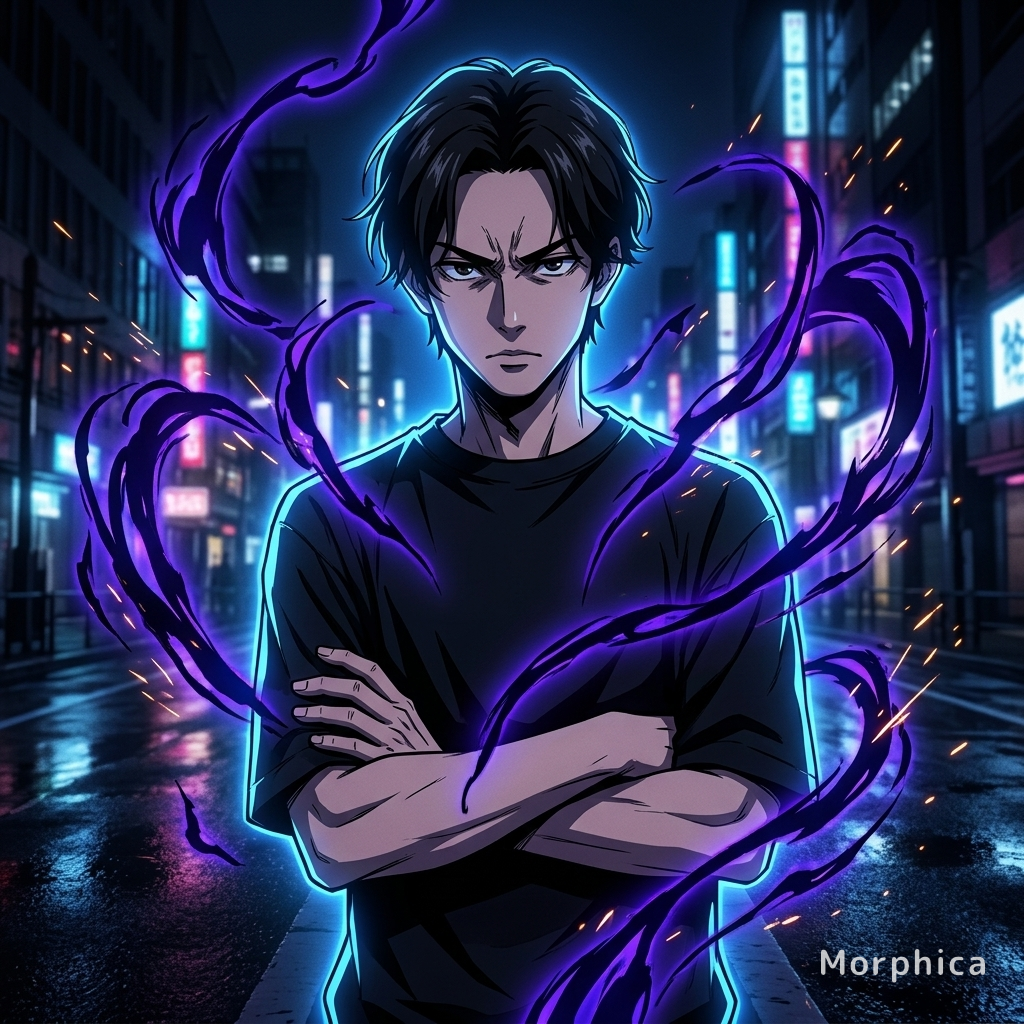
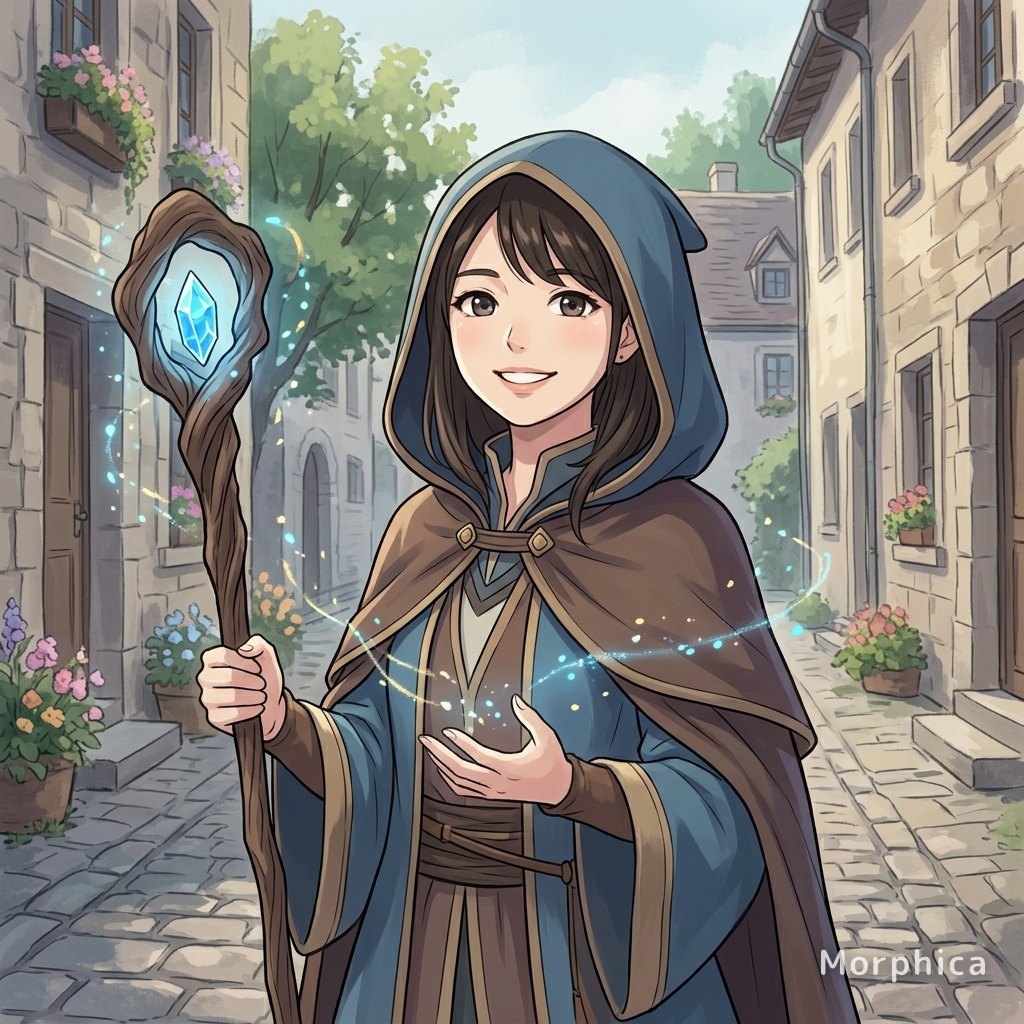
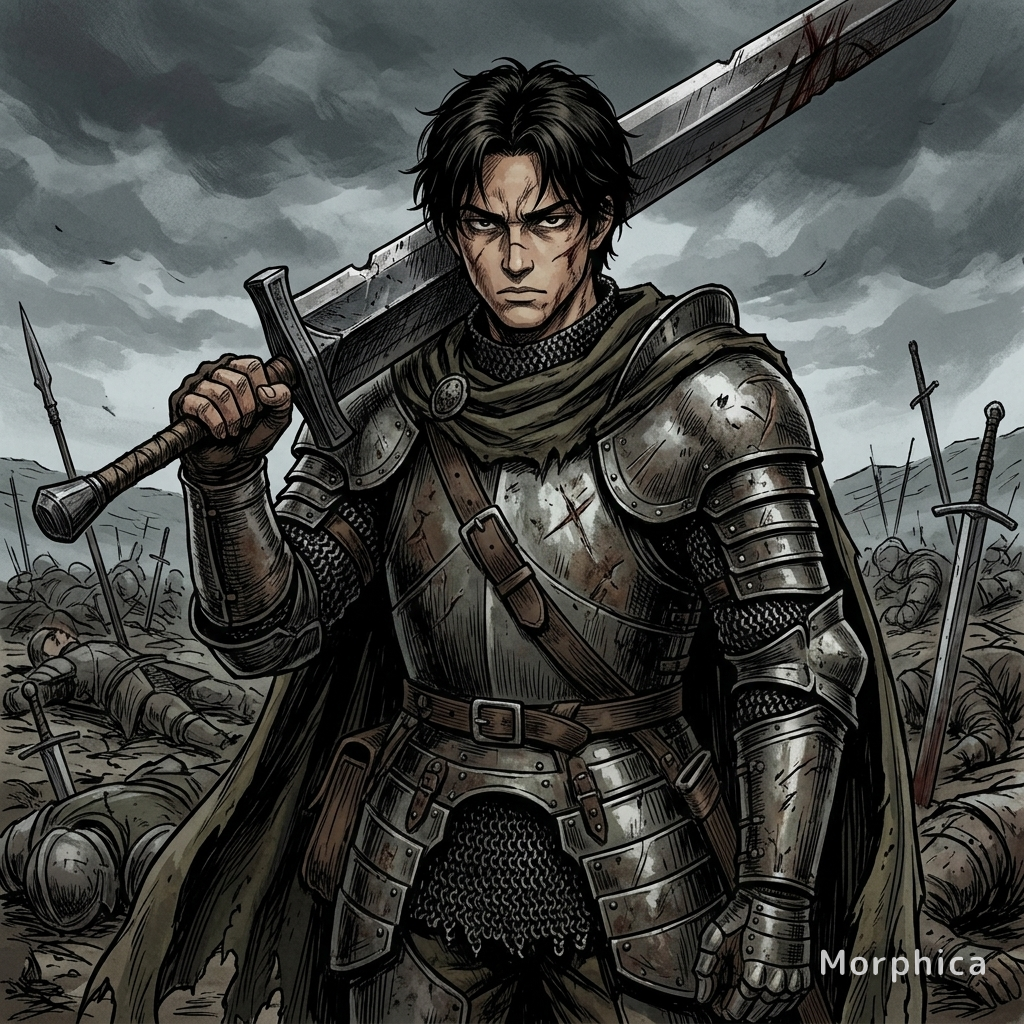
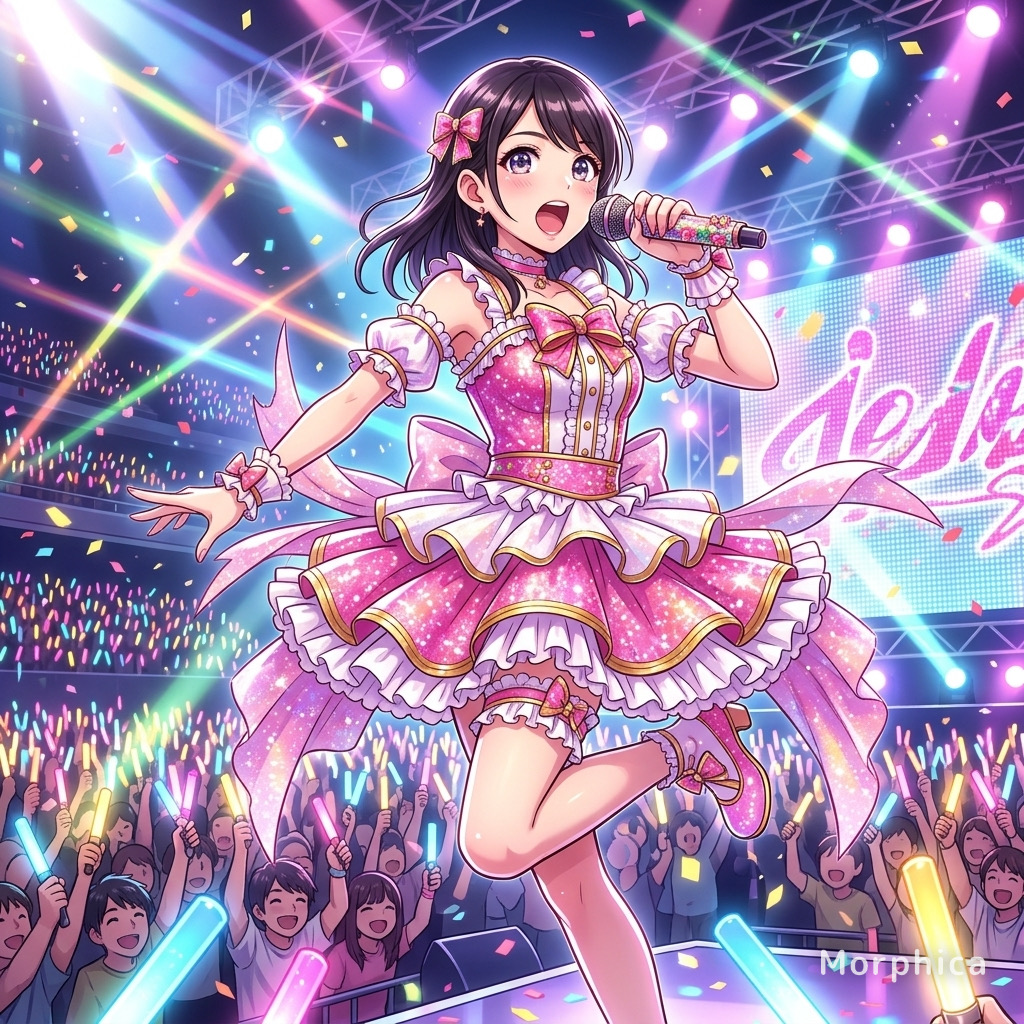
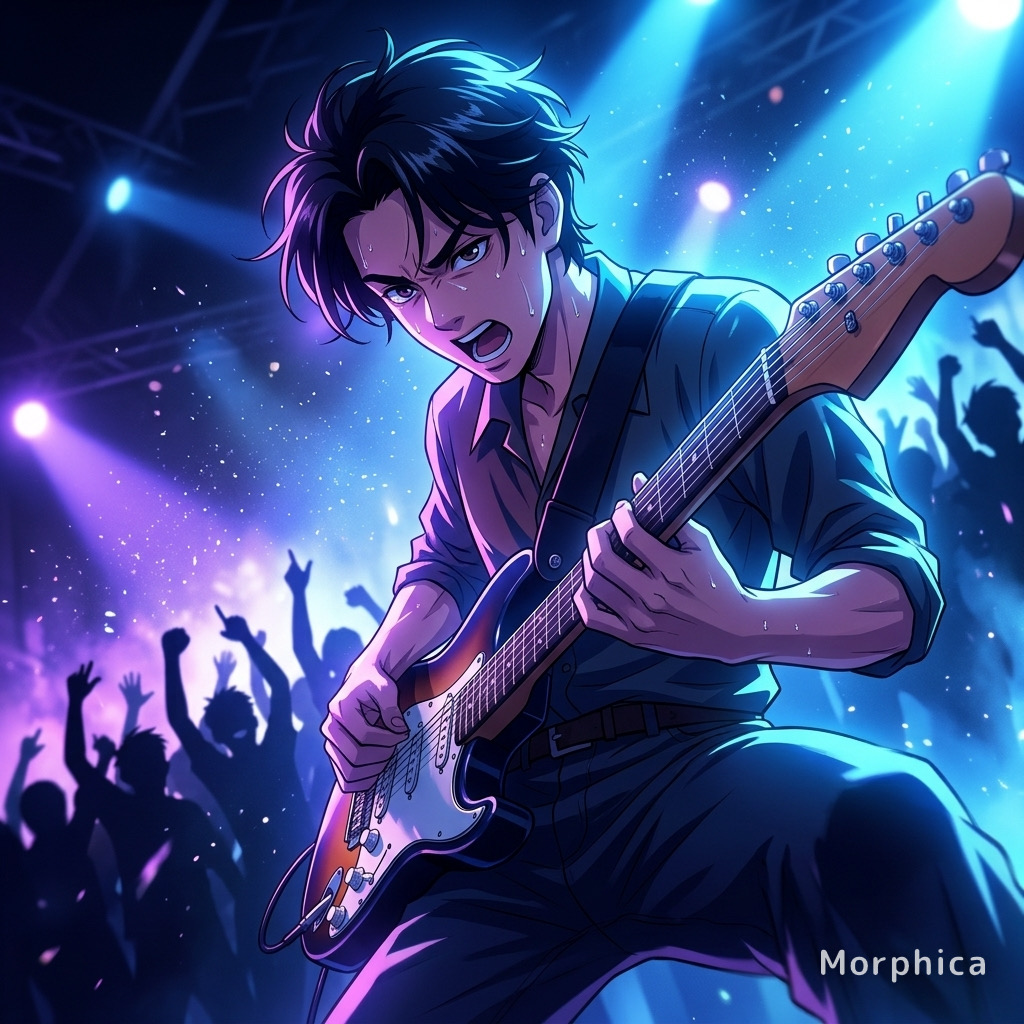
Anime
3 free to start・No subscription · tickets never expire