
Make a VTuber-style avatar from your photo with AI
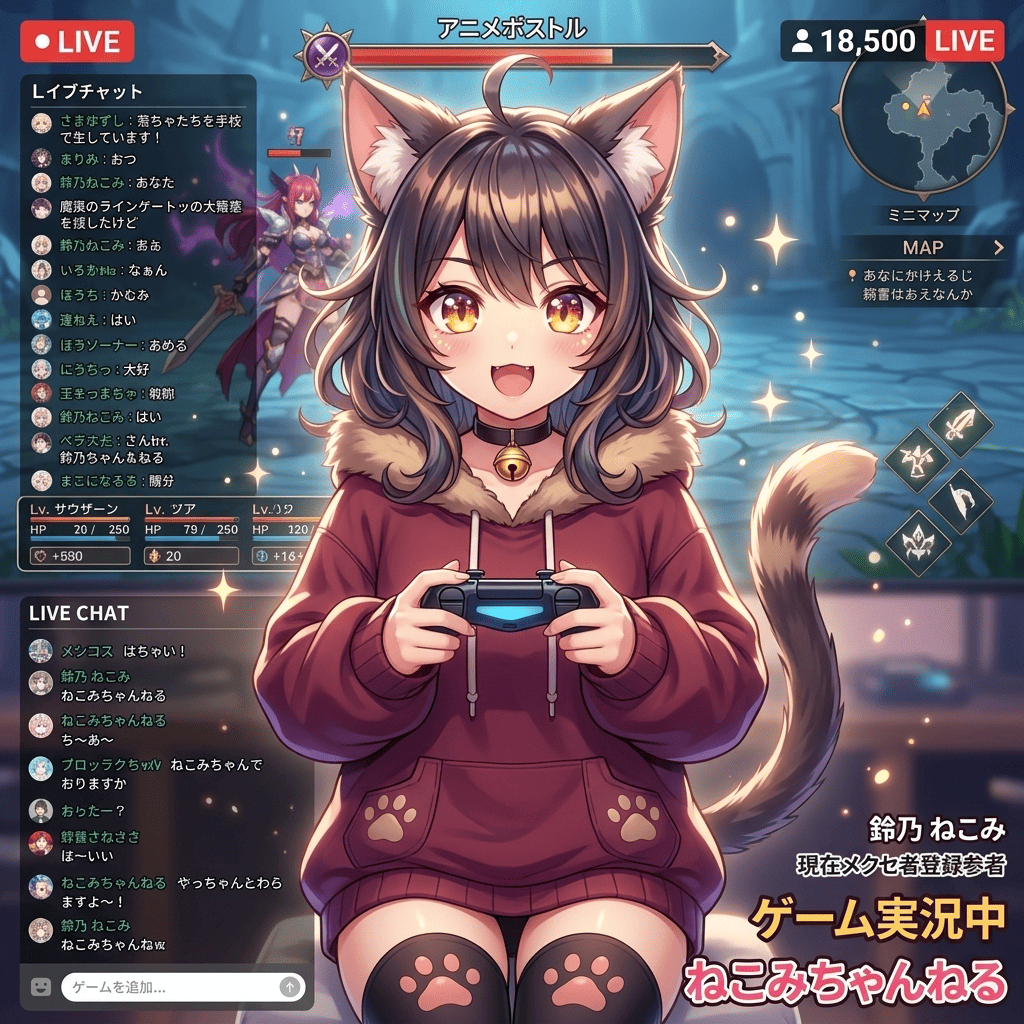
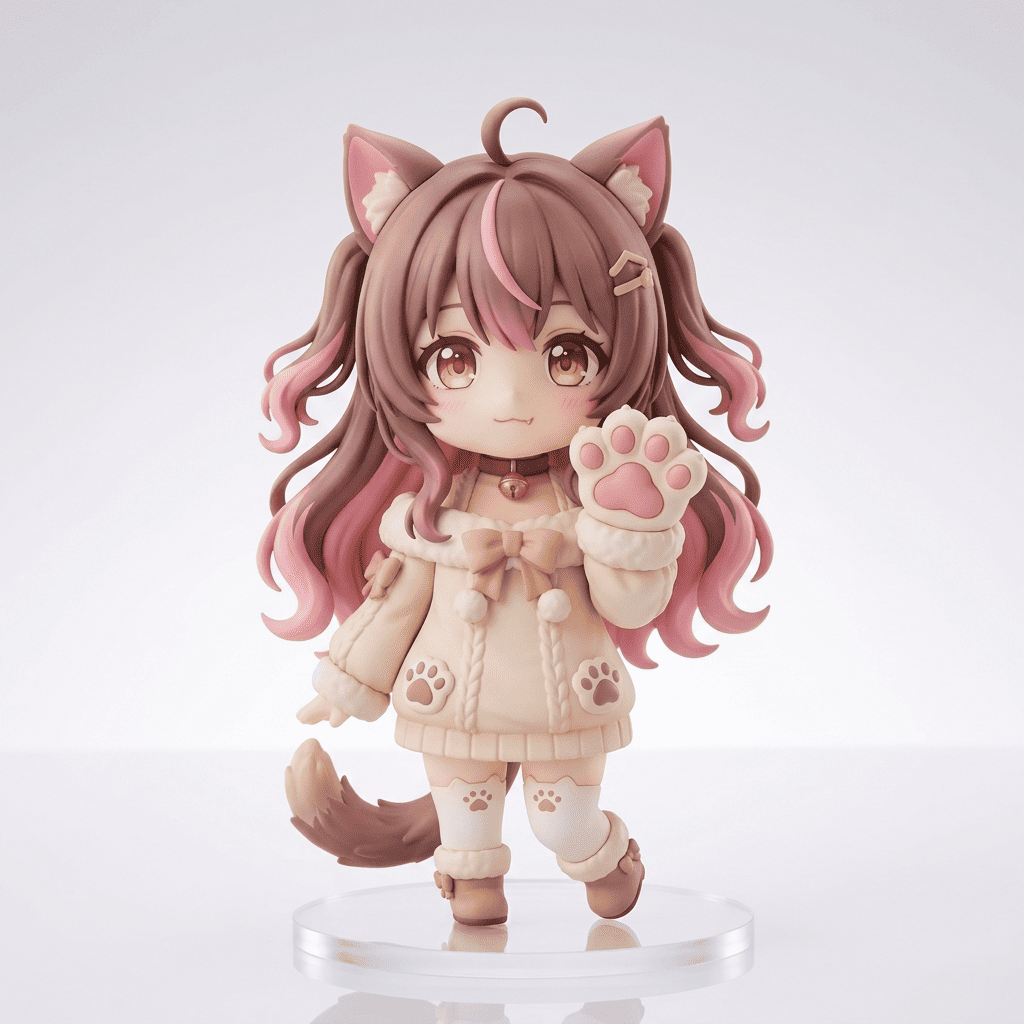
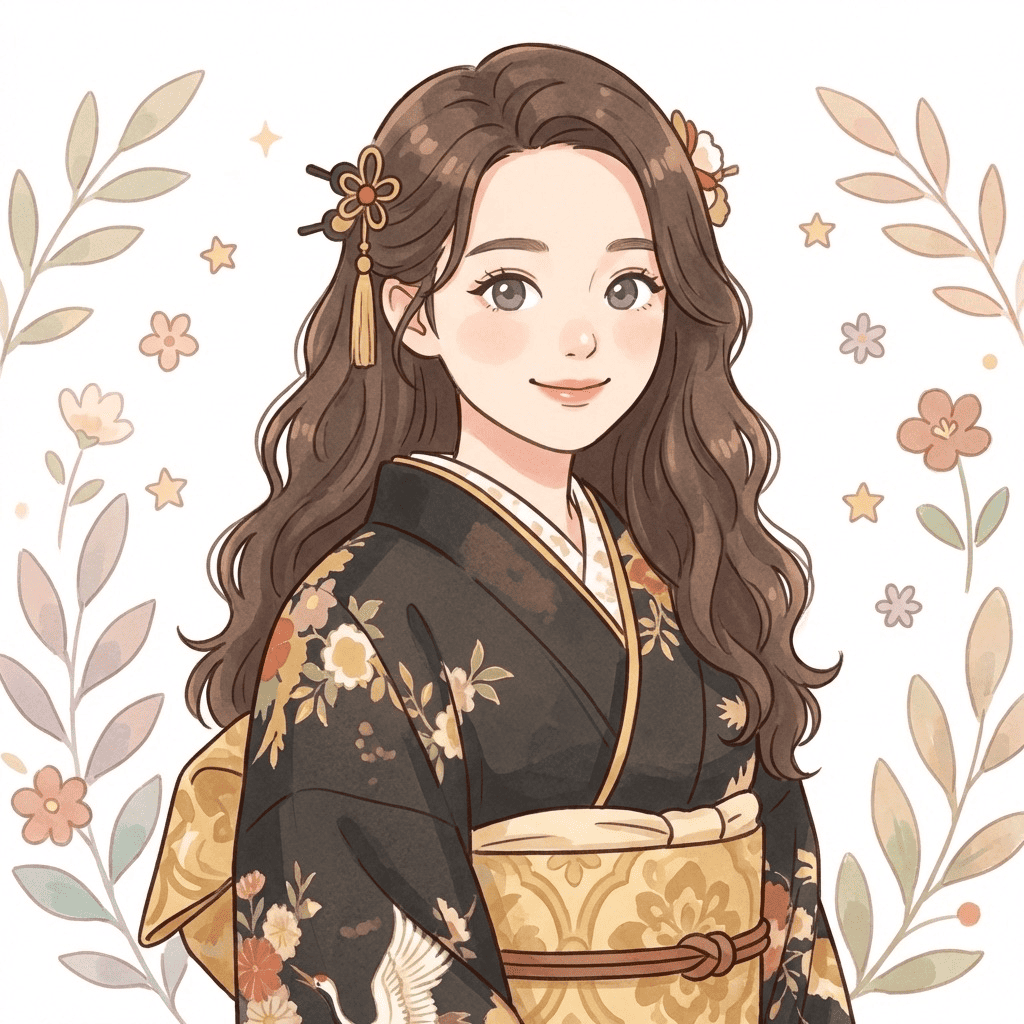
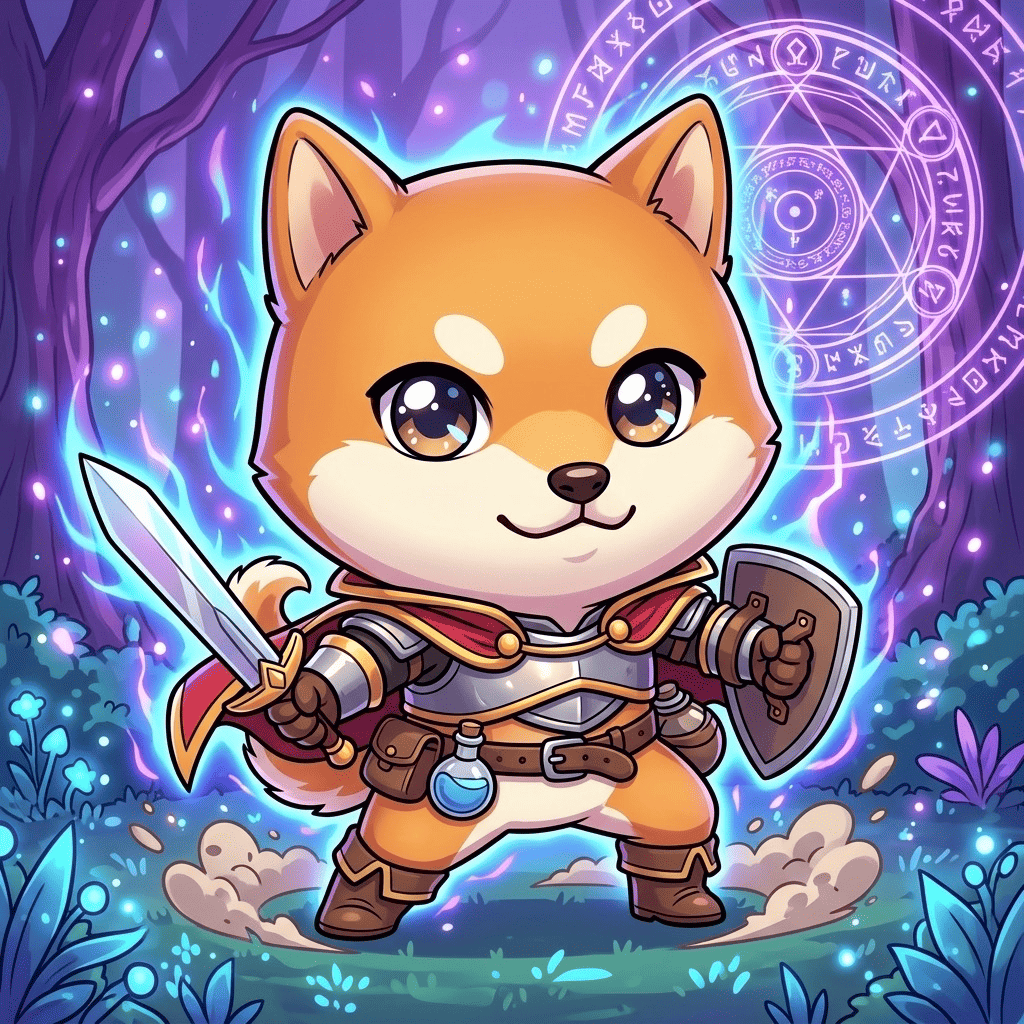
Want to make a VTuber-style avatar from your photo with AI? Morphica's VTuber style turns a snapshot into a bust-up, polished anime avatar: glossy highlighted eyes, soft cel shading, and an expressive pose. It keeps your real features and vibe, so it reads as your own character, ready to drop straight into a stream profile or social icon. The result is a still illustration (not a rigged, animated model), which makes it ideal for icons and headers.
3 free to start No subscription · tickets never expire
Just 3 simple steps
- 01
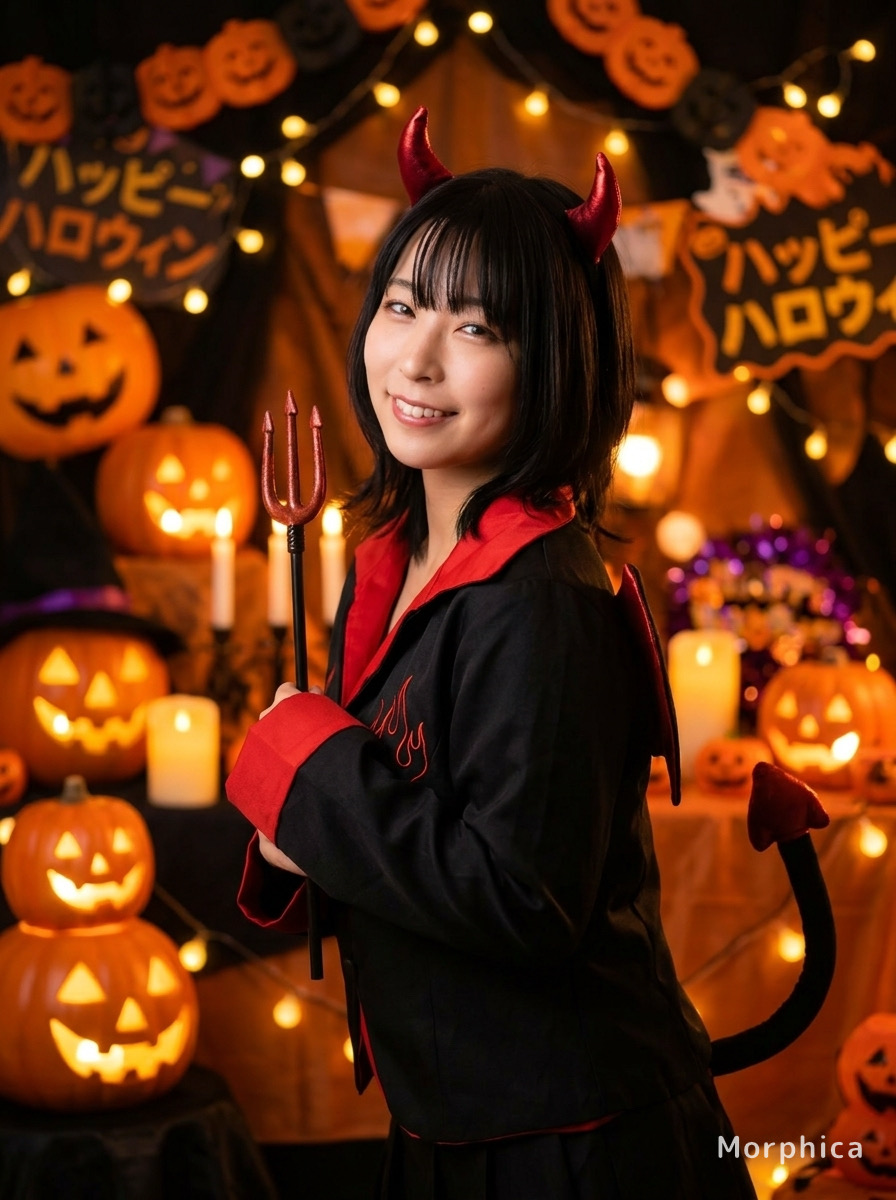
Pick a photo
Choose one photo you want to transform.
- 02
Pick a style
Select "Character" from the style list.
- 03
Transformed.
Ready in seconds. Save and share straight to social.
Ways to enjoy it
- A streaming profile picture or standby-screen character visual
- A matching illustrated icon across your social and Discord profiles
- A self-intro card avatar for collabs, meetups, or fan-community posts
Tips for the best result
- A clear, well-lit, front-facing photo gives the cleanest eye highlights and shading
- The output is a still illustration (not a rigged, animated model) — great for icons and banners
- Pick a bust-up photo (head and shoulders) to get that classic VTuber framing
Frequently asked
Does it keep my face and likeness?
Yes. It preserves your hairstyle, face shape, and overall vibe while restyling you into a VTuber-look anime illustration. The goal is your own avatar, not a generic stranger.
Is it free, and how do I make a VTuber-style avatar from my photo with AI?
Your first 3 transforms are free, there's no subscription, and tickets never expire. Just pick a photo, pick the VTuber style, and tap transform — three steps to your avatar.
Can I use a pet photo?
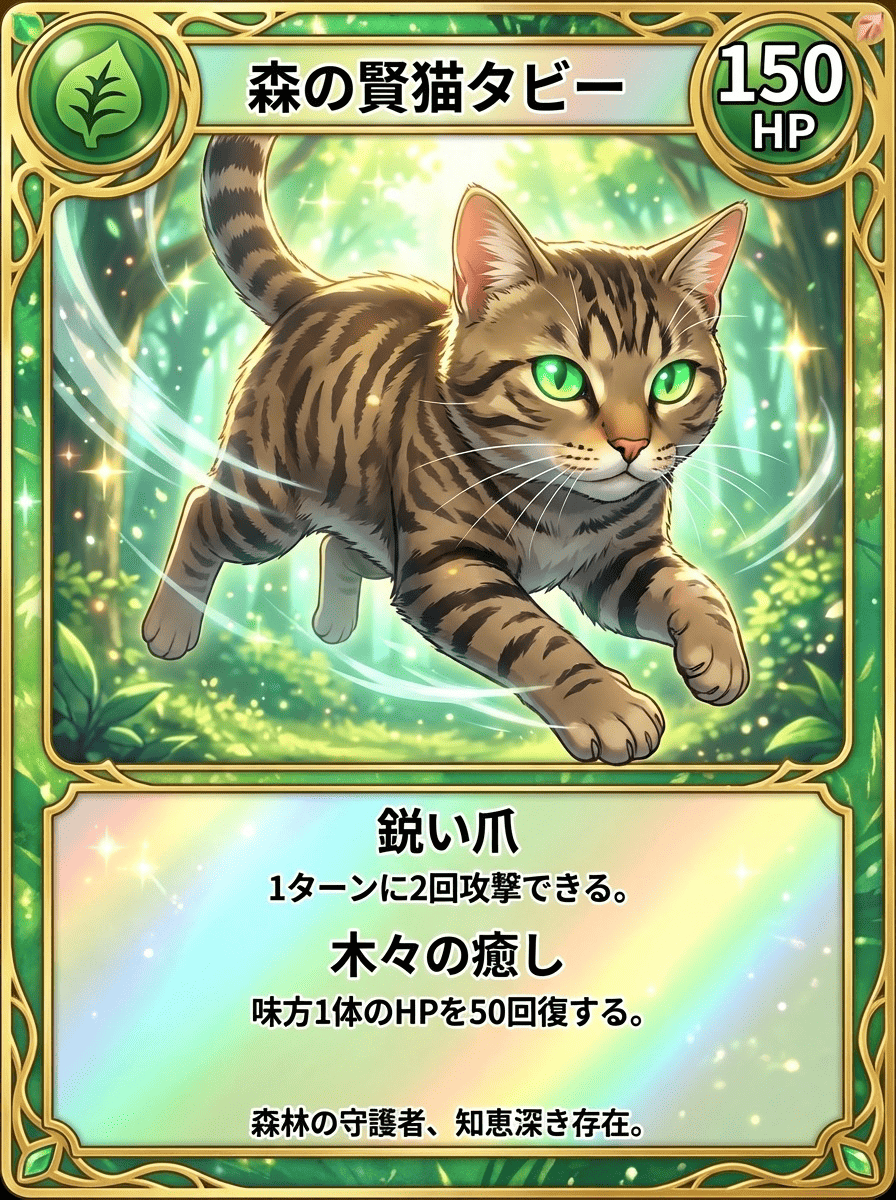
Absolutely. Like people, pets keep their distinctive features and get turned into an anime-style illustrated icon — a fun stand-in avatar if you'd rather not show your face.


VTuber
3 free to start・No subscription · tickets never expire