
Turn your photo into a chibi character with AI
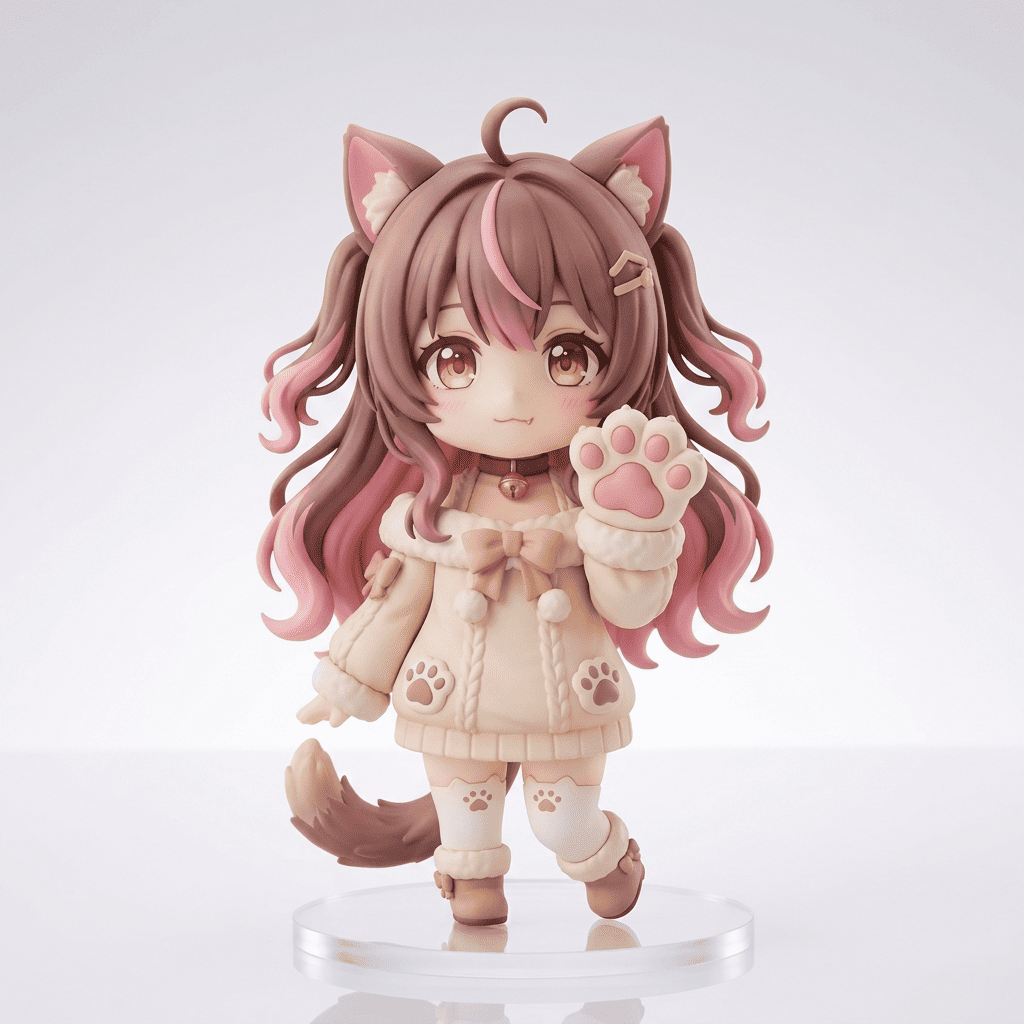
Shrink any photo down to an adorable two-head-tall chibi: giant head, tiny body, big sparkly eyes and round, chubby cheeks. Morphica deforms you into super-cute chibi style while keeping your hairstyle and features recognizable, so it still looks like you. Turn your photo into a chibi character with AI, then do the same for friends and pets.
3 free to start No subscription · tickets never expire
Just 3 simple steps
- 01
Pick a photo
Choose one photo you want to transform.
- 02
Pick a style
Select "Character" from the style list.
- 03
Transformed.
Ready in seconds. Save and share straight to social.
Ways to enjoy it
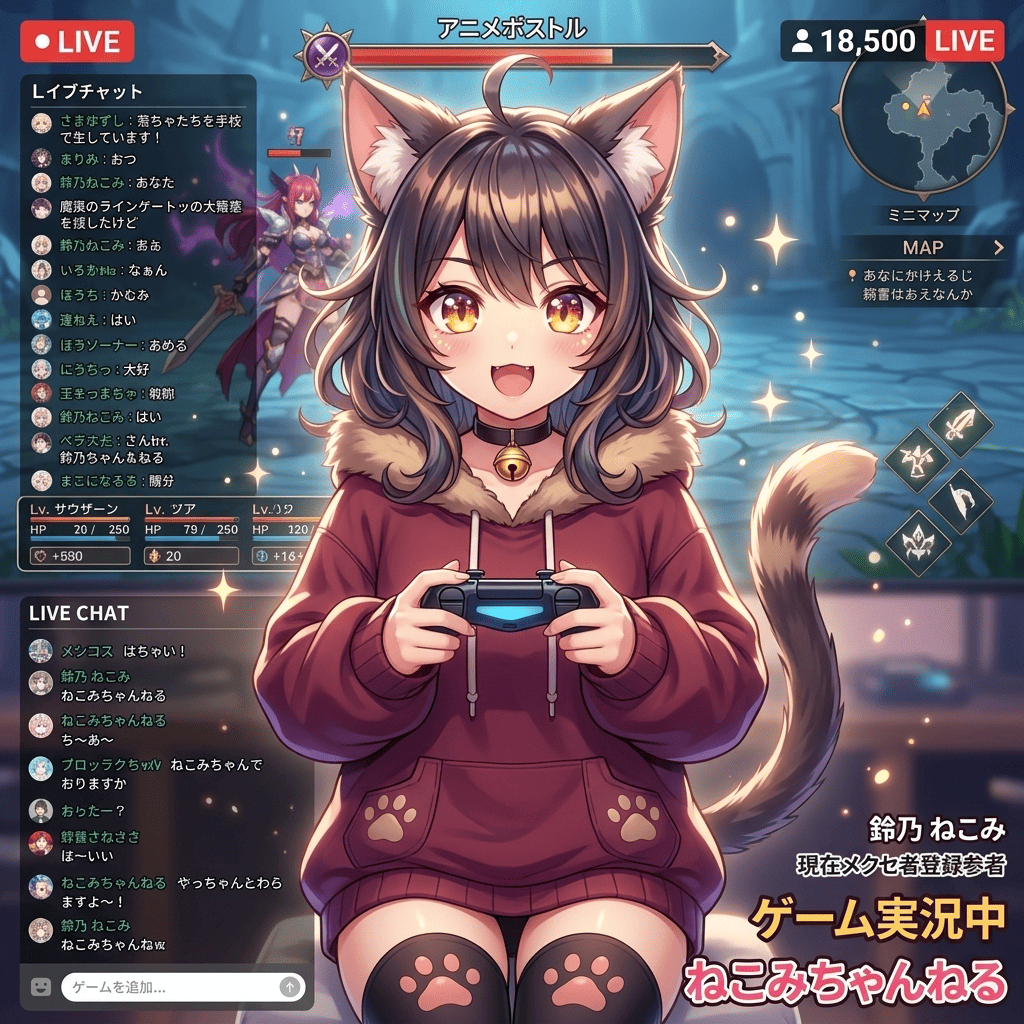
- A chibi version of yourself for social avatars and profile pictures
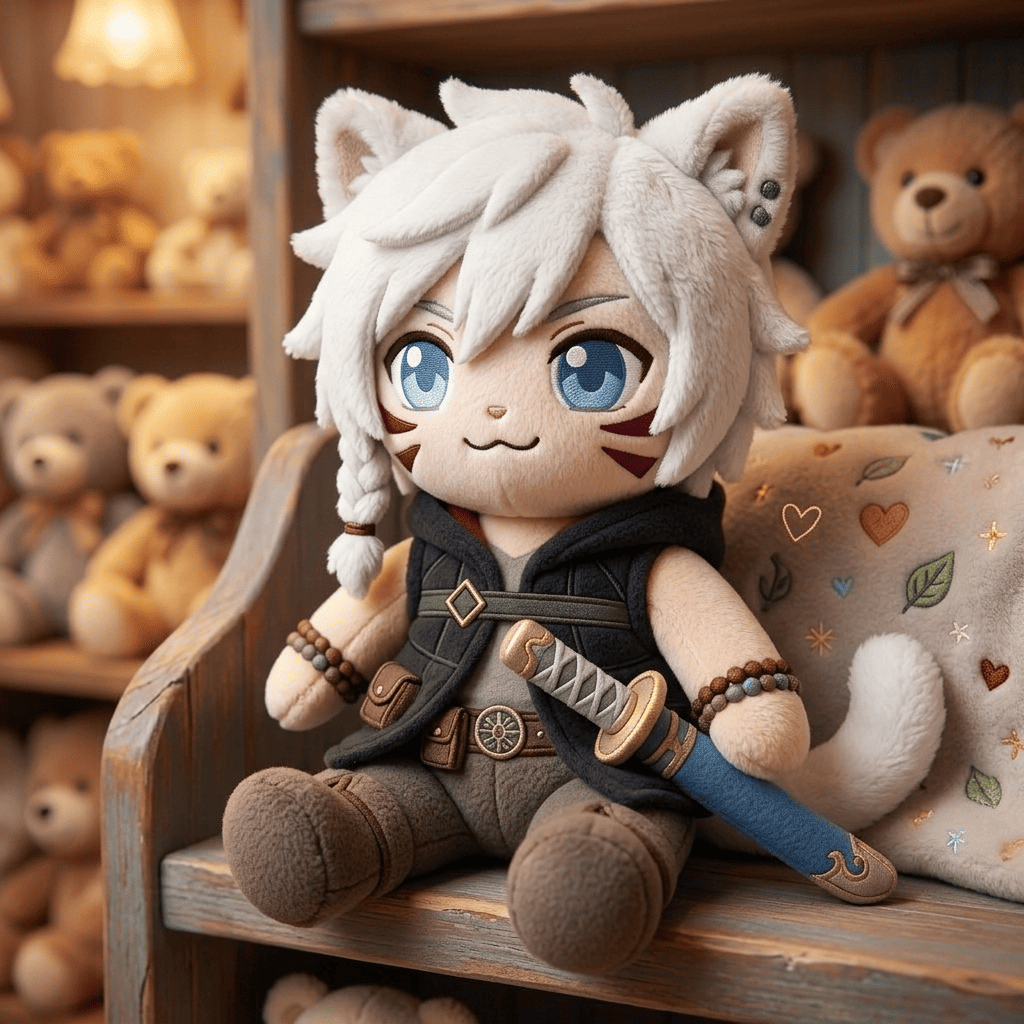
- Matching chibis for you and a friend or partner to swap in chat
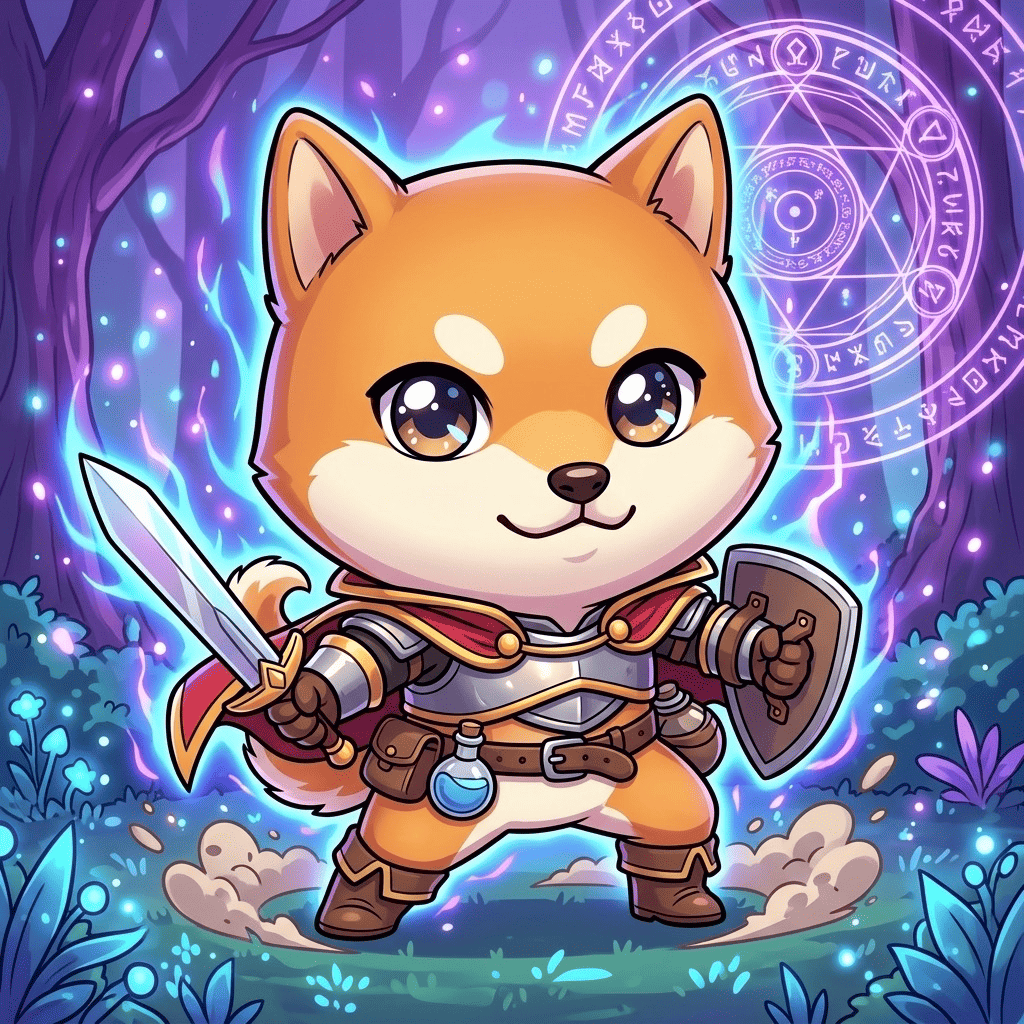
- Your dog or cat reimagined as a round, two-head-tall chibi
Tips for the best result
- Pick a clear, front-facing photo so the eyes and hairstyle deform cleanly
- Bust-up or full-body shots help the head-to-body chibi proportions land
- For pets, choose a shot where the face is bright and in focus
Frequently asked
Will it still look like me?
Yes. It deforms you into a big-head, tiny-body chibi, but keeps your hairstyle, face shape and features, so you're easy to recognize. The result is a single still image.
Is it free to turn my photo into a chibi character, and how does it work?
Your first 3 transforms are free, with no subscription and tickets that never expire. Just pick a photo, pick the Chibi style, and transform.
Can I make my pet into a chibi?
Yes. Dogs and cats turn into round, two-head-tall chibis too. A bright, in-focus photo of their face keeps their features recognizable.
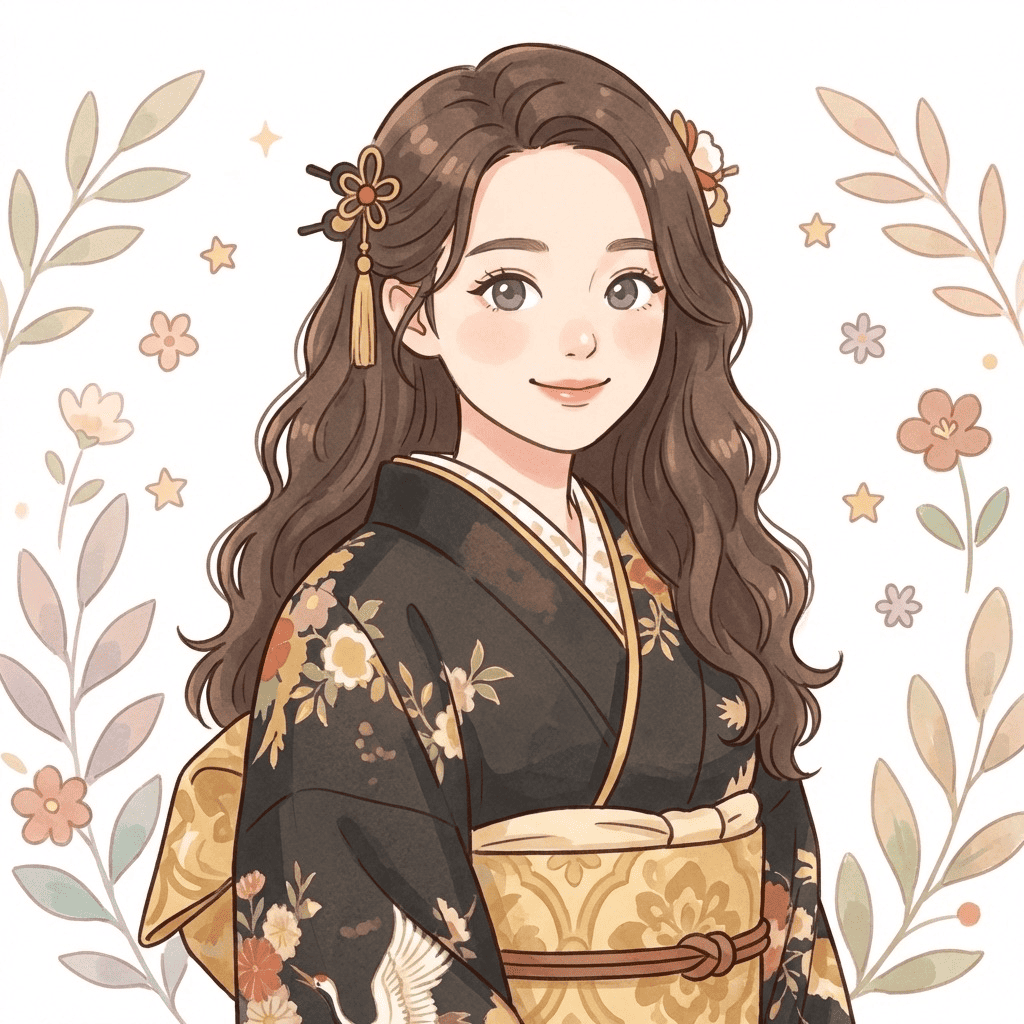
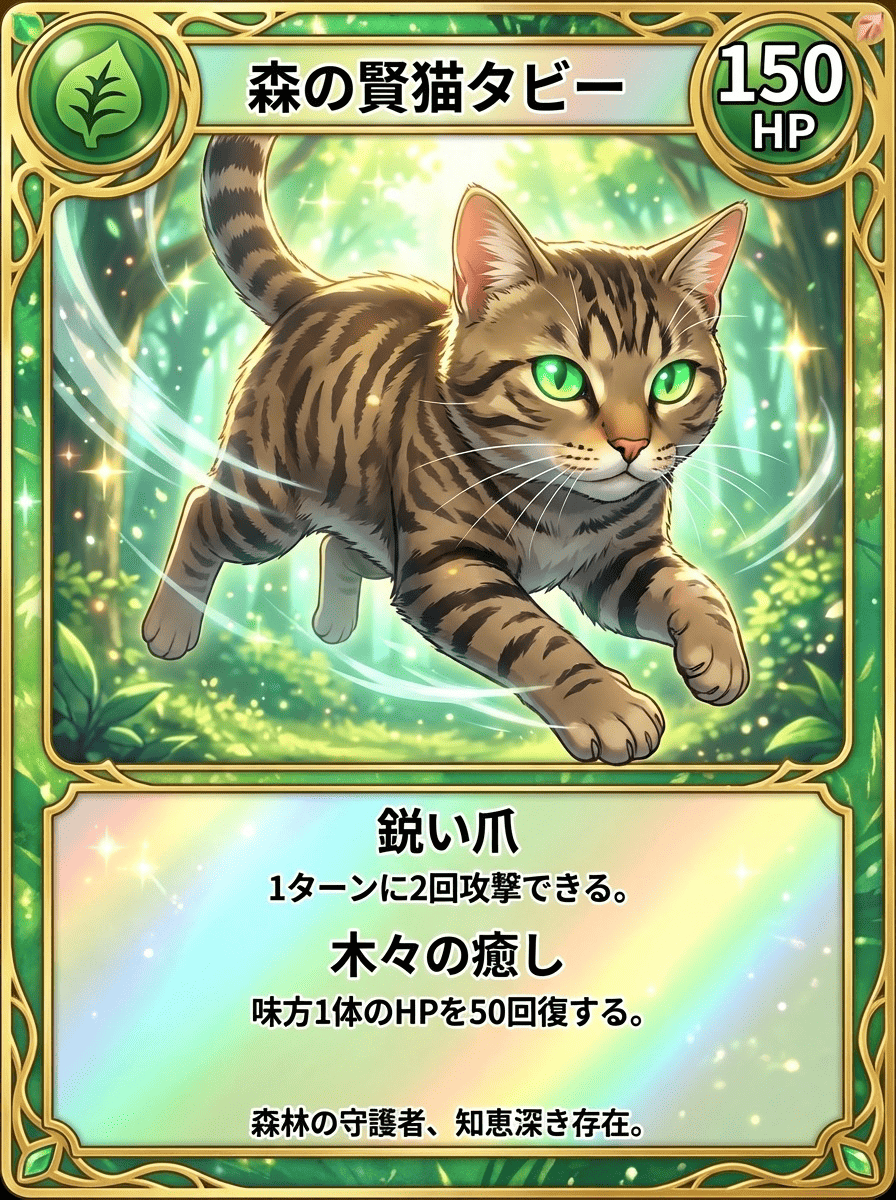


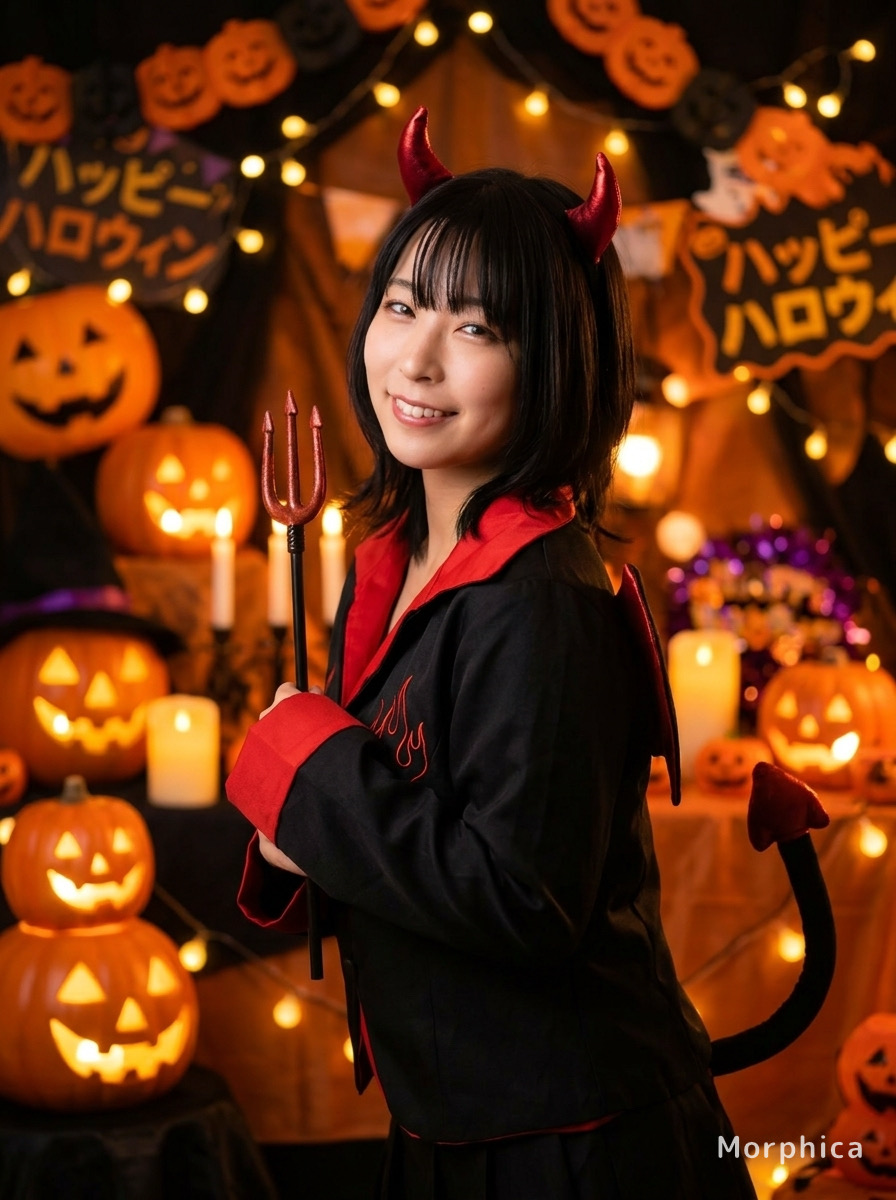
Chibi
3 free to start・No subscription · tickets never expire