
Time-Slip Your Photo into a Past Era with AI
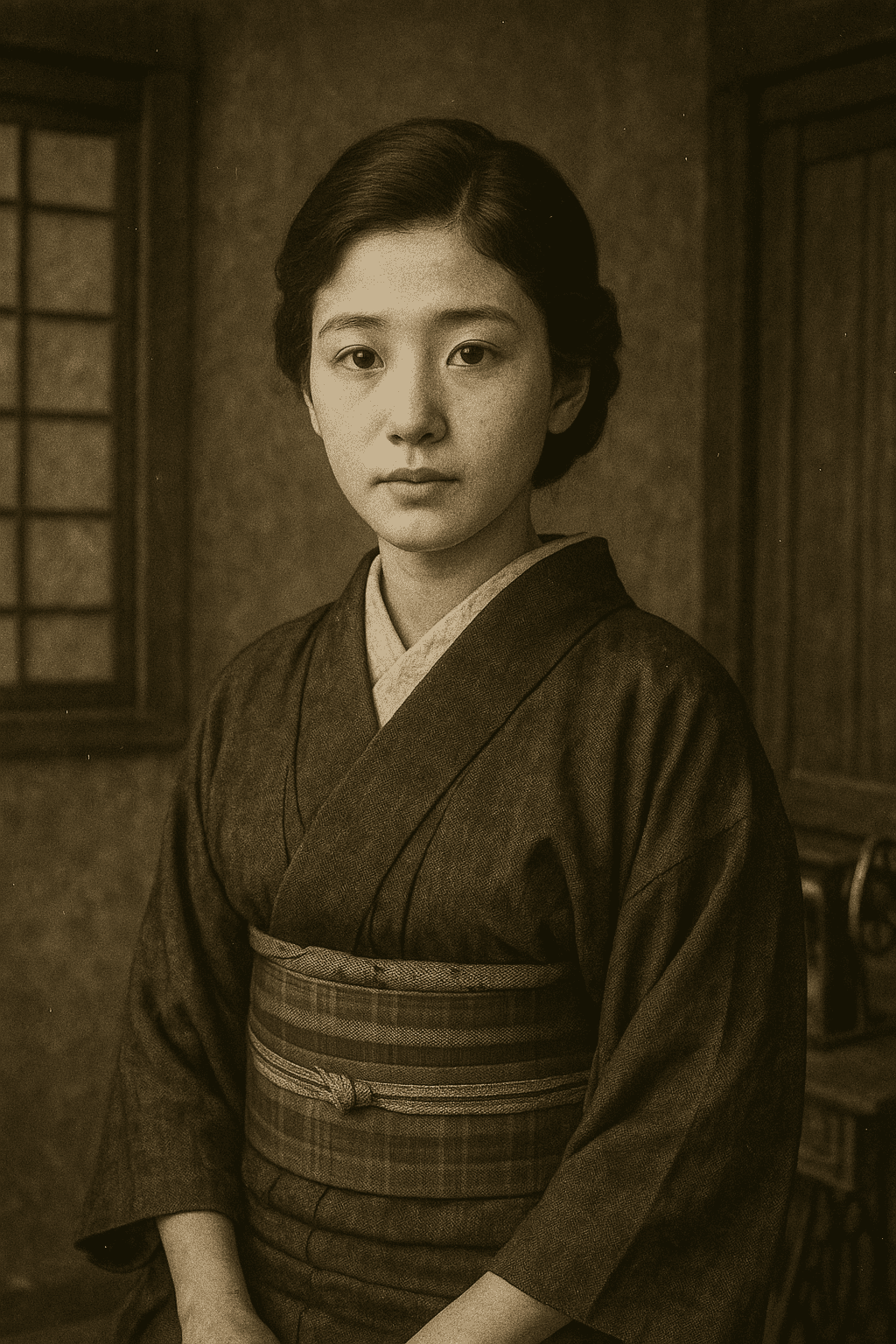
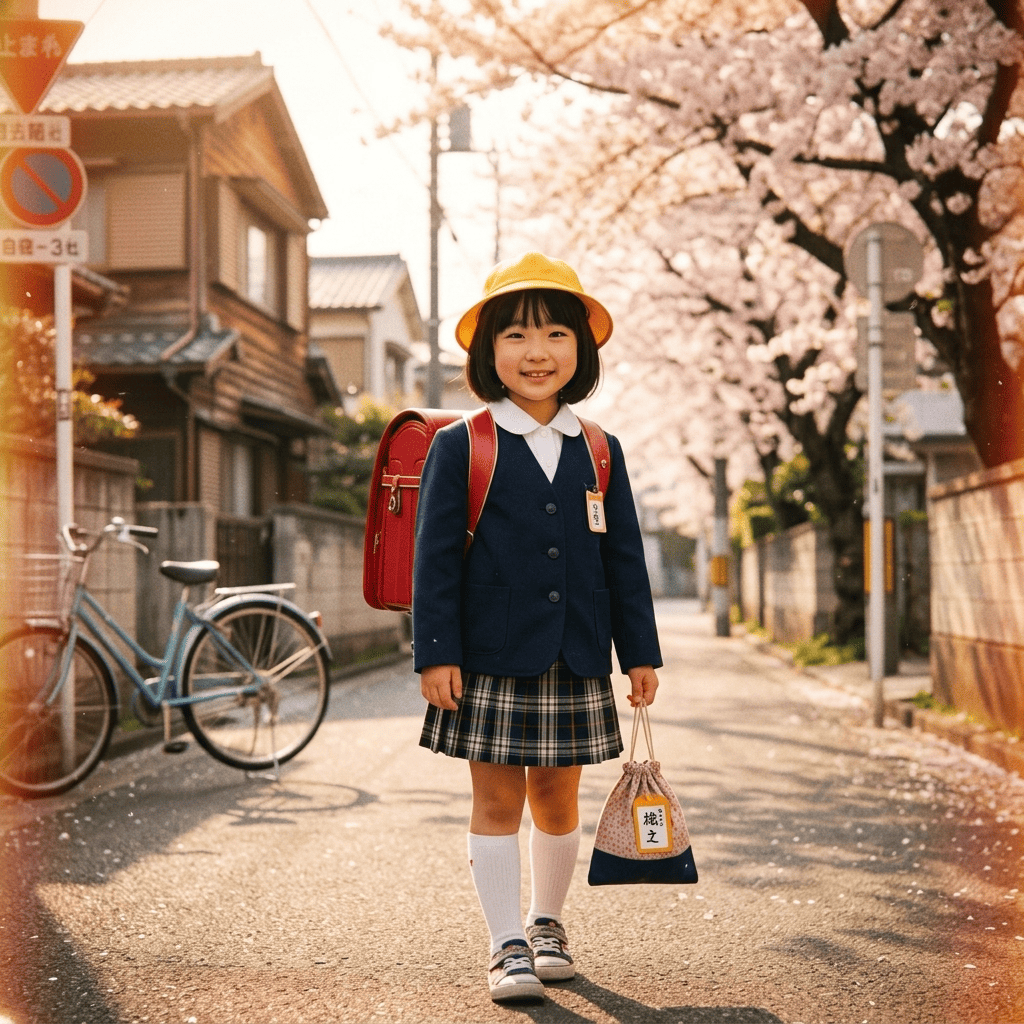
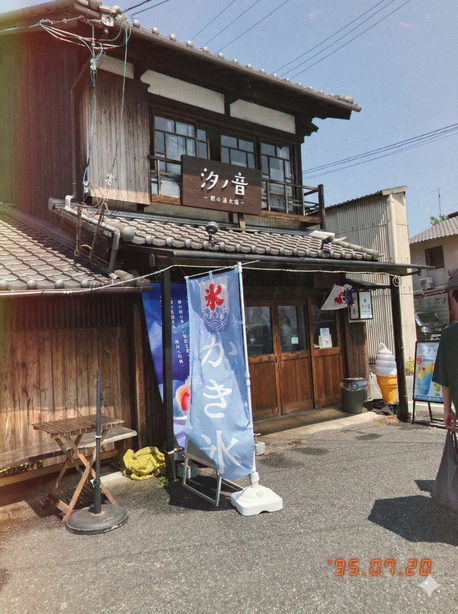
Send any everyday shot back in time. Time Slip wraps you in retro period styling and a gently faded old-photo texture, like a frame pulled from a decades-old album. Your face stays you, so it really looks like a past-era version of yourself. Time-slip your photo into a past era with AI, just pick a photo and pick a style.
3 free to start No subscription · tickets never expire
Just 3 simple steps
- 01
Pick a photo
Choose one photo you want to transform.
- 02
Pick a style
Select "Retro" from the style list.
- 03
Transformed.
Ready in seconds. Save and share straight to social.
Ways to enjoy it
- Restyle your own photo with vintage retro fashion for that straight-out-of-an-old-album vibe
- Turn a family photo into a faded old-photo keepsake as a nostalgic little gift
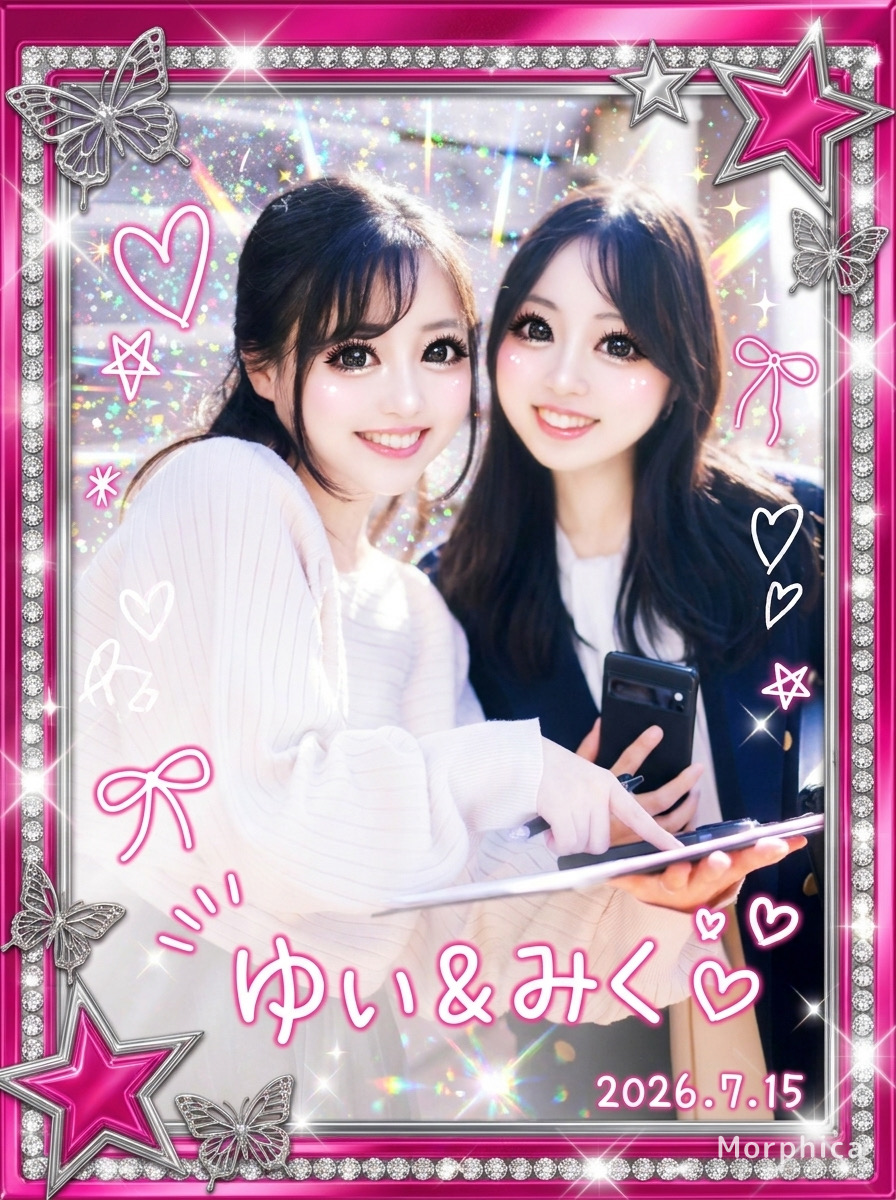
- Swap your profile picture for a retro photo-studio look and have fun on social
Tips for the best result
- A clear, front-facing photo pairs best with the retro mood and texture
- Frame the upper body so the period outfit and hairstyle texture come through
- Pick a photo taken in good light so the faded old-photo finish lands cleanly
Frequently asked
Does it keep my face?
Yes. Your real likeness stays intact; only the clothing, hairstyle, and photo texture get the retro time-slip treatment. You don't become someone else, you become a believable past-era version of yourself.
How do I make a time-slip photo?
It's three steps: pick a photo, pick the Time Slip style, and transform. The AI layers on the old-photo texture and period styling automatically and saves it as a single still image.
Is it free?
Your first 3 transformations are free. After that it's ticket-based with no subscription, and purchased tickets never expire, so you can come back whenever you like. Available on iOS.





Time Slip
3 free to start・No subscription · tickets never expire