
Turn your photo into a nostalgic old-school portrait with AI
Pick one photo of yourself today, and AI turns it into a nostalgic old-school portrait. Childhood Memory adds film grain, gently faded colors, and a soft focus — the look of a snapshot pulled from an old yearbook or a shoebox at your parents' place. Your face stays unmistakably you; only the era-worn texture is layered on top. It's the kind of still that gives you a little ache of nostalgia.
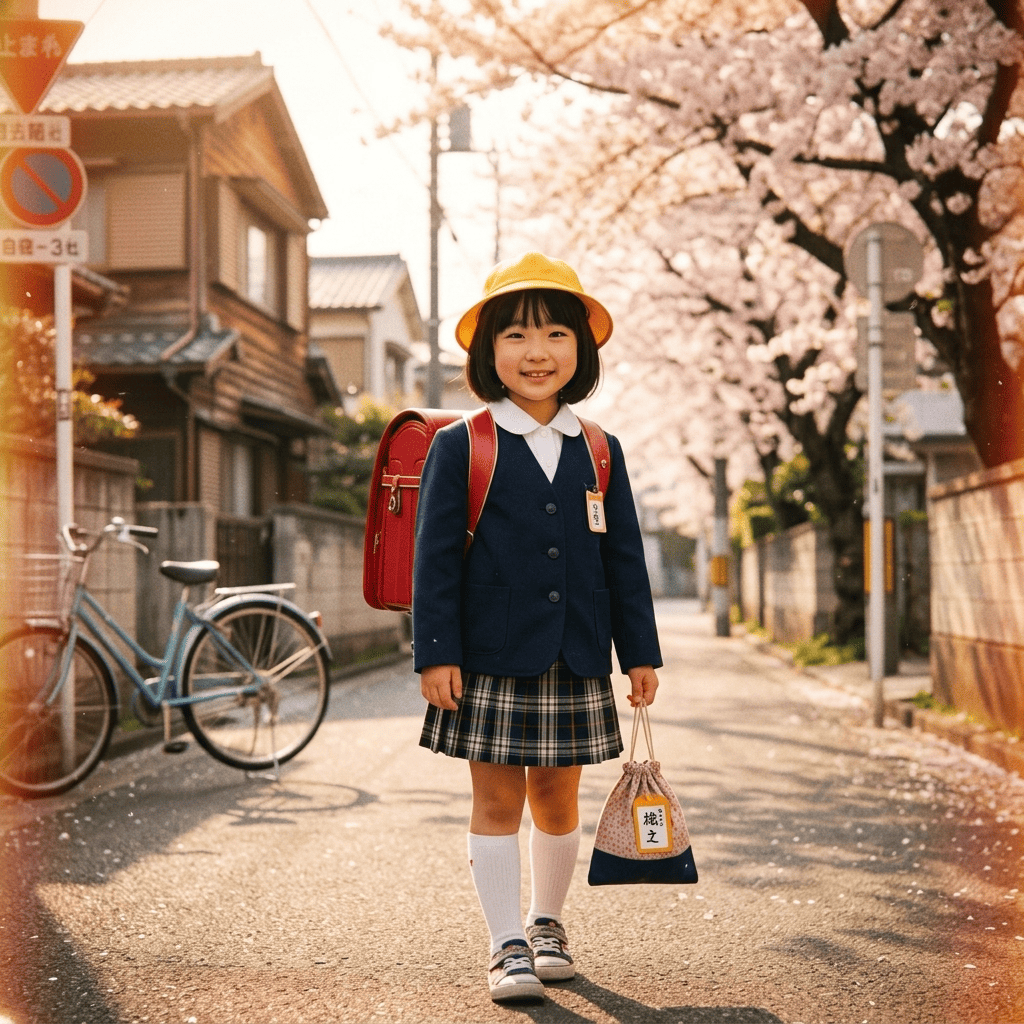
3 free to start No subscription · tickets never expire
Just 3 simple steps
- 01
Pick a photo
Choose one photo you want to transform.
- 02
Pick a style
Select "Retro" from the style list.
- 03
Transformed.
Ready in seconds. Save and share straight to social.
Ways to enjoy it
- An old-class-photo vibe for a profile picture or a keepsake to print
- See yourself the way your parents looked in faded film snapshots, then compare side by side
- Give your feed an emotional, grainy retro self-portrait
Tips for the best result
- A clear, front-facing photo gives the most natural throwback look
- A simple background lets the film grain and faded colors really show
- Try a few outfits (school, casual) to capture different eras and moods
Frequently asked
Does it keep my face?
Yes. Your features stay you — it only layers on film grain, faded colors, and a slightly soft focus for that old-photo feel. It won't turn you into someone else.
Is it free to try?
Yes. Your first 3 conversions are free. There's no subscription, and any extra tickets you buy never expire, so you can use it whenever the nostalgia hits.
How do I make a nostalgic old-school portrait?
Three steps: pick a photo, choose Childhood Memory, and convert. In about a minute you get one nostalgic old-school portrait as a still image.
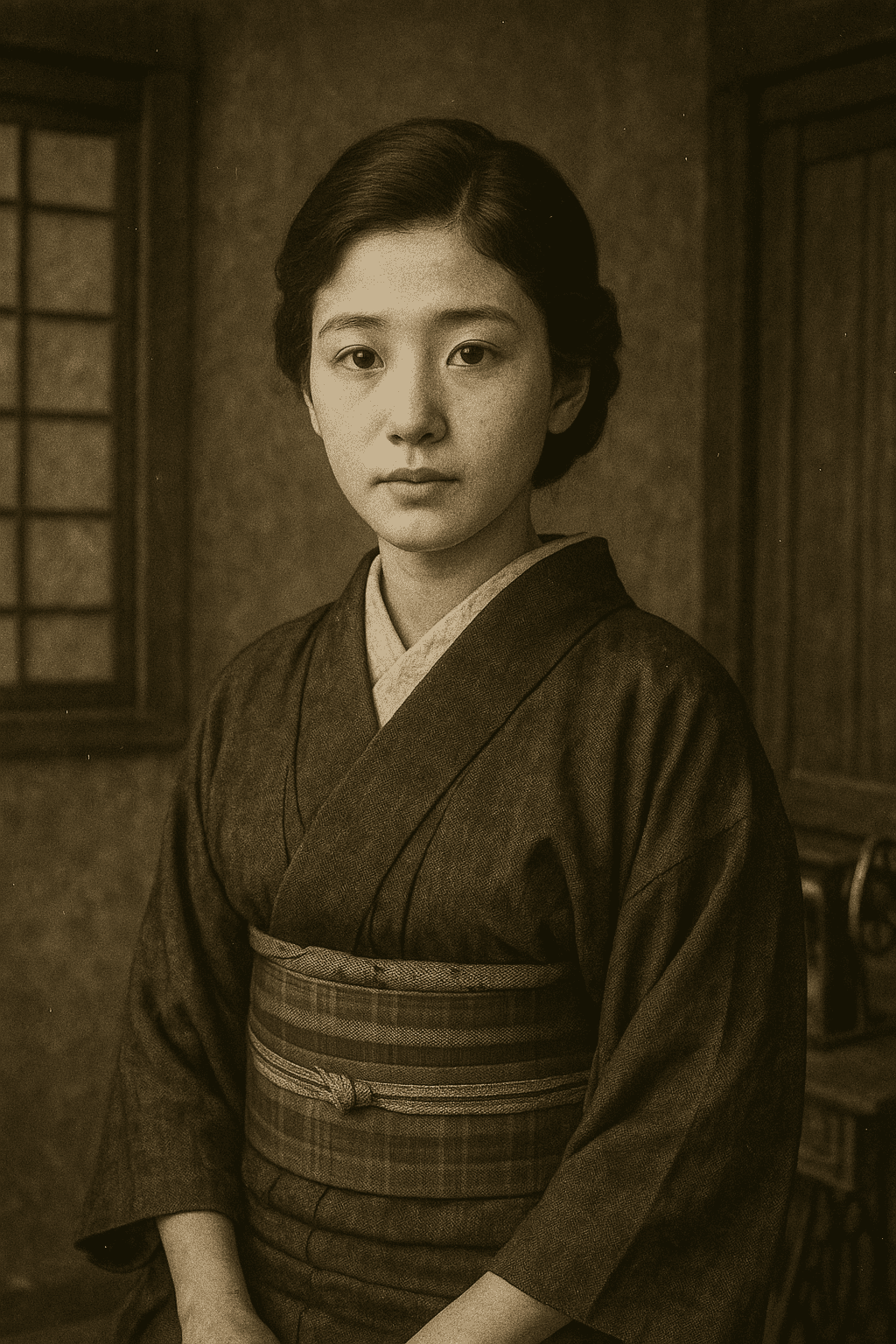
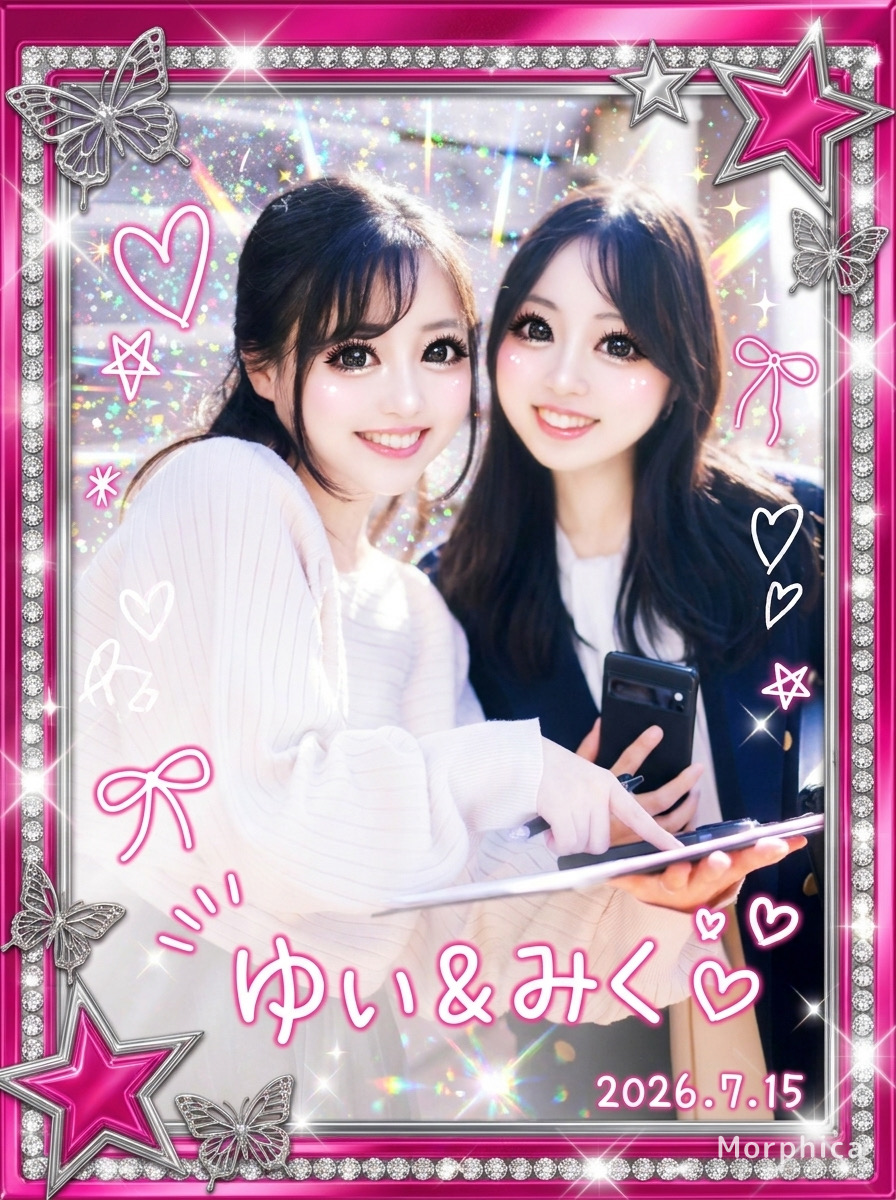
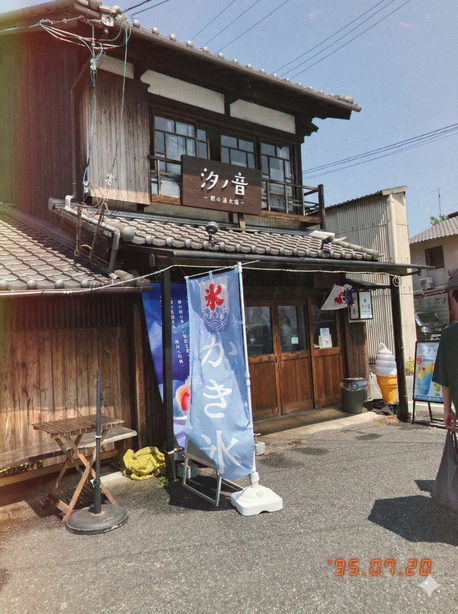



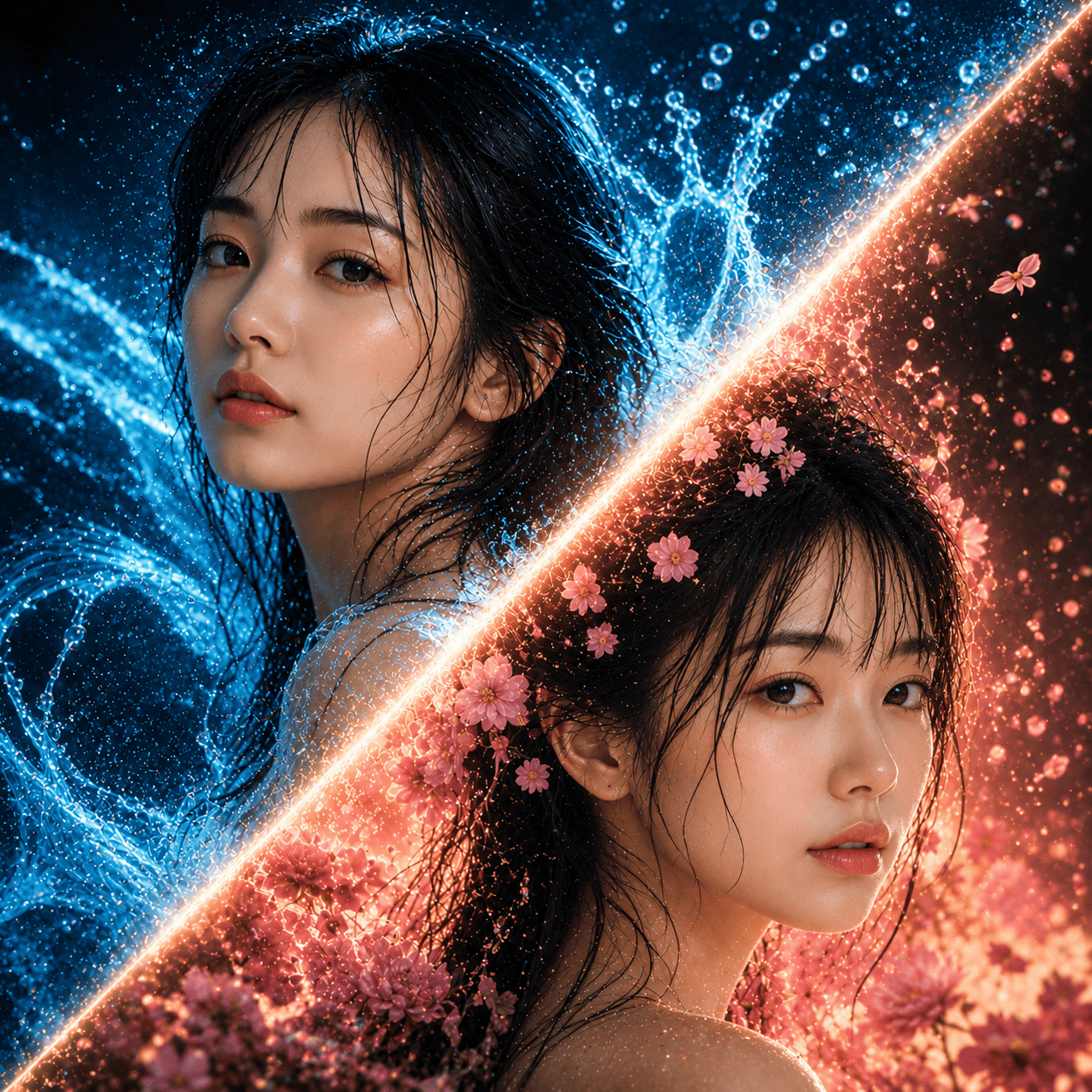
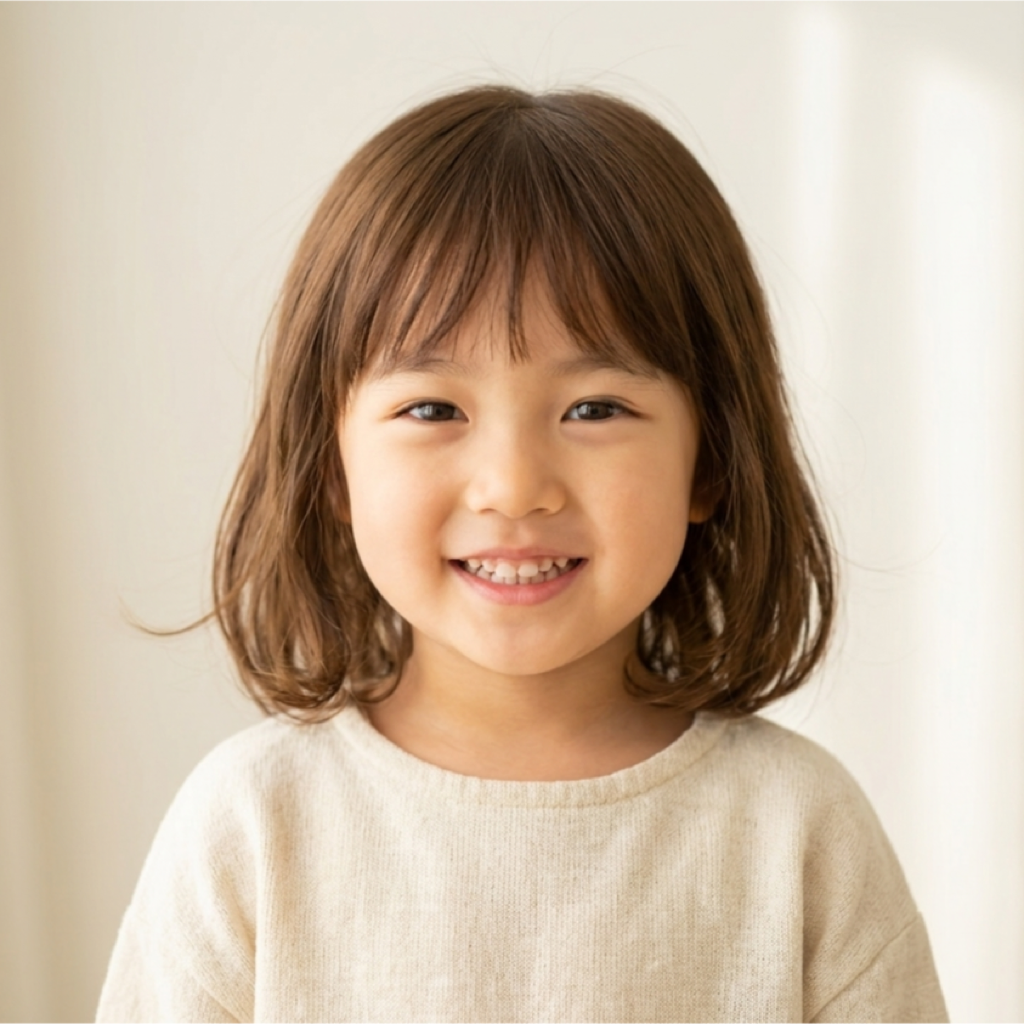
Childhood Memory
3 free to start・No subscription · tickets never expire