
AI Message Card — Make a Personalized Greeting Card From Your Photo and Message
Want to make a personalized greeting card from your photo and message with AI? Just choose a favorite photo and add a short note, and Morphica lays out a one-of-a-kind card for birthdays, thank-yous, or any celebration — no design skills needed.

3 free to start No subscription · tickets never expire
Just 3 simple steps
- 01
Pick a photo
Choose one photo you want to transform.
- 02
Pick a style
Select "Card" from the style list.
- 03
Transformed.
Ready in seconds. Save and share straight to social.
Ways to enjoy it
- Birthdays — turn a fun photo and a short wish into a custom birthday card
- Thank-yous — add a heartfelt note for a personal, photo-based thank-you card
- Congrats — celebrate graduations, new babies, or anniversaries with a one-of-a-kind card
Tips for the best result
- Keep your message short — a few words fit the layout best and stay easy to read
- Pick a bright photo with a clear subject so it stands out on the card
- Not quite right? Re-run the style and pick your favorite from a few tries
Frequently asked
Does my photo stay recognizable?
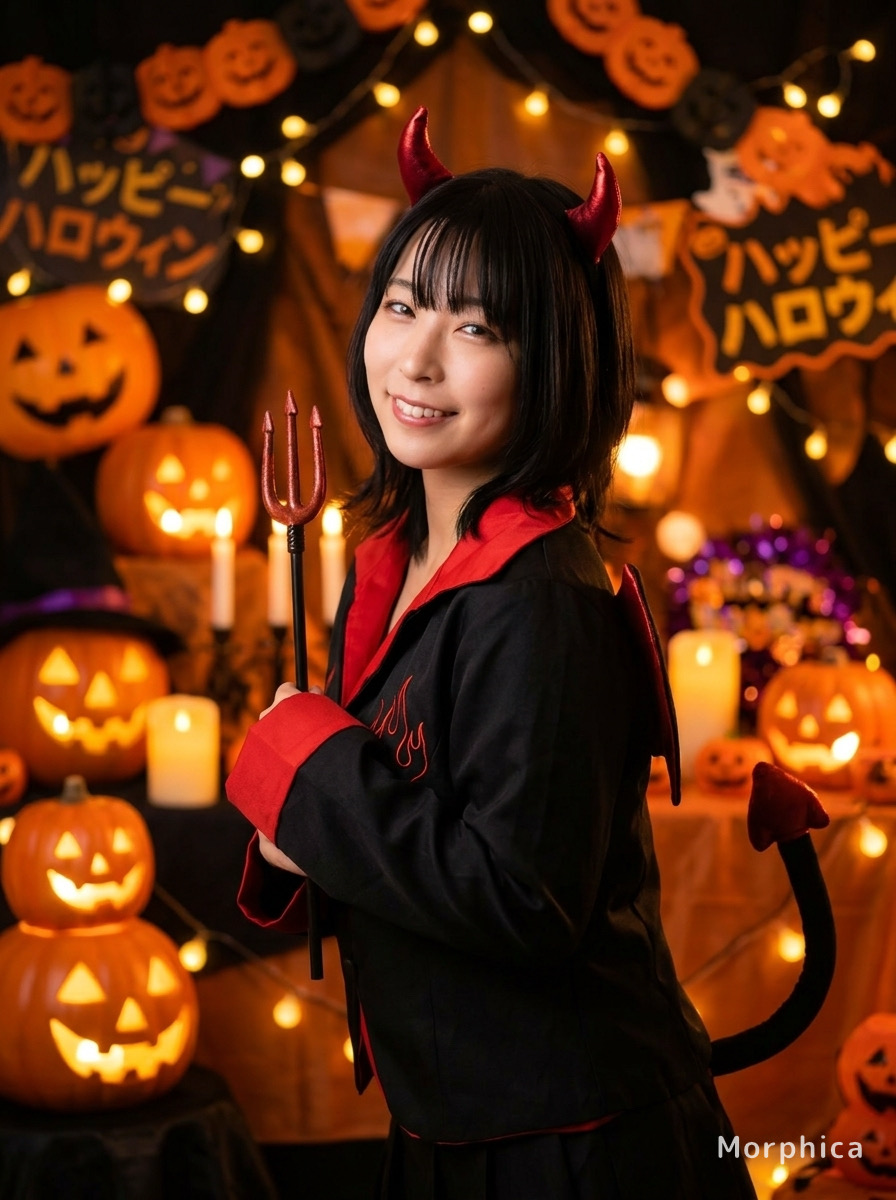
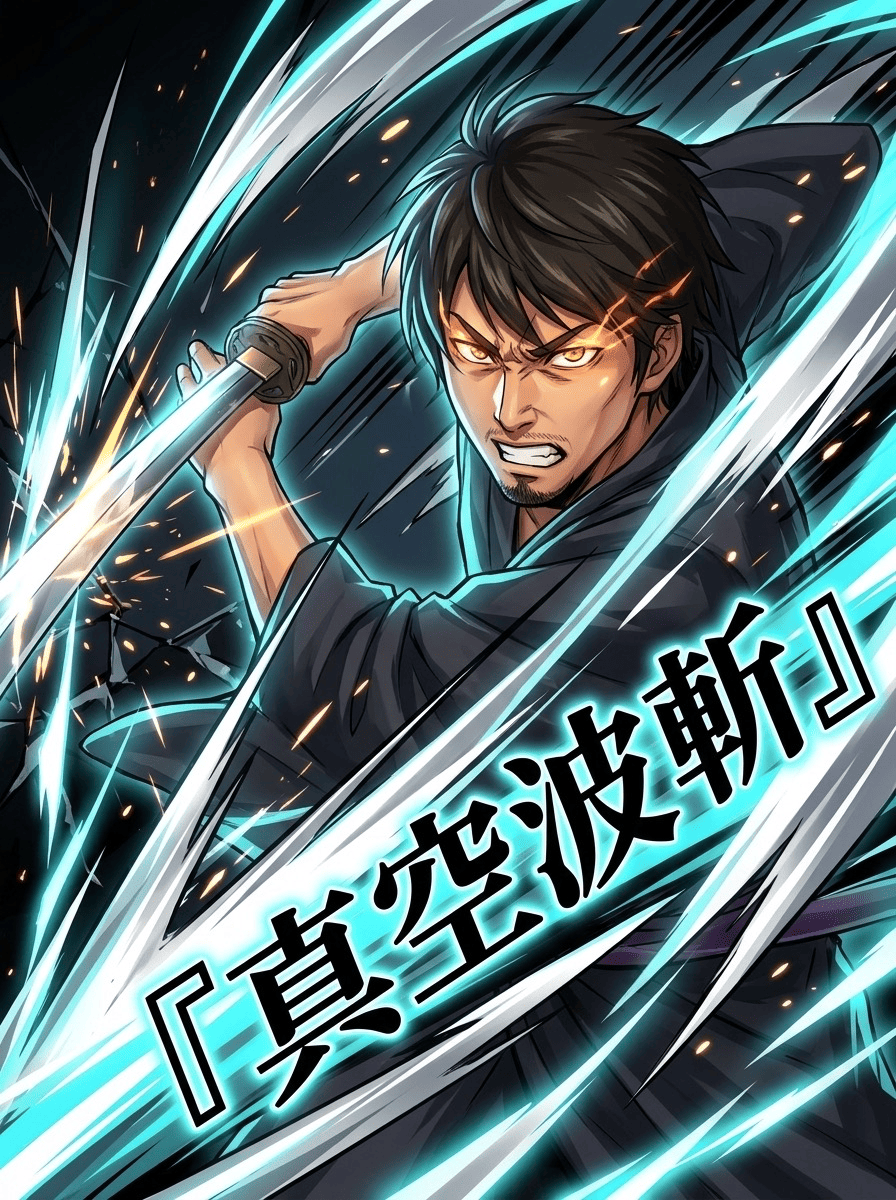
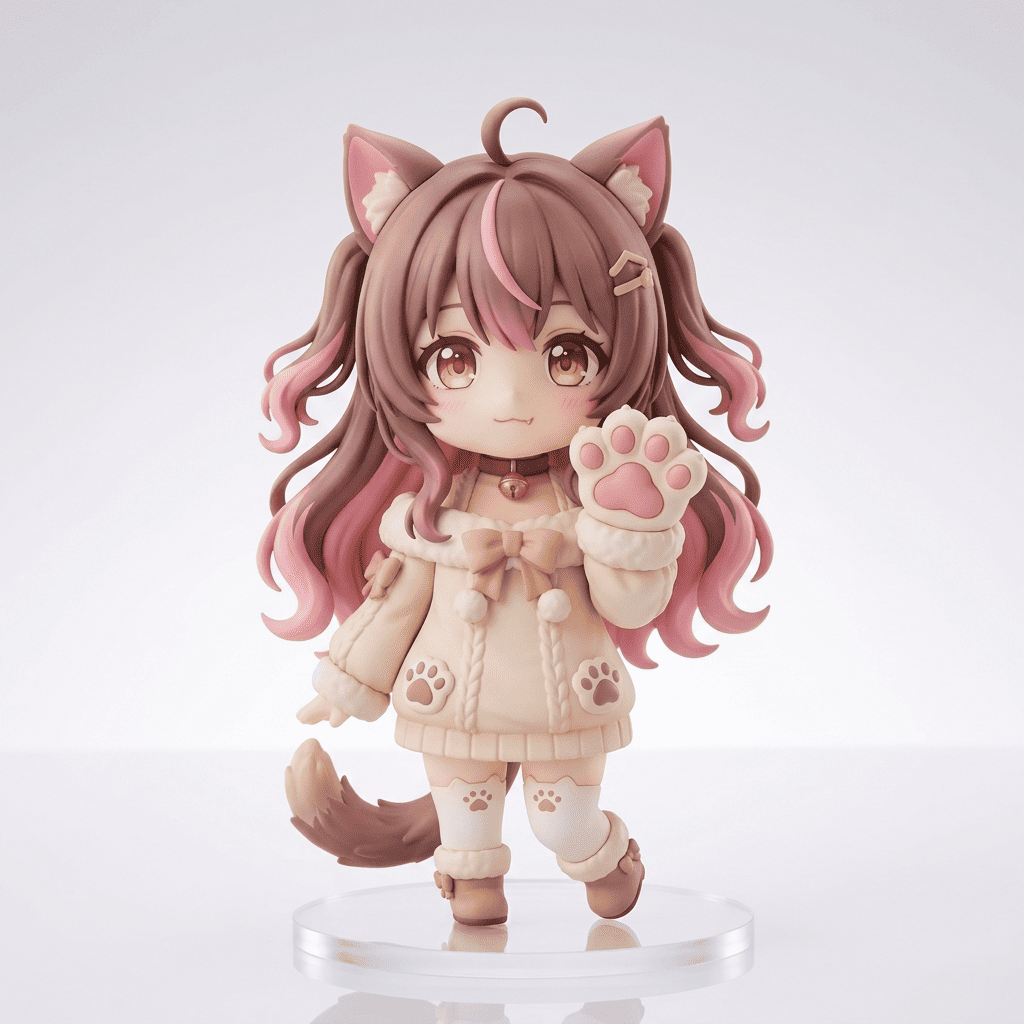
Your photo is built into the card design, so the subject's look is kept while decoration, layout, and text are added around it. Results vary with the original framing, so trying a couple of photos helps you land the look you want.
How do I make a greeting card from my photo and message with AI?
Three steps: pick a photo, choose the AI Message Card style, and tap convert. Add a short message and it's laid out into a card automatically — no design experience required.
Is it free? Do I need a subscription?
Your first 3 creations are free. After that it's ticket-based — buy once, tickets never expire, and there's no subscription. Available on iOS.





AI Message Card
3 free to start・No subscription · tickets never expire